
Introduction
This user manual provides important information for the safe operation, installation, maintenance, and troubleshooting of your Primo Smart Touch 2.0 Bottom Loading Water Dispenser. Please read this manual thoroughly before using the appliance and retain it for future reference.
The Primo Smart Touch 2.0 Water Dispenser delivers on-demand ice-cold and piping-hot water, ideal for preparing beverages and instant meals. It features sleek touch controls, a convenient digital time and temperature display, and durable stainless steel water reservoirs. The bottom-loading design simplifies bottle replacement for 3 and 5-gallon bottles. An LED night light with an on/off switch is also included. No plumbing, tools, or complex installation is required.
Safety Information
Always follow basic safety precautions when using electrical appliances to reduce the risk of fire, electric shock, and personal injury.
- Ensure the dispenser is placed on a level, stable surface.
- Do not operate the dispenser with a damaged cord or plug.
- Keep the dispenser away from direct sunlight and heat sources.
- Do not immerse the dispenser, cord, or plug in water or other liquids.
- Unplug the dispenser before cleaning or performing any maintenance.
- Supervise children when they are near the dispenser, especially when dispensing hot water. The hot water feature has a child-resistant mechanism.
- Use only potable water in the dispenser.
Setup and Installation
Unpacking
Carefully remove the dispenser from its packaging. Inspect for any damage. Retain packaging for future transport if needed.
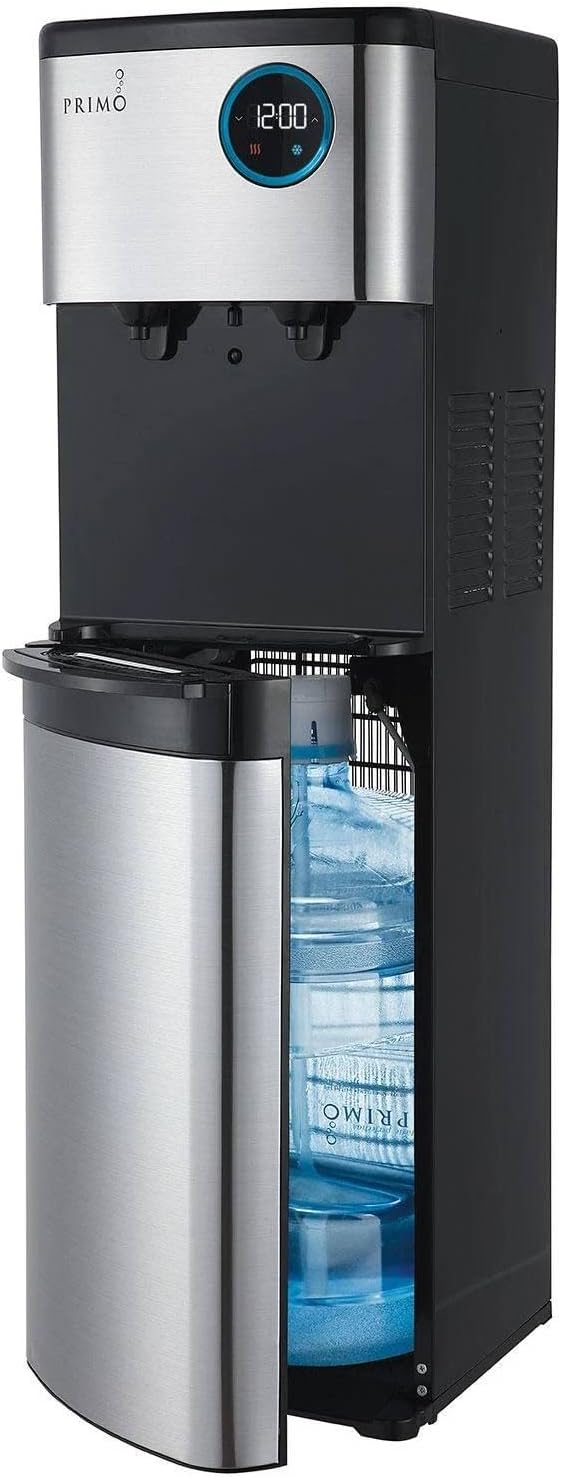
Image: The Primo Smart Touch 2.0 Water Dispenser, shown with its bottom door open, illustrating the easy access for loading a 5-gallon water bottle. The dispenser features a black and stainless steel finish with a digital display on the top section.
Placement
Place the dispenser on a hard, level surface. Ensure there is at least 4 inches of clearance from the back and sides to allow for proper ventilation. Avoid placing it in direct sunlight or near heat-generating appliances.

Image: The Primo Smart Touch 2.0 Water Dispenser positioned in a home environment, demonstrating its sleek design and how it fits into a modern kitchen or dining area. The dispenser is black and stainless steel, standing upright.

Image: A diagram illustrating the physical dimensions of the Primo Smart Touch 2.0 Water Dispenser. The height is 40.9 inches, width is 14.2 inches, and depth is 12.2 inches, providing clear measurements for placement.
Loading the Water Bottle
The bottom-loading design makes loading 3 or 5-gallon water bottles easy. Open the lower compartment door, slide the bottle in, and insert the probe into the bottle opening. Close the door securely.
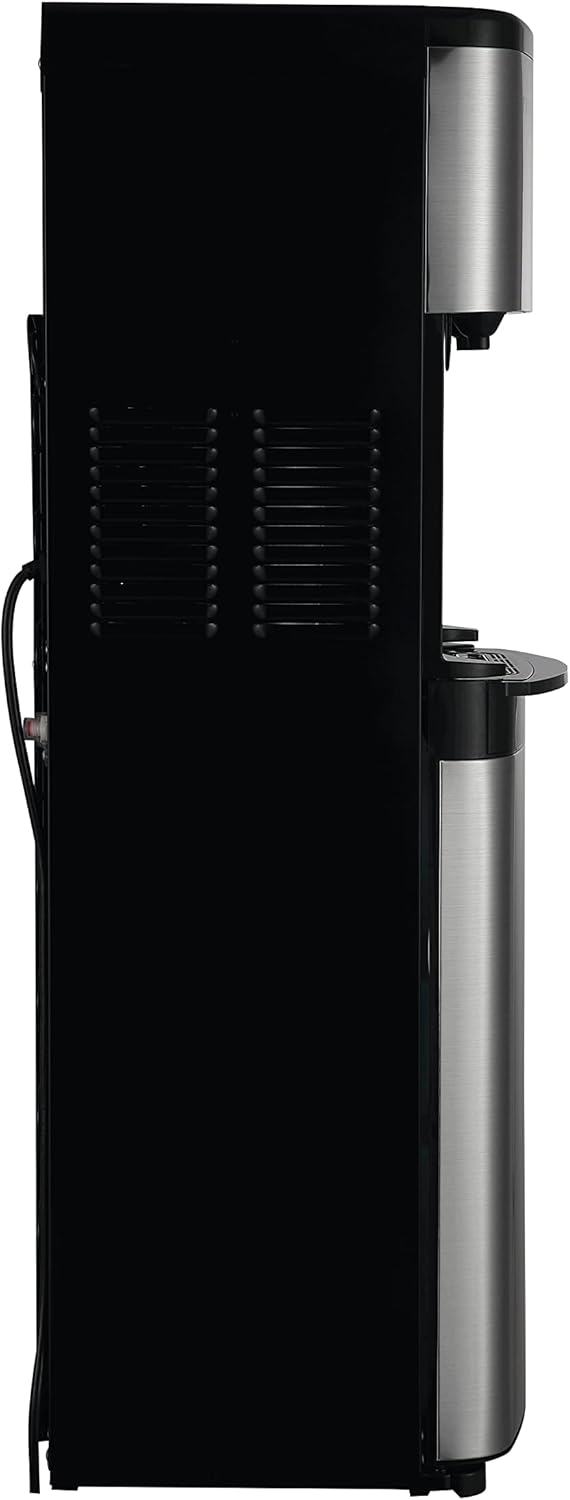
Image: A user demonstrating the bottom-loading feature of the Primo Smart Touch 2.0 Water Dispenser. The image shows a person bending down to slide a 5-gallon water bottle into the lower compartment of the dispenser, highlighting the ease of use.
Power Connection
Plug the dispenser into a grounded electrical outlet. Allow the unit to stand upright for at least 1 hour before plugging it in to allow the compressor fluids to settle.
Operating Instructions
Control Panel Overview

Image: A detailed view of the digital touch control panel on the Primo Smart Touch 2.0 Water Dispenser. The display shows "12:00" and icons for hot (three wavy lines) and cold (snowflake) water, indicating the dispenser's temperature settings and time function.
The dispenser features sleek touch controls and a digital display for time and temperature. The hot water function is equipped with a child-resistant safety feature.
Dispensing Water
- Cold Water: Place your cup under the cold water spigot. Press the cold water button on the touch panel.
- Hot Water: For safety, the hot water feature requires a two-step activation. Press and hold the hot water button for 3 seconds until the indicator stops flashing, then release and press again to dispense hot water.

Image: The Primo Smart Touch 2.0 Water Dispenser in operation, showing both hot water being dispensed into a red mug and cold water into a clear glass simultaneously. This highlights the dual temperature functionality of the unit.
LED Night Light
The dispenser includes an LED night light with an on/off switch for convenience in low-light conditions.
Maintenance and Cleaning
Regular maintenance ensures optimal performance and hygiene of your water dispenser.
- Drip Tray: The drip tray is removable and dishwasher-safe for easy cleaning. Empty and clean regularly to prevent overflow and bacterial growth.
- Exterior Cleaning: Wipe the exterior surfaces with a soft, damp cloth. Do not use abrasive cleaners or solvents.
- Internal Cleaning: For thorough internal cleaning, refer to the detailed cleaning instructions available on the Primo Water website or contact customer support. This typically involves draining the reservoirs and flushing with a cleaning solution.
- Descaling: If you notice reduced water flow or unusual noises, descaling may be necessary, especially in hard water areas. Consult the Primo Water website for descaling procedures.
Troubleshooting
| Problem | Possible Cause | Solution |
|---|---|---|
| No water dispensing | Water bottle empty or probe not properly inserted. Power cord unplugged. | Replace water bottle. Ensure probe is fully inserted. Check power connection. |
| Water not hot/cold enough | Dispenser recently plugged in. Hot/cold switch off. Poor ventilation. | Allow 15-30 minutes for water to reach desired temperature. Ensure hot/cold switches are on. Check for adequate clearance around the unit. |
| Unusual noise | Compressor cycling (normal). Unit not level. | This is normal operation. Ensure dispenser is on a level surface. |
| Water leaking | Water bottle cracked or improperly seated. Drip tray full. | Inspect bottle for cracks and reseat properly. Empty and clean drip tray. |
If troubleshooting steps do not resolve the issue, please contact Primo customer support.
Specifications
- Model: 601264-C
- Brand: Primo
- Color: Black/Silver
- Material: Stainless Steel
- Capacity: 5 Gallons (compatible with 3 and 5-gallon bottles)
- Product Dimensions (DxWxH): 12.2"D x 14.2"W x 40.9"H
- Style: Bottom Load
- Installation Type: Freestanding
- Access Location: Bottom
- Number of settings: 2 (Hot/Cold)
- Power Source: Corded Electric
- Item Weight: 41.9 pounds
- UPC: 817206012641
- Manufacturer: Primo Water Corporation
Warranty and Support
For warranty information and customer support, please visit the official Primo Water website or contact their customer service department. Keep your purchase receipt for warranty claims.
Primo Water Website: www.primowater.com
Customer Service: Refer to the Primo Water website for contact details.


