
Introduction
This manual provides essential information for the proper setup, operation, and maintenance of your Klipsch Reference Premiere RP-5000F II Ebony Floorstanding Speakers. Please read these instructions carefully before use to ensure optimal performance and longevity of your speakers. These speakers are designed to deliver high-fidelity audio for home theater and music listening environments.

Image: Front view of the Klipsch RP-5000F II speaker with its protective grille attached.
Key Features
- System Includes: Two (2) RP-5000F II floorstanding speakers.
- Larger Horn Design: Features a new, larger 90° x 90° silicone composite hybrid Tractrix horn for efficient transfer of high-frequency waves, resulting in crisper, clearer sound.
- LTS Titanium Diaphragm Tweeter: An exclusive 1-inch Linear Travel Suspension (LTS) tweeter minimizes distortion for enhanced, detailed audio performance.
- All-New Cerametallic Woofers: Updated Cerametallic woofers provide flawless sound reproduction, minimal distortion, and maximum efficiency.
- Refined Dolby Atmos Connections: Simple and hidden connections on the back of the speakers facilitate easy upgrading to Dolby Atmos, reducing visible wiring and improving wire management. Jumper wires are included.
Setup
1. Unpacking
Carefully remove the speakers from their packaging. Retain all packaging materials for future transport or storage. Inspect the speakers for any signs of damage. If damage is present, contact your dealer immediately.
2. Placement
For optimal stereo imaging, place the two floorstanding speakers equidistant from your primary listening position and from each other. Ensure they are placed on a stable, level surface. Experiment with toe-in (angling the speakers slightly inward) to fine-tune the soundstage.
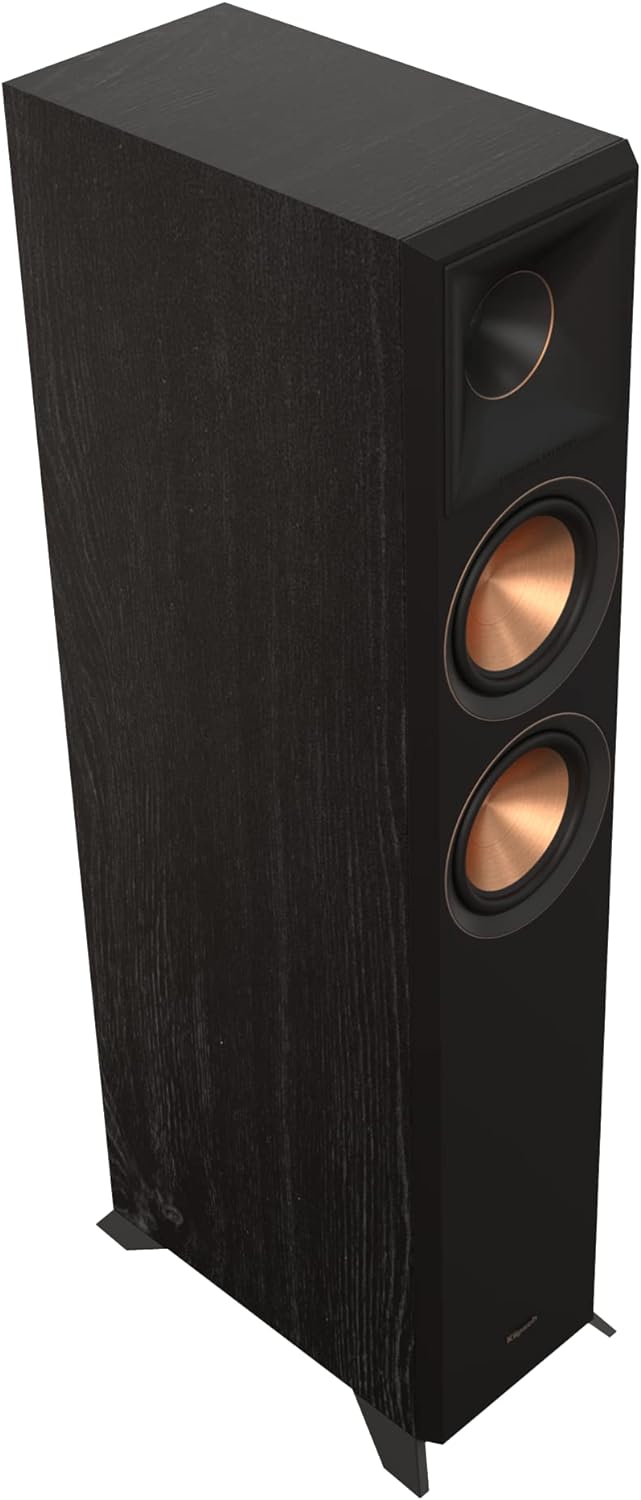
Image: Front view of the Klipsch RP-5000F II floorstanding speaker, showcasing its design and drivers.
3. Connections
Connect your speakers to your amplifier or receiver using high-quality speaker wire. Ensure correct polarity (+ to + and - to -) for each speaker. The RP-5000F II speakers feature bi-amping capabilities. If bi-amping, remove the jumper wires and connect separate amplifier channels to the high-frequency and low-frequency terminals. For standard connections, ensure the jumper wires are in place.

Image: Rear view of the Klipsch RP-5000F II speaker, highlighting the input terminals and Tractrix port.
For Dolby Atmos integration, the speakers include refined connections. If using compatible Dolby Atmos elevation speakers (sold separately), connect them to the dedicated terminals on the RP-5000F II speakers. Refer to the Dolby Atmos elevation speaker's manual for specific connection instructions.
Setup Overview Video
Video: An overview of the Klipsch Reference Premiere series, detailing internal components, horn design, woofer technology, cabinet bracing, divided volumes, Dolby Atmos connections, Tractrix ports, and input panels. This video provides visual guidance on the speaker's construction and connection points.
Operating Instructions
1. Basic Operation
Once connected to your amplifier or receiver, ensure all connections are secure. Power on your audio system and select the appropriate input. Adjust the volume to a comfortable listening level. For optimal sound quality, ensure your amplifier's settings are configured correctly for your speaker impedance and type.
2. Dolby Atmos Experience
If you have integrated Dolby Atmos elevation speakers, ensure your receiver is Dolby Atmos compatible and properly configured. The RP-5000F II speakers are designed to work seamlessly with Dolby Atmos content, providing an immersive, three-dimensional audio experience.
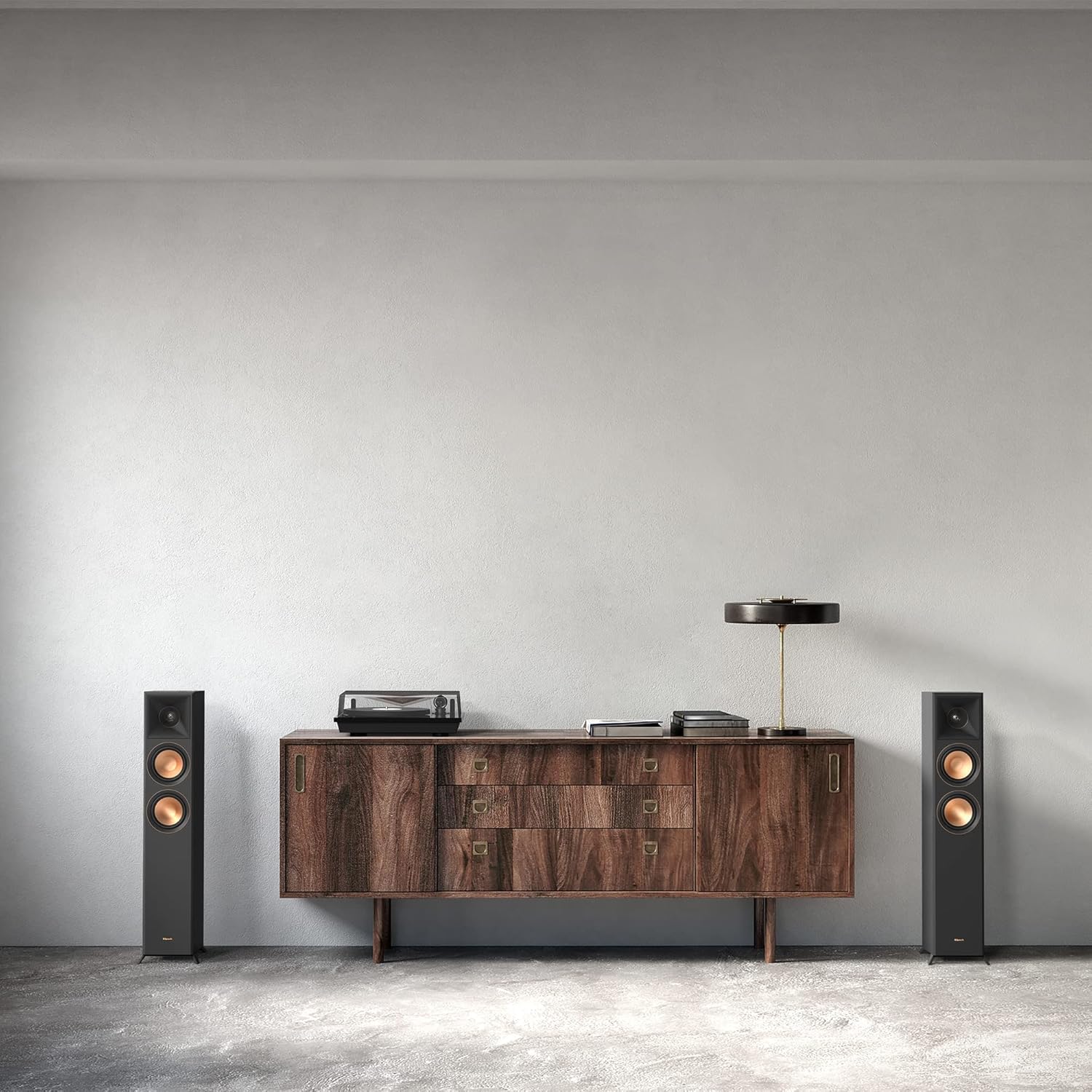
Image: Klipsch RP-5000F II speakers positioned in a living room, demonstrating a typical home audio setup.
Product Overview and Usage Video
Video: A general overview of the Klipsch Reference Premiere series, showcasing the speakers in various home entertainment scenarios including movies, TV, music, and gaming. This video illustrates the versatility and performance of the speakers in a typical usage environment.
Maintenance
To maintain the appearance and performance of your Klipsch speakers, follow these guidelines:
- Cleaning: Dust the cabinet with a dry, non-abrasive cloth. Avoid using harsh chemicals or abrasive cleaners.
- Grilles: The speaker grilles are magnetic and can be easily removed for cleaning or for a different aesthetic. Clean grilles with a soft brush or vacuum cleaner on a low setting.
- Environment: Avoid placing speakers in direct sunlight or near heat sources. Keep them away from moisture and excessive humidity.
- Handling: When moving speakers, lift them carefully from the base. Avoid applying pressure to the speaker cones or tweeters.
Troubleshooting
| Problem | Possible Cause | Solution |
|---|---|---|
| No sound from speakers | Incorrect connections, amplifier off, wrong input selected. | Check all speaker wire connections for correct polarity. Ensure amplifier is powered on and the correct input source is selected. |
| Distorted or unclear sound | Damaged speaker wire, excessive volume, incorrect amplifier settings. | Inspect speaker wires for damage. Reduce volume. Check amplifier settings (e.g., tone controls, speaker size settings). |
| Weak bass response | Incorrect speaker placement, phase issues, room acoustics. | Experiment with speaker placement. Ensure correct polarity for all speakers. Consider adding a subwoofer for enhanced bass. |
Specifications

Image: Diagram illustrating the dimensions of the Klipsch RP-5000F II speaker.
| Feature | Detail |
|---|---|
| Model Name | RP-5000F II |
| Mounting Type | Floor Standing |
| Speaker Type | Tower |
| Special Feature | Bi-Amping Enabled |
| Recommended Uses | For Home Theaters |
| Compatible Devices | Television, Home Theater |
| Subwoofer Diameter | 5.25 Inches |
| Unit Count | 2.0 Count (Pair) |
| Surround Sound Channel Configuration | 2.0 |
| Color | Ebony |
| Product Dimensions (D x W x H) | 14.75" x 8.15" x 36.1" |
| Item Weight | 100 pounds (per pair) |
| Warranty Type | Limited |
| Number of Items | 2 |
| Wireless Communication Technology | Bluetooth (for compatible systems) |
| Speaker Size | 5.25 Inches |
| Power Source | Corded Electric (for connected amplifier/receiver) |
| Audio Driver Type | Hybrid Driver |
| Speaker Maximum Output Power | 300 Watts |
| Frequency Response | 25 Hz (lower limit) |
| Connectivity Technology | RCA (for compatible systems) |
| Audio Output Mode | Surround |
| Indoor/Outdoor Usage | Indoor |
| UPC | 743878048964 |
Warranty Information
The Klipsch Reference Premiere RP-5000F II speakers come with a limited warranty. For specific details regarding warranty coverage, duration, and terms, please refer to the warranty card included with your product or visit the official Klipsch website. Keep your proof of purchase for warranty claims.
Support
If you encounter any issues not covered in this manual or require further assistance, please contact Klipsch customer support. You can find contact information on the official Klipsch website or through your authorized dealer. When contacting support, please have your product model number (RP50FIIEPR) and proof of purchase readily available.


