
Soundcore A3933
Soundcore Life Note 3 XR True Wireless Earbuds User Manual
Model: A3933 | Brand: Soundcore
Introduction
Welcome to the user manual for your Soundcore Life Note 3 XR True Wireless Earbuds. These earbuds are designed to provide an exceptional audio experience with features such as multi-mode active noise cancelling, clear call performance, and extended playtime. This manual will guide you through the setup, operation, and maintenance of your new earbuds.
What's in the Box
- Soundcore Life Note 3 XR True Wireless Earbuds
- Charging Case
- USB-C Cable
- XS/S/M/L/XL Ear Tips

Image: Contents of the Soundcore Life Note 3 XR package, including the earbuds, charging case, USB-C cable, and multiple ear tip sizes for a customized fit.
Setup
1. Charging Your Earbuds and Case
Before first use, fully charge the earbuds and the charging case. Connect the provided USB-C cable to the charging port on the case and to a power source. The LED indicators on the case will show the charging status. A full charge provides up to 7 hours of playtime for the earbuds and up to 35 hours with the charging case.
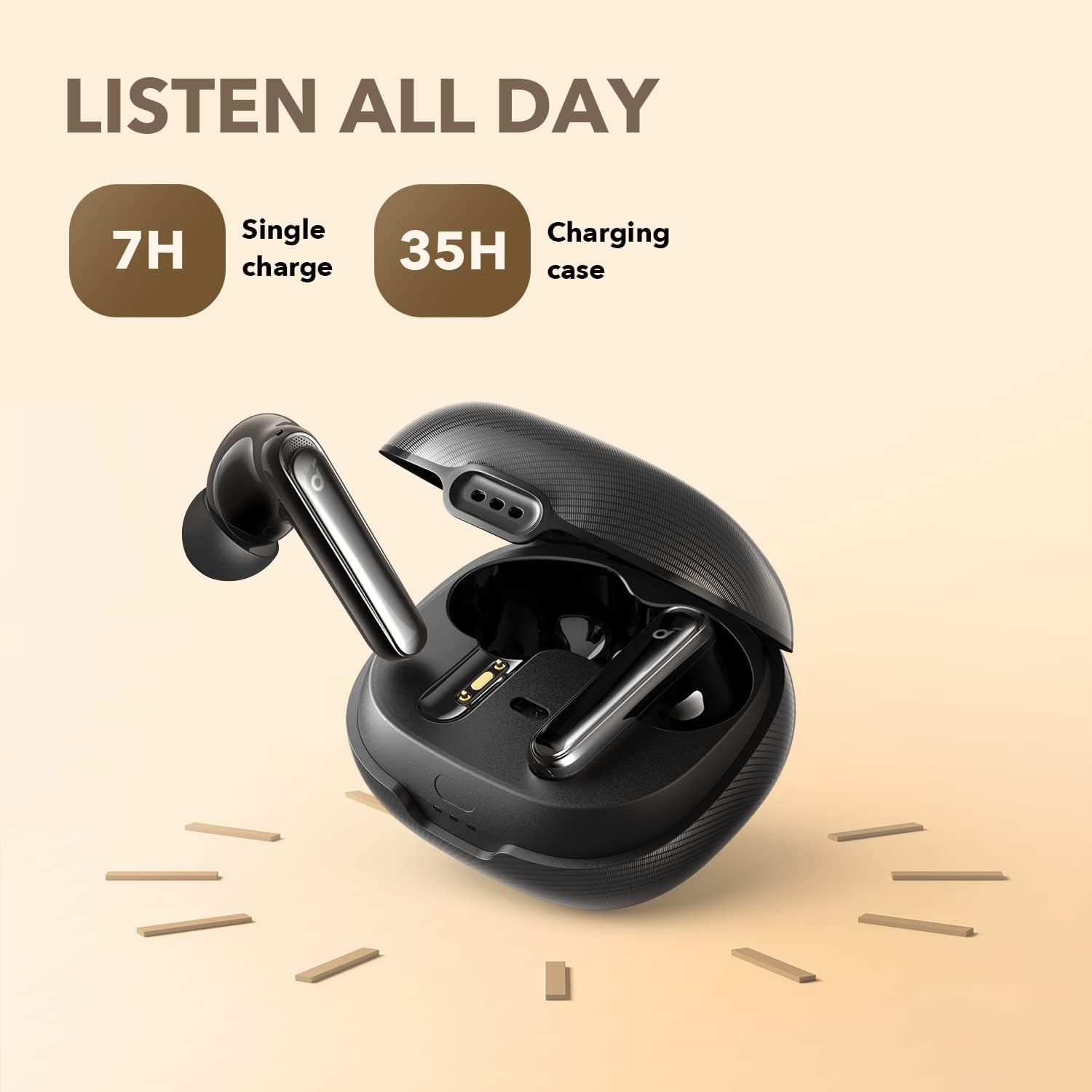
Image: The Soundcore Life Note 3 XR earbuds are shown inside their charging case, illustrating their extended battery life of 7 hours on a single charge and 35 hours total with the case.
2. Pairing with Your Device
- Open the charging case. The earbuds will automatically enter pairing mode.
- On your device (smartphone, tablet, etc.), go to the Bluetooth settings.
- Select "Soundcore Life Note 3 XR" from the list of available devices.
- Once connected, you will hear an audible confirmation.
3. Choosing the Right Ear Tips
For optimal sound quality and noise cancellation, it is crucial to select the ear tips that provide the best seal for your ears. The earbuds come with XS, S, M, L, and XL ear tips. Experiment with different sizes to find the most comfortable and secure fit.
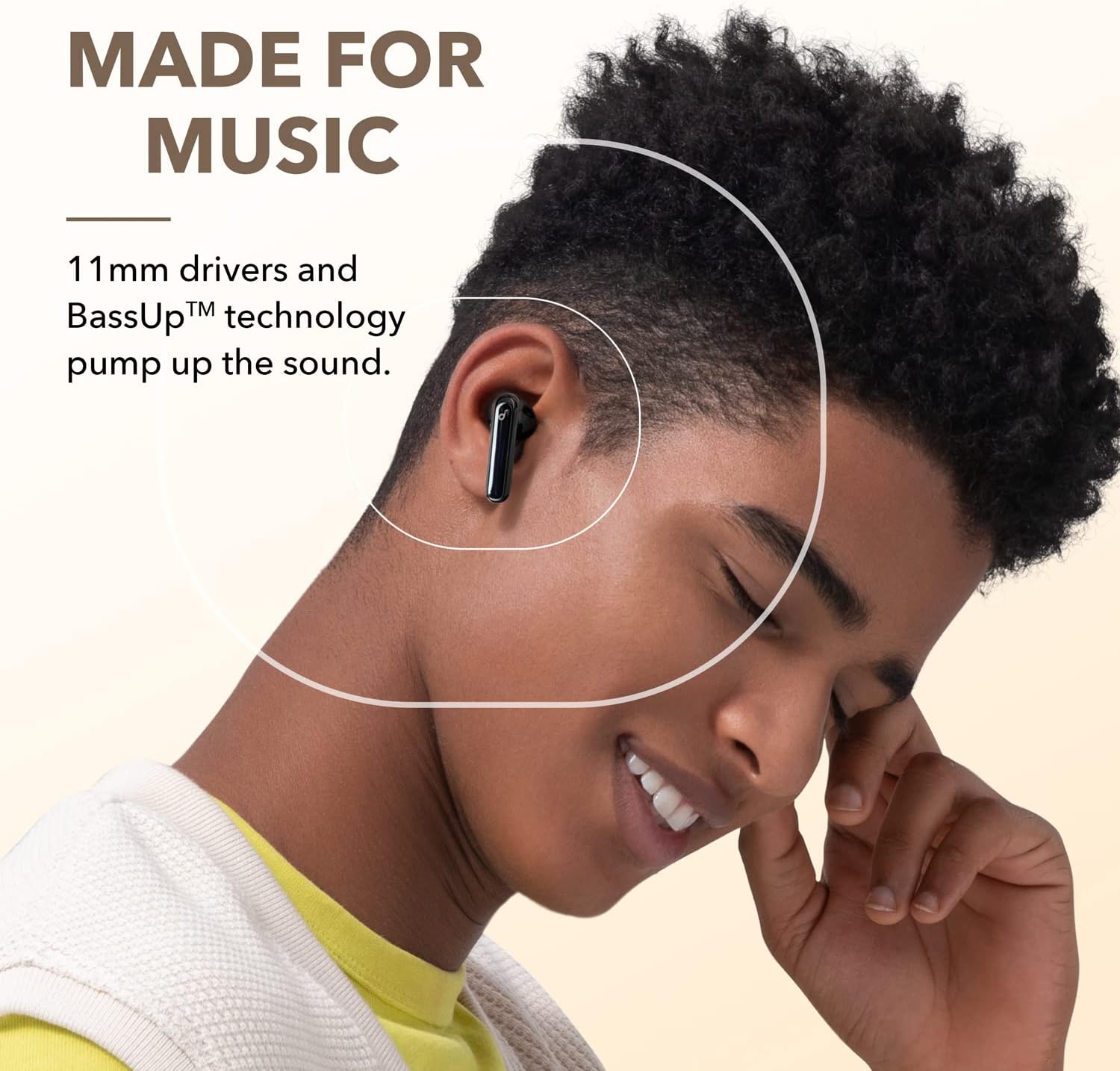
Image: A user wearing a Soundcore Life Note 3 XR earbud, illustrating the ergonomic design and comfortable fit provided by the various ear tip options.
Operating Your Earbuds
1. Touch Controls
The Soundcore Life Note 3 XR earbuds feature customizable touch controls. You can configure these controls via the Soundcore App to perform various functions such as playing/pausing music, skipping tracks, answering calls, and activating voice assistants.
For detailed customization, download the Soundcore App from your device's app store. The app allows you to tailor button controls and test the fit of your earbuds.
2. Multi-Mode Active Noise Cancelling (ANC)
The earbuds offer three targeted noise cancelling modes to suit different environments:
- Indoor Mode: Optimized for quiet environments like offices or homes.
- Outdoor Mode: Reduces ambient noise from busy streets and public spaces.
- Transport Mode: Specifically designed to minimize low-frequency sounds like engine noise from planes or trains.
To switch between modes, long-press the touchpad on either earbud or use the Soundcore App.
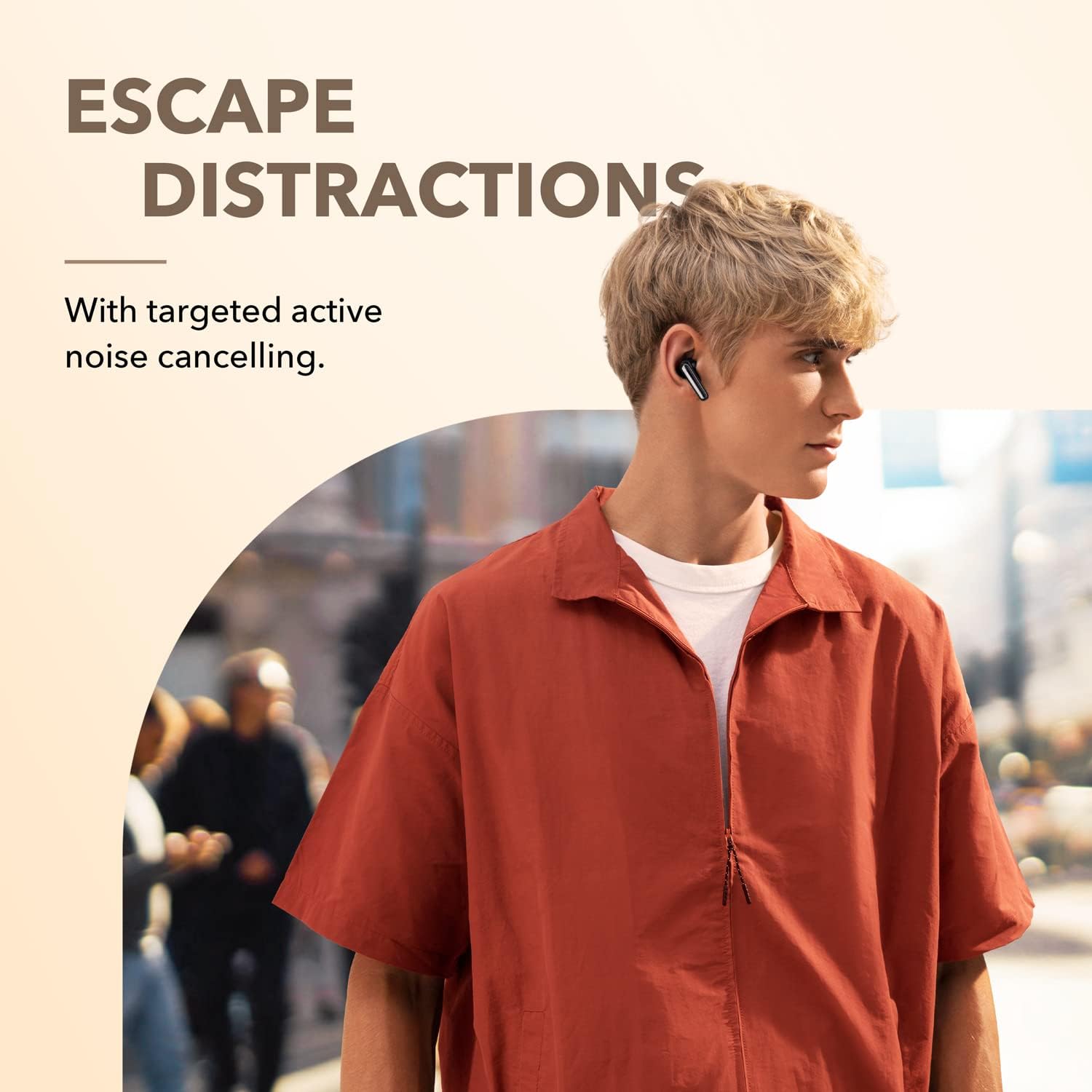
Image: A person is shown walking outdoors while wearing the Soundcore Life Note 3 XR earbuds, illustrating how the multi-mode active noise cancelling helps to reduce environmental distractions.
3. Transparency Mode
When you need to hear your surroundings without removing your earbuds, activate Transparency Mode. This mode allows ambient sounds to pass through, keeping you aware of your environment. Long-press the touchpad on either earbud to toggle Transparency Mode.
4. Gaming Mode
Enhance your gaming experience with Gaming Mode. This mode optimizes audio to emphasize in-game sounds like footsteps and gunfire, providing a more immersive and competitive edge.

Image: A person is shown engaged in gaming while wearing the Soundcore Life Note 3 XR earbuds, demonstrating the enhanced audio experience provided by the dedicated Gaming Mode.
5. Clear Calls
Life Note 3 XR features 6 microphones and Soundcore's exclusive algorithm to enhance call quality. This technology recognizes and removes background noises, ensuring your voice is picked up clearly during calls or live streaming.

Image: A person is shown talking on a phone call while wearing the Soundcore Life Note 3 XR earbuds, highlighting the clear call performance enabled by the multiple microphones.
6. Find My Headset
If you misplace your earbuds, use the Soundcore App to activate the "Find My Headset" feature. The earbuds will emit a noise to help you locate them.
Maintenance
Cleaning
Regularly clean your earbuds and charging case with a soft, dry cloth. Ensure the charging contacts on both the earbuds and the case are free from dust and debris to maintain proper charging.
Water Resistance (IPX5)
The Soundcore Life Note 3 XR earbuds are IPX5 water-resistant. This means they are protected against low-pressure water jets from any direction, making them suitable for workouts and light rain. Do not submerge the earbuds in water or expose them to saltwater or other chemicals.
Troubleshooting
- Earbuds not pairing: Ensure both earbuds are in the charging case, then open the lid to initiate pairing mode. Check your device's Bluetooth settings.
- One earbud not working: Place both earbuds back in the case, close the lid, wait a few seconds, then open it again. Check for debris on charging contacts.
- Poor sound quality: Ensure ear tips provide a good seal. Clean ear tips and speaker grilles. Adjust EQ settings in the Soundcore App.
- Noise cancellation not effective: Ensure ear tips provide a tight seal. Select the appropriate ANC mode for your environment via the Soundcore App.
- Charging issues: Ensure the USB-C cable is securely connected to both the case and the power source. Clean the charging port and contacts.
Specifications
| Feature | Detail |
|---|---|
| Model Number | A3933 |
| Connectivity Technology | Wireless (Bluetooth 5.2) |
| Audio Driver Size | 11mm Dynamic Drivers |
| Noise Control | Multi-Mode Active Noise Cancellation |
| Microphones | 6 for Clear Calls |
| Playtime (Single Charge) | Up to 7 Hours |
| Total Playtime (with Charging Case) | Up to 35 Hours |
| Water Resistance | IPX5 |
| Control Method | Touch, Soundcore App |
| Frequency Response | 20Hz-20kHz |
| Item Weight | 9.1 ounces (259 Grams) |
Warranty and Support
For warranty information, technical support, or further assistance, please visit the official Soundcore website or contact Soundcore customer service. Keep your proof of purchase for warranty claims.
You can find more information and support at the Soundcore Store.
Related documentsA3933


Ask a question about this manual
Ask about setup, troubleshooting, compatibility, parts, safety, or missing instructions. Manuals+ will review the question and use this page’s manual context to help answer it.