
Liectroux C30B
Liectroux C30B Robot Vacuum Cleaner User Manual
Model: C30B | Brand: Liectroux
Introduction
The Liectroux C30B Robot Vacuum Cleaner Hybrid is an advanced cleaning device designed for efficient and thorough home maintenance. Featuring smart dynamic navigation, Wi-Fi connectivity, and compatibility with voice assistants like Alexa, this robot vacuum offers both dry vacuuming and wet mopping capabilities. Its slim design allows it to clean hard-to-reach areas, making it ideal for various floor types including hard floors and low-pile carpets.
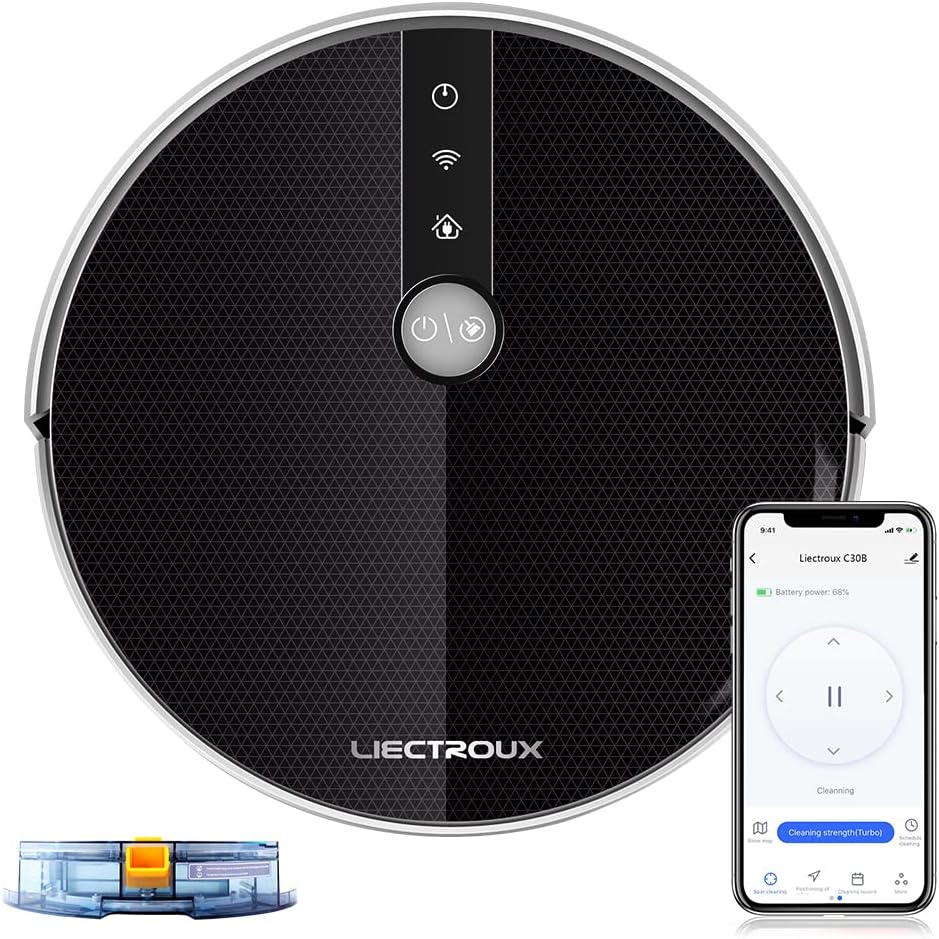
Figure 1: Liectroux C30B Robot Vacuum Cleaner with app interface and water tank.
Product Features
- Advanced Map Navigation: The robot detects the entire house and builds a real-time cleaning route map, ensuring efficient and systematic cleaning.
- Powerful Suction & Mopping: Equipped with 5000Pa suction and a brushless motor, it provides deep wet and dry cleaning. The intelligent water tank allows for effective mopping.
- Smart Connectivity: Control the robot via Wi-Fi App, remote distance control, and voice commands through Amazon Alexa or Google Assistant.
- Multiple Cleaning Modes: Offers 6 cleaning models including Mopping, Zigzag cleaning, Border cleaning, Fixed point cleaning, Supplementary cleaning, and Schedule time cleaning.
- Compact Design: Super thin 7.4cm body allows it to clean under beds and sofas, reaching hard-to-access areas.
- Obstacle Navigation: Climbs thresholds up to 2cm, features anti-fall sensors to detect stairs, and an anti-winding design for the central roller.
- Quiet Operation: Designed to operate quietly, making it a discreet helper around the house.

Figure 2: The robot's intelligent mapping system plans efficient cleaning paths.

Figure 3: The 7.4cm slim body allows the robot to clean under furniture.

Figure 4: Resilient wheels enable the robot to climb thresholds up to 1.5cm.
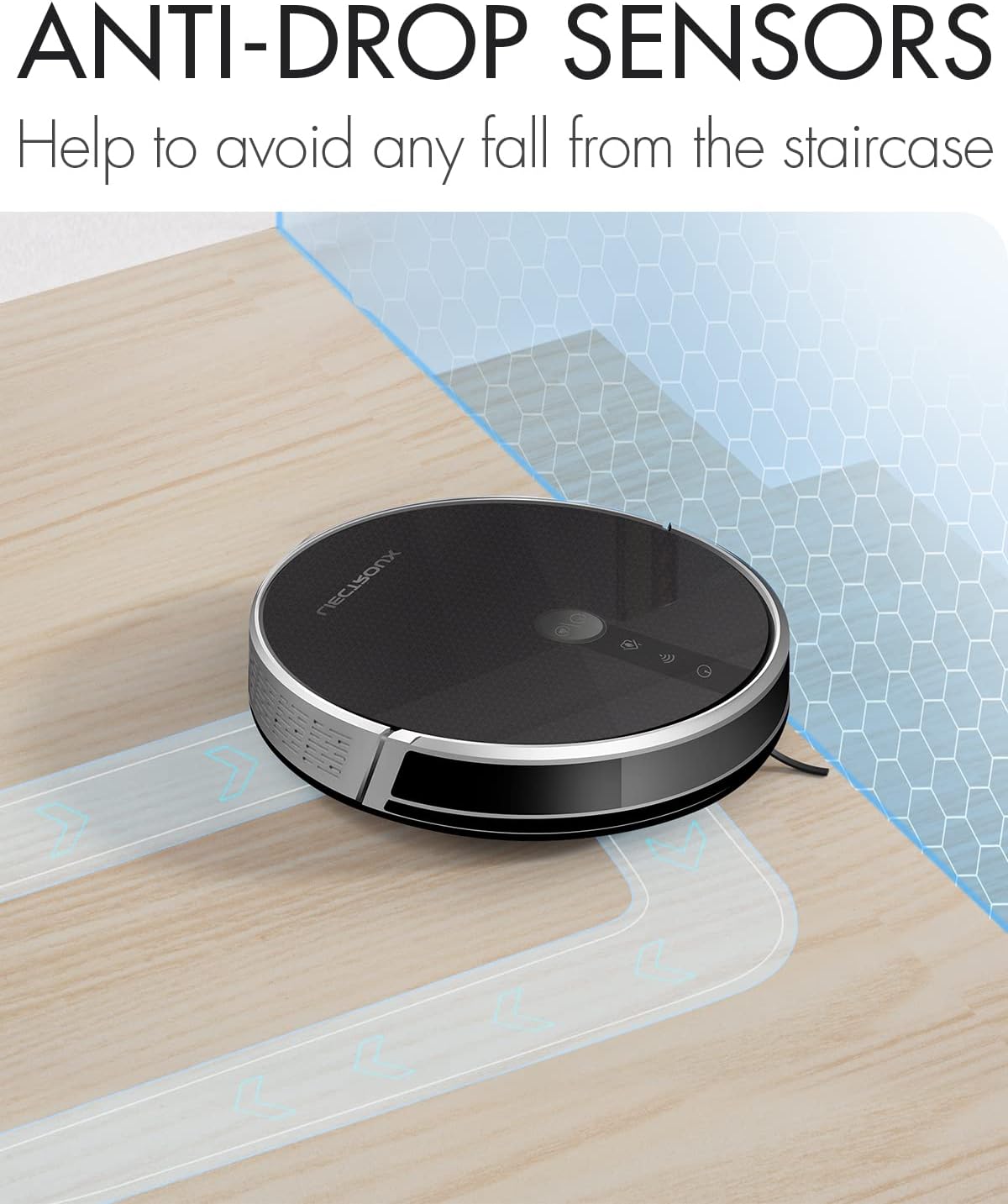
Figure 5: Anti-drop sensors prevent the robot from falling down stairs.

Figure 6: The robot operates quietly, minimizing disturbance.
What's in the Box
Your Liectroux C30B package includes the following components:
- Main body x1
- Charging station x1
- Remote controller x1 (Batteries not included)
- AC adapter x1
- Dust bin x1
- Electric water tank x1
- Cleaning brush x1
- Extra side Brush x2
- Extra HEPA filter x1
- Extra mop x1
- User manual x1
Setup Guide
1. Initial Charging
Before first use, ensure the robot vacuum is fully charged. Place the robot on its charging station. The indicator lights will show charging status. A full charge typically takes several hours.
2. App Connection & Voice Assistant Setup
Download the Liectroux app from your smartphone's app store. Follow the in-app instructions to connect your robot vacuum to your home Wi-Fi network. Once connected, you can link it with Amazon Alexa or Google Assistant for voice control.
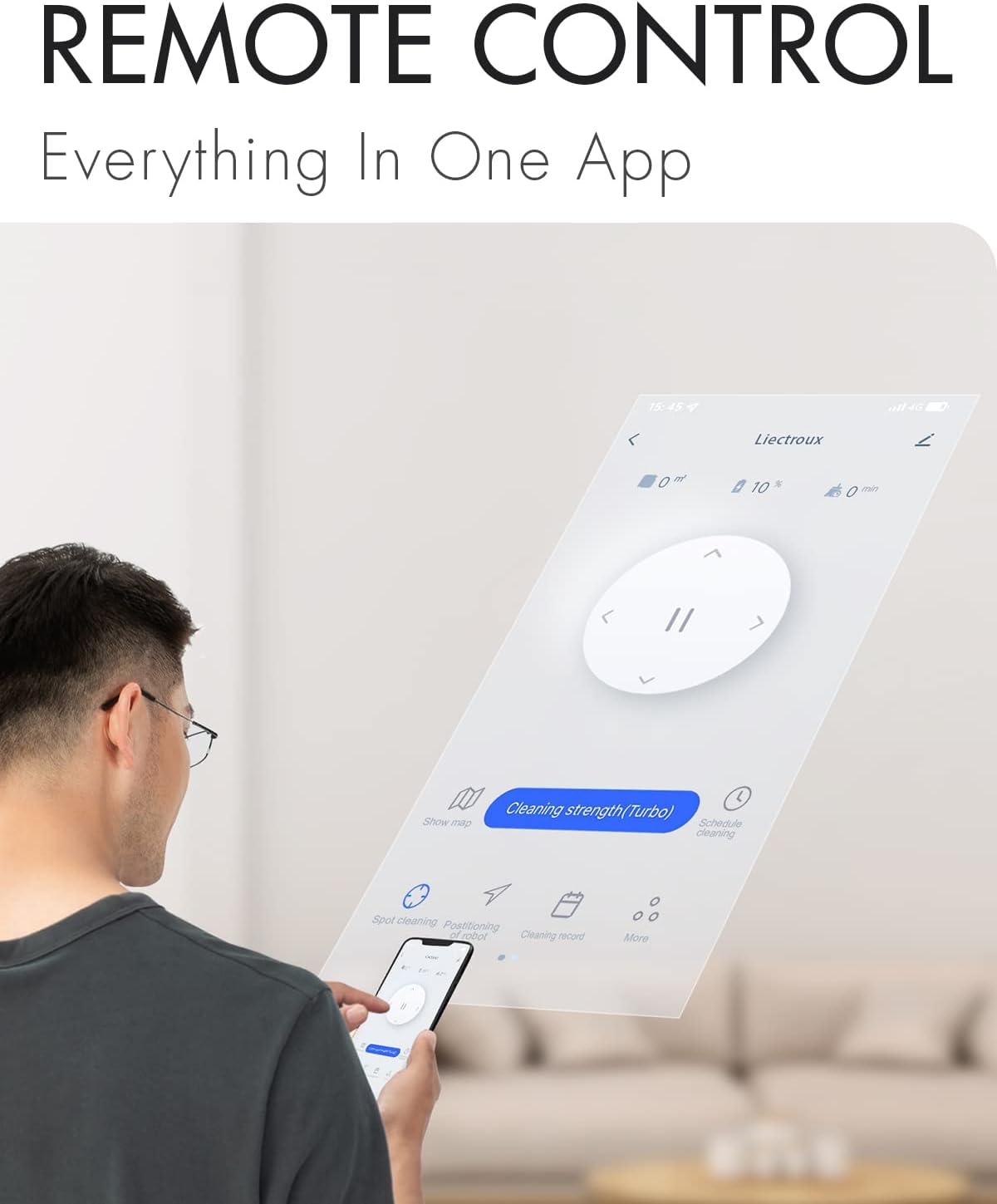
Figure 7: Control your robot vacuum conveniently through the dedicated mobile app.
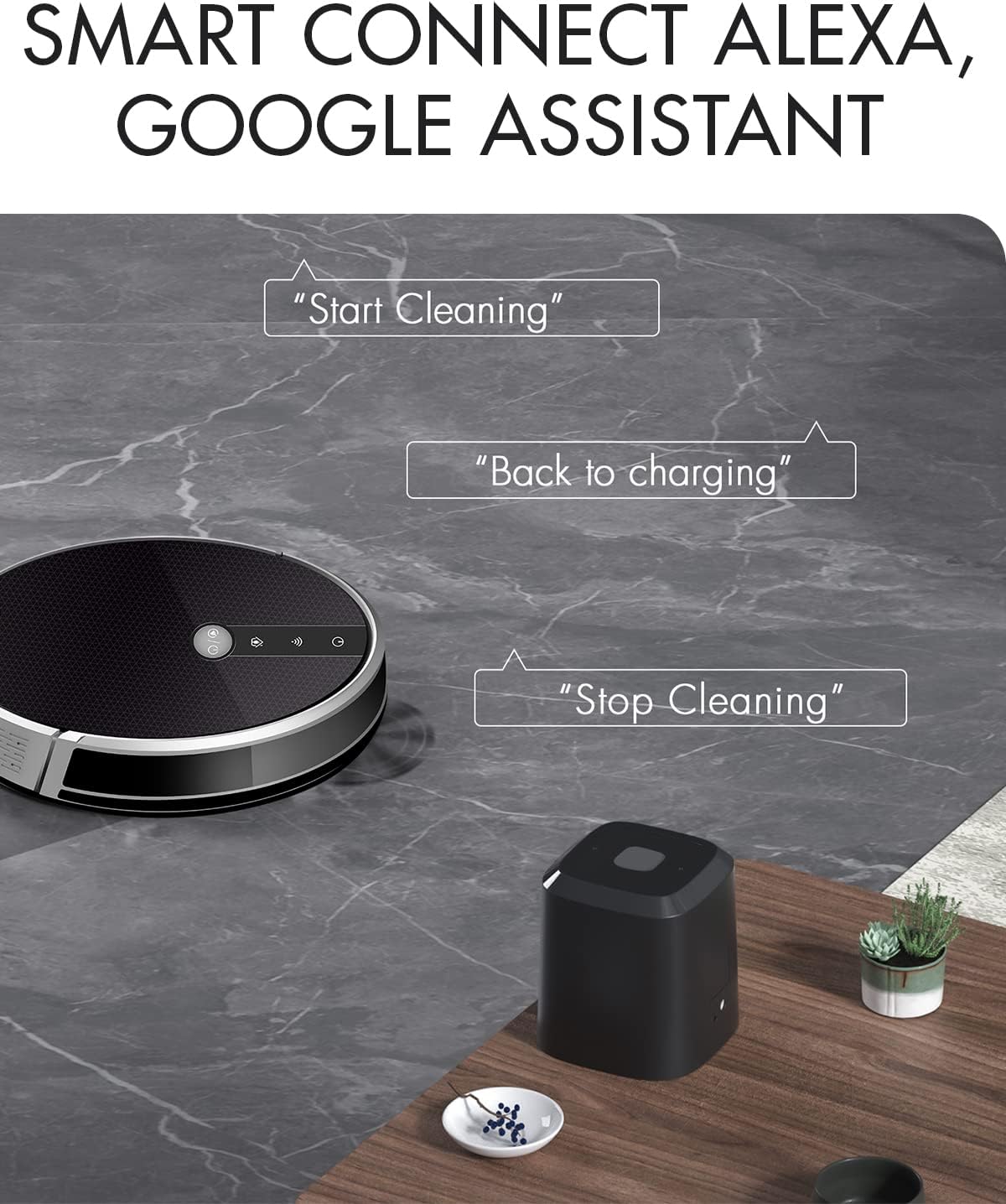
Figure 8: Seamlessly integrate with Amazon Alexa or Google Assistant for hands-free control.
3. Water Tank Installation (for Mopping)
To enable mopping functionality, install the electric water tank. Fill the tank with clean water (and a suitable cleaning solution if desired, as per product guidelines). Slide the water tank into the designated slot on the robot until it clicks into place.

Figure 9: The electric water tank (0.2 Liters) is easily installed for mopping.
Video 1: Demonstration of the Liectroux C30B's features, including app control, cleaning modes, obstacle navigation, suction power, and water tank installation. This video highlights the robot's ability to perform both dry and wet cleaning tasks.
Operating the Robot Vacuum
The Liectroux C30B offers various cleaning modes to suit different needs:
- Zigzag Cleaning: The robot cleans in a systematic zigzag pattern, covering large open areas efficiently.
- Border Cleaning: Ideal for cleaning along walls and furniture edges.
- Fixed Point Cleaning (Spot Cleaning): Concentrates cleaning on a specific dirty area by moving in a spiral pattern.
- Mopping: Utilizes the installed water tank to wet mop hard floors.
- Scheduled Cleaning: Set a specific time for the robot to automatically start cleaning.
- Supplementary Cleaning: For additional cleaning in areas that may require more attention.
The robot's intelligent navigation system ensures comprehensive coverage and avoids obstacles using infrared sensors.
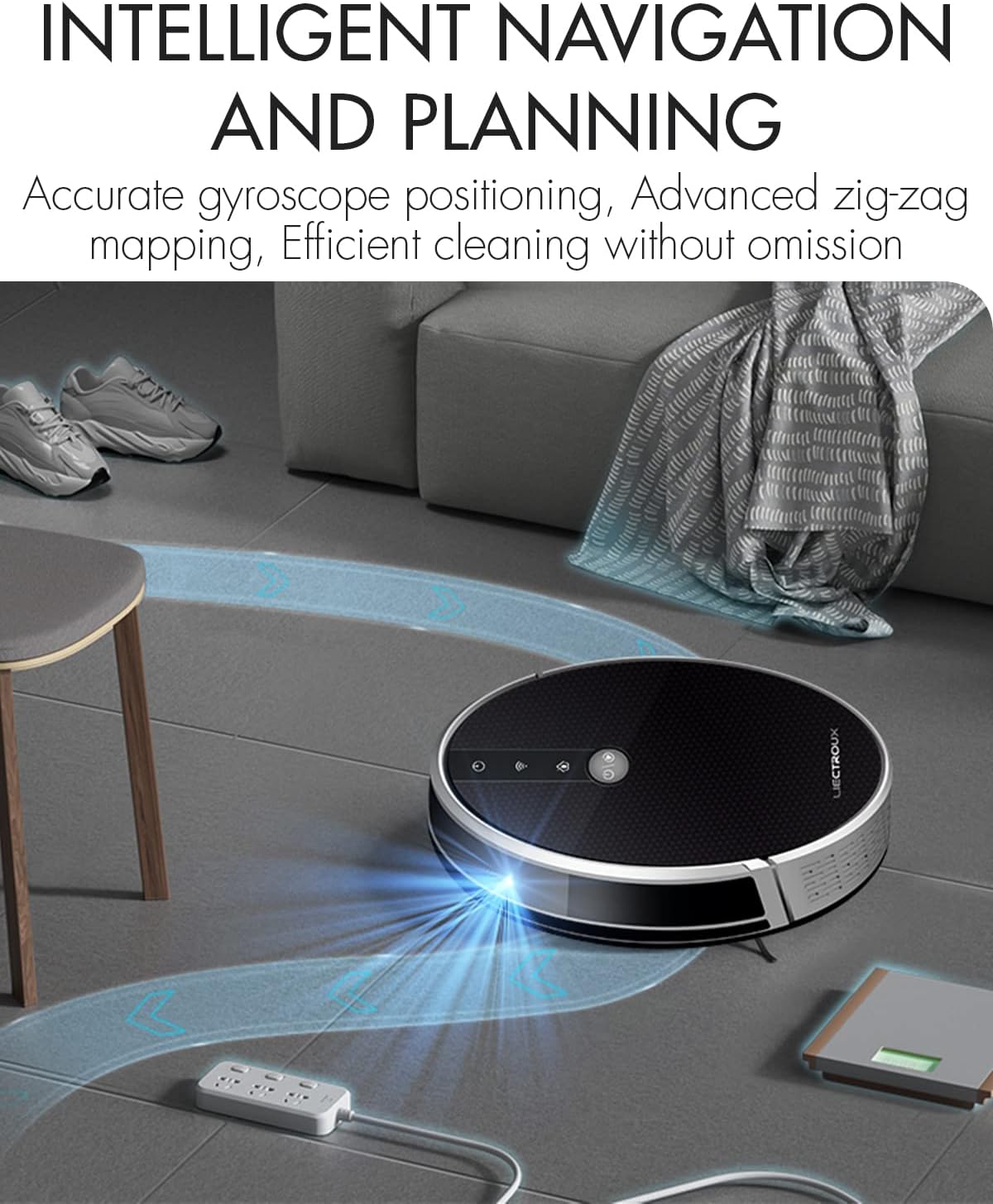
Figure 10: Accurate gyroscope positioning and advanced zig-zag mapping ensure efficient cleaning without omission.
Maintenance
Regular maintenance ensures optimal performance and extends the lifespan of your robot vacuum.
1. Emptying the Dust Bin
After each cleaning cycle, or when the dust bin is full, remove and empty it. Tap out any loose debris and wipe the interior with a dry cloth.
2. Cleaning Filters
The HEPA filter should be cleaned regularly. Gently tap the filter to remove dust. Replace the HEPA filter every 3-6 months, or as needed, to maintain suction power.
3. Cleaning Brushes
Remove the main brush and side brushes. Use the provided cleaning tool to cut and remove any tangled hair or debris. Ensure the brushes spin freely after cleaning.
4. Water Tank and Mop Pad Maintenance
After mopping, empty any remaining water from the tank. Remove and clean the mop pad. It can be hand-washed or machine-washed. Allow both the tank and pad to air dry completely before reattaching.

Figure 11: The robot features separate dust bin and water tank components for easy maintenance.
Troubleshooting
| Problem | Possible Cause | Solution |
|---|---|---|
| Robot does not turn on | Low battery; Power switch off | Charge the robot; Ensure power switch is ON |
| Reduced suction power | Full dust bin; Clogged filter; Tangled brushes | Empty dust bin; Clean/replace filter; Clean brushes |
| Robot gets stuck frequently | Obstacles; Uneven surfaces | Clear obstacles; Ensure flat cleaning surface |
| Robot does not charge | Charging contacts dirty; Charging station unplugged | Clean charging contacts; Plug in charging station |
| App connection issues | Incorrect Wi-Fi password; Router too far | Re-enter Wi-Fi password; Move robot closer to router |
Technical Specifications
| Feature | Specification |
|---|---|
| Brand | Liectroux |
| Model Number | C30B |
| Special Feature | Self-Propelled, Vacuums, Cordless, HEPA Filtration |
| Filter Type | Cartridge |
| Battery Life | 100 minutes |
| Voltage | 14.4 Volts |
| Dust Bin Capacity | 0.6 Liters |
| Water Tank Capacity | 0.2 Liters |
| Power Source | Battery Powered |
| Control Method | App |
| Compatible Devices | Smartphones, Amazon Echo |
| Form Factor | Robotic |
| Product Dimensions | 12.99 x 12.99 x 2.91 inches |
| Item Weight | 4.4 pounds |
| Batteries | 1 Lithium Ion batteries required (included) |
Safety Guidelines
Please read and follow all safety instructions carefully to prevent injury or damage to the product.
- Do not operate the robot vacuum in wet environments or near standing water.
- Keep loose clothing, hair, and body parts away from moving parts.
- Do not allow children or pets to play with the robot vacuum.
- Use only the original charging station and power adapter.
- Ensure the charging station is placed against a wall on a level surface.
- Do not pick up large or sharp objects, liquids, or burning/smoking materials.
- Regularly check and clean the brushes and wheels to prevent tangling.
Warranty and Support
Liectroux provides a standard warranty for this product. Please refer to the warranty card included in your package for specific terms and conditions. For technical support, troubleshooting assistance, or warranty claims, please contact Liectroux customer service through the official website or the contact information provided in your product documentation.
For more information and updates, visit the Liectroux Store on Amazon.
Related documentsC30B


Ask a question about this manual
Ask about setup, troubleshooting, compatibility, parts, safety, or missing instructions. Manuals+ will review the question and use this page’s manual context to help answer it.