Introduction
Thank you for choosing the ESSAGER 30W 3A USB C Car Charger. This manual provides essential information for the safe and efficient use of your new car charger. Please read these instructions carefully before use and retain them for future reference.
Product Features
- Compact Size & Flush Fit: Designed to fit perfectly into your car's cigarette lighter socket without protruding, saving space.
- All Metal Shell: Features an anti-scratch aluminum alloy surface for enhanced durability and efficient heat dissipation, ensuring safer operation compared to plastic alternatives.
- 30W Fast Charging: Both the USB-A and USB-C ports support a maximum single-port output of 30W, enabling rapid charging for compatible devices.
- Safety Certifications: Equipped with multiple protection mechanisms against overcurrent, overcharging, and overheating to safeguard your devices.
- Dual Port Output: Simultaneously charge two devices with one USB-A and one USB-C port.
Package Contents
- 2 x ESSAGER Alloy Car Chargers
- 1 x Welcome Guide
Specifications
| Feature | Detail |
|---|---|
| Model Number | ES-CC07 |
| Input Voltage | 12 Volts |
| Total USB Ports | 2 (1x USB-A, 1x USB-C) |
| Max Wattage | 30W (per single port) |
| Amperage | 4.6 Amps |
| Connector Type | USB Type C, USB Type A |
| Compatible Devices | iPhone series, Samsung Galaxy series, other USB-powered devices |
| Material | Aluminum Alloy |
| Special Feature | Fast Charging (PD 3.0 supported) |
Setup
- Locate Cigarette Lighter Socket: Identify the 12V cigarette lighter or power accessory socket in your vehicle.
- Insert Charger: Firmly insert the ESSAGER car charger into the 12V socket. Ensure it is fully seated for a stable connection. The compact design allows for a flush fit.
- Connect Charging Cable: Plug your device's USB charging cable into either the USB-A or USB-C port on the car charger.
- Connect Device: Connect the other end of the charging cable to your mobile device (phone, tablet, etc.).

Image: The ESSAGER car charger fits flush into the vehicle's power outlet.

Image: Close-up view of the car charger installed, showing the USB-A and USB-C ports.
Video: This video demonstrates the installation of the ESSAGER car charger into a vehicle's cigarette lighter socket and connecting devices for charging.
Operation
- Initiate Charging: Once the charger is inserted and your device is connected, charging should begin automatically. The charger's indicator light will illuminate to confirm power.
- Fast Charging: For optimal fast charging, use a compatible USB-C to USB-C cable with the USB-C port for Power Delivery (PD) compatible devices, or a compatible USB-A cable with the USB-A port for Quick Charge (QC) compatible devices.
- Simultaneous Charging: Both ports can be used simultaneously to charge two devices. Note that total power output may be shared, potentially affecting individual fast charging speeds.
- Disconnecting: To stop charging, simply disconnect your device from the cable or remove the charger from the cigarette lighter socket.

Image: Diagram illustrating the 30W maximum output capability of both USB-A and USB-C ports.

Image: The car charger actively charging both a smartphone and a tablet.

Image: Compatibility chart detailing charging speeds for different devices like iPads, iPhones, and Samsung Galaxy phones.
Safety Information
- Do not expose the charger to liquids, extreme temperatures, or direct sunlight.
- Avoid dropping or subjecting the charger to strong impacts.
- Do not attempt to disassemble, repair, or modify the charger.
- Keep out of reach of children.
- Ensure your vehicle's power outlet is clean and free of debris before inserting the charger.
- Unplug the charger when not in use or when leaving the vehicle for extended periods.

Image: Multi-protection features of the charger, ensuring device safety.
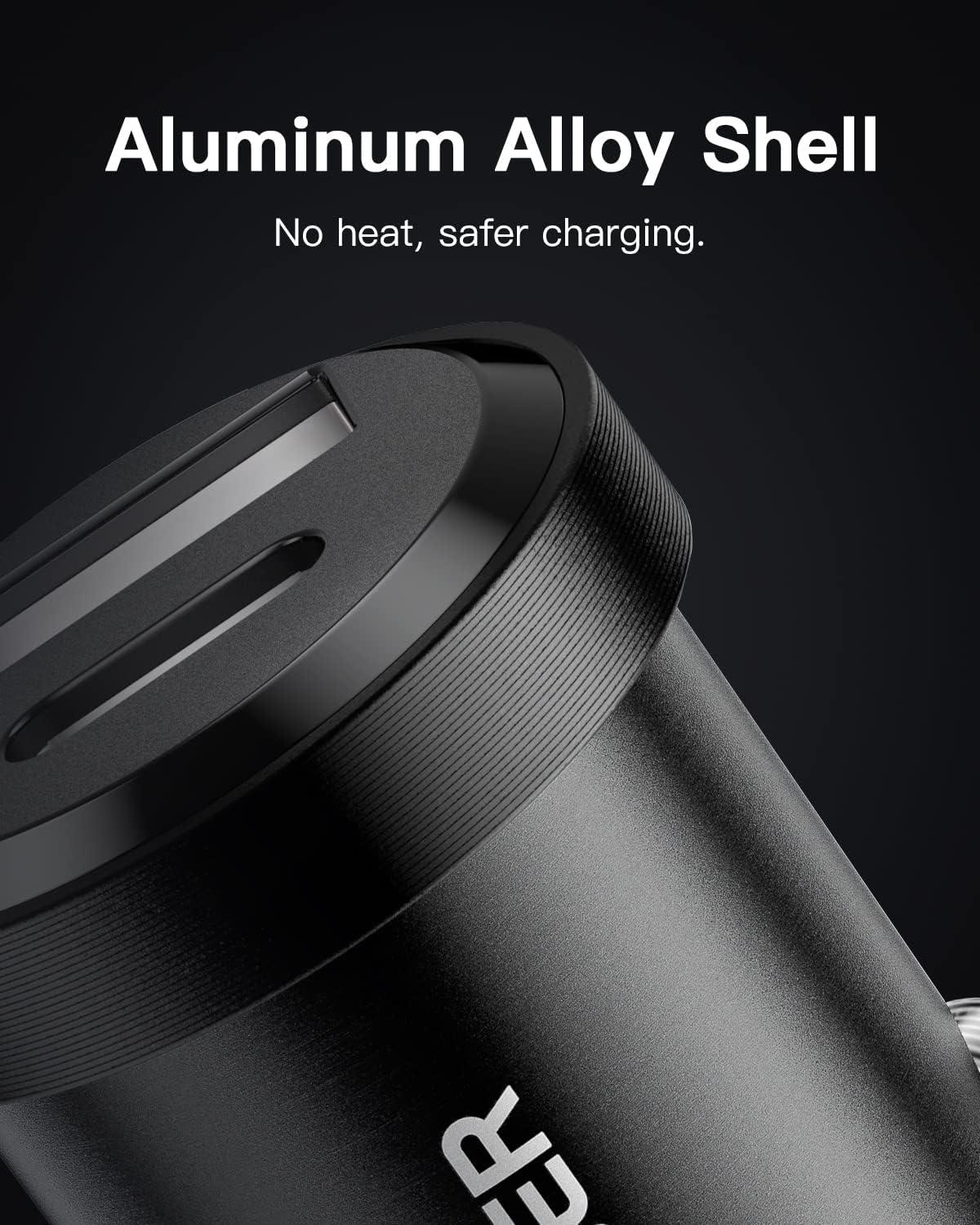
Image: The aluminum alloy shell aids in heat dissipation for safer charging.
Troubleshooting
- Device not charging:
- Ensure the car charger is firmly seated in the 12V socket.
- Check if the charging cable is securely connected to both the charger and your device.
- Verify that your vehicle's engine is running or the accessory power is on.
- Try a different charging cable or device to rule out cable/device issues.
- Slow charging:
- Ensure your device and cable support fast charging protocols (PD 3.0, QC).
- If charging two devices simultaneously, the power output is shared, which may reduce individual charging speeds. Try charging one device at a time for maximum speed.
- Check if your device's battery is very low; charging speed can be slower at extremely low or high battery percentages.
- Charger gets hot:
- It is normal for the charger to become warm during operation, especially during fast charging or when charging multiple devices. The metal shell is designed for efficient heat dissipation.
- If the charger becomes excessively hot or emits smoke/odor, immediately disconnect it from the power source and discontinue use.
Warranty and Support
ESSAGER provides an 18-month warranty for this product from the date of purchase. This warranty covers manufacturing defects and issues arising from normal use. It does not cover damage caused by misuse, accidents, unauthorized modifications, or natural disasters.
For warranty claims, technical support, or any questions regarding your ESSAGER car charger, please contact our customer service team through the retailer where you purchased the product or visit the official ESSAGER website for contact information.
Please have your purchase receipt and product model number (ES-CC07) ready when contacting support.


