
Introduction
Thank you for purchasing the Max Power Bulldog Style Speaker MD561. This portable Bluetooth speaker system is designed to provide high-quality audio with a unique and stylish design. This manual will guide you through the setup, operation, and maintenance of your new speaker.

The Max Power Bulldog Style Speaker MD561, featuring a distinctive bulldog design and a stylish spiked collar. This image showcases the speaker's aesthetic appeal and compact form factor.
What's in the Box
- Max Power Bulldog Style Speaker MD561
- Type C Charging Cable
- Rechargeable Battery
- Dog Collar Chain (decorative accessory)
Product Features
- Powerful Stereo Sound: Delivers clear mid and high tones with thumping bass for a 360-degree audio experience.
- Bluetooth Connectivity: Compatible with a wide range of Bluetooth-enabled devices including laptops, tablets, smartphones, and more.
- FM Radio: Built-in FM radio for listening to your favorite stations.
- TF Card Support: Play music directly from a TF (microSD) card.
- Long Battery Life: Equipped with a 2000mAh rechargeable battery, providing up to 6 hours of music playtime on a single charge.
- Stereo Pairing: Connect two MD561 speakers wirelessly for an enhanced stereo sound experience.
- Portable Design: Compact and lightweight, suitable for both indoor and outdoor use.
Setup Guide
1. Charging the Speaker
Before first use, fully charge the speaker. Connect the provided Type C charging cable to the speaker's USB port (Input: DC 5V) and the other end to a compatible USB power adapter (not included).
- The charging indicator light will illuminate during charging.
- Charging time is approximately 4 hours for a full charge.
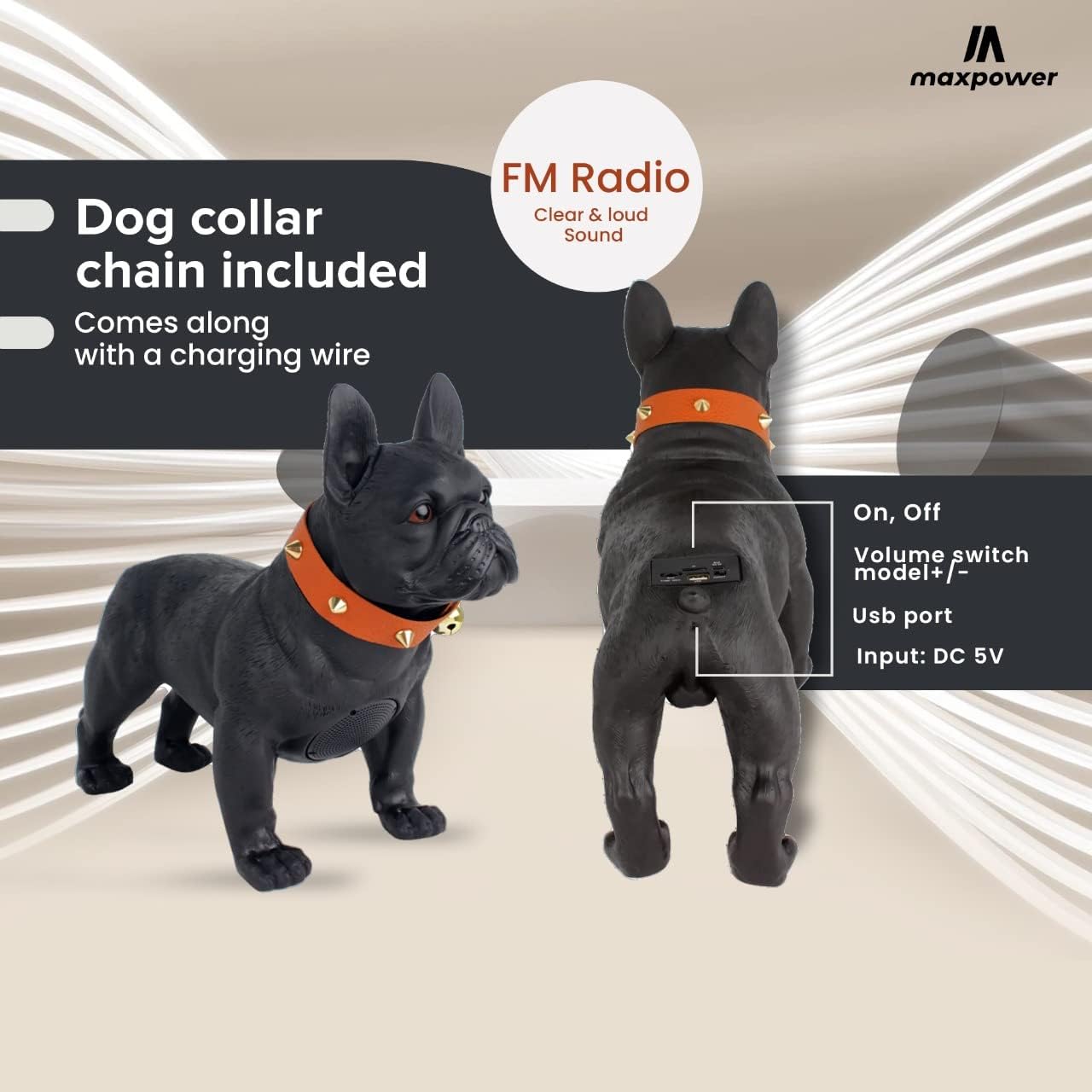
Rear view of the speaker, highlighting the USB charging port (DC 5V input) and the control panel for power, volume, and mode selection.
2. Powering On/Off
Locate the On/Off switch on the back of the speaker. Slide the switch to the "On" position to power on the device. You may hear a distinctive sound indicating it's ready for use. Slide to "Off" to power down.
Operating Instructions
1. Bluetooth Pairing
- Ensure the speaker is powered on and in Bluetooth mode (indicated by a specific light or voice prompt).
- On your device (smartphone, tablet, laptop), enable Bluetooth and search for available devices.
- Select "MD561" or "Max Power Speaker" from the list of devices.
- Once paired, the speaker will indicate a successful connection.
2. FM Radio Mode
To switch to FM Radio mode, press the Mode button (if available, or cycle through modes using the volume switch as indicated in the image). The speaker will automatically scan and tune into available FM stations. Use the volume switch to adjust frequency or volume.
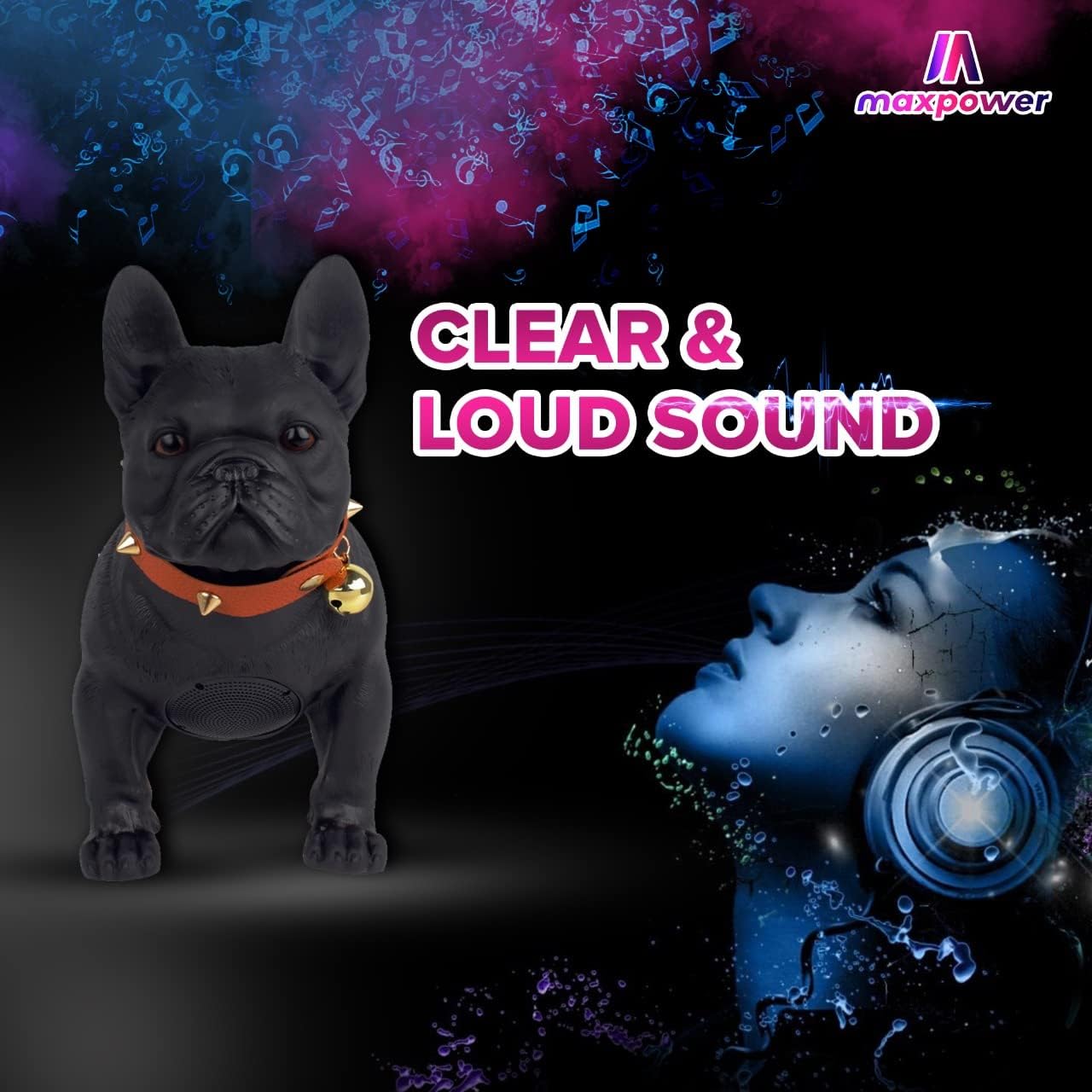
The speaker is designed to deliver clear and loud sound, enhancing your audio experience whether listening to music or FM radio.
3. TF Card Playback
Insert a TF (microSD) card with your desired audio files into the designated slot. The speaker will automatically detect the card and begin playing music. Use the control buttons to navigate tracks and adjust volume.
4. Stereo Pairing (TWS Function)
For an immersive stereo experience, you can pair two MD561 speakers together:
- Ensure both speakers are powered on and not connected to any Bluetooth device.
- On one speaker, long-press the TWS pairing button (refer to specific button layout if available, otherwise assume a multi-function button).
- The speakers will automatically connect to each other. Once connected, they will function as a stereo pair.
- Connect your device to the primary speaker via Bluetooth as described in the "Bluetooth Pairing" section.

An internal view diagram illustrating the placement of two speakers within the unit, contributing to the super loud and clear sound output.
Maintenance and Care
- Cleaning: Wipe the speaker with a soft, dry cloth. Do not use abrasive cleaners or solvents.
- Storage: Store the speaker in a cool, dry place away from direct sunlight and extreme temperatures.
- Water Resistance: This speaker is not waterproof. Avoid exposure to water or high humidity.
- Battery Care: To prolong battery life, avoid fully discharging the battery frequently. Charge regularly, even if not in use for extended periods.
Troubleshooting
| Problem | Possible Cause | Solution |
|---|---|---|
| Speaker does not turn on. | Battery is low or depleted. | Charge the speaker fully using the provided Type C cable. |
| No sound from speaker. | Volume is too low; Speaker not paired; Incorrect mode selected. | Increase volume on both speaker and connected device. Ensure Bluetooth is connected. Switch to correct mode (Bluetooth, FM, TF). |
| Bluetooth connection unstable. | Device is too far from speaker; Interference. | Move device closer to the speaker (within 10 meters). Avoid obstacles between devices. |
| Cannot pair two speakers for stereo. | Speakers already connected to another device; Incorrect pairing procedure. | Disconnect speakers from any other Bluetooth devices. Follow the stereo pairing instructions carefully. |
Specifications
| Model Name | Wooof MD561 |
| Speaker Type | Tweeter |
| Connectivity Technology | Bluetooth, USB |
| Wireless Communication Technology | Bluetooth |
| Bluetooth Range | 10 Meters |
| Power Source | Battery Powered |
| Battery Life | Up to 6 hours (Note: Specifications list 4 hours, actual performance may vary) |
| Battery Type | 1 Lithium Ion battery required |
| Input Voltage | 5 Volts (DC) |
| Product Dimensions (L x W x H) | 13.8" x 7.68" x 7.36" (approx. 35cm x 19.5cm x 18.7cm) |
| Item Weight | 3.27 pounds (1.49 Kilograms) |
| Speaker Size | 6.5 Inches (Woofer Diameter) |
| Audio Output Mode | Stereo |
| Control Method | Touch (and physical switches) |
| Includes MP3 player? | Yes |
| Is Waterproof | No |
| UPC | 785571464757 |

Detailed dimensions of the Max Power Bulldog Style Speaker, showing its height, width, and depth.
Warranty Information
The Max Power Bulldog Style Speaker MD561 comes with a Full Warranty. Please retain your proof of purchase for any warranty claims. For specific terms and conditions, or to initiate a warranty claim, please contact Max Power customer support.
Customer Support
For any questions, technical assistance, or support regarding your Max Power Bulldog Style Speaker MD561, please refer to the contact information provided with your product packaging or visit the official Max Power website.
Note: As per the provided data, specific contact details are not available in this manual.