
Introduction
Welcome to the instruction manual for your new Sameo ULTRAZONE Wireless 8 Bit Gaming Console, model RM. This manual provides essential information on setting up, operating, maintaining, and troubleshooting your gaming console to ensure an optimal gaming experience. Please read this manual thoroughly before using the product.
What's in the Box
Carefully unpack all items from the box. Ensure all components listed below are present:
- 1 x Sameo ULTRAZONE Gaming Console
- 2 x Wireless Joysticks
- 1 x AV Cable
- 1 x Power Adapter
- 1 x User Manual (this document)
- 1 x Warranty Card

Image: Contents of the Sameo ULTRAZONE package, including the console, two wireless joysticks, and cables.
Setup Guide
Follow these steps to connect your Sameo ULTRAZONE Gaming Console to your television:
- Connect Power Adapter: Insert the power adapter into the designated power input slot on the UltraZone console. Plug the other end of the adapter into a standard electrical outlet.
- Connect AV Cable: Insert the yellow plug of the AV cable into the yellow video input port on your TV. Insert the white plug into the white audio input port on your TV. The 3.5mm jack end of the AV cable should be inserted into the corresponding port on the UltraZone console.
- (Optional) AV to HDMI Converter: If your TV does not have AV input slots, you may need an AV to HDMI converter (sold separately). Connect the AV cable from the console to the converter, then connect the converter to your TV via an HDMI cable.
- Insert Controller Batteries: Open the battery compartment on each wireless joystick and insert 2 AAA batteries (not included), ensuring correct polarity. Close the compartment.
- Power On Console: After completing the above steps, press the power button located on the left side of the UltraZone console to turn it on.
- Activate Controllers: Press the round button in the center of each controller to activate them and begin playing wirelessly.

Image: Visual guide for connecting the console's power and AV cables, and inserting batteries into the wireless joysticks.
Operating Instructions
The Sameo ULTRAZONE console offers a wide range of gaming options. Here’s how to get started:
Playing Built-in Games
Your console comes with 362 built-in 8-bit games, including adventure, racing, sports, puzzle, fighting, and arcade genres. Once the console is powered on and connected to your TV, the game selection menu will appear. Use the directional pad (D-pad) on your wireless joystick to navigate through the game list and the 'START' or 'A' button to select a game.
Using 8 Bit Cartridges
The UltraZone console supports external 8-bit game cartridges. To play a cartridge game:
- Ensure the console is powered off.
- Gently insert the 8-bit game cartridge into the cartridge slot on the console. Ensure it is fully seated.
- Power on the console. The game from the cartridge should load automatically.
Controller Functions
- Directional Pad (D-pad): For movement and menu navigation.
- A/B Buttons: Primary action buttons for jumping, shooting, etc.
- START Button: Pauses games, confirms selections, or starts games.
- SELECT Button: Often used for secondary actions or menu options.
- Center Round Button: Activates the wireless controller.
Quitting or Resetting Games
To quit a game or reset the console, press the center round button on the controller or the reset button on the UltraZone machine.
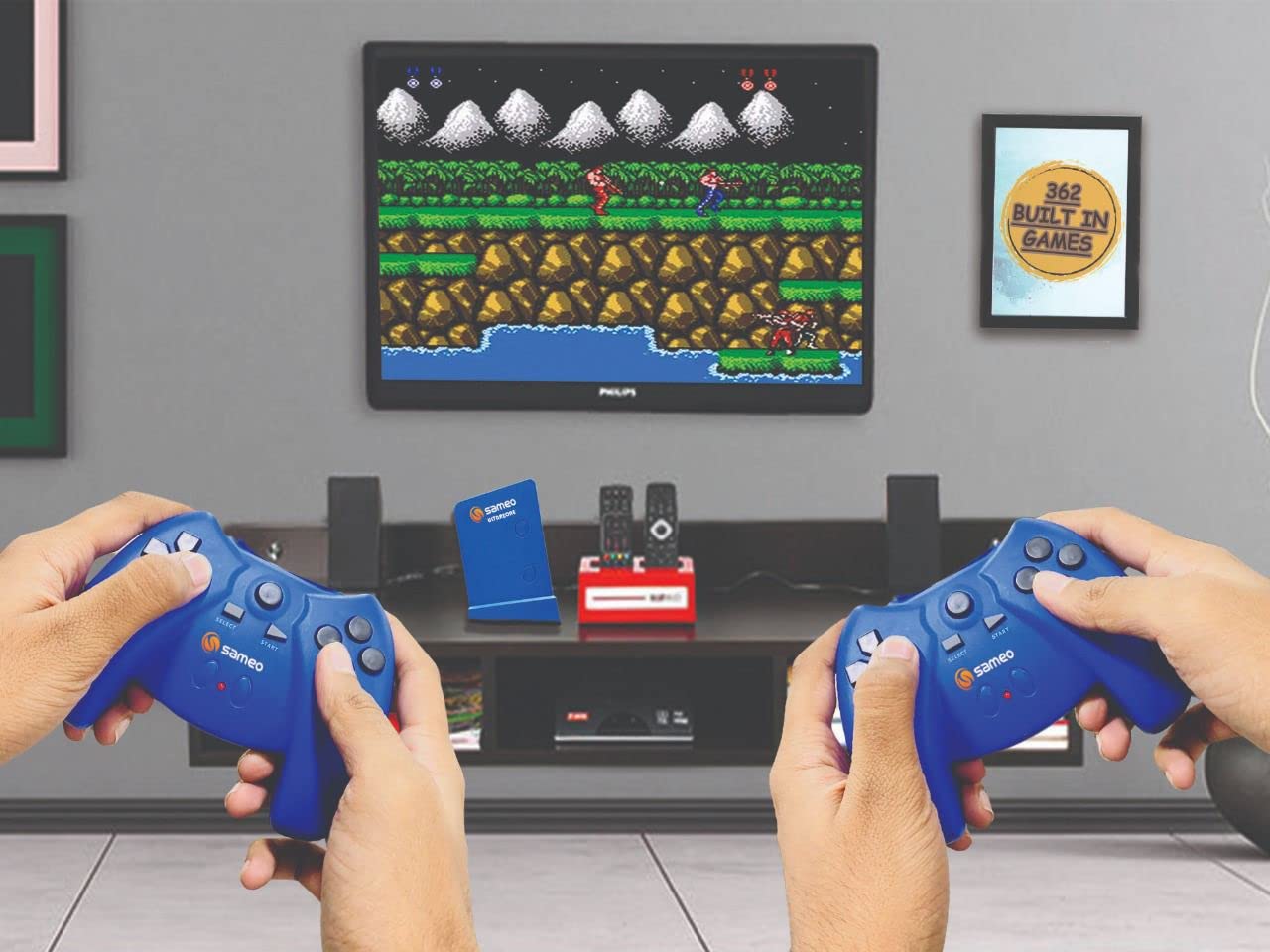
Image: Users engaging with the Sameo ULTRAZONE console, demonstrating the wireless gameplay experience.
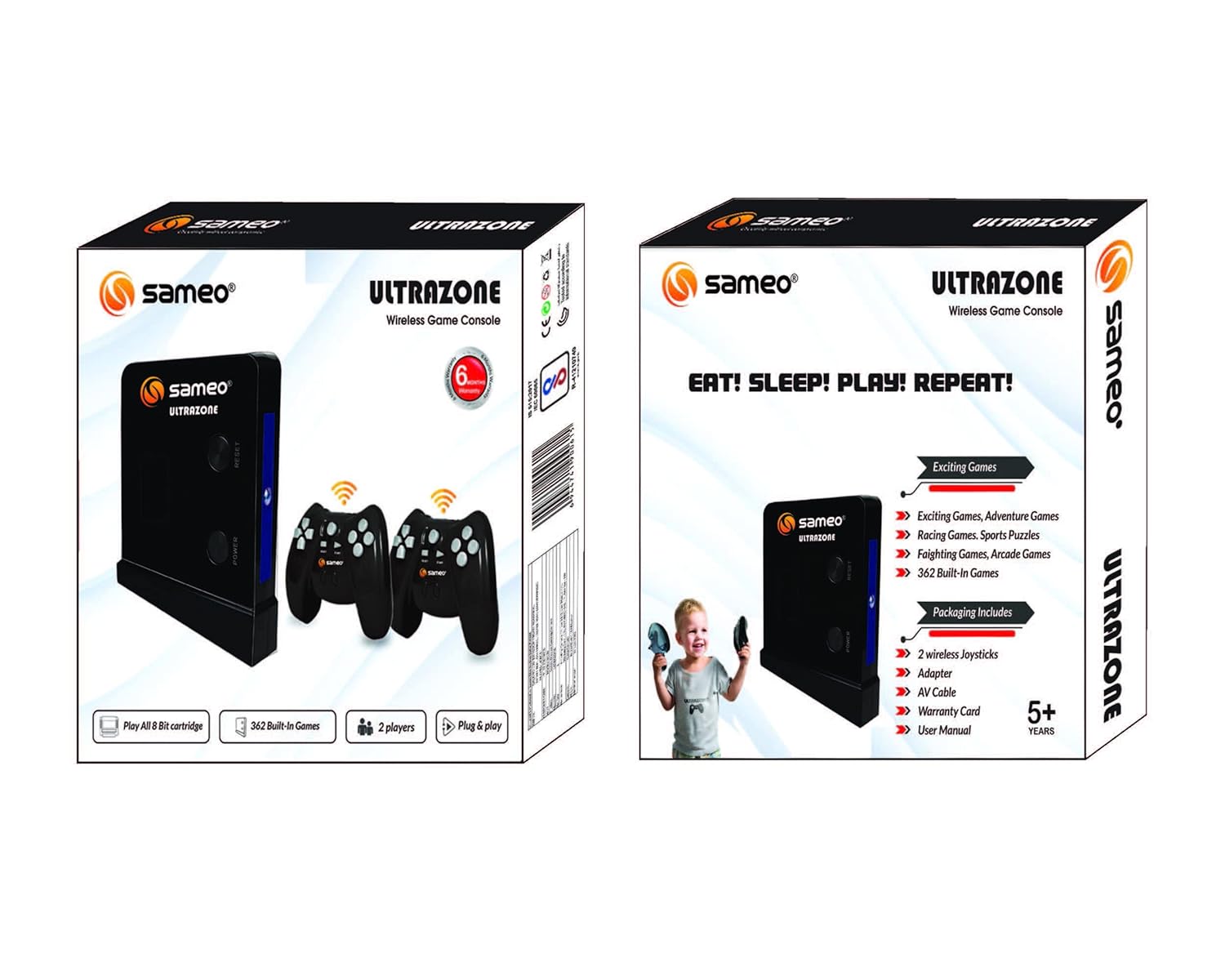
Image: Packaging details emphasizing key features of the Sameo ULTRAZONE console, including the number of games and player support.
Maintenance
Proper care will extend the life of your gaming console:
- Cleaning: Use a soft, dry cloth to clean the console and controllers. Do not use liquid cleaners or abrasive materials.
- Storage: Store the console and accessories in a cool, dry place away from direct sunlight and extreme temperatures.
- Battery Care: Remove batteries from the wireless joysticks if the console will not be used for an extended period to prevent leakage.
- Handling: Avoid dropping the console or controllers, and do not expose them to water or excessive moisture.
Troubleshooting
If you encounter issues with your Sameo ULTRAZONE console, refer to the following common problems and solutions:
| Problem | Possible Cause | Solution |
|---|---|---|
| No power to console | Power adapter not connected or faulty outlet. | Ensure power adapter is securely plugged into console and a working electrical outlet. |
| No video/audio on TV | AV cable not connected correctly; TV input not selected; faulty AV cable. | Check AV cable connections to both console and TV. Select the correct AV input on your TV. Try a different AV cable if available. |
| Wireless joystick not responding | Low or dead batteries; controller not activated; interference. | Replace AAA batteries in the joystick. Press the center round button to activate. Ensure no obstructions between controller and console. |
| Game not loading from cartridge | Cartridge not inserted correctly; dirty cartridge contacts. | Ensure console is off before inserting cartridge. Re-insert cartridge firmly. Clean cartridge contacts gently with a cotton swab and rubbing alcohol. |
Specifications
| Feature | Detail |
|---|---|
| Product Model Number | RM |
| Product Dimensions (LxWxH) | 30 x 30 x 5 Centimeters |
| Item Weight | 670 g |
| Built-in Games | 362 (8 Bit) |
| Cartridge Support | Yes, 8 Bit Cartridges |
| Player Support | 2 Players |
| Connectivity | AV Output |
| Controller Type | Wireless Joysticks (requires AAA batteries) |
Warranty and Support
Your Sameo ULTRAZONE Wireless 8 Bit Gaming Console comes with a warranty. Please refer to the included Warranty Card for specific terms, conditions, and duration of the warranty period. For technical support, service, or any inquiries not covered in this manual, please contact Sameo customer service through the details provided on your warranty card or the official Sameo website.
Manufacturer: Sameo