
ATOMSTACK A5 Pro Black
ATOMSTACK A5 Pro Commercial Laser Engraver User Manual
Model: A5 Pro Black | Brand: ATOMSTACK
1. Introduction
The ATOMSTACK A5 Pro is a high-performance commercial laser engraver designed for precision engraving and cutting across a wide range of materials. Featuring a 5,000mW laser module and a 410x400mm working space, it is suitable for various applications from hobbyist projects to commercial production. This manual provides essential information for the safe and effective use of your device.

Figure 1: The ATOMSTACK A5 Pro Laser Engraver, showcasing its main components and working area.
2. Safety Information
This laser engraver is a Class 4 laser product with a power output level of 5,000mW. Proper safety precautions must be observed at all times to prevent injury.
- Eye Protection: The machine features an advanced filter glass protective cover, which filters over 97% of UV rays. However, it is crucial to never stare directly into the laser beam, even with the protective cover. Always wear appropriate laser safety goggles.
- Ventilation: Ensure adequate ventilation in your workspace to dissipate smoke and fumes generated during engraving and cutting.
- Material Safety: Only engrave or cut materials that are safe for laser processing. Avoid materials that produce toxic fumes or are highly flammable.
- Supervision: Do not leave the machine unattended during operation.
- Children and Pets: Keep children and pets away from the operating area. The protective cover helps prevent accidental exposure to the laser spot.
The ATOMSTACK A5 Pro has passed TUV certification, ensuring higher quality and safety standards.
3. Setup and Assembly
The ATOMSTACK A5 Pro features a modular design for straightforward assembly, typically completed within 20 minutes. Follow the steps below and refer to the installation video for visual guidance.
- Unpack all components and verify against the packing list.
- Assemble the main frame using the provided screws and tools.
- Install the laser module onto the gantry.
- Connect all necessary cables.
- Place the machine on a stable, flat surface.
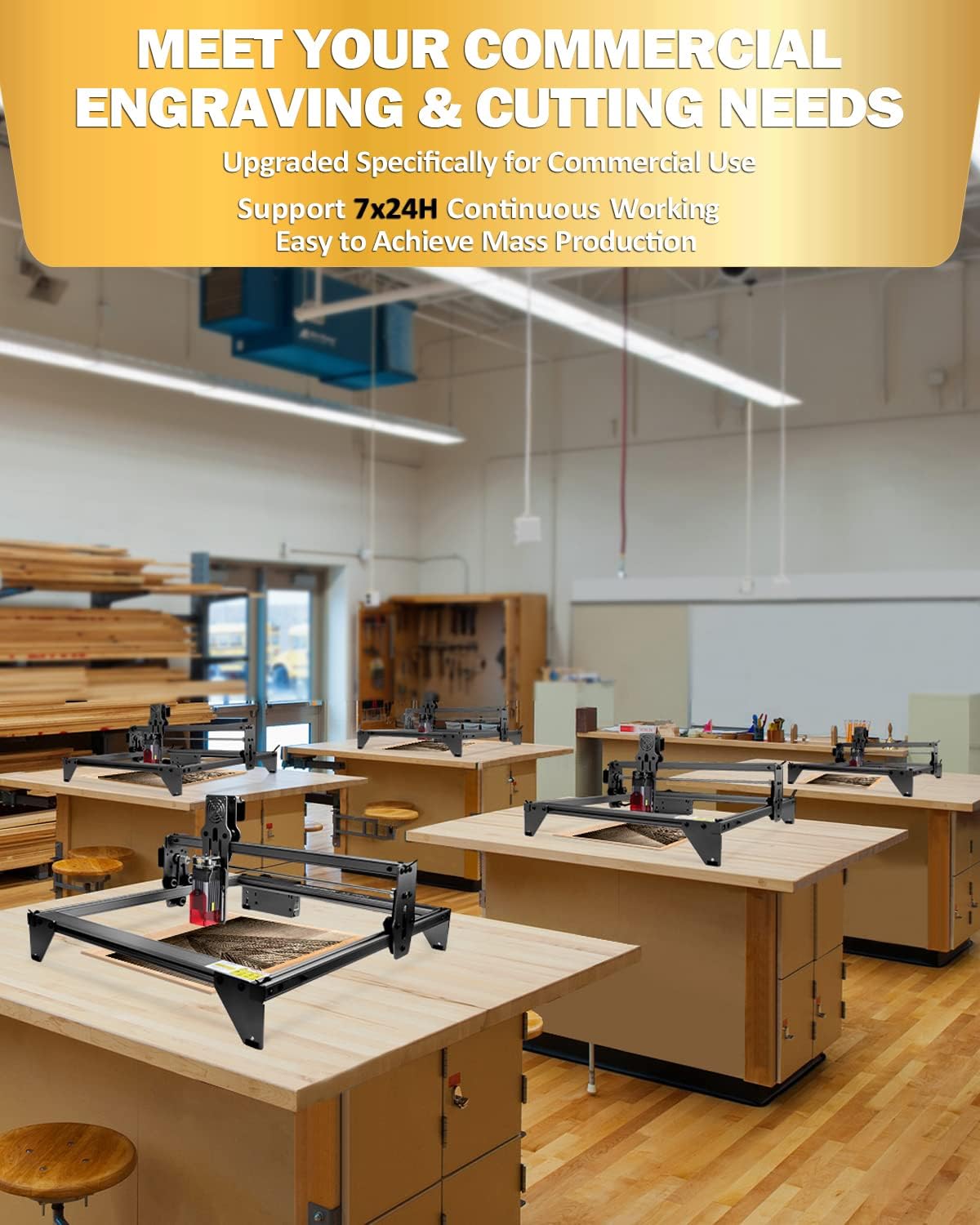
Figure 2: The ATOMSTACK A5 Pro is designed for continuous operation, suitable for commercial and mass production needs.
Video 1: This video provides a step-by-step guide on how to install and assemble the ATOMSTACK A5 Pro laser engraver, demonstrating the ease of setup.
4. Operating Instructions
The ATOMSTACK A5 Pro offers a large engraving area of 410x400mm, accommodating various project sizes. It is compatible with widely used software and supports continuous operation.
4.1 Software Compatibility
The A5 Pro laser engraver is compatible with the following software:
- LaserGRBL: Recommended for new laser users. Supports Windows XP/7/8/10. This software is free.
- LightBurn: Recommended for experienced laser users. Supports Windows/Mac OS. This software is paid.
The engraver supports various file formats including NC, DXF, BMP, JPG, and PNG.
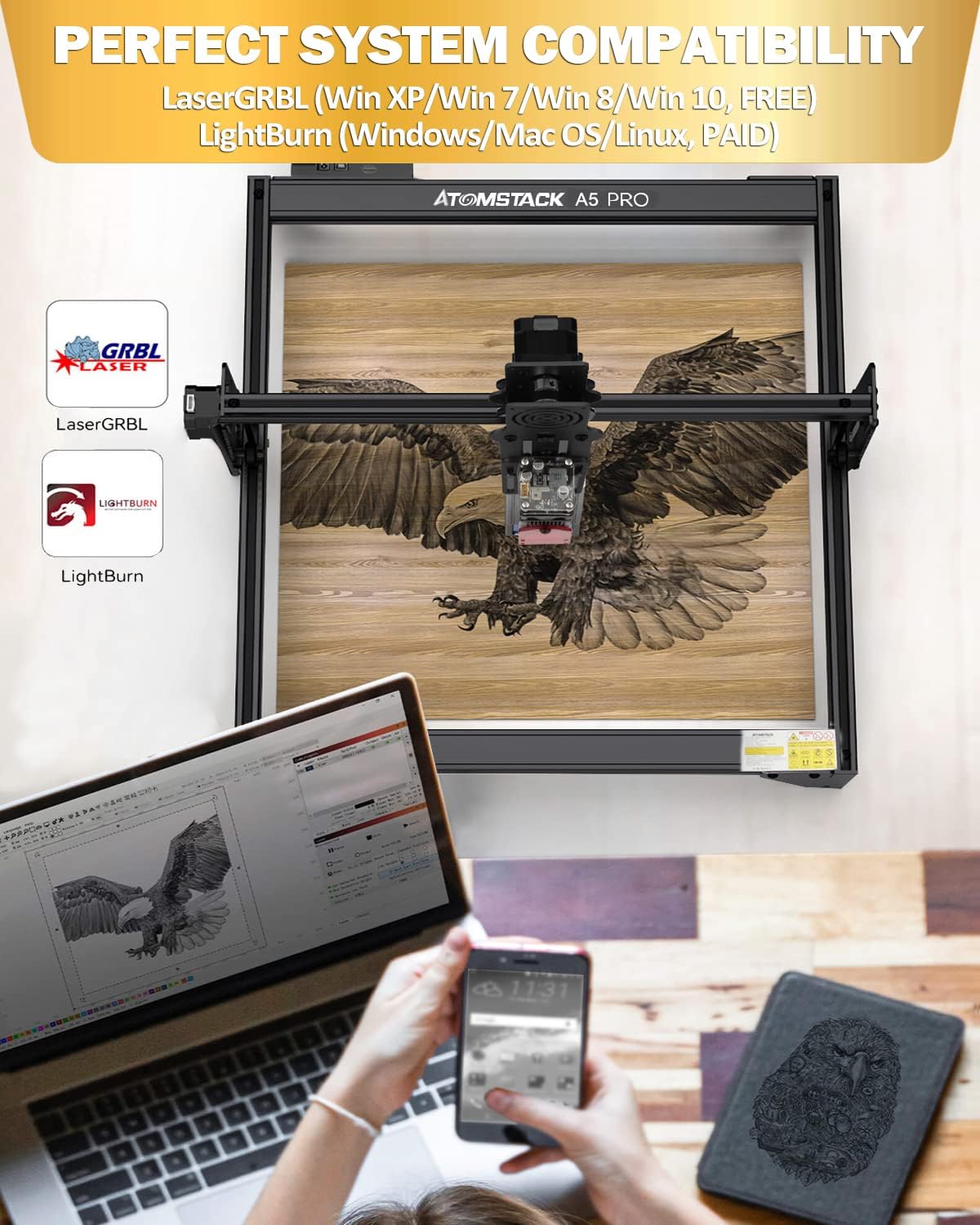
Figure 3: The ATOMSTACK A5 Pro supports popular engraving software like LaserGRBL (free) and LightBurn (paid), offering broad compatibility.
4.2 Supported Materials and Settings
The A5 Pro can engrave and cut over a hundred materials, including but not limited to:
- Metal (uncoated stainless steel directly)
- Wood (can cut 12mm thin wood)
- Acrylic (can cut 10mm black acrylic)
- Leather
- Rubber
- Food
- Paper
- Foam cotton
- Bamboo
- Ceramics (should be blackened)
- Glass (should be blackened)
Refer to the material parameter setting table for recommended speed and power settings for various materials.

Figure 4: A guide to recommended material parameter settings for optimal engraving and cutting results on different materials.

Figure 5: The ATOMSTACK A5 Pro can engrave and cut a wide range of materials, including wood, metal, acrylic, leather, and more.
Video 2: An overview of the ATOMSTACK A5 Pro laser engraver in action, showcasing its engraving capabilities on various materials.
Video 3: This video demonstrates the precision and detail achievable with the ATOMSTACK A5 Pro laser engraver through an art display example.
5. Maintenance
Regular maintenance ensures the longevity and optimal performance of your ATOMSTACK A5 Pro. The laser module has a lifespan of 10,000+ hours.
- Clean the Lens: Periodically clean the laser lens to maintain engraving quality and power. Use appropriate lens cleaner and a soft cloth.
- Check Tracks and Nuts: Ensure all tracks and nuts are free from debris and properly tightened to prevent shaking and maintain accuracy.
- General Cleaning: Keep the machine free from dust and material residue.

Figure 6: Detail of the durable black antioxidant coating and the laser module, highlighting its 20,000+ hour lifespan.
6. Troubleshooting
If you encounter issues with your ATOMSTACK A5 Pro, consider the following common troubleshooting steps:
- Loss of Power/Engraving Quality: Check if the laser lens is clean and securely tightened. Dust or a loose lens can significantly impact performance.
- Inconsistent Cutting/Engraving: Ensure the machine is placed on a perfectly flat surface. Verify that all frame components and belts are properly aligned and tightened.
- Software Connectivity Issues: Confirm that the correct drivers are installed and the software (LaserGRBL or LightBurn) is properly configured for your machine.
- Firmware Updates: The device supports Over-The-Air (OTA) firmware upgrades. If you experience persistent issues or require specific functionalities, contact customer support for assistance with firmware updates.
For further assistance, please refer to the Warranty and Support section.
7. Specifications
| Feature | Detail |
|---|---|
| Brand | ATOMSTACK |
| Model Number | A5 Pro Black |
| Laser Power Output | 5,000mW |
| Laser Class | CLASS 4 |
| Working Space | 410x400mm |
| Material | Aluminum Alloy |
| Item Weight | 11.82 pounds |
| Product Dimensions | 23.23 x 13.39 x 4.8 inches |
| Motherboard | 32-bit MCU |
| Laser Spot Size | 0.08*0.08mm (ultra-fine compressed) |
| Laser Lifespan | 10,000+ hours |
| System Compatibility | LaserGRBL (Win XP/7/8/10), LightBurn (Windows/Mac OS) |
| Engraving File Formats | NC/DXF/BMP/JPG/PNG |

Figure 7: The advanced 32-bit MCU motherboard ensures efficient and smooth data processing for precise engraving.
8. Warranty and Support
ATOMSTACK provides comprehensive support for your A5 Pro laser engraver:
- Warranty: The entire engraving machine comes with a 12-month warranty.
- Parts Replacement: Enjoy 12 months of free parts replacement.
- Technical Support: Permanent professional technical customer service is available. For any issues during use, please email customer service for an 8-hour response time.
Additional resources, including the Installation Manual, User Guide, and User Manual in PDF format, are available for download. Please refer to the product page or contact support for links to these documents.
Related documentsA5 Pro Black


Ask a question about this manual
Ask about setup, troubleshooting, compatibility, parts, safety, or missing instructions. Manuals+ will review the question and use this page’s manual context to help answer it.