
Introduction
This manual provides detailed instructions for the operation and maintenance of your MUSICROSS MP3 Player. Please read this manual thoroughly before using the device to ensure proper functionality and to maximize your user experience. This device is designed for portable audio playback, recording, and other multimedia functions.

Image: The MUSICROSS MP3 Player, showcasing its compact design and a separate Micro SD card.
Package Contents
- MUSICROSS MP3 Player (Model 1)
- USB Charging/Data Cable
- User Manual
Note: An SD card is not included and must be purchased separately. The device supports up to 128GB SD cards.
Product Overview
The MUSICROSS MP3 Player features a compact design with physical buttons for easy navigation and control. It includes a 1.8-inch screen for displaying information.

Image: Close-up view of the MP3 Player, highlighting the slot for a Micro SD card.
Key Features:
- Bluetooth 5.2 Connectivity: For stable and fast wireless audio transmission.
- HiFi Lossless Sound Quality: Enhanced audio experience with digital noise reduction.
- Built-in HD Speaker: Enjoy audio without headphones.
- Multi-functional: Music Player, FM Radio, Voice Recorder, E-Book Reader, Photo Viewer, Video Player.
- Expandable Storage: Supports Micro SD cards up to 128GB.
- Long Battery Life: Approximately 10-12 hours of playback on a single charge.
Setup
1. Charging the Device
Before first use, fully charge the MP3 player. Connect the device to a USB power source (e.g., computer, wall adapter) using the provided USB cable. A full charge typically takes approximately 3 hours. It is recommended to fully charge the device for the first few uses to optimize battery life.

Image: The MP3 Player connected to a USB cable, illustrating the charging process.
2. Inserting a Micro SD Card
Locate the Micro SD card slot on the side of the device. Gently insert a compatible Micro SD card (up to 128GB) into the slot until it clicks into place. Ensure the card is inserted in the correct orientation.
3. Connecting to a Computer
Connect the MP3 player to your computer using the USB cable. The device will appear as a removable disk, allowing you to transfer files such as music, videos, photos, and e-books.
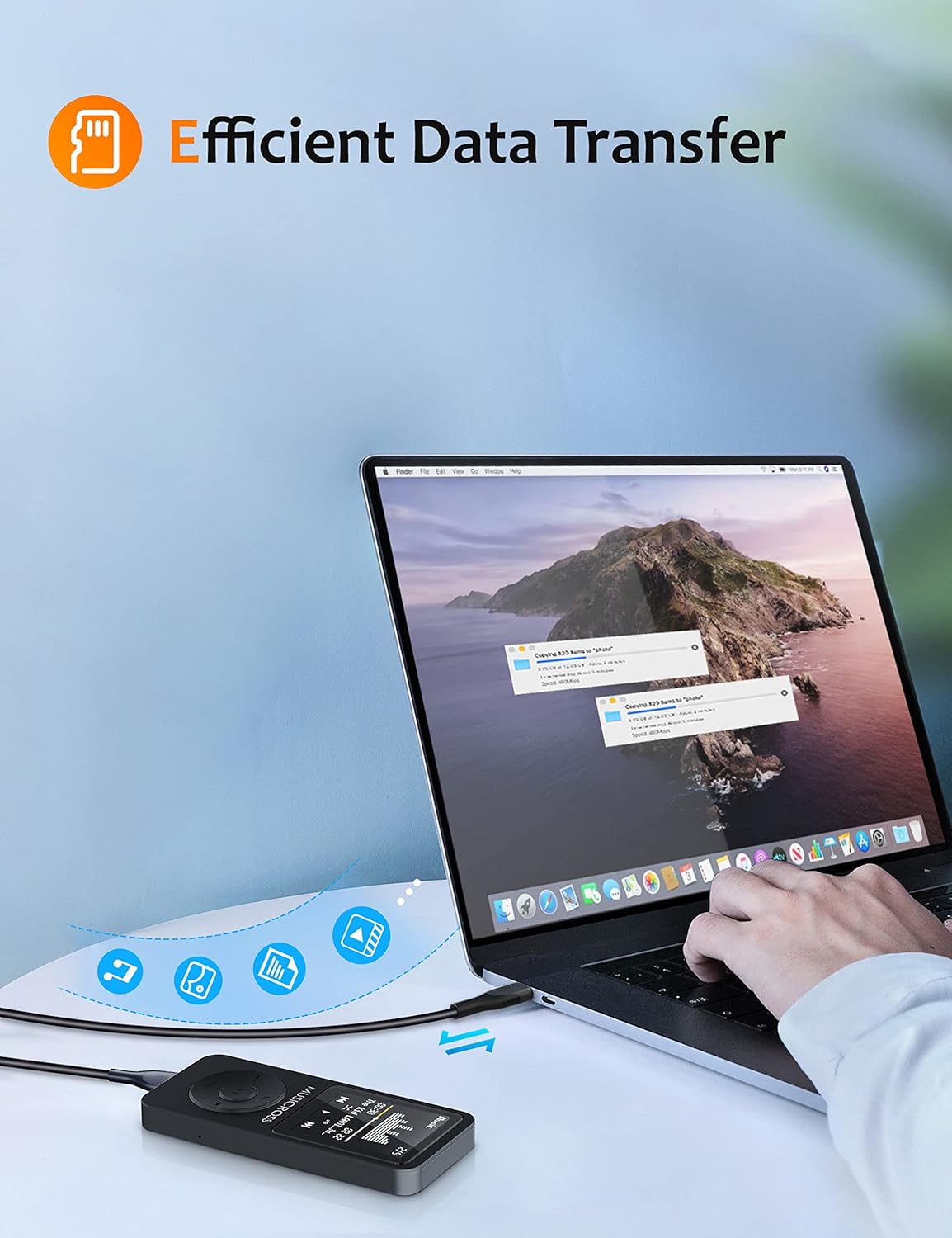
Image: The MP3 Player connected to a laptop, demonstrating efficient data transfer.
Operating Instructions
Basic Navigation
- Use the directional buttons (left/right) to navigate through menus and selections.
- The 'M' button typically serves as a menu or option button within applications.
- The 'VOL' button often functions as a back button or, when held, activates volume adjustment.
- Press the center button to confirm selections.
Music Playback
The player supports MP3, FLAC, APE, WMA, WAV, and AAC-LC audio formats. Organize your music into folders for easier management.
- Play Modes: All loop, random play, single loop.
- Variable Speed Playback: While on the music playback screen, press the 'M' button to access variable speed options (9 gears for adjustment).
- Equalizer: Choose from 7 music styles: Normal, Pop, Rock, Jazz, Classic, Dance, Country.
Bluetooth Connection (Bluetooth 5.2)
To connect to Bluetooth headphones, speakers, or car stereos:
- Ensure the MP3 player and the target Bluetooth device are not connected to other devices.
- Navigate to the Bluetooth menu on the MP3 player.
- Enable Bluetooth and search for available devices.
- Select your device from the list to pair.
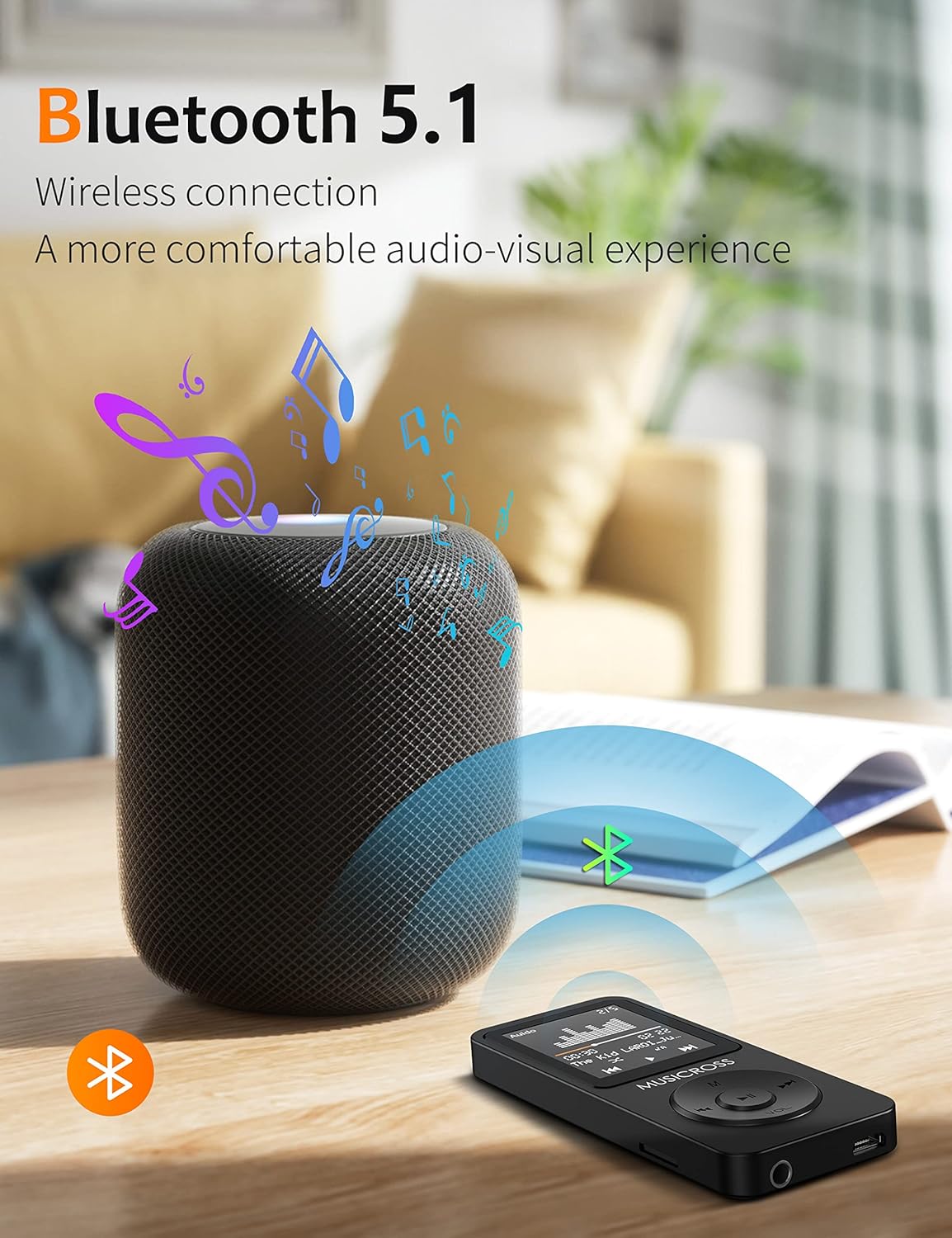
Image: The MP3 Player wirelessly connected to a Bluetooth speaker, illustrating its Bluetooth 5.2 capability.
FM Radio
The device features a built-in FM radio with strong signal reception. You can perform manual or automatic searches for stations and preset up to 30 favorite radio stations.
Voice Recorder
The MP3 player can record audio in WAV format. Access the 'Recorder' function from the main menu to start, pause, and save recordings.

Image: The MP3 Player screen showing the recording interface, useful for capturing notes or lectures.
E-Book Reader
The device supports TXT format e-books. Transfer your e-book files to the device and access them through the 'E-Book' menu.
Video Playback & Photo Browsing
The player supports JPG/JPEG/BMP image formats for photo browsing. For video playback, only AVI format (128*160 resolution) is supported. A special conversion tool app (PwConverterSetup(1.0.2)) may be required to convert videos to the compatible format. Refer to the device's internal documentation or manufacturer's website for details on this tool.
System Settings
- Brightness: Adjust screen brightness from 10% to 100% in the 'Settings' menu.
- Update Playlist: After adding new music, videos, pictures, or e-books, navigate to 'Settings' and select 'Update Playlist' to refresh the content library.
- Alarm Clock: Set alarms through the 'Alarm Clock' function in the main menu.
Data Transfer
To transfer files, connect the MP3 player to your computer using the USB cable. The device will be recognized as a mass storage device. You can then drag and drop files into the appropriate folders (e.g., 'Music', 'Videos', 'Pictures', 'E-books') on the device's internal storage or inserted Micro SD card.
Maintenance
- Cleaning: Use a soft, dry cloth to clean the device. Avoid liquid cleaners or abrasive materials.
- Battery Care: To prolong battery life, avoid fully discharging the device frequently. Charge the device regularly, especially if it will not be used for an extended period.
- Temperature: Operate the device within the recommended temperature range of -5℃ to 40℃.
Troubleshooting
- Device not turning on: Ensure the device is charged. If unresponsive, locate the reset button (often a small pinhole) and press it with a thin object.
- Cannot transfer files: Ensure the USB cable is securely connected to both the device and the computer. Try a different USB port or cable.
- Bluetooth connection issues: Ensure no other devices are connected to either the MP3 player or the target Bluetooth device. Restart both devices and try pairing again.
- SD card error: Remove and reinsert the SD card. If the issue persists, try formatting the SD card on a computer (this will erase all data on the card).
- Music not appearing: After transferring new files, go to 'Settings' and select 'Update Playlist'.
Specifications
- Brand: Musicross
- Model: 1
- Product Dimensions: 3.5 x 1.5 x 0.35 inches
- Item Weight: 2.08 ounces
- Screen Size: 1.8 Inches
- Internal Memory Storage Capacity: 16 GB
- Expandable Memory: Supports Micro SD cards up to 128 GB
- Connectivity Technology: Bluetooth 5.2
- Battery: 1 Lithium Polymer battery
- Supported Audio Formats: MP3, FLAC, APE, WMA, WAV, AAC-LC
- Supported Video Formats: AVI (128*160, may require conversion tool)
- Supported Image Formats: JPG, JPEG, BMP
- Supported E-Book Formats: TXT
- Special Features: FM Radio, Video Playback, Voice Recorder, Built-in Speaker, E-Book Reader, Photo Viewer, Alarm Clock
- Color: Black
Warranty and Support
This MUSICROSS MP3 Player comes with a 6-month warranty from the date of purchase. For any questions, technical assistance, or warranty claims, please contact Musicross customer service. Refer to the packaging or the official Musicross website for contact information.