
Introduction
Thank you for choosing the Wodgreat T14 Bluetooth 5.0 2-in-1 Transmitter and Receiver. This versatile device allows you to wirelessly transmit audio from non-Bluetooth devices (like TVs, PCs, MP3 players) to Bluetooth headphones or speakers (TX Mode), or receive audio from your Bluetooth-enabled smartphone/tablet to wired speakers or car stereos (RX Mode). Featuring Bluetooth 5.0 technology, low latency, a built-in microphone, and an LCD screen, it offers a seamless audio experience.
Safety Information
For safe use of this device, please observe the following:
- Keep the device away from open flames and direct heat sources.
- The device may experience interference with other wireless devices due to Bluetooth technology.
- Always follow battery handling instructions and dispose of them properly.
Package Contents
- Wodgreat T14 Bluetooth 5.0 2-in-1 Adapter
- 3.5mm Audio Cable
- USB Charging Cable
- User Manual
Product Overview
The Wodgreat T14 features a compact design with an intuitive LCD screen and control buttons for easy operation. The device includes a 3.5mm audio port for connection to various audio sources or output devices, and a USB charging port.

Figure 1: Wodgreat T14 2-in-1 Bluetooth Adapter Modes and Connections. This diagram illustrates how the device functions as both a transmitter (TX) for sending audio from non-Bluetooth devices to Bluetooth headphones/speakers, and as a receiver (RX) for streaming audio from Bluetooth devices to wired speakers/car stereos.
The LCD screen displays important information such as the current mode (TX/RX), pairing status, and the name of the connected device, ensuring you always know the device's status.
Setup and Operation
TX Mode (Transmitter)
In TX mode, the Wodgreat T14 transmits audio from your non-Bluetooth devices to Bluetooth headphones or speakers.
- Connect Audio Source: Use the provided 3.5mm audio cable to connect the Wodgreat T14 to the audio output port of your TV, PC, MP3 player, or other audio equipment.
- Select TX Mode: Slide the mode switch on the device to the "TX" position.
- Power On: Long press the power button to turn on the device. The LCD screen will display "TX" and start searching for nearby Bluetooth devices.
- Pair with Bluetooth Device: Ensure your Bluetooth headphones or speaker are in pairing mode. The Wodgreat T14 will automatically search for and display available devices on its LCD screen. Use the navigation buttons to select your desired device and confirm pairing. Once paired, the screen will show "Paired" and the device name.
- Play Audio: Start playing audio on your connected source device (TV, PC, etc.). The audio will now be transmitted to your paired Bluetooth headphones or speaker.

Figure 2: Using the Wodgreat T14 in TX Mode with a TV. This image demonstrates how the adapter enables wireless audio from a television to Bluetooth headphones, ensuring low latency for synchronized sound and picture.
Video 1: TX Mode Setup Guide. This video provides a step-by-step demonstration of how to set up and use the Wodgreat T14 in Transmitter (TX) mode, connecting it to an audio source and pairing with a Bluetooth speaker.
RX Mode (Receiver)
In RX mode, the Wodgreat T14 receives audio from your Bluetooth-enabled smartphone or tablet and outputs it to wired speakers or car stereos.
- Connect Audio Output: Use the provided 3.5mm audio cable to connect the Wodgreat T14 to the AUX input port of your wired speakers, car stereo, or other audio output device.
- Select RX Mode: Slide the mode switch on the device to the "RX" position.
- Power On: Long press the power button to turn on the device. The LCD screen will display "RX" and indicate it is ready for pairing.
- Pair with Smartphone/Tablet: On your smartphone or tablet, enable Bluetooth and search for "Wireless Music Adapter" in the list of available devices. Select it to pair. Once paired, the screen will show "Paired" and the device name.
- Play Audio: Open your music application on your smartphone/tablet and start playing music. The audio will now be streamed wirelessly to your connected wired speakers or car stereo.
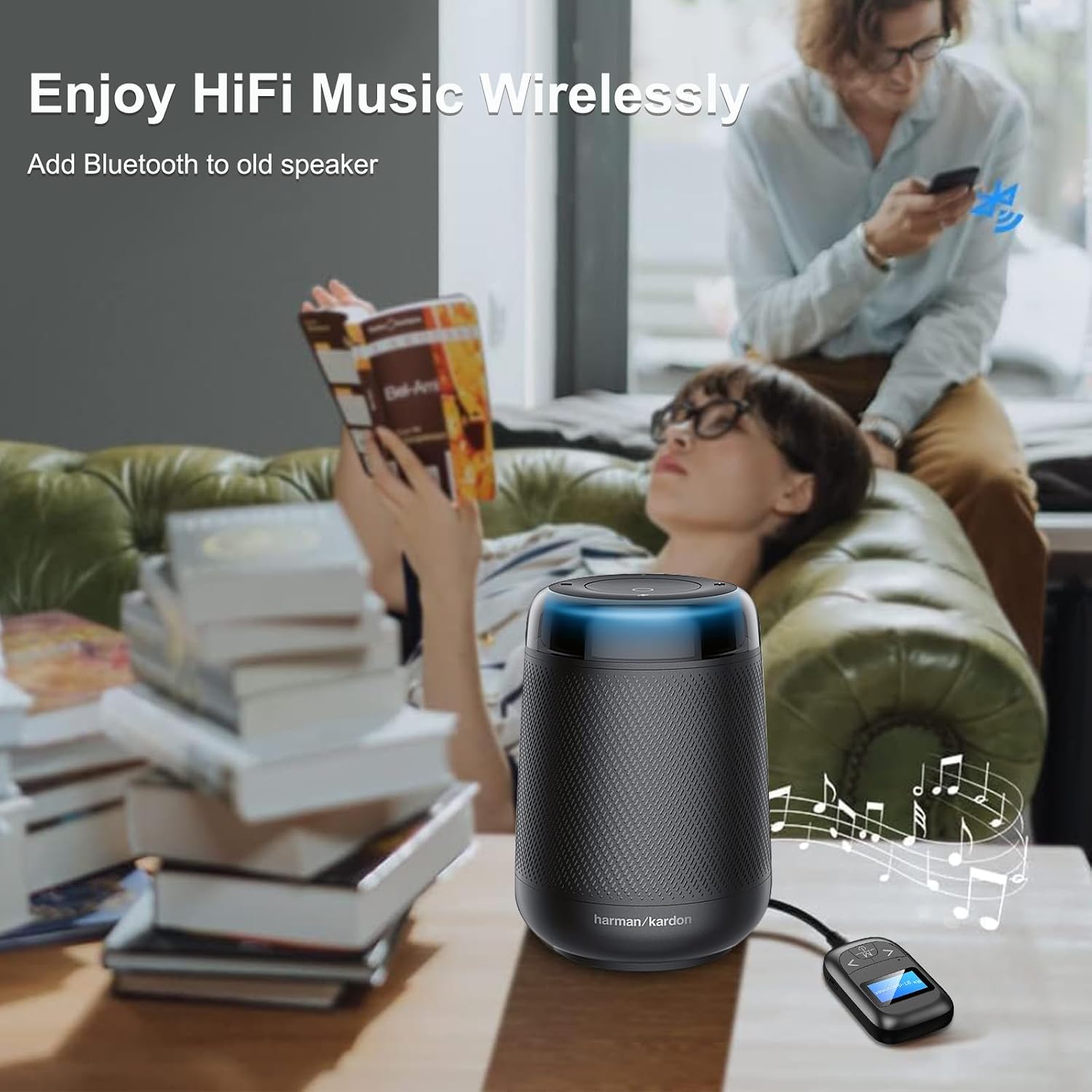
Figure 3: Using the Wodgreat T14 in RX Mode with a Wired Speaker. This image illustrates how the adapter can add Bluetooth streaming capabilities to traditional audio systems, allowing wireless music playback from a smartphone.
Video 2: RX Mode Setup Guide. This video demonstrates the process of setting up and using the Wodgreat T14 in Receiver (RX) mode, connecting it to a wired speaker and pairing with a smartphone for wireless music streaming.
Hands-Free Calling
When in RX mode and paired with a smartphone, the Wodgreat T14 supports hands-free calling thanks to its built-in microphone.
- Answer/End Call: Short press the Multifunction Button (M key) to answer an incoming call or end an ongoing call.
- Reject Call: Long press the Multifunction Button (M key) to reject an incoming call.
- Redial: Double-press the Multifunction Button (M key) to redial the last number.
- Volume Control: Use the "<" and ">" buttons to adjust the call volume.

Figure 4: Hands-Free Calling with Wodgreat T14. This image shows the adapter facilitating hands-free communication in a vehicle, allowing users to manage calls safely while driving.
Charging and Battery
The Wodgreat T14 features a high-capacity built-in battery, providing up to 10 hours of continuous usage on a single charge. It also supports charging while playing.
- Charging: Connect the device to a USB power source (e.g., computer USB port, USB wall adapter) using the provided USB charging cable. The LCD screen will indicate charging status.
- Battery Life: A full charge provides approximately 10 hours of operation. Actual battery life may vary based on usage and volume levels.
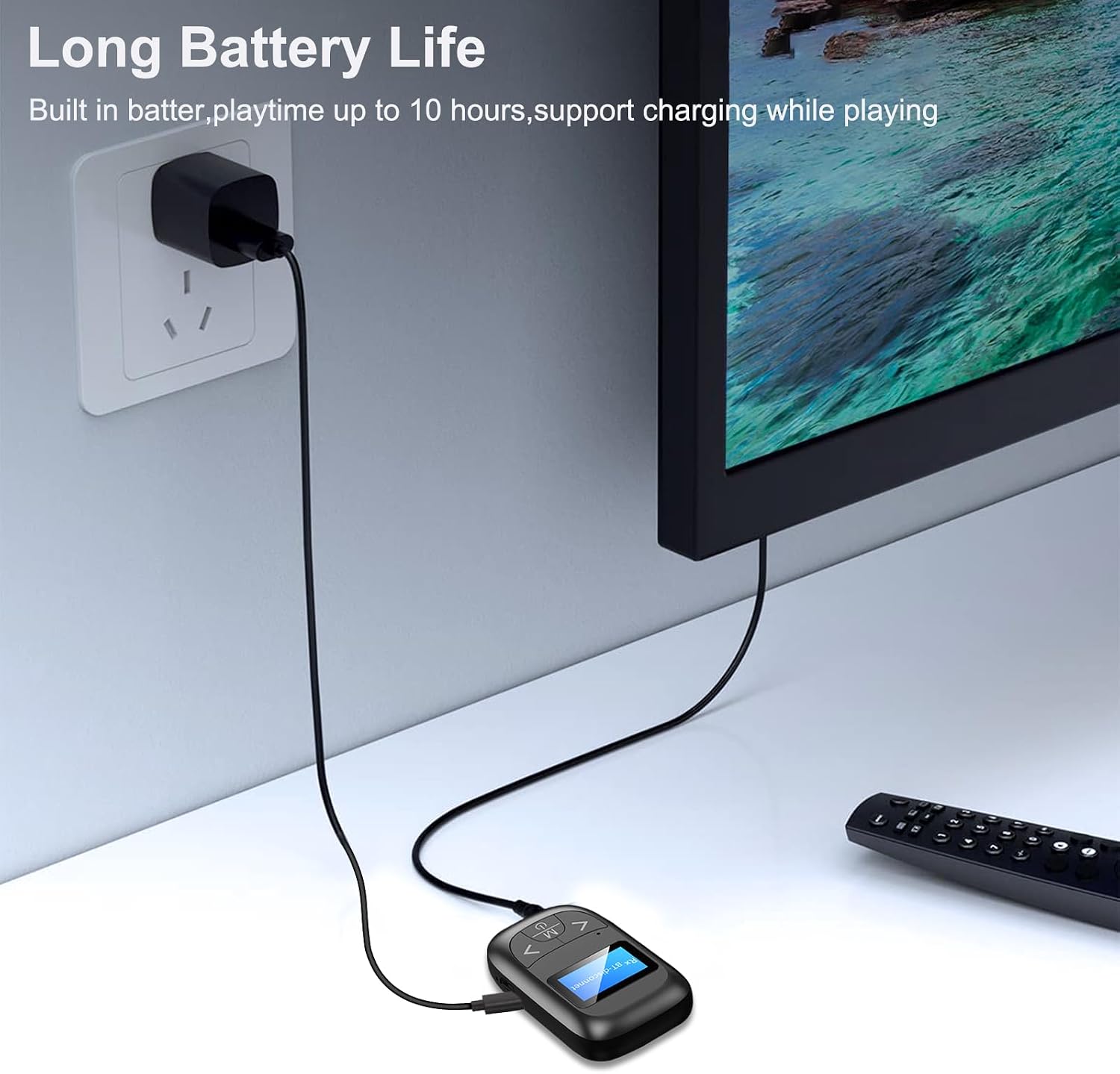
Figure 5: Charging the Wodgreat T14. This image shows the device being charged, highlighting its convenience with a long battery life and the option to charge during operation.
Troubleshooting
If you encounter issues with your Wodgreat T14, please refer to the following common solutions:
- Device not powering on: Ensure the device is fully charged. Connect it to a power source using the USB cable and try again.
- Cannot pair with a device:
- Ensure the Wodgreat T14 is in the correct mode (TX for transmitting, RX for receiving).
- Make sure the target Bluetooth device (headphones, speaker, smartphone) is in pairing mode and within range (up to 33ft/10m).
- Clear previous pairing records on both the Wodgreat T14 and your target device, then attempt to pair again.
- No audio or poor audio quality:
- Check all 3.5mm audio cable connections to ensure they are secure.
- Adjust the volume on both the Wodgreat T14 and the connected audio device.
- Ensure there are no obstructions or strong interference sources between the Wodgreat T14 and the paired Bluetooth device.
- Verify that the correct audio input/output is selected on your source/output device.
- LCD screen not displaying: The screen may enter standby mode to save power. Press any button to wake it up. If it remains blank, try recharging the device.
Specifications
| Feature | Detail |
|---|---|
| Brand | Wodgreat |
| Model | T14 |
| Bluetooth Version | 5.0 + EDR |
| Hardware Interface | 3.5mm Audio |
| Compatible Devices | PC, Smartphone, Speaker, Television, iPad |
| Special Features | Bluetooth 5.0, Hands-Free Calls, Stable Bluetooth Connection, Wireless Audio Transmission, LCD Display |
| Display Type | LED |
| Audio Input Compatible | 3.5mm AUX |
| Audio Output Mode | Stereo |
| Audio Output Type | Bluetooth headphone, Speaker |
| Power Source Type | Battery Powered |
| Battery Type | Lithium Ion (1 included) |
| Wireless Standard | Bluetooth |
| Data Link Protocol | Bluetooth Baseband Protocol |
| Connector Type | Bluetooth |
| Compatible Media Type | Bluetooth 5.0, Bluetooth Baseband Protocol |
| Media Type | MP3, WAV |
| Rechargeable Battery | Yes |
| Transmission Distance | Up to 33ft (10m) |
| Playtime | Up to 10 hours |
| Color | Black |
| Item Model Number | T14 |
| ASIN | B09Z4GWP4W |

Figure 6: Bluetooth 5.0 Technology Features. This image visually represents the advantages of the integrated Bluetooth 5.0 technology, such as extended range, enhanced stability, reduced latency, and improved resistance to interference.
Warranty and Support
Wodgreat products are designed for reliability and performance. For warranty information or technical support, please refer to the product packaging or contact Wodgreat customer service through the retailer where you purchased the product. Please have your model number (T14) and purchase details ready when contacting support.


