
Introduction
Welcome to your new Boifun Portable DVD Player. This manual provides detailed instructions for setting up, operating, and maintaining your device. Please read it thoroughly to ensure optimal performance and longevity of your player.
Package Contents
Verify that all items listed below are included in your package:
- Boifun Portable DVD Player
- Remote Control
- User Manual
- Car Charger
- AC Adapter
- AV Cable

Image: Boifun Portable DVD Player with included accessories.
Product Features
14.1-inch HD Swivel Screen
Enjoy a clear and vibrant viewing experience with the 14.1-inch (1366x768 resolution) swivel screen. The thin bezel design enhances immersion, and the screen can rotate for optimal viewing angles.
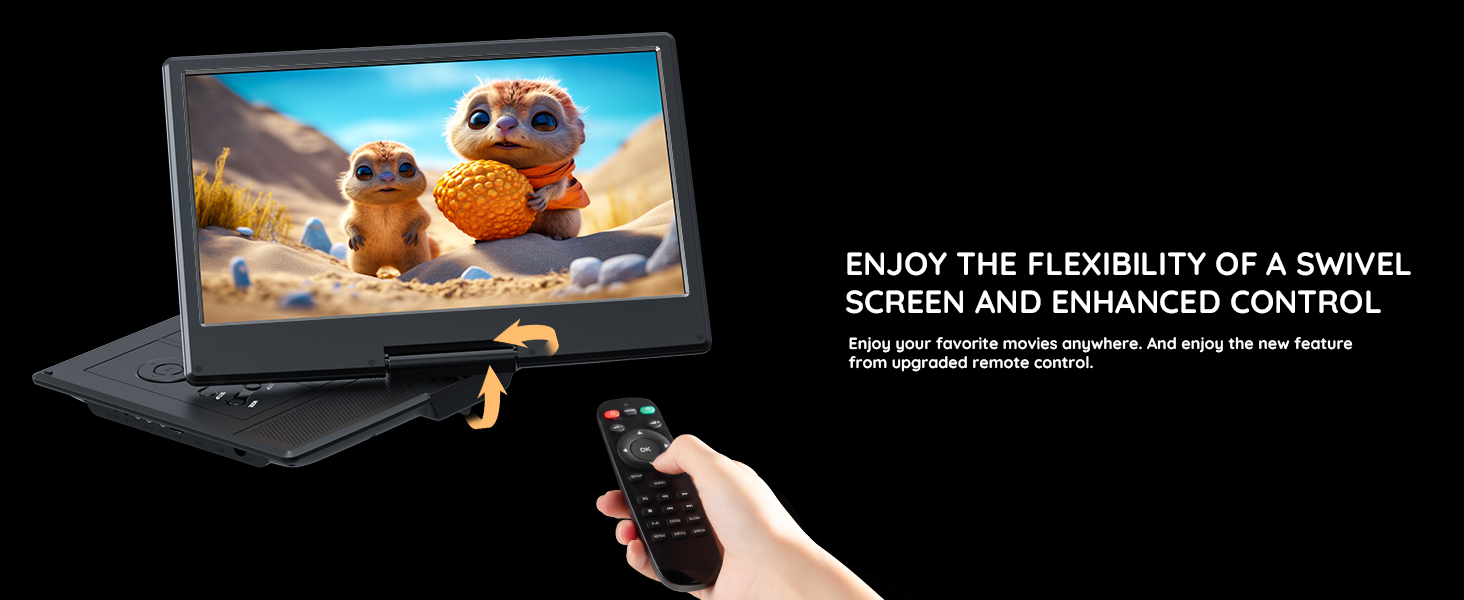
Image: The Boifun portable DVD player showcasing its 14.1-inch swivel screen.
Long-Lasting Battery
The integrated 4000mAh battery provides up to 6 hours of continuous playback on a single charge, ideal for extended trips.
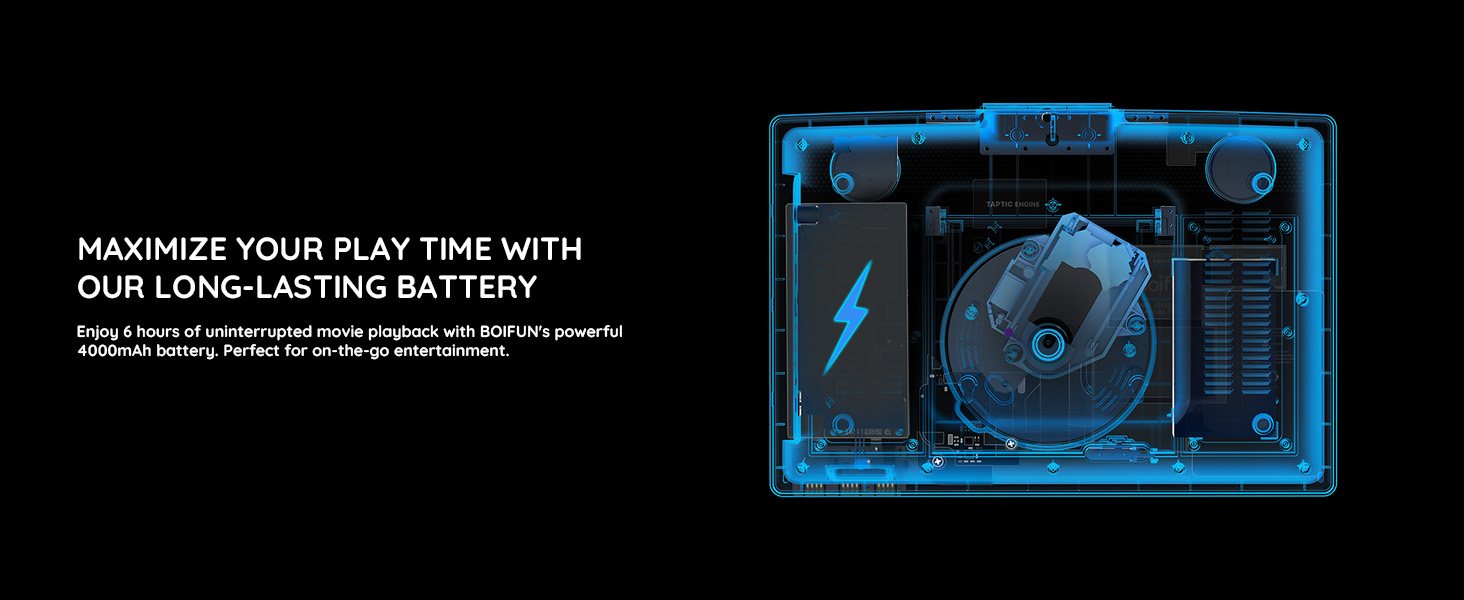
Image: Diagram illustrating the 4000mAh battery for 6 hours of playback.
Upgraded Dual Speakers
Experience dynamic sound with adjustable volume levels from the upgraded dual speaker system. The disc rotation and laser head movement have been designed to minimize noise.
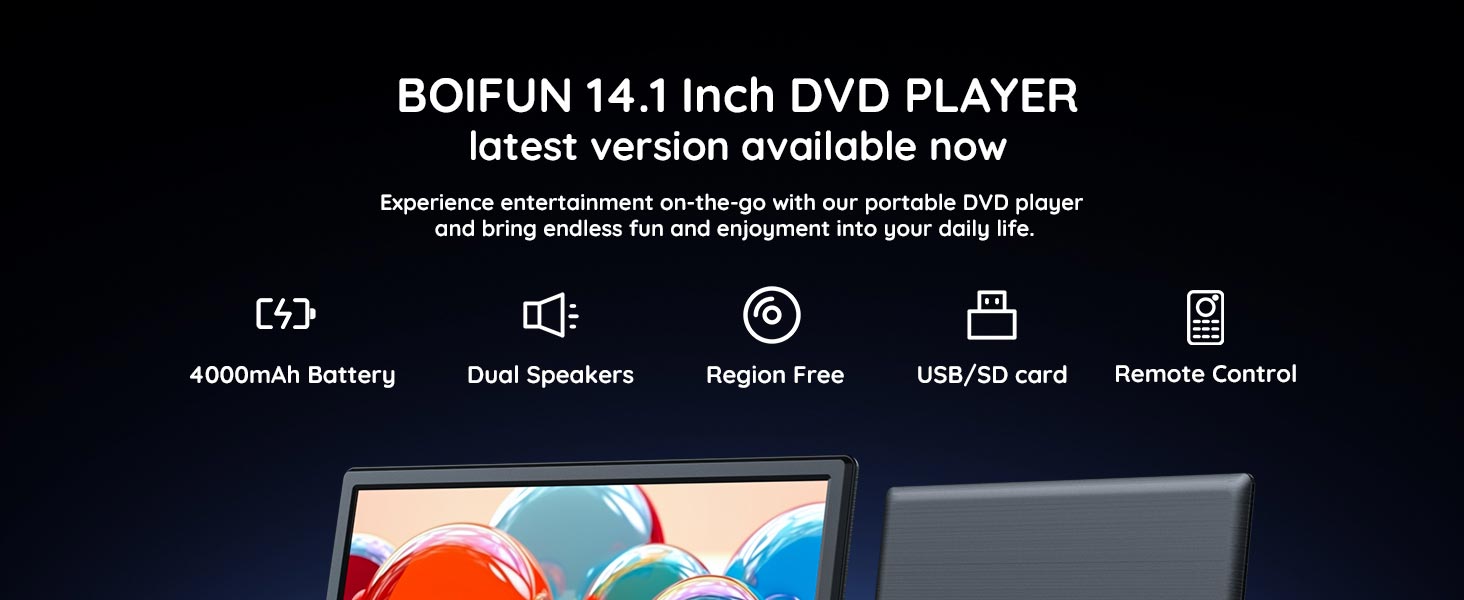
Image: View of the player's internal components, including the upgraded dual speakers.
Region-Free Playback & Multiple Formats
The player supports region-free DVD playback (DVD region codes 1-6) and a wide range of disc and file formats:
- Compatible Discs: CD, DVD, CD-R, CD-RW, VCD, SVCD, CVD, DVD±R, DVD±RW (Note: Blu-ray discs are not supported)
- Compatible Audio Formats: MP3, WMA, OGG, AAC (bit rates 32-192kbps)
- Compatible Video Formats: AVI, MPG, VOB, FLV, RMVB (Resolution must be within 720x576). MP4 files need to be converted.
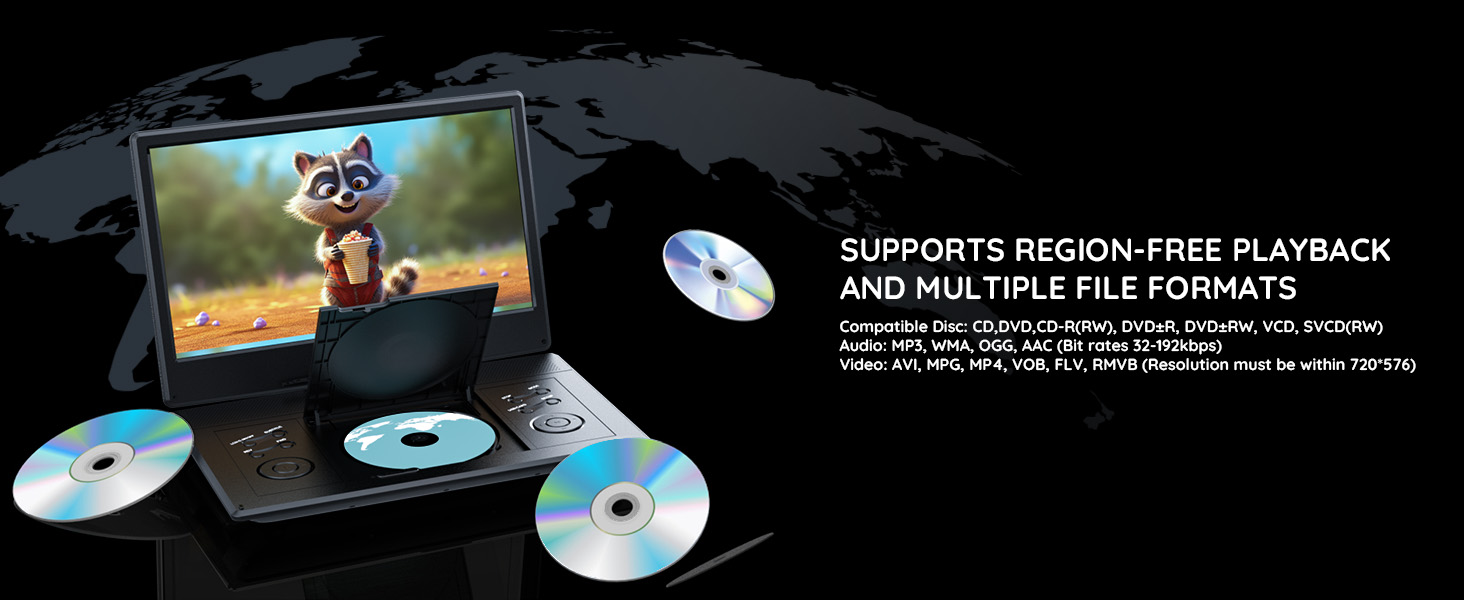
Image: Player demonstrating region-free playback and compatibility with various media formats.
Resume Playback Function
The device remembers the last point you stopped watching, allowing you to resume playback seamlessly from where you left off.

Image: Visual representation of the resume playback feature.
Setup and Basic Operation
Powering On/Off
Connect the AC adapter or car charger to the device and a power source. Press the power button located on the device to turn it on or off.
Loading a Disc
Gently open the disc cover. Place the DVD or CD onto the spindle with the label side facing up. Ensure the disc is seated correctly. Close the disc cover firmly until it clicks.
Video: Demonstration of loading a DVD into the player. (Segment 0:15-0:17)
Basic Playback Controls (Remote Control)
Use the included remote control for convenient operation. Key functions include:
- Fast Forward/Rewind: Press the fast forward (►►) or rewind (◄◄) buttons to adjust playback speed from 2x to 32x.
- A-B Loop: Use the A-B button to set a start point (A) and an end point (B) for continuous looping playback of a specific segment.
- Slow Playback: The 'SLOW' button allows for slow-motion playback at speeds of 1/2, 1/4, 1/8, or 1/16 times the normal speed.
- Zoom: The 'ZOOM' button enables zooming in and out (e.g., 2X, 3X, 4X, 1/2, 1/3).
Video: Demonstration of remote control functions including fast forward, rewind, A-B loop, slow motion, and zoom. (Segment 0:57-1:25)
Connectivity Options
Connecting to a TV
Use the provided AV cable to connect the portable DVD player to your television. Match the colored plugs (yellow for video, white for left audio, red for right audio) to the corresponding input ports on your TV. Select the correct AV input source on your TV to display the content.
Video: Instructions for connecting the DVD player to a television using an AV cable. (Segment 0:00-0:14)
Connecting to a Projector
Connect the AV cable from the DVD player's AV OUT port to the AV IN port on your projector. Ensure the projector's input source is set to AV to display the video.
Video: Guide on how to connect the DVD player to a projector. (Segment 0:34-0:43)
Pairing with Another Boifun DVD Player
Connect two Boifun DVD players using the provided AV cable to share content across both screens, creating a dual-screen viewing experience.
Video: Instructions for pairing two Boifun DVD players for synchronized playback. (Segment 0:44-0:54)
USB and SD Card Playback
Insert a USB flash drive or SD card into the designated slot to play compatible media files directly from the storage device.
Maintenance and Care
Cleaning the Device
Use a soft, dry, lint-free cloth to clean the screen and exterior surfaces. Avoid using liquid cleaners or abrasive materials directly on the screen or player body.
Disc Care
Handle discs by their edges to prevent fingerprints and scratches. Store discs in their original cases or protective sleeves when not in use. If a disc is dirty, gently wipe it with a soft, lint-free cloth from the center outwards.
Battery Care
To prolong the life of the internal battery, fully charge the device before its first use. If the device will not be used for an extended period, charge it periodically (e.g., every 3 months) to maintain battery health.
Troubleshooting
No Power
- Ensure the AC adapter or car charger is securely connected to both the player and a functional power source.
- If operating on battery, ensure the battery is sufficiently charged.
No Picture/Sound
- Verify the disc is clean, free of scratches, and correctly inserted.
- If connected to an external display (TV/projector), check all AV cable connections and ensure the correct input source is selected on the display.
- Adjust volume levels on both the DVD player and the connected display.
Disc Not Playing
- Ensure the disc format is supported by the player (refer to the "Supported Formats" section).
- Clean the disc for any smudges or fingerprints.
- Try playing a different disc to determine if the issue is with the player or the specific disc.
Specifications
| Feature | Detail |
|---|---|
| Brand | BOIFUN |
| Model Number | BFN-142 |
| Screen Size | 14.1 Inches |
| Native Resolution | 1366x768 |
| Display Type | LCD |
| Colour | Black |
| Media Types Supported | CD, DVD, DVD+R, DVD+RW, VCD, SVCD, CD-R, CD-RW |
| Network Connectivity | FM |
| Compatible Devices | Car Audio System, Projector, Mobile Phone |
| Country of Origin | China |
Warranty and Support
This Boifun Portable DVD Player comes with a 1-year warranty. For any product-related issues, technical assistance, or warranty claims, please contact Boifun customer support.
Customer Support Email: admin@boifun.net
Video: Boifun customer support contact information. (Segment 1:31-1:33)


