
1. Introduction
The Mosiller Electric Fly Swatter Racket WD-942 is a versatile 2-in-1 device designed for effective insect control. It functions as both a handheld electric fly swatter and a standing mosquito trap lamp. Featuring a 4000V high-voltage grid and UV light attraction, it provides a chemical-free solution for eliminating mosquitoes, flies, and other flying insects indoors and outdoors. This manual provides detailed instructions for safe and efficient use.
2. Safety Information
- High Voltage: The internal grid operates at 4000V. Do not touch the internal grid when the device is active or charging.
- Child Safety: Keep out of reach of children. The device features a 3-layer safety mesh to prevent accidental contact with the high-voltage grid, but supervision is recommended.
- Water Exposure: Do not expose the device to water or use it in wet conditions. This can cause electric shock or damage the device.
- Flammable Materials: Do not use near flammable liquids or gases.
- Cleaning: Ensure the device is turned off and unplugged before cleaning. Use a dry brush or cloth to remove insect debris.
- Charging: Use only the provided USB charging cable and a compatible power adapter (not included). Do not overcharge.
- Damage: Do not use if the device is damaged. Contact customer support for assistance.
3. Package Contents
- Mosiller Electric Fly Swatter Racket (1 or 2 units, depending on pack)
- USB Charging Base (1 or 2 units, depending on pack)
- USB Charging Cable (1 or 2 units, depending on pack)
- User Manual
4. Product Features
- 2-in-1 Functionality: Handheld electric swatter and standing mosquito trap lamp.
- High Voltage: 4000V high-voltage grid for efficient insect elimination.
- UV Light Attraction: Integrated purple UV light (360-400nm wavelength) to attract mosquitoes and other flying insects.
- 3-Layer Safety Mesh: External protective grids on both sides prevent accidental contact with the inner high-voltage grid.
- Rechargeable Battery: Built-in 1800mAh large capacity battery for cordless operation.
- USB Charging Base: Convenient charging dock for easy storage and charging.
- Safety Double Switch: Ensures safe operation and prevents accidental activation.
- Battery Indicator: LED lights on the handle show remaining battery life.

Image 4.1: Mosiller Electric Fly Swatter Racket highlighting its features including electric shock protection, 4000V high voltage, UV light, USB charging base, 1800mAh battery, and safety double switch.
5. Setup and Charging
5.1 Initial Charge
Before first use, fully charge the device. Connect the USB charging cable to the charging base and a compatible USB power source (e.g., power adapter, power bank, car charger). Place the fly swatter into the charging base. The LED indicators on the handle will show the charging status. A full charge typically takes several hours.

Image 5.1: The Mosiller Electric Fly Swatter Racket placed on its USB charging base, connected to a power source. This image illustrates the charging process and the various compatible power sources.
5.2 Battery Level Indication
The LED lights on the handle indicate the battery level. When charging, the lights will illuminate progressively. When fully charged, all lights will remain on. During use, the lights will decrease as the battery drains.
6. Operating Instructions
6.1 Manual Swatter Mode ("ON1")
- Slide the power switch on the handle to the "ON1" position.
- Press and hold the white activation button on the handle. The working red light will illuminate, indicating the high-voltage grid is active.
- Wave the racket towards flying insects to make contact with the grid. A "zap" sound indicates successful elimination.
- Release the button to deactivate the high-voltage grid.
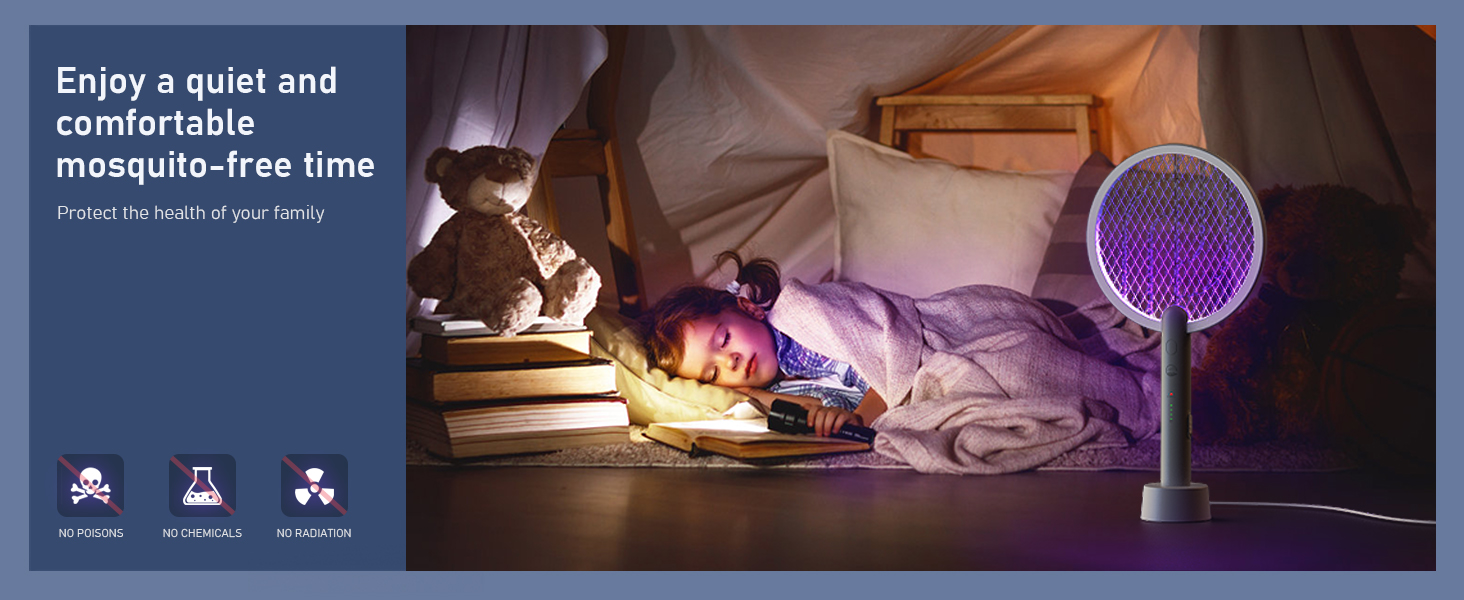
Image 6.1: Step-by-step guide for activating and using the manual swatter mode ("ON1"), showing the switch, activation button, and waving action.
6.2 Mosquito Trap Lamp Mode ("ON2")
- Slide the power switch on the handle to the "ON2" position.
- Place the fly swatter into the USB charging base. The UV light will activate, attracting insects to the high-voltage grid.
- The device will automatically eliminate insects that come into contact with the grid.
- This mode is ideal for continuous, hands-free insect control in bedrooms, living rooms, or outdoor areas.
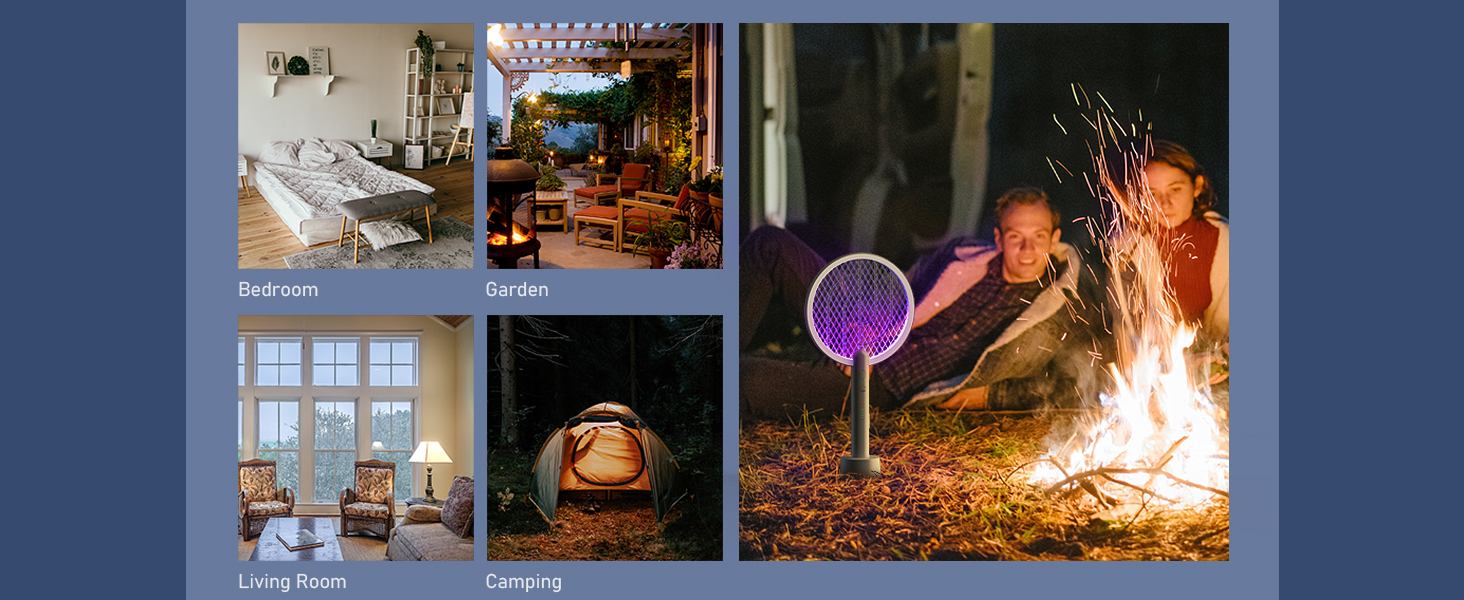
Image 6.2: Step-by-step guide for activating and using the auto mosquito trap lamp mode ("ON2"), showing the switch, placement in the charging base, and continuous operation.
7. Maintenance
- Cleaning the Grid: After use, ensure the device is turned off and unplugged. Use a soft, dry brush to gently remove any insect debris from the high-voltage grid. Do not use water or cleaning solutions.
- Storage: Store the device in a cool, dry place away from direct sunlight and moisture.
- Battery Care: To prolong battery life, avoid completely draining the battery frequently. Charge the device regularly, even if not in constant use.
8. Troubleshooting
| Problem | Possible Cause | Solution |
|---|---|---|
| Device not turning on/no "zap" sound. | Battery is low or depleted. Power switch is not in "ON1" or "ON2" position. Activation button not pressed (Manual Mode). | Charge the device fully. Ensure the switch is correctly positioned. Press and hold the activation button. |
| UV light not working in "ON2" mode. | Device not properly seated in the charging base. Battery is low. | Ensure the swatter is correctly placed in the charging base. Charge the device. |
| Ineffective at eliminating insects. | Insufficient contact with the grid. Grid is dirty with insect debris. | Ensure direct contact with the high-voltage grid. Clean the grid as per maintenance instructions. |
| Charging indicator lights not working. | Charging cable or adapter is faulty. Device not properly connected to power. | Try a different USB cable or power adapter. Re-seat the device in the charging base and ensure cable is secure. |
9. Specifications
- Model: WD-942
- Brand: Mosiller
- Voltage: 4000V (Grid)
- Battery Capacity: 1800mAh
- Charging: USB Rechargeable
- Material: Plastic
- Product Dimensions: 15"L x 1"W x 9"H
- Item Weight: 0.92 Kilograms (approx. 2.03 pounds)
- Target Species: Mosquitoes, Flies, Gnats, etc.
- UPC: 710436129397
10. Warranty and Support
For warranty information or technical support, please refer to the product packaging or contact Mosiller customer service directly. Contact details can typically be found on the official Mosiller website or through your purchase platform.