
Introduction
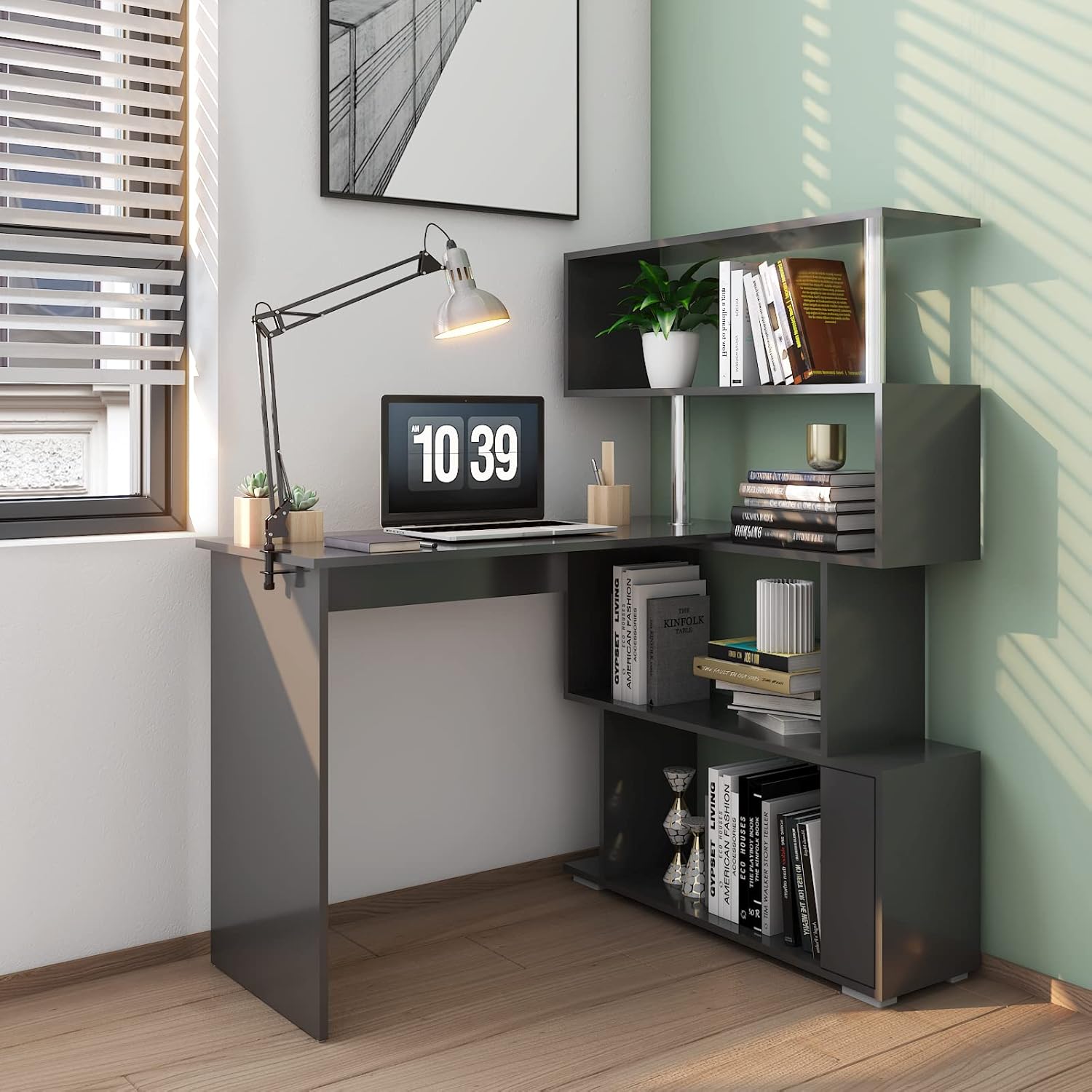
This manual provides detailed instructions for the assembly, operation, and maintenance of your Mondeer 41.7" L Shaped Desk with 4-Tier Storage Shelves. Please read all instructions carefully before beginning assembly and retain this manual for future reference. Proper assembly and care will ensure the longevity and stability of your desk.
Important Safety Information
- Always assemble the desk on a soft, clean surface to prevent scratches.
- Ensure all screws and fasteners are securely tightened before use. Periodically check and re-tighten as needed.
- Do not overload the desk or shelves. Refer to the specifications for maximum weight recommendations.
- Keep small parts and packaging materials away from children and pets to prevent choking hazards.
- For enhanced stability, especially in the L-shape configuration, consider installing the included anti-tip wall anchors.
- Use the desk on a level surface to prevent wobbling and potential tipping.

Package Contents
Before beginning assembly, carefully unpack all components and verify that all parts and hardware are present and undamaged. Refer to the parts list provided in your packaging for a complete inventory. If any parts are missing or damaged, please contact customer support.
- Desk Top Panel
- Shelf Unit Panels (4 tiers)
- Support Legs/Panels
- Rotating Mechanism Components
- Hardware Pack (screws, dowels, connectors, wall anchors)
- Assembly Tools (e.g., Allen wrench)
Setup and Assembly
Follow these steps to assemble your Mondeer L-Shaped Desk. It is recommended to have two people for assembly to ensure ease and safety.
- Prepare the Area: Clear a spacious, flat area for assembly. Lay down a blanket or cardboard to protect the desk components and your floor.
- Identify Parts: Separate and identify all desk panels and hardware using the provided parts list and diagrams.
- Assemble the Main Desk Section: Attach the desk legs/panels to the main desk top panel using the specified hardware. Ensure all connections are firm.
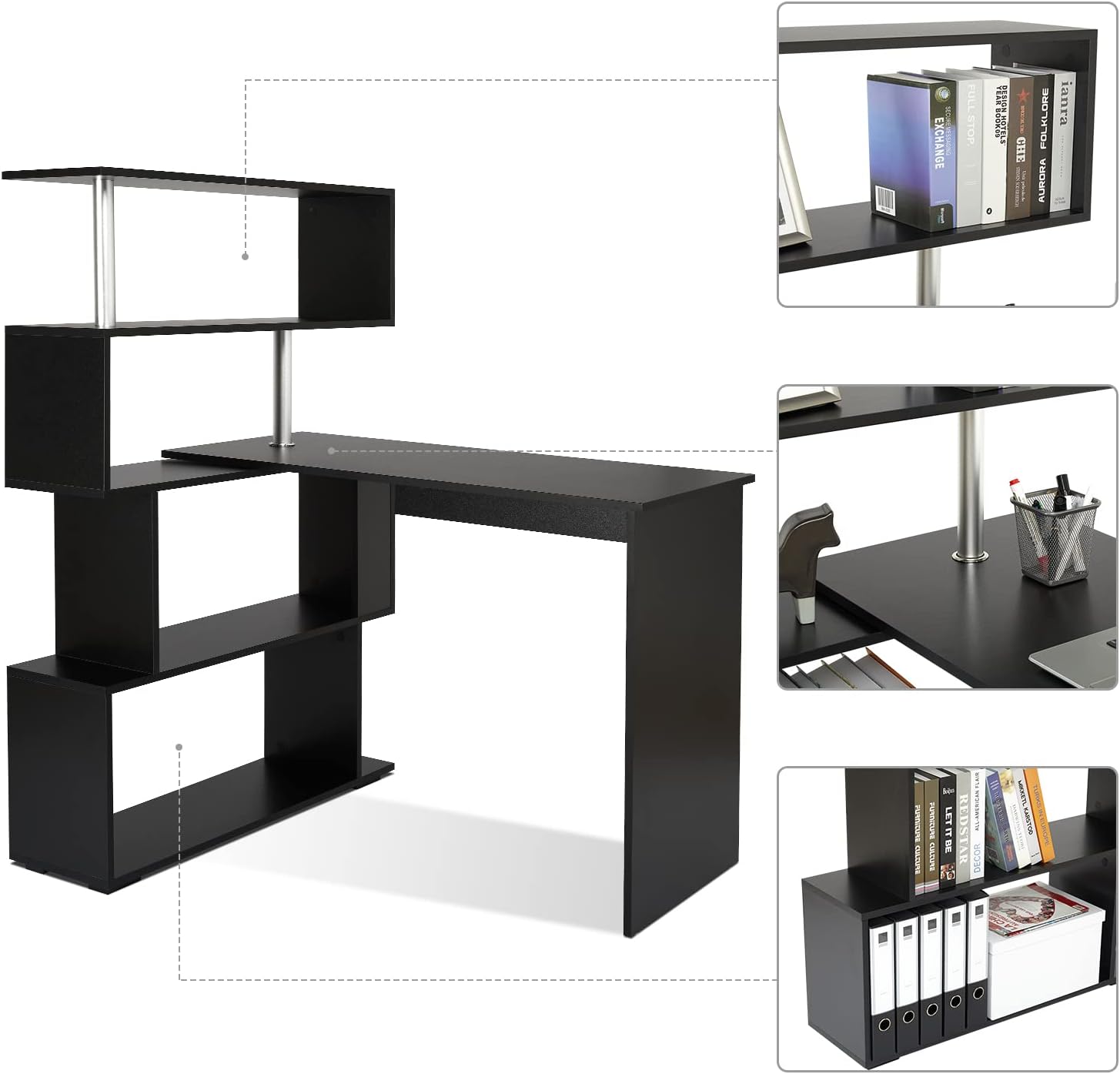
- Assemble the 4-Tier Storage Shelf Unit: Construct the shelving unit by connecting the shelf panels and vertical supports. Pay attention to the orientation of each panel.
- Connect Desk and Shelf Unit: Carefully align and attach the main desk section to the storage shelf unit. This connection typically involves the rotating mechanism. Ensure the mechanism is installed correctly to allow smooth rotation.
- Secure Connections: Double-check all screws and fasteners to ensure they are fully tightened. Do not overtighten.
- Position the Desk: Move the assembled desk to its desired location. Adjust the configuration as needed (see Operating Instructions).
- Install Wall Anchors (Optional but Recommended): For added stability, especially if the desk will be in an L-shape or if there are children in the household, install the anti-tip wall anchors as shown in Figure 1.

Operating Instructions
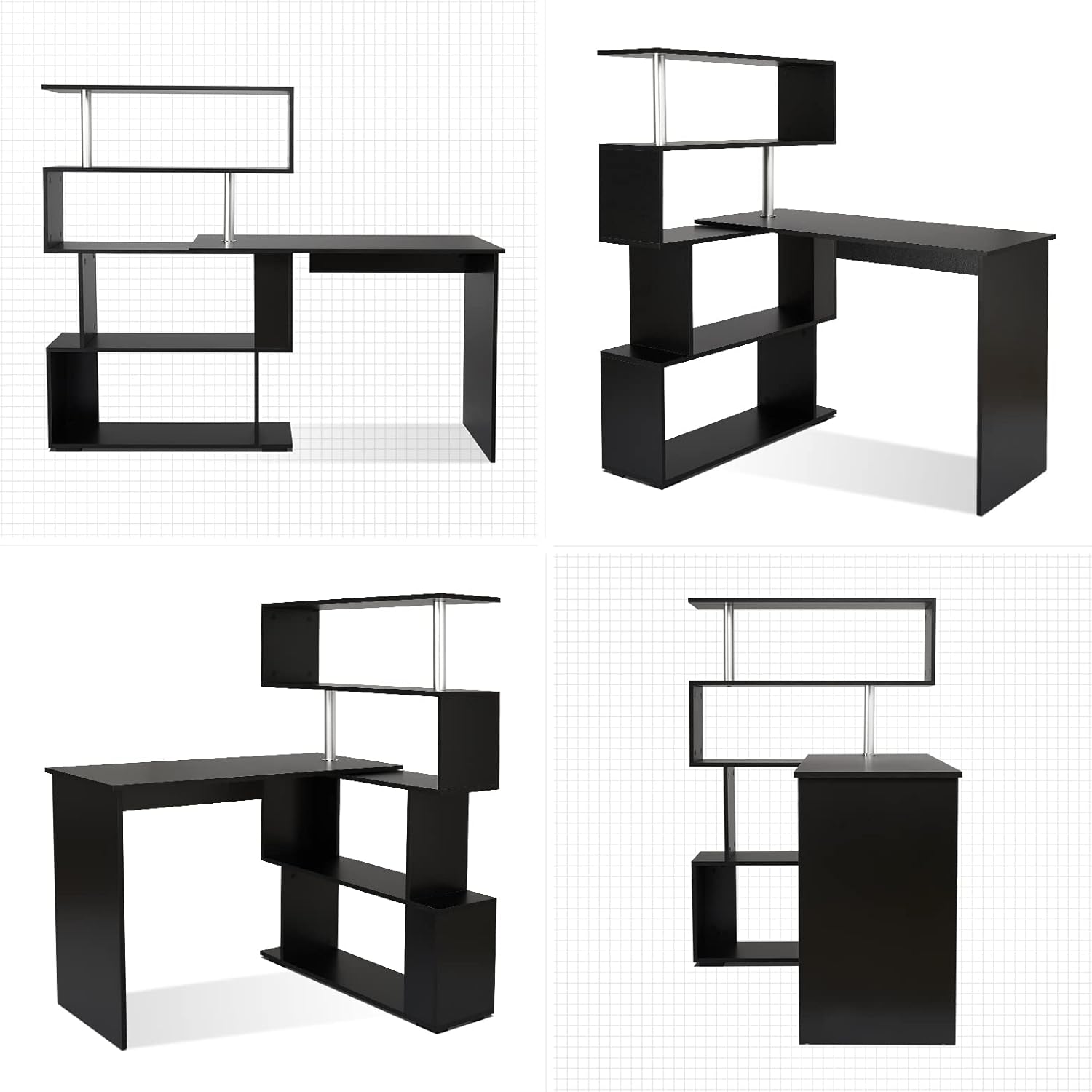
The Mondeer L-Shaped Desk features a unique 360° rotating design, allowing for flexible configuration to suit various spaces and needs.
Adjusting the Desk Configuration
To change the desk's shape from an L-shaped corner desk to a straight desk, or any angle in between, gently rotate the desk section relative to the shelving unit. Ensure the area around the desk is clear of obstructions to allow for smooth movement. The rotation mechanism is designed for ease of use.

Utilizing Storage Shelves
The integrated 4-tier storage shelves provide ample space for organizing books, files, office supplies, and decorative items. Arrange items to maintain balance and avoid overloading any single shelf.
Maintenance
Proper care and maintenance will help preserve the appearance and functionality of your desk.
- Cleaning: Wipe surfaces with a soft, damp cloth. Avoid using abrasive cleaners, harsh chemicals, or solvents, as these can damage the finish.
- Spills: Immediately wipe up any spills to prevent staining or damage to the wood material.
- Hardware Check: Periodically inspect all screws, bolts, and connections. Re-tighten any loose hardware to maintain stability.
- Protection: Use coasters under drinks and protective pads under hot items to prevent heat marks and moisture damage.

Troubleshooting
If you encounter any issues with your desk, refer to the following common problems and solutions:
- Desk Wobbles:
Solution: Ensure all assembly screws are fully tightened. Verify the desk is placed on a level surface. If the desk is in an L-shape, consider installing the anti-tip wall anchors for additional stability. - Difficulty Rotating the Desk:
Solution: Check for any obstructions around the rotating mechanism. Ensure the mechanism is clean and free of debris. Do not force the rotation; it should move smoothly. - Missing or Damaged Parts:
Solution: If you discover any missing or damaged parts upon unpacking, do not proceed with assembly. Contact Mondeer customer support immediately with your model number and a description of the issue.
Product Specifications
| Feature | Detail |
|---|---|
| Brand | Mondeer |
| Model Number | H1071CD07BK |
| Overall Dimensions (L-Shape) | Approx. 61.8 inches (W) x 17.7 inches (D) x 51.4 inches (H) |
| Overall Dimensions (Straight) | Approx. 75.6 inches (W) x 17.7 inches (D) x 51.4 inches (H) |
| Desk Surface Dimensions | Approx. 41.7 inches (W) x 17.7 inches (D) x 29.7 inches (H) |
| Shelf Unit Dimensions | Approx. 33.9 inches (W) x 17.7 inches (D) x 51.4 inches (H) |
| Color | Black |
| Top Material Type | Wood |
| Base Material | Alloy Steel |
| Furniture Leg Material | Stainless Steel |
| Item Weight | 27 Kilograms (59.5 LBS) |
| Number of Shelves | 4 |
| Maximum Weight Recommendation | 50 Kilograms |

Warranty and Support
Warranty Information
This product is covered by a 30-day easy return policy. Please refer to your purchase documentation for specific terms and conditions regarding returns and exchanges.
Customer Support
For assistance with assembly, missing parts, troubleshooting, or any other product-related inquiries, please contact Mondeer US customer support. You can find contact information and additional resources on the official Mondeer store page on Amazon:
