
SCTEWELL GF09
GF09 Magnetic Mini Car Tracker User Manual
Model: GF09
Introduction
The SCTEWELL GF09 Magnetic Mini Car Tracker is a versatile real-time tracking and locating device. It offers stable performance, allowing you to easily find locations even in challenging environments with poor signal, by utilizing multiple transmission channels to ensure the positioning signal remains active. This device is designed for various applications including elderly care, child safety, vehicle tracking, and luggage anti-loss.

Image: The GF09 Magnetic Mini Car Tracker, a compact device featuring a prominent SOS button on its front face.
Key Features
- Precise Positioning: Supports WiFi positioning, intelligently selecting the mode according to location for fast and accurate tracking. Ideal for tracking elderly individuals, children, cars, and preventing luggage loss.
- Strong Magnetic Suction: Features a strong magnetic base for secure attachment.
- Ultra-Long Standby: Designed for extended battery life, reducing the need for frequent charging.
- Compact and Portable: Small and exquisite design makes it easy to carry.
- SOS for Help: Allows users to make distress calls in emergencies.
- Fence Protection & Smart Alarm: Provides geofencing capabilities and timely alerts, including notifications for elderly individuals falling.
- Historical Track: View the device's movement history via the accompanying mobile application, useful for monitoring whereabouts and preventing loss.
- Voice Recording: Automatic continuous recording when sound is detected, with remote listening capability via phone.
- Automatic Voice Callback: Triggers a call to a preset number when ambient sound exceeds 60 decibels.

Image: The GF09 Mini Location Tracker, highlighting its precise positioning and real-time tracking capabilities, shown alongside a car and map location pins.

Image: A collage illustrating various scenarios where the GF09 Mini Positioning Tracker can alleviate worries, such as finding a car, locating a lost elderly person, or a panicked child.
What's in the Box
- Battery

Image: A product display showing the GF09 tracker from various angles, along with its charging cable and user manual.
Specifications
| Specification | Value |
|---|---|
| Product Dimensions | 1.97 x 1.18 x 3.94 inches |
| Item Weight | 7.1 ounces |
| ASIN | B09YRC5BHJ |
| Connectivity technologies | Wi-Fi |
| Special features | Magnetic |
| Other display features | Wireless |
| Whats in the box | Battery |
| Manufacturer | sctewell.co.,ltd |
| Date First Available | April 25, 2022 |
| Brand | SCTEWELL |
| Special Feature | Magnetic |
| Connectivity Technology | Wi-Fi |
| Supported Application | Alarm |
| Included Components | Battery |
Setup Guide
1. SIM Card Installation
The GF09 tracker requires a mobile phone SIM card for full functionality. Ensure the device is powered off before inserting the SIM card. Carefully open the SIM card slot and insert the card as shown in the diagram or video, ensuring correct orientation.

Image: The GF09 tracker next to a mobile phone SIM card, illustrating the process of inserting the SIM card into the device's dedicated slot.
2. Charging the Device
Before first use, fully charge the GF09 tracker using the provided USB cable. Connect the cable to the device's charging port and a compatible USB power source. The device will indicate charging status, typically with an LED light.
3. App Download and Binding
To utilize the full features of the GF09 tracker, download the official application to your smartphone. The application can usually be found by scanning a QR code provided in the packaging or searching in your device's app store. Once installed, open the app and follow the instructions to bind your device, typically by scanning the IMEI/QR code located on the tracker or its packaging.
Video: A demonstration of inserting the SIM card into the GF09 tracker and connecting it to a mobile application for initial setup and binding.
Operating Instructions
Real-Time Tracking
Once the device is set up and connected to the app, you can view its real-time location on the map. The GF09 supports precise positioning using WiFi, which enhances accuracy, especially in urban areas or indoors where GPS signals might be weak. The app will display the current location and can show historical routes.

Image: A smartphone screen displaying the GF09's WiFi positioning on a map, indicating a stronger and more precise signal for location tracking.
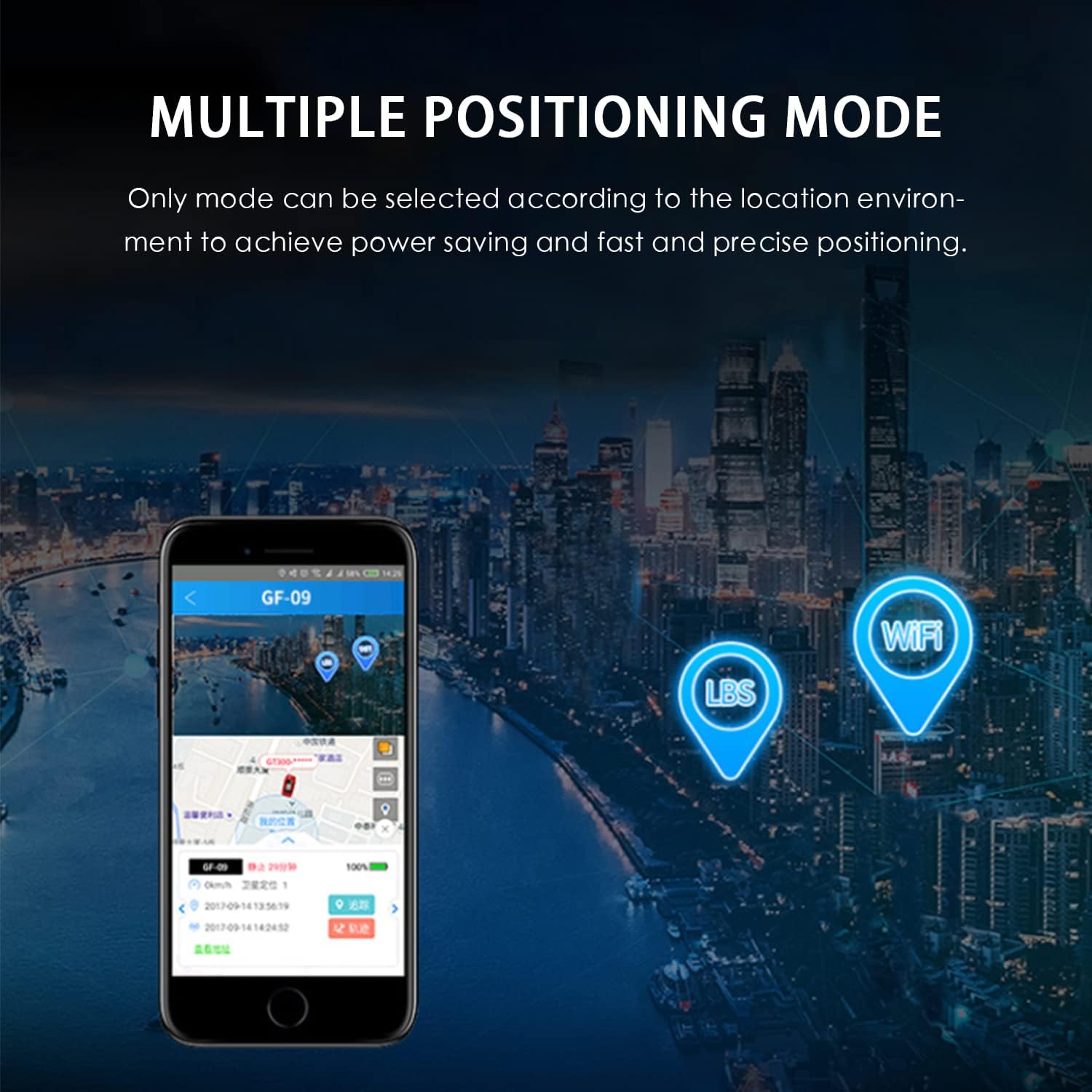
Image: An illustration showing the GF09's multiple positioning modes, including LBS and WiFi, which can be selected based on the environment for power saving and precise tracking.
SOS Function
In an emergency, press and hold the SOS button on the device. This will trigger a distress call or send an alert to pre-configured emergency contacts through the app, helping to ensure timely assistance.
Voice Recording and Monitoring
The device supports voice recording. You can initiate continuous recording when sound is detected, and remotely listen to the surrounding audio through the app on your phone. This feature can be useful for monitoring the environment around the tracker.
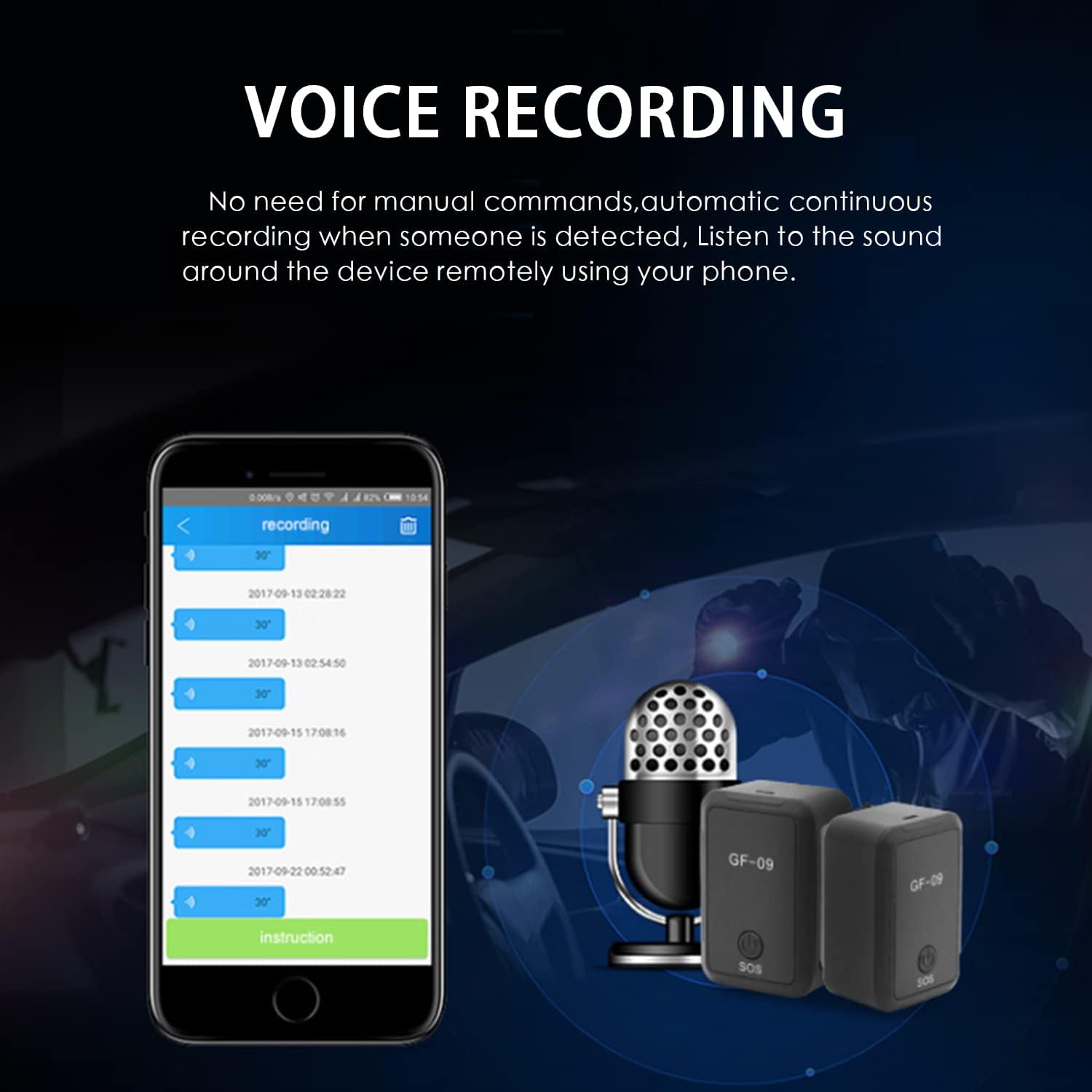
Image: A smartphone screen showing a list of voice recordings, indicating the GF09's capability for voice recording and remote listening without manual commands.
Automatic Voice Callback
Configure the automatic voice callback feature in the app. When the sound around the tracker exceeds 60 decibels, the device can automatically call a pre-set phone number, providing an additional layer of security and awareness.
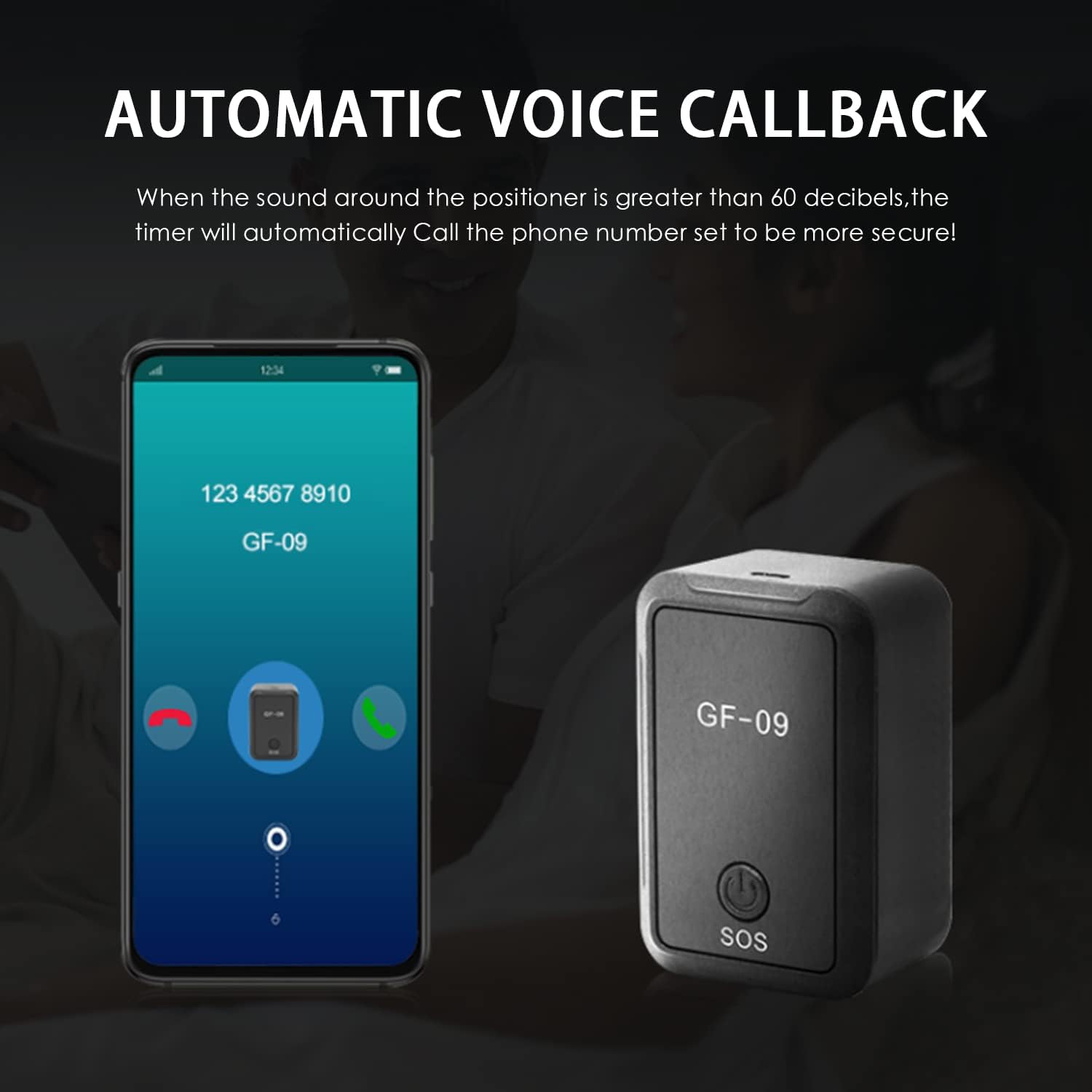
Image: A smartphone displaying an incoming call from the GF09 tracker, illustrating the automatic voice callback feature when ambient sound levels are high.
Troubleshooting
- Device not powering on: Ensure the device is fully charged. Check the charging cable and adapter.
- No signal/Inaccurate positioning: Verify the SIM card is correctly inserted and has an active data plan. Move to an area with better network coverage. Ensure WiFi is available for more precise indoor positioning.
- App not connecting to device: Confirm the device is powered on and has a stable network connection. Re-enter the IMEI/QR code in the app to re-bind the device. Check app permissions on your phone.
- Short battery life: Reduce the frequency of location updates in the app settings. Ensure the device is fully charged before use.
- Voice recording issues: Check if the SIM card has sufficient balance or data for recording transmission. Ensure the microphone is not obstructed.
Maintenance
- Keep the device dry and away from extreme temperatures.
- Clean the device with a soft, dry cloth. Do not use harsh chemicals or abrasive cleaners.
- Avoid dropping or subjecting the device to strong impacts.
- Charge the device regularly, even if not in constant use, to maintain battery health.
Warranty and Support
For warranty information and technical support, please refer to the documentation included with your product or contact SCTEWELL customer service directly. Keep your purchase receipt as proof of purchase.
Ask a question about this manual
Ask about setup, troubleshooting, compatibility, parts, safety, or missing instructions. Manuals+ will review the question and use this page’s manual context to help answer it.