
1. Introduction and Overview
This instruction manual provides essential information for the safe installation, operation, and maintenance of the Satco S8025 S14 Yellow LED Bulb. The S8025 is a 1-watt, 120-volt LED bulb with an E26 base, designed to provide 40 lumens of yellow light. It is an energy-efficient and long-lasting lighting solution suitable for both indoor and outdoor applications, with an average lifespan of 15,000 hours.
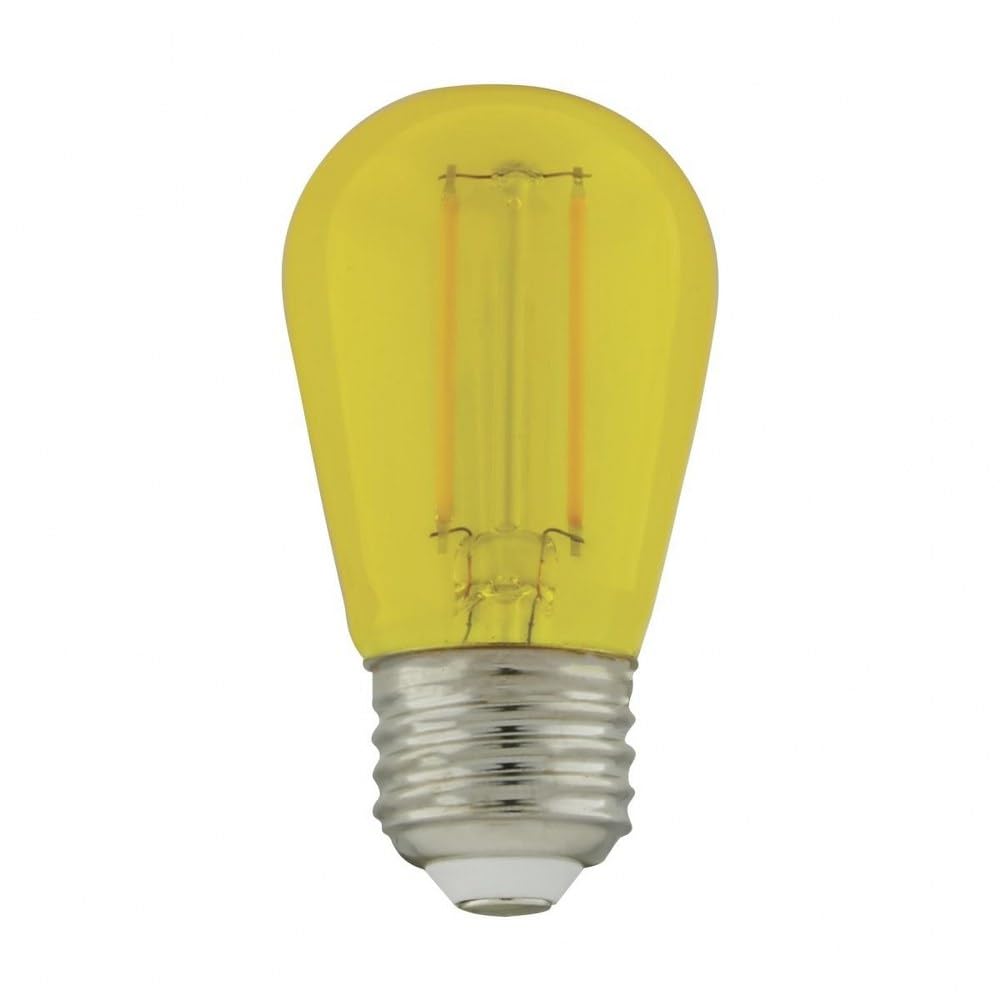
Figure 1: Satco S8025 S14 Yellow LED Bulb. This image displays the yellow-tinted glass bulb with its visible LED filaments and standard E26 screw base.
2. Safety Information
Please read all safety instructions carefully before installing or operating the bulb. Failure to follow these instructions may result in electric shock, fire, or other hazards.
- Power Disconnection: Always turn off the power supply at the circuit breaker or fuse box before attempting any installation, removal, or maintenance of the bulb.
- Voltage Compatibility: Ensure the fixture's voltage (120V) matches the bulb's voltage.
- Wattage: Do not exceed the maximum wattage rating of your light fixture. This bulb is 1 watt.
- Dimmers: This bulb is not specified as dimmable. Do not use with dimmer switches unless explicitly confirmed by the manufacturer.
- Handling: Handle the bulb by its base, not the glass, to avoid breakage or damage to the internal components.
- Environment: Suitable for both indoor and outdoor use in appropriate fixtures. Ensure outdoor fixtures are sealed to protect the bulb from direct water exposure.
- Disposal: Dispose of used bulbs according to local regulations.
3. Setup and Installation
Follow these steps to properly install your Satco S8025 LED bulb:
- Turn Off Power: Locate the circuit breaker or fuse box that controls the power to the light fixture. Turn off the power completely.
- Allow Cooling (if replacing): If replacing an existing incandescent or halogen bulb, allow it to cool down completely before touching it.
- Remove Old Bulb (if applicable): Carefully unscrew the old bulb from the socket by turning it counter-clockwise.
- Install New Bulb: Gently screw the Satco S8025 LED bulb into the E26 base socket by turning it clockwise until it is snug. Do not overtighten, as this can damage the bulb or the fixture.
- Restore Power: Return to the circuit breaker or fuse box and turn the power back on.
- Test: Turn on the light switch to verify the bulb is functioning correctly.
4. Operating Instructions
The Satco S8025 LED bulb is designed for simple operation. Once installed in a compatible fixture and connected to a 120-volt power supply, the bulb will illuminate when the fixture's switch is turned to the 'ON' position. To turn off the light, simply flip the switch to the 'OFF' position.
5. Maintenance
Minimal maintenance is required for the Satco S8025 LED bulb due to its long lifespan and durable construction.
- Cleaning: To clean the bulb, ensure the power is off at the circuit breaker and the bulb is cool to the touch. Gently wipe the exterior with a soft, dry, lint-free cloth. Do not use liquid cleaners, abrasive materials, or harsh chemicals, as these can damage the bulb's finish or internal components.
- Replacement: When the bulb reaches the end of its operational life (approximately 15,000 hours) or if it malfunctions, follow the 'Setup and Installation' instructions to safely remove and replace it with a new compatible bulb.
6. Troubleshooting
If you encounter issues with your Satco S8025 LED bulb, refer to the following troubleshooting steps:
- Bulb Does Not Light Up:
- Ensure the light switch is in the 'ON' position.
- Check if the circuit breaker for the fixture has tripped. Reset if necessary.
- Verify the bulb is securely screwed into the socket. Loosen and re-tighten if needed.
- Test the bulb in a different, known-working fixture to determine if the bulb or the original fixture is faulty.
- Bulb Flickers:
- Ensure the bulb is fully tightened in the socket.
- Confirm that the fixture is not connected to an incompatible dimmer switch. This bulb is not designed for dimming.
- Check for loose wiring in the fixture (consult a qualified electrician if unsure).
- Bulb Appears Dim:
- The bulb provides 40 lumens of light. If you require brighter illumination, consider a bulb with a higher lumen output.
7. Specifications
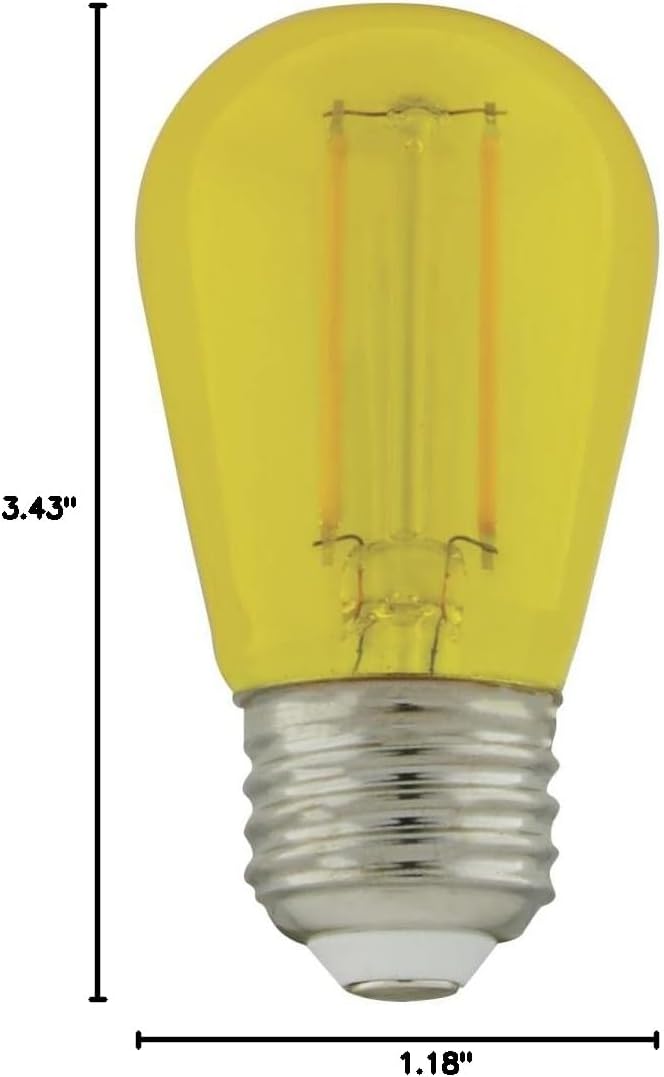
Figure 2: Satco S8025 S14 Yellow LED Bulb with dimensions. The image shows the bulb's height as 3.43 inches and width as 1.18 inches.
| Feature | Specification |
|---|---|
| Brand | Satco |
| Model Name | S8025 |
| Bulb Shape Size | S14 |
| Light Type | LED |
| Wattage | 1 Watt |
| Incandescent Equivalent Wattage | 11 Watts |
| Bulb Base | E26 |
| Light Color | Yellow |
| Voltage | 120 Volts |
| Brightness | 40 Lumens |
| Average Life | 15,000 Hours |
| Material | Glass |
| Product Dimensions | 1.18"W x 3.43"H |
| Indoor/Outdoor Usage | Indoor, Outdoor |
| Special Feature | Energy Efficient, Long Lasting |
| Unit Count (as packaged) | 4.0 Count |
8. Warranty Information
The Satco S8025 S14 Yellow LED Bulb is covered by a manufacturer's warranty. For specific details regarding the warranty period, coverage, and claims process, please refer to the warranty documentation included with your purchase. You may also visit the official Satco website or contact their customer support for further information.
9. Support
For technical assistance, product inquiries, or to report any issues not covered in this manual, please contact Satco customer support:
- Website: Visit the official Satco website for FAQs, product information, and contact options.
- Customer Service: Refer to your product packaging or the Satco website for direct customer service contact details (phone number, email).


