
BLACK+DECKER BDXNMBP01
BLACK+DECKER 4.3" Digital Video Baby Monitor PLUS User Manual
Model: BDXNMBP01
Introduction
The BLACK+DECKER 4.3" Digital Video Baby Monitor PLUS is designed to provide continuous monitoring of your baby, ensuring their safety and your peace of mind. This system features a 4.3-inch digital video display, a Pan-Tilt-Zoom camera, infrared night vision, and room temperature monitoring. It also includes two-way talk functionality and soothing lullabies to comfort your child.

Figure 1: The BLACK+DECKER 4.3" Digital Video Baby Monitor PLUS, showing the parent unit and the camera unit.
Key Features
- 4.3" Digital Video Display: Provides a clear view of your baby.
- Pan-Tilt-Zoom Camera: Remotely adjust the camera's view to cover the entire room.
- Infrared Night Vision: Automatically activates in low light conditions for clear monitoring at night.
- Two-Way Talk: Communicate with your baby from the parent unit.
- Room Temperature Monitoring: Keep track of the nursery's temperature.
- Sound Activated LED Indicators: Visual alerts for noise levels in the baby's room.
- Lullabies: Five soothing sounds to help your baby sleep.
- Secure No Wi-Fi Connection: Utilizes 2.4GHz FHSS wireless connection for privacy and security.
- Multi-Camera Expandability: Supports up to four cameras for comprehensive coverage.
Package Contents
Before setup, ensure all components are present:
- BLACK+DECKER Video Baby Monitor PLUS Parent Unit (4.3" Screen)
- Pan-Tilt-Zoom Camera Unit
- Power Adapters for Parent Unit and Camera Unit
- User Manual (this document)
Setup
1. Powering On
- Connect the power adapter to the Camera Unit and plug it into a wall outlet.
- Connect the power adapter to the Parent Unit and plug it into a wall outlet. The Parent Unit has a built-in rechargeable Li-ion battery (2000mAh) for portable use, lasting up to 8 hours in eco mode.
- Press and hold the Power button on the Parent Unit to turn it on.
2. Camera Placement
Place the camera unit in a location that provides a clear view of your baby. Ensure it is out of reach of children and at least 3 feet (1 meter) away from the crib to prevent entanglement hazards. The camera can be wall-mounted for optimal positioning.
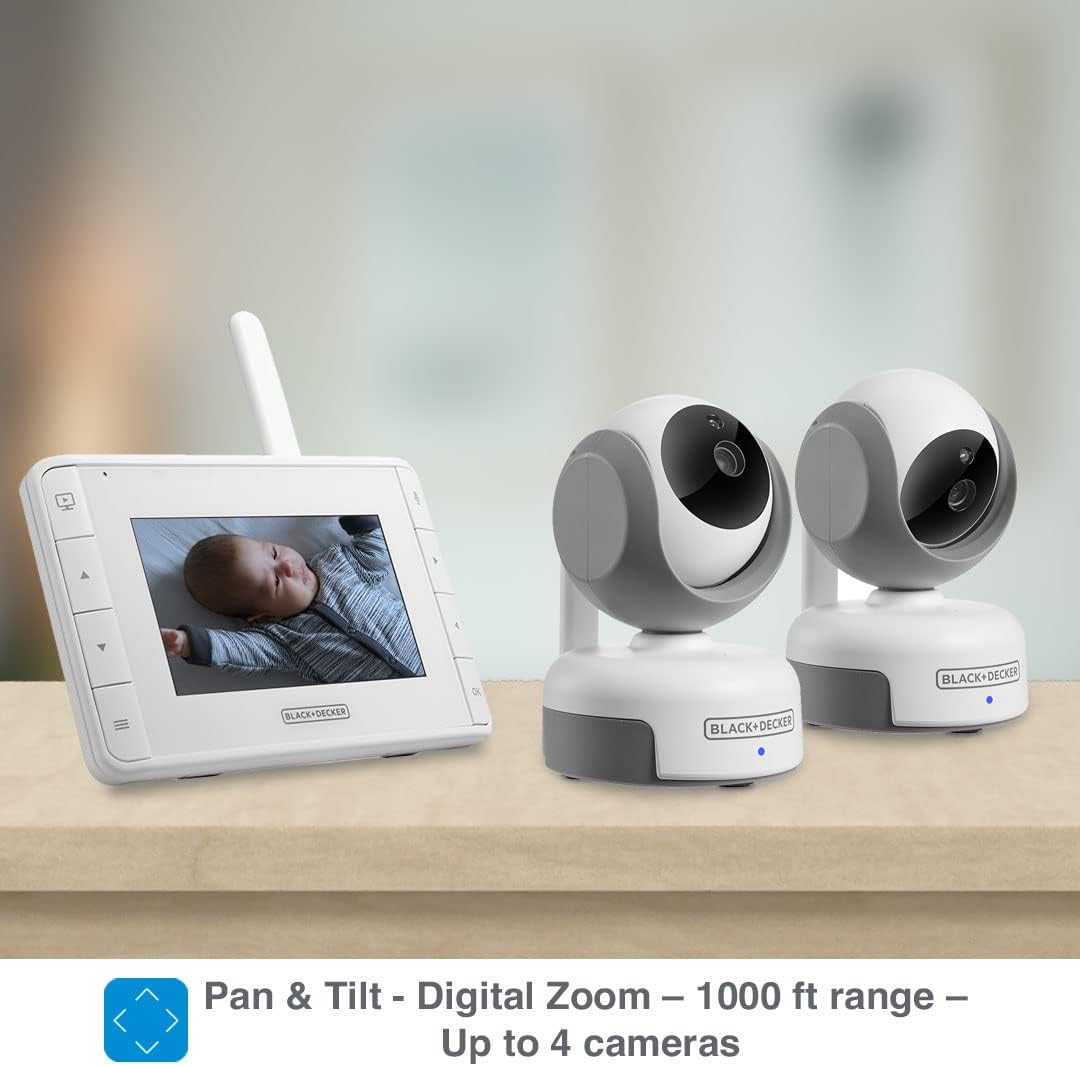
Figure 2: Optimal camera placement, showing a wall-mounted camera providing a clear view of the baby's crib.
3. Pairing (If Necessary)
The camera and parent unit are pre-paired at the factory. If the units lose connection or you are adding additional cameras (up to 4 total), follow these steps:
- On the Parent Unit, press the Menu button.
- Navigate to the Camera icon and select 'Add Camera'.
- Press the Pair button on the back of the Camera Unit. The Parent Unit will automatically connect to the camera.
Operating Instructions
1. Viewing Your Baby
The 4.3" display on the Parent Unit provides a live video feed from the camera. The screen will show the current room temperature and signal strength.
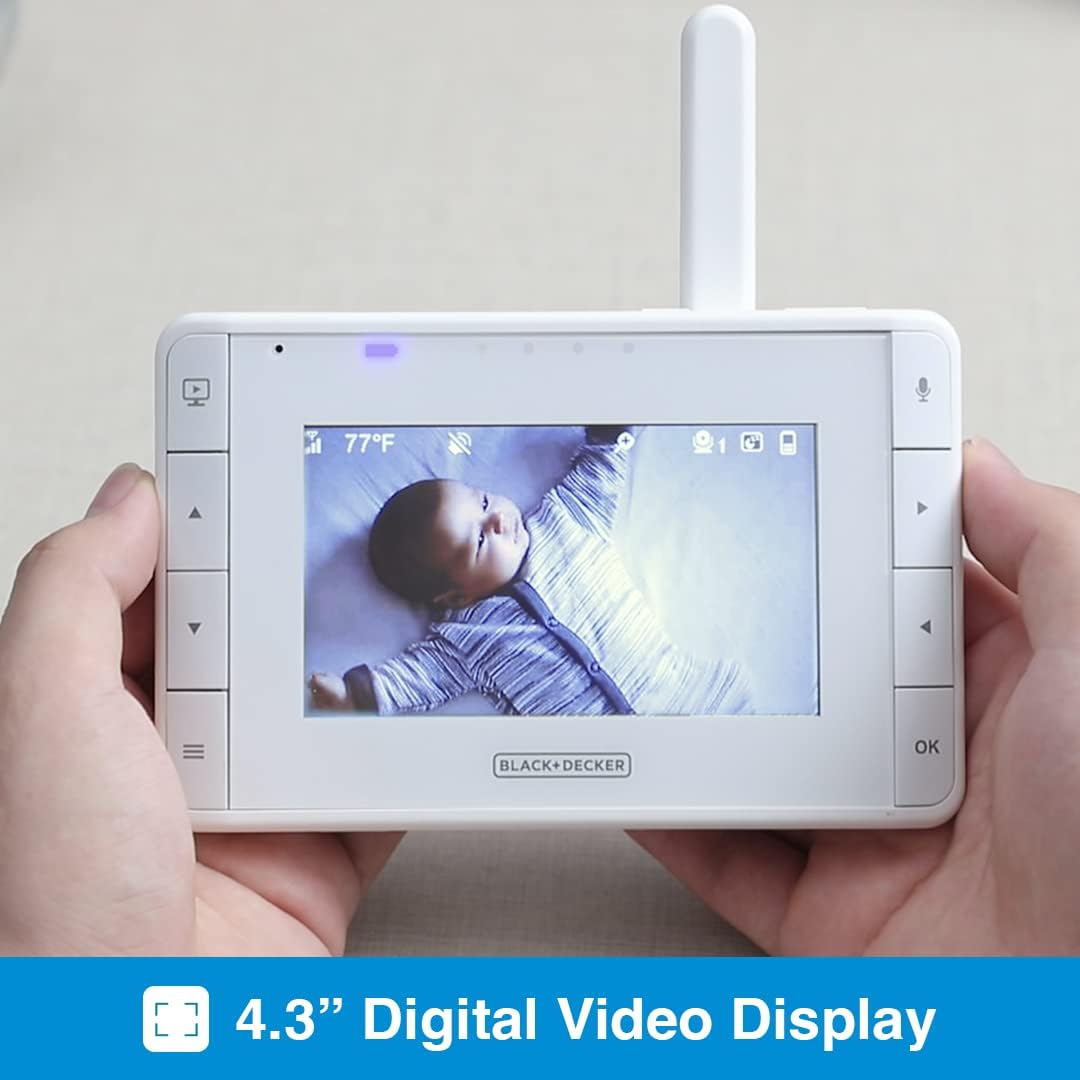
Figure 3: The parent unit displaying a live video feed of the baby, showing the 4.3-inch digital video display.
2. Pan-Tilt-Zoom (PTZ) Control
Use the directional buttons on the Parent Unit to remotely control the camera's pan (horizontal) and tilt (vertical) movements. The digital zoom feature allows for closer inspection.
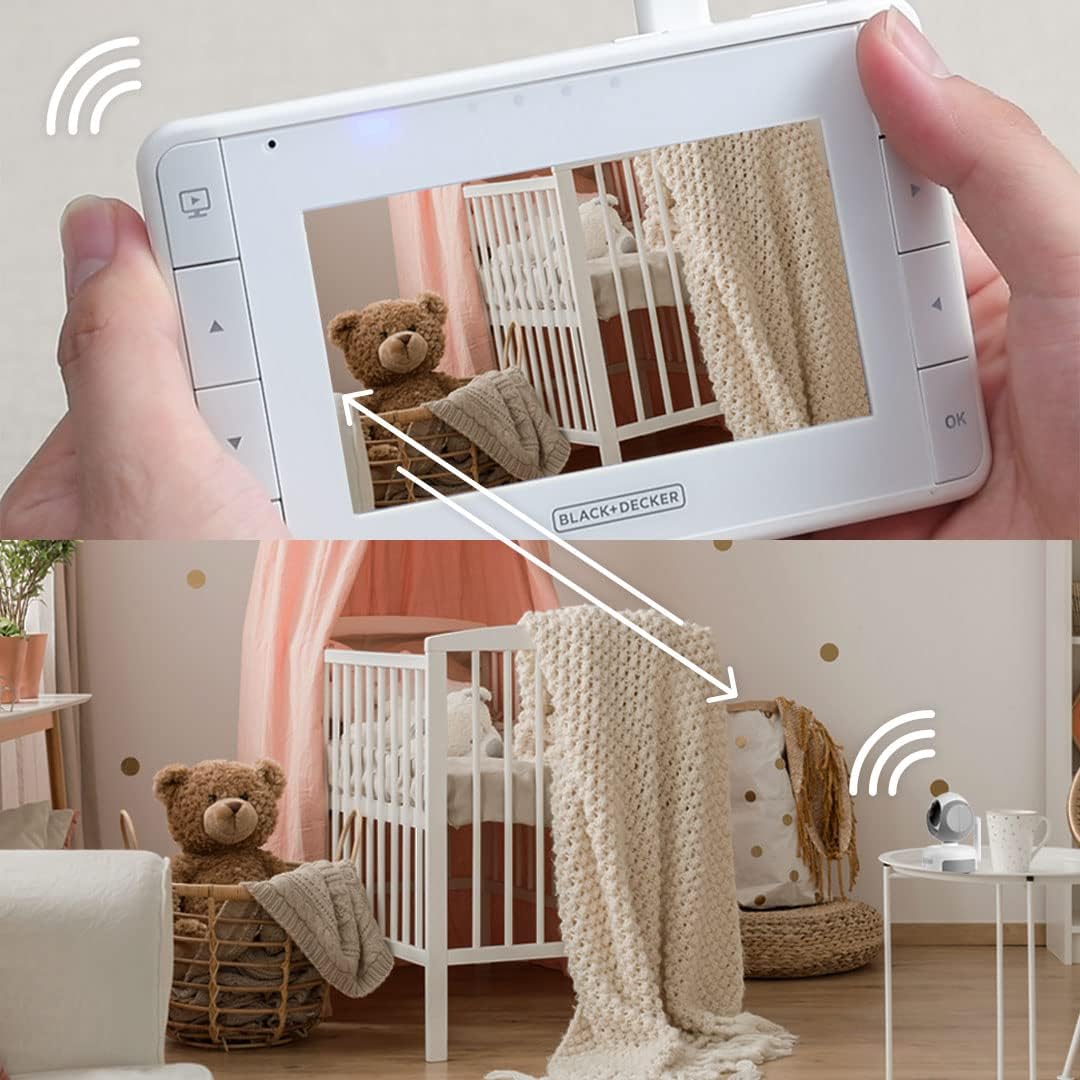
Figure 4: The parent unit alongside two camera units, illustrating the pan and tilt capabilities.
3. Night Vision
The camera automatically switches to infrared night vision in low light conditions, providing a clear black and white image of your baby without disturbing them.
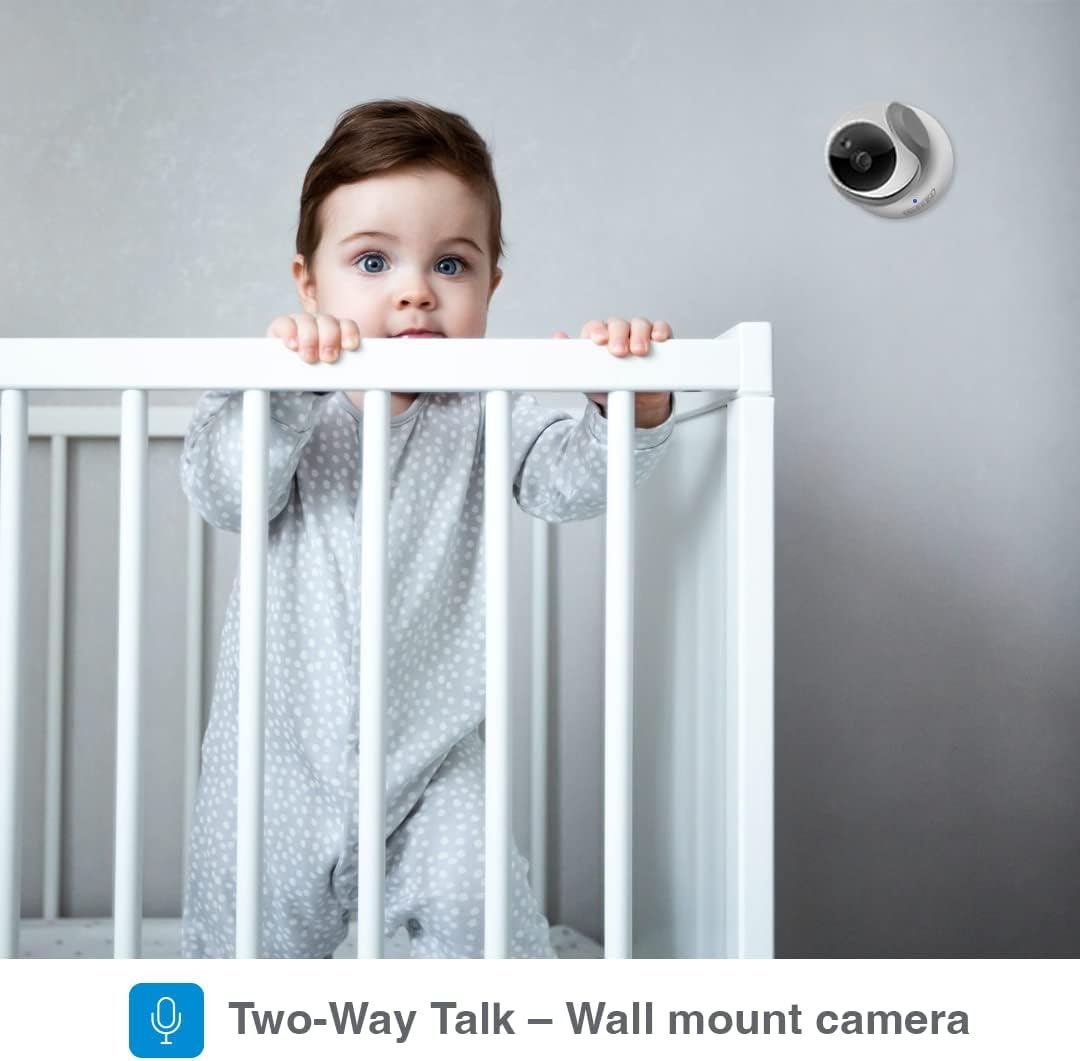
Figure 5: Comparison of normal light and infrared night vision, demonstrating clear visibility in dark conditions.
4. Two-Way Talk
Press and hold the microphone button on the Parent Unit to speak to your baby through the camera's speaker. Release the button to hear your baby.
5. Lullabies
Access the menu on the Parent Unit to select from 5 pre-programmed soothing lullabies to play for your baby.
6. Sound Alerts and LED Indicators
The Parent Unit features sound-activated LED indicators that light up based on the noise level in your baby's room, even if the volume is turned down.
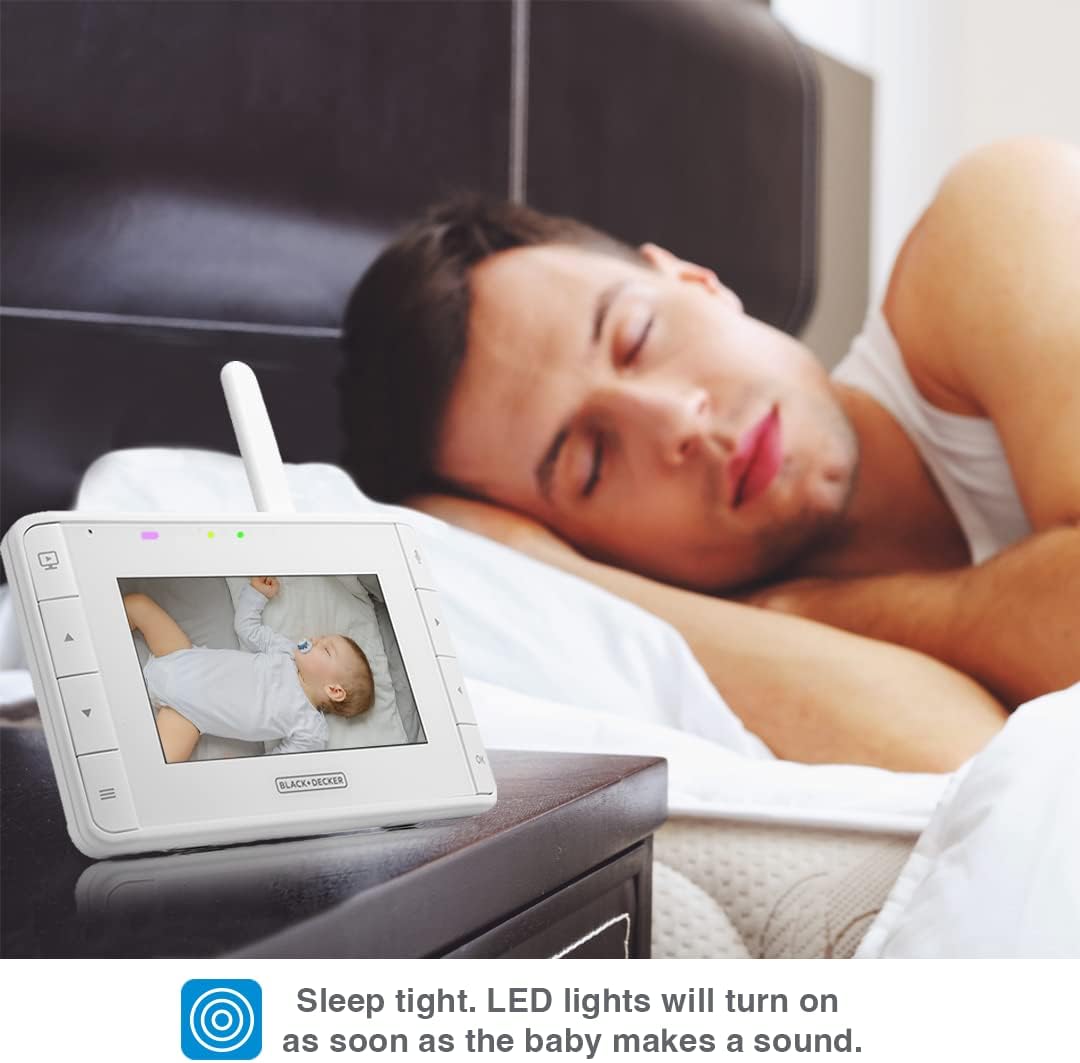
Figure 6: The parent unit on a nightstand, showing LED lights that activate with sound, allowing for silent monitoring.
7. Room Temperature Monitoring
The Parent Unit displays the real-time temperature of the baby's room, measured by the camera unit, helping you ensure a comfortable environment.
8. Multi-Camera View (If applicable)
If you have multiple cameras paired, you can switch between camera views or use the auto-scan feature to cycle through them automatically.
Video 1: An official product video demonstrating the features of the BLACK+DECKER Video Baby Monitor Plus, including pan-tilt-zoom, night vision, and two-way talk.
Video 2: An overview of the BLACK+DECKER Baby Line Up, showcasing various products including the baby monitor, highlighting their ease of use and design.
Maintenance
Cleaning
Wipe the surfaces of the Parent Unit and Camera Unit with a soft, damp cloth. Do not use abrasive cleaners or solvents. Ensure units are unplugged before cleaning.
Battery Care
To prolong battery life, fully charge the Parent Unit before first use. Avoid completely draining the battery frequently. If storing the unit for an extended period, charge it every few months.
Troubleshooting
| Problem | Possible Cause | Solution |
|---|---|---|
| No video/audio on Parent Unit | Out of range; Camera not powered; Units not paired. | Move Parent Unit closer to Camera; Ensure Camera is plugged in; Re-pair units as per Setup section. |
| Poor video quality | Weak signal; Obstructions; Low light (if not in night vision). | Reduce distance or remove obstructions; Ensure adequate lighting or allow night vision to activate. |
| Parent Unit battery not holding charge | Battery degradation; Not fully charged. | Ensure full charge cycle; Contact support if issue persists after proper charging. |
Specifications
- Model Name: BDXNMBP01
- Display: 4.3" TFT, 480 x 272 resolution
- Connectivity Technology: Wireless (2.4GHz FHSS)
- Range: Up to 1000 ft line of sight
- Power Source: Battery Powered (Parent Unit), AC Adapter (Camera Unit)
- Parent Unit Battery: 2000 mAh Li-ion (up to 8 hours in eco mode)
- Video Capture Resolution: 720p
- Special Features: Night Vision, Motion Sensor, Two-Way Talk, Lullabies, Room Temperature Monitoring
- Included Components: Parent Unit, Pan-Tilt-Zoom Camera, Power Adapters
- Item Dimensions (L x W x H): 3.54 x 3.54 x 5.11 inches (Camera Unit)
- Item Weight: 2.15 pounds
- UPC: 850015104589
Warranty and Support
For warranty information and technical support, please refer to the official BLACK+DECKER website or contact their customer service. Keep your purchase receipt for warranty claims.
Related documentsBDXNMBP01


Ask a question about this manual
Ask about setup, troubleshooting, compatibility, parts, safety, or missing instructions. Manuals+ will review the question and use this page’s manual context to help answer it.