Introduction
This manual provides detailed instructions for the installation, operation, and maintenance of your JouSecu 1080P Wireless Security Camera System. Please read this manual thoroughly before using the product to ensure proper setup and functionality. This system includes an 8-channel NVR and 8 HD bullet IP cameras, designed for reliable surveillance in various environments.
Package Contents
Verify that all items listed below are included in your package. If any items are missing or damaged, please contact customer support.

Image: Overview of all components included in the JouSecu 1080P Wireless Security Camera System package.
- 1 x 8CH Wireless NVR (Network Video Recorder)
- 8 x 1080P IP Cameras
- 1 x USB Mouse
- 1 x 12V/2A NVR Power Adapter
- 8 x 12V/1A Camera Power Adapters
- 1 x Ethernet Cable (3ft) for NVR
- 8 x Screw Packs for camera installation
- 1 x Spare 5dB Antenna
- 1 x HDMI Cable
- 1 x Quick Start Guide
Setup Guide
1. Initial Connection and Auto-Pairing
The IP cameras are pre-matched to the NVR before shipping, enabling a plug-and-play setup. No video cables are required between the cameras and the NVR. Power cables are necessary for each camera to ensure continuous 24/7 surveillance.
- Connect the NVR to a power supply using the provided 12V/2A NVR Power Adapter.
- Connect each IP camera to its respective 12V/1A Camera Power Adapter and plug into an electrical outlet.
- The cameras will automatically connect to the NVR.
- Connect the NVR to a monitor or TV via the HDMI cable for local viewing.
- Connect the NVR to your router using the Ethernet cable for remote access capabilities.

Image: Diagram illustrating the auto-pairing process between the NVR and wireless cameras, showing power connections and network cable to a router.
2. Hard Drive Installation (if applicable)
The system includes a 2TB hard drive for 24/7 recording. Ensure the hard drive is properly installed and recognized by the NVR. The system supports up to 4TB storage.

Image: Illustration of the NVR connected to power, indicating a built-in 2TB HDD for continuous recording.
3. Mobile App Setup for Remote Viewing
To access your security system remotely, download the free "EseeCloud" app on your smartphone, tablet, or PC.
- Ensure the NVR is connected to your router via Ethernet.
- Download "EseeCloud" from your device's app store (iPhone/Android).
- Follow the in-app instructions to add your NVR device. This typically involves scanning a QR code on the NVR or entering its device ID.
- Once added, you can view live feeds and playback recordings from anywhere with Wi-Fi/2G/3G/4G connectivity.
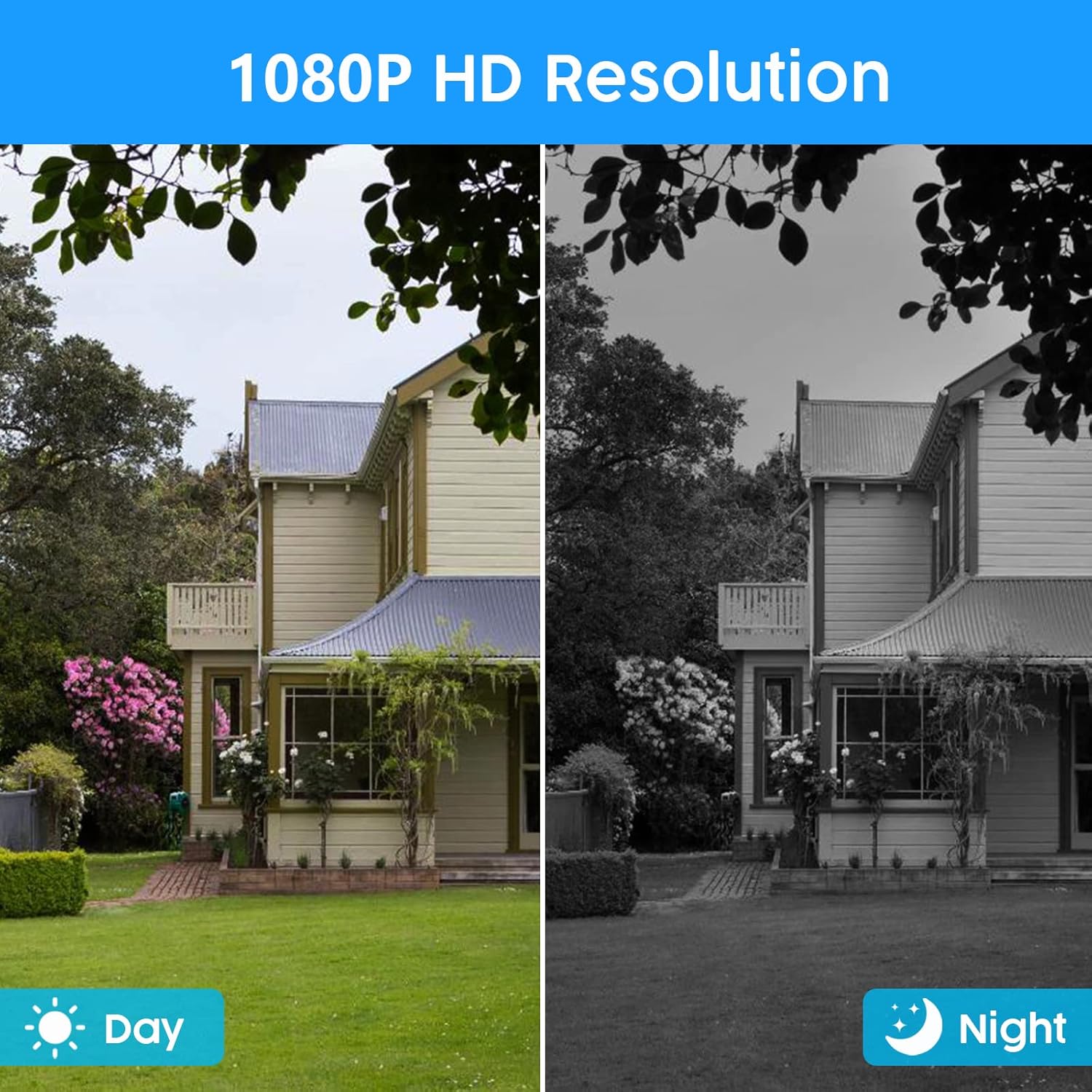
Image: Displays the EseeCloud app interface on a smartphone, tablet, laptop, and PC, demonstrating remote access capabilities.
Operating Instructions
1. Motion Detection and Alerts
The wireless surveillance camera system features motion detection to minimize false alarms. When motion is detected, smart notifications are pushed to your smartphone via the EseeCloud app.
- Configure motion detection zones and sensitivity settings within the NVR menu or EseeCloud app.
- Enable app alerts for instant notifications on your mobile device.

Image: A person is shown approaching a door, triggering a motion detection alert on a smartphone screen.
2. One-Way Audio Function
Each camera has a built-in microphone, allowing you to hear audio from the camera's location through the phone app or connected monitor. Note that there is no speaker in the camera, so two-way conversation is not supported.
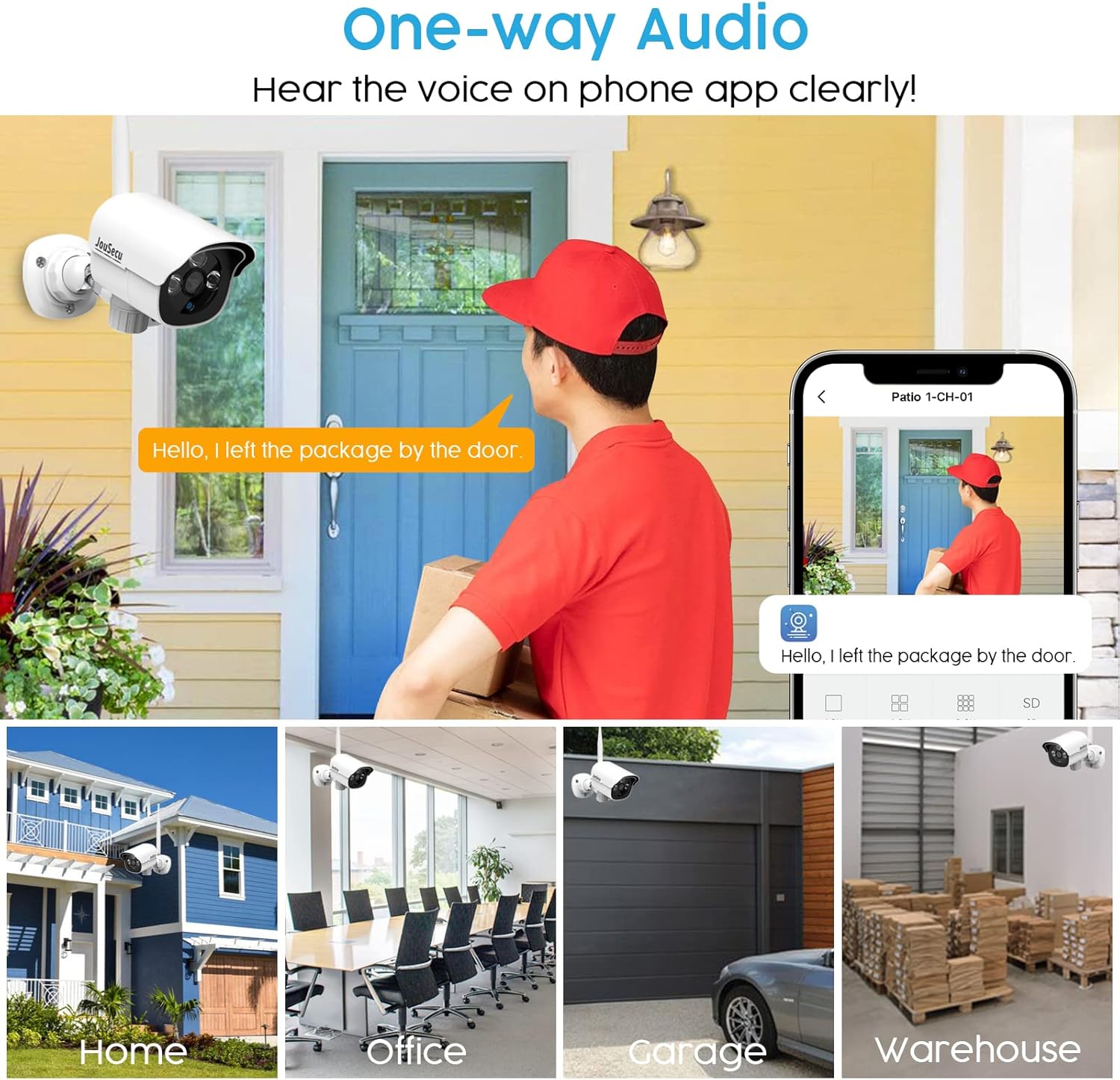
Image: A delivery person is at a door, and the user can hear their voice through the EseeCloud app on a smartphone.
3. Night Vision and Video Resolution
The cameras feature 3.6mm LEDs with IR-CUT function, providing a 65ft night vision range. The infrared mode activates automatically in low light conditions, ensuring clear monitoring day and night with 1080P HD resolution.
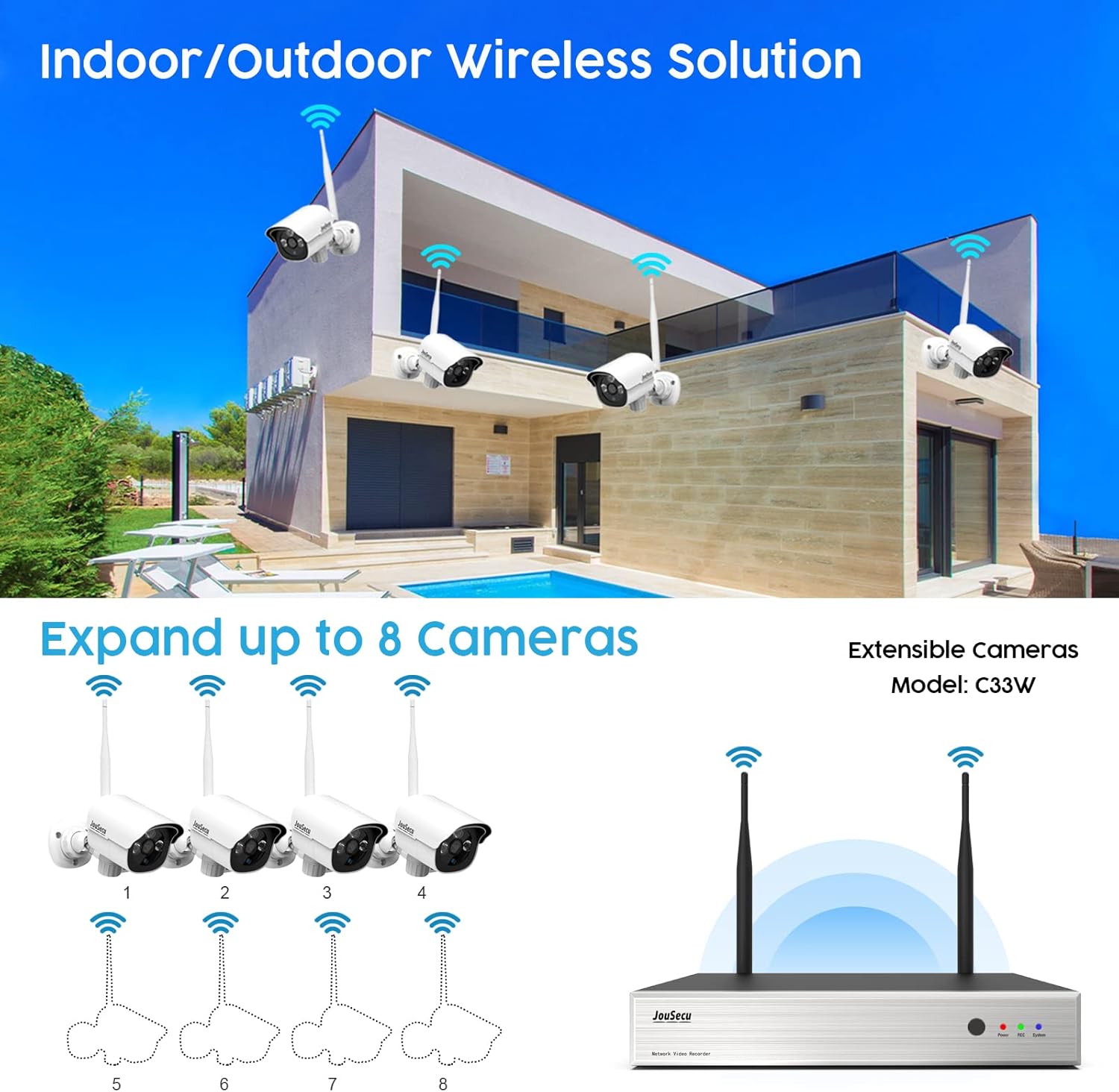
Image: Split view showing the same scene in clear daylight and in black-and-white night vision, both in 1080P HD resolution.
4. Video Playback
Review recorded footage directly from the NVR or remotely via the EseeCloud app. The app allows you to select specific dates and times for playback.
Video: This video demonstrates the ease of installation, motion detection, and video playback features of the JouSecu security camera system, highlighting its user-friendly design and remote monitoring capabilities.
Maintenance
- Cleaning: Regularly clean the camera lenses with a soft, damp cloth to ensure clear image quality. Avoid abrasive cleaners.
- Firmware Updates: Check the EseeCloud app or JouSecu official website periodically for firmware updates to ensure optimal performance and security.
- Power Supply: Ensure all power adapters are securely connected and free from damage.
- Environmental Protection: The cameras are IP66 waterproof, suitable for outdoor use in various weather conditions (-20°C to 50°C / -4°F to 122°F). However, avoid direct high-pressure water jets.

Image: A JouSecu camera mounted outdoors, demonstrating its IP66 waterproof rating under simulated rain conditions.
Troubleshooting
- No Video Feed:
- Check if the NVR and cameras are powered on.
- Ensure the NVR is connected to the monitor/TV correctly via HDMI.
- Verify that cameras are within range of the NVR and have a stable wireless connection.
- Remote Access Issues:
- Confirm the NVR is connected to the internet via the Ethernet cable.
- Check your router's internet connection.
- Ensure the EseeCloud app is updated to the latest version.
- Motion Detection Not Working:
- Review motion detection settings in the NVR menu or app, including sensitivity and detection zones.
- Ensure notifications are enabled on your mobile device for the EseeCloud app.
- Poor Image Quality:
- Clean the camera lens.
- Check for obstructions in the camera's field of view.
- Ensure the camera has sufficient power.
Specifications
| Feature | Specification |
|---|---|
| Brand | JouSecu |
| Model Number | NVR-W2382 |
| Connectivity Technology | Wireless |
| Video Capture Resolution | 1080p |
| Number of Channels | 8 |
| Memory Storage Capacity | 2 TB (expandable up to 4 TB) |
| Power Source | Battery Powered (Cameras require power cable for 24/7 operation) |
| Item Dimensions (L x W x H) | 12.92 x 10.6 x 12.08 inches |
| Compatible Devices | Cameras, Smartphones |
| Low Light Technology | Night Vision |
| Night Vision Range | 65 Feet |
| Frame Rate | 30 fps |
| Recording Mode | Motion Detection |
| Hardware Interface | 802.11 b/g/n |
| Lens Type | Wide Angle |
| Video Input | HDMI |
| UPC | 619011992213 |
Warranty and Support
JouSecu provides life-long after-sales support and services to all customers. For any technical assistance, troubleshooting, or warranty inquiries, please contact JouSecu customer service through the contact information provided in your Quick Start Guide or on the official JouSecu website.
Additional protection plans may be available for purchase separately. Refer to your purchase details for more information on extended warranty options.


