
3Plus 7493b687-3dd5-46d3-bb37-106788224664
3Plus Vibe Lite Smartwatch User Manual
Model: 7493b687-3dd5-46d3-bb37-106788224664
Introduction
This manual provides comprehensive instructions for the setup, operation, and maintenance of your 3Plus Vibe Lite Smartwatch. Designed with a built-in fitness tracker, heart rate and blood oxygen monitor, and sleep tracking capabilities, this IP68 waterproof device offers a seamless experience for men and women. Please read this manual thoroughly to ensure proper use and to maximize the features of your smartwatch.
What's in the Box
- 3Plus Vibe Lite Smartwatch
- Charging Cable
- User Manual (this document)
Setup
1. Charging the Smartwatch
Before first use, fully charge your 3Plus Vibe Lite Smartwatch. Connect the charging cable to the charging contacts on the back of the watch and to a USB power source. The watch display will indicate charging status. A full charge typically takes approximately 2 hours.

Image: The 3Plus Vibe Lite Smartwatch, showing its sleek design and the charging port on the back. This image illustrates the device ready for initial charging.
2. Downloading the Companion App
To unlock all features and synchronize data, download the official 3Plus companion app from your smartphone's app store (available for Android and iOS). Search for "3Plus" or refer to the QR code provided in the quick start guide (if applicable).
3. Pairing with Your Smartphone
- Ensure Bluetooth is enabled on your smartphone.
- Open the 3Plus app and follow the on-screen instructions to create an account or log in.
- Select "Add Device" or "Pair New Device" within the app.
- The app will search for your Vibe Lite Smartwatch. Select your watch from the list of discovered devices.
- Confirm the pairing request on both your watch and smartphone.
- Once paired, the watch will synchronize time and settings with your phone.
Operating Instructions
Basic Navigation
- Touchscreen: Swipe left/right, up/down to navigate through menus and screens. Tap to select an option.
- Side Button: Press to wake the screen, return to the home screen, or access the main menu.
Health Monitoring Features
Heart Rate Monitoring
The Vibe Lite Smartwatch continuously tracks your heart rate throughout the day. To view your current heart rate, navigate to the heart rate screen on your watch. For accurate readings, ensure the watch is snug on your wrist.

Image: A close-up of the smartwatch screen showing a heart rate reading, indicating the device's ability to measure heart activity.
Blood Oxygen (SpO2) Monitoring
Monitor your blood oxygen levels directly from your wrist. Navigate to the blood oxygen measurement screen. Remain still during the measurement process for optimal accuracy.
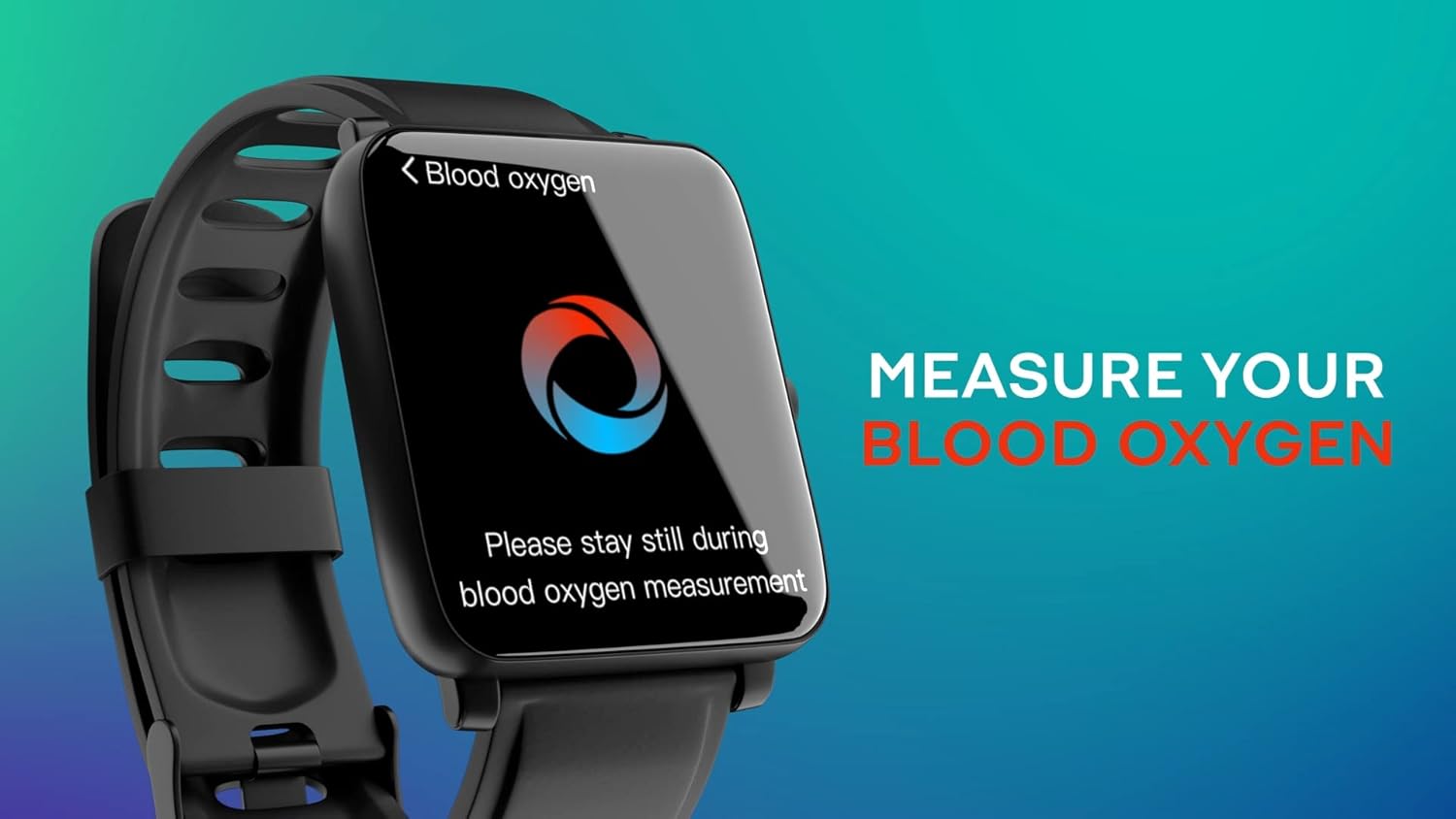
Image: The smartwatch screen displaying a blood oxygen percentage, with a prompt to stay still during measurement.
Sleep Monitoring
Wear your Vibe Lite Smartwatch to bed to track your sleep patterns, including REM, deep, and light sleep stages. The watch automatically detects sleep and provides detailed reports in the companion app.

Image: A smartwatch screen showing sleep data, including total sleep duration and breakdown of sleep stages.
Notifications
Receive and read text messages, social media notifications, calendar alerts, and incoming/missed call alerts directly on your smartwatch. Ensure notification permissions are enabled in both your phone's settings and the 3Plus app. Quick reply functions are available for Android devices.

Image: Several smartwatches showing different types of notifications, such as messages and social media alerts, demonstrating the notification feature.
Workout Modes
The Vibe Lite Smartwatch supports multiple workout modes to track your activities. Select your desired workout from the watch's menu to record duration, calories burned, heart rate, and other relevant metrics. Data is synchronized with the 3Plus app for detailed analysis.

Image: A smartwatch screen showing a list of workout modes, such as indoor cycling and yoga, with a person exercising in the background.
Maintenance
Water Resistance (IP68)
Your 3Plus Vibe Lite Smartwatch is IP68 water resistant, meaning it can withstand immersion in water up to 1.5 meters for up to 30 minutes. It is suitable for daily use, including hand washing, rain, and shallow water activities. However, it is not recommended for diving, hot showers, or prolonged submersion in hot water, as steam and high temperatures can compromise the seals.
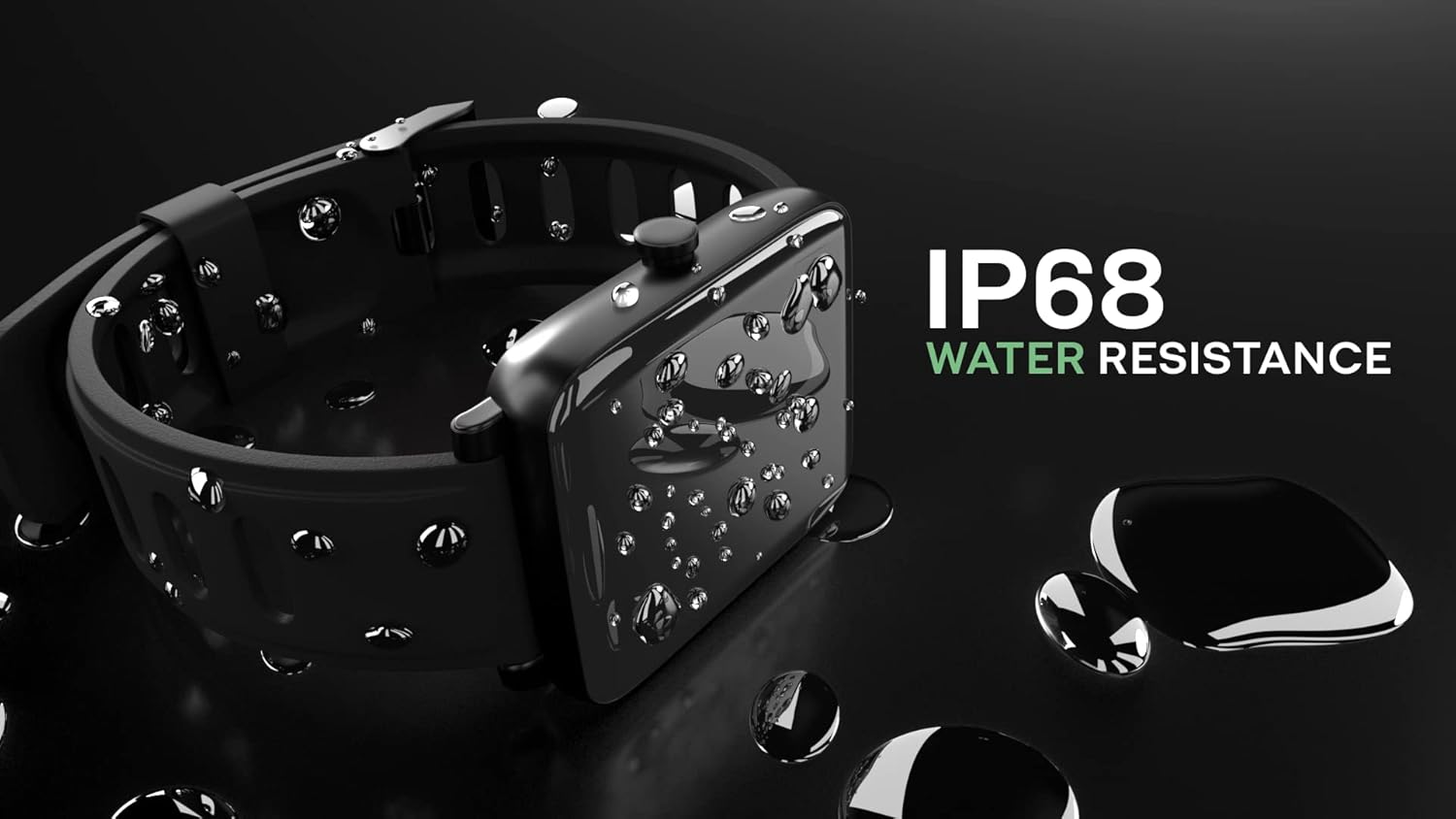
Image: The smartwatch covered in water droplets, highlighting its IP68 water resistance feature.
Cleaning and Care
- Wipe the watch and strap regularly with a soft, damp cloth.
- Avoid using harsh chemicals or abrasive cleaners.
- Ensure the charging contacts are clean and dry before charging to prevent corrosion.
- Store the watch in a cool, dry place when not in use.
Troubleshooting
| Problem | Possible Solution |
|---|---|
| Watch not turning on/charging | Ensure the charging cable is securely connected to both the watch and a working USB power source. Clean the charging contacts on the watch. Try a different USB port or power adapter. |
| Cannot pair with smartphone | Ensure Bluetooth is enabled on your phone. Make sure the watch is within range. Restart both the watch and your phone. Try unpairing and re-pairing the device through the app. |
| Notifications not appearing | Check notification permissions in your phone's settings for the 3Plus app. Ensure notifications are enabled within the 3Plus app itself. Verify the watch is connected via Bluetooth. |
| Inaccurate health readings | Ensure the watch is worn snugly on your wrist, not too loose or too tight. Clean the sensor on the back of the watch. Avoid excessive movement during measurements. |
| App not syncing data | Ensure the watch is connected to the app via Bluetooth. Check your phone's internet connection. Close and reopen the app. Restart your phone and watch. |
Specifications
| Feature | Detail |
|---|---|
| Model Number | 7493b687-3dd5-46d3-bb37-106788224664 |
| Brand | 3Plus |
| Screen Size | 1.3 Inches (Standing screen display size) |
| Water Resistance | IP68 |
| Connectivity | Bluetooth |
| Operating System | Android (Compatible) |
| Special Features | Heart Rate Monitor, Blood Oxygen Monitor, Sleep Monitor, Fitness Tracker, Notifications |
| Item Weight | 3.52 ounces |
| Package Dimensions | 7.24 x 3.27 x 1.26 inches |
Warranty and Support
3Plus smartwatches provide a one-year after-sales service. Our company headquarters is located in California. If you encounter any problems, please contact us via email. We will respond promptly to assist you with any issues.
For further assistance, please visit the official 3Plus website or refer to the contact information provided in the product packaging.
Related documents7493b687-3dd5-46d3-bb37-106788224664


Ask a question about this manual
Ask about setup, troubleshooting, compatibility, parts, safety, or missing instructions. Manuals+ will review the question and use this page’s manual context to help answer it.