
SINCEBORN DBC-01
SINCEBORN DBC-01 Multifunctional Electric Rollator Walker User Manual
Model: DBC-01
Introduction
This manual provides essential information for the safe and effective use of your SINCEBORN DBC-01 Multifunctional Electric Rollator Walker. This innovative device combines the functionalities of a rollator walker, an electric wheelchair, and a transport chair, offering versatile mobility solutions. Please read this manual thoroughly before initial use and retain it for future reference.

Figure 1: The SINCEBORN DBC-01 showcasing its 5-in-1 functionality as a rollator, walker, electric wheelchair, and transport chair.
Product Components and Features
The SINCEBORN DBC-01 is designed with user convenience and safety in mind. Key components and features include:
- Aluminum Alloy Frame: Lightweight yet durable construction.
- 8-inch Rear Wheel Motors: Two 250W motors provide reliable power.
- 10Ah Battery: Provides power for electric modes.
- Front Joystick Controller: For electric wheelchair driving mode.
- Rear Controller: For intelligent power assistance in walker mode.
- Foldable Design: For compact storage and transport.
- Adjustable Armrests and Comfortable Backrest: Enhances user comfort.
- Foldable Footrest: For use in electric wheelchair and transport chair modes.

Figure 2: Overview of the SINCEBORN DBC-01 Multifunctional Electric Rollator Walker.

Figure 3: Key specifications including battery capacity, speed, range, weight, and capacity.
Setup
- Unfolding the Rollator:
Carefully unfold the rollator from its compact storage position. Ensure all locking mechanisms are securely engaged before use. Adjust the height of the handles to a comfortable and safe level for the user.
- Attaching the Front Joystick Controller:
The front joystick controller can be attached to the armrest. Secure it firmly using the provided screws. Connect the controller cable to the corresponding port on the rollator frame. Ensure the connection is secure to prevent accidental disconnection during operation.

Figure 4: The front joystick controller for electric wheelchair mode.

Figure 5: Detailed view of the joystick controller.
- Attaching the Rear Controller:
The rear controller is typically located on the handle for the assistance mode. Ensure it is securely mounted and its cable is connected. This controller is used for the power assist function when pushing the rollator.

Figure 6: The rear controller for power assistance.

Figure 7: Detailed view of the rear controller.
- Connecting Motor Wires:
Locate the motor wires, typically near the rear wheels, and connect them securely. Ensure the yellow tags on the wires are properly aligned for correct connection. This step is crucial for the electric functions of the rollator.
Video 1: This video demonstrates the unpacking and initial setup of the SINCEBORN DBC-01, including connecting the motor wires and attaching the controllers.
Operating Instructions
1. Rollator Walker Mode (Assistance Mode)
In this mode, the device functions as a traditional rollator with added power assistance to reduce user effort, especially on inclines or uneven terrain.
- Power On: Long press the power button on the rear controller to turn on the device.
- Engage Assistance: The rear controller offers 6 working gears for assistance. Gears 01-03 are for resistance mode, suitable for rehabilitation training. Gears C1-C3 are for carrying people or objects.
- Gradeability: The assistance mode provides gradeability of 10° to 12°, making it easier to navigate slopes. Automatic deceleration occurs downhill for safety.
- Obstacle Crossing: Use the "Step Aid Button" on the rear controller to cross obstacles. Gently pull the rollator back, and the front wheels will angle up to safely clear the obstacle.

Figure 8: User demonstrating the assistance mode and obstacle crossing feature.
2. Electric Wheelchair Mode (Driving Mode)
For independent mobility, switch to the electric wheelchair mode using the front joystick controller.
- Switching Modes: Ensure the front joystick controller is securely attached and connected.
- Control: Use the 360-degree joystick to control direction and speed. There are 5 speed settings available.
- Driving Range: The driving range is approximately 20-25 km on a full charge.
- Maximum Speed: Up to 6 km/h (approximately 3.7 mph).
Figure 9: User operating the device in electric wheelchair mode with the front joystick.
Video 2: This video provides an overview of the SINCEBORN DBC-01's electric rollator features and general usage.
Video 3: This video offers a detailed introduction to the functions and usage of the SINCEBORN DBC-01.
3. Transport Chair Mode
When used as a transport chair, the device allows a caregiver to push the user. The foldable footrest provides comfort for the seated individual.
- Footrest Deployment: Extend the footrest for the user's comfort.
- Pushing: A caregiver can push the device from behind. The power assist feature can be utilized to ease pushing effort.

Figure 10: Practical design features including the foldable footrest, adjustable armrest, and comfortable backrest.
Maintenance
- Cleaning: Wipe down the frame and components with a damp cloth. Avoid using abrasive cleaners.
- Battery Care: The battery life cycle is typically 3 to 5 years. Charge the battery regularly, even when not in frequent use, to maintain its health. A full charge can last up to 12.73 miles (approximately 20.49 km).
- Storage: When not in use, fold the rollator for compact storage. Pull the straps up on the seat to initiate folding.
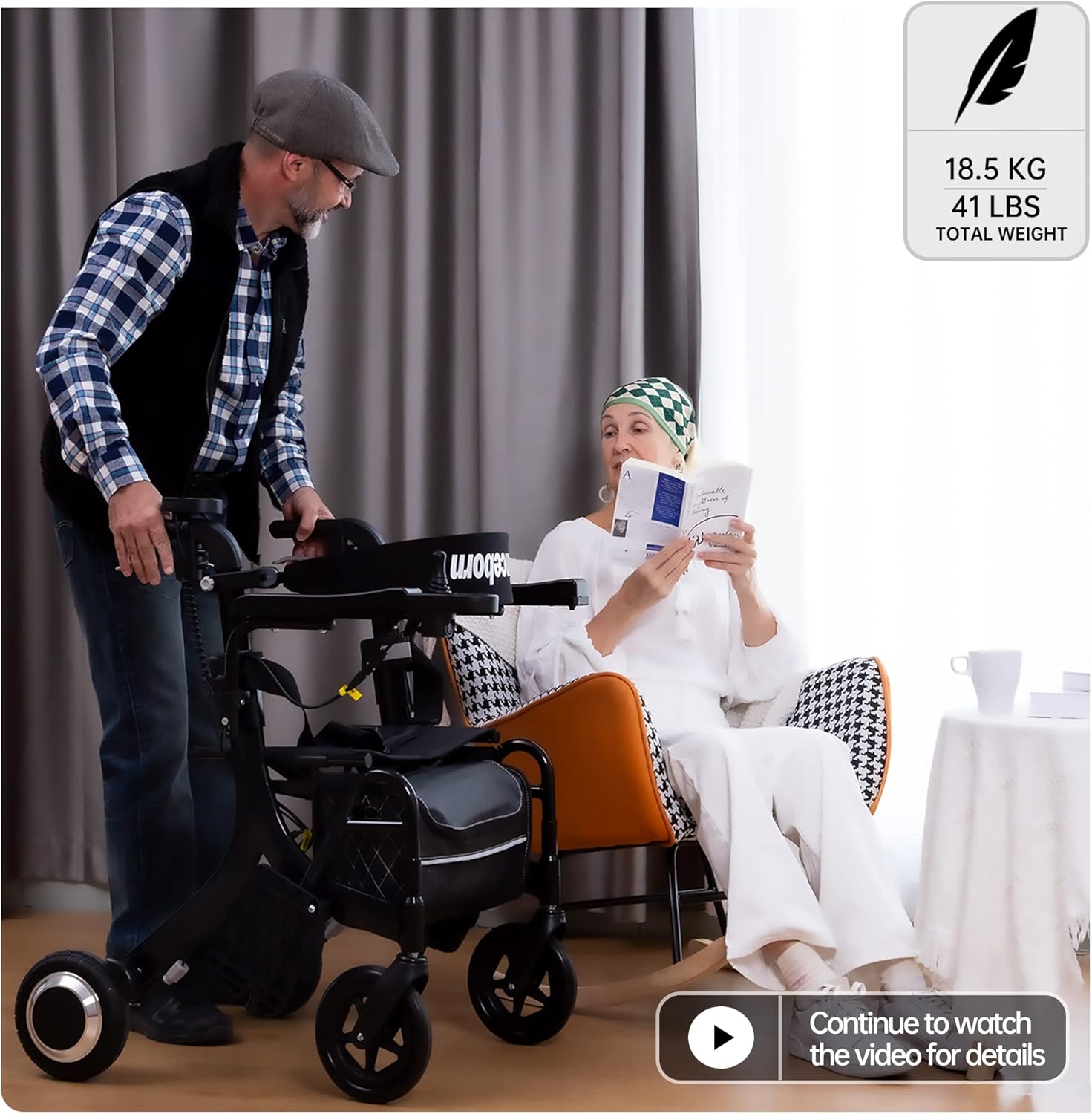
Figure 11: The SINCEBORN DBC-01 is lightweight at 41 lbs and can be folded for easy transport and storage.
Troubleshooting
If you encounter issues with your SINCEBORN DBC-01, refer to the following common problems and solutions:
- Error Codes:
- E-002 (Left Motor Failure): Indicates an issue with the left motor.
- E-004 (Right Motor Fault): Indicates an issue with the right motor.
If these errors occur, first check the motor wire connections. Ensure they are securely plugged in and not damaged. If the issue persists, contact customer support.
Video 4: This video explains common error codes like E0002 (Left motor failure) and E0004 (Right motor fault) and potential solutions.
- Rear Control Calibration:
If the rear control is not functioning correctly, it may require calibration. Follow these steps:
- Long press the power button on the rear controller until the display shows "00".
- When you hear a beep, move your hands away from the rear control. The device will start auto-calibration.
- Once calibration is successful (indicated by a specific display or sound), power off and reboot the device.
Video 5: This video provides instructions on how to perform rear control calibration.
Specifications
| Specification | Value |
|---|---|
| Product Dimensions | 28.35"D x 23.62"W x 34.25"H |
| Weight | 50.71 Pounds (approx. 23 kg) |
| Material Type | Aluminum |
| Walker Type | Rollator Walker |
| Maximum Height | 36 Inches |
| Color | Black |
| Unit Count | 1.00 Count |
Customer Support
For any questions, concerns, or technical assistance, please contact SINCEBORN customer service. You can also refer to the "Product guides and documents" section on the product's Amazon page for additional resources, including battery safety data sheets if required for air travel.
We value your feedback. If you have suggestions for improving the product or this manual, please share them with us.
Ask a question about this manual
Ask about setup, troubleshooting, compatibility, parts, safety, or missing instructions. Manuals+ will review the question and use this page’s manual context to help answer it.