
Introduction
The COROS VERTIX 2 Adventure GPS Watch is engineered for extreme outdoor conditions and demanding athletic pursuits. It features robust construction, advanced GPS capabilities, comprehensive activity tracking, and extended battery life to support users through their longest and toughest adventures.

Image: The COROS VERTIX 2 Adventure GPS Watch, showcasing its display with time, date, and activity metrics, and its durable design with a grey case and band.
What's in the Box
Upon unboxing your COROS VERTIX 2, verify that all components are present:
- 1 x COROS VERTIX 2 GPS Adventure Watch
- 1 x Charging Cable
- 1 x User Guide (physical or link to digital)
- 1 x Carrying Strap

Image: A flat lay of the COROS VERTIX 2 packaging, showing the watch, charging cable, user guide, and carrying strap neatly arranged.
Setup
Initial Charging
Before first use, fully charge your COROS VERTIX 2. Connect the provided charging cable to the watch and a USB power source. The watch display will indicate charging status.
Pairing with the COROS App
- Download the COROS app from your device's app store.
- Open the app and create an account or log in.
- Follow the on-screen instructions in the app to pair your VERTIX 2 watch. This typically involves enabling Bluetooth on your phone and selecting the watch from the list of available devices.
- Once paired, the app will guide you through initial settings and profile setup.

Image: A smartphone displaying the COROS Training App, which provides daily training metrics and insights for users.
Operating the Watch
Display and Controls
The COROS VERTIX 2 features a 1.4-inch always-on memory LCD touchscreen and physical buttons for navigation and control. The digital dial allows for easy scrolling through menus and data fields.

Image: A close-up view of the COROS VERTIX 2 watch on a wrist, emphasizing its large 1.4-inch screen with high resolution for clear data display.

Image: An exploded diagram of the COROS VERTIX 2 watch, illustrating its 1.4-inch sapphire touchscreen and titanium bezel components.
GPS and Navigation
The VERTIX 2 supports simultaneous communication with all major satellite systems (GPS, GLONASS, Galileo, QZSS, and Beidou) and features dual-frequency capability for enhanced accuracy in challenging environments. It offers robust on-wrist navigation with offline landscape and topo maps.

Image: A person wearing the COROS VERTIX 2 watch, with the watch display showing GPS satellite connection status, indicating its advanced all-satellite dual-frequency GNSS support.

Image: The COROS VERTIX 2 watch on a wrist, displaying a global offline map for on-wrist navigation, with a smartphone showing a similar map in the background.
Activity Tracking
The watch supports over 30 activity modes, including running, biking, skiing, climbing, and more. It provides real-time metrics and post-activity analysis.

Image: The COROS VERTIX 2 watch screen showing a menu of various activity modes, accompanied by a grid of icons representing different sports like hiking, walking, climbing, running, cycling, swimming, and skiing.
Health Monitoring
Monitor your heart rate 24/7, track sleep patterns, and utilize Heart Rate Variability (HRV) measurements to assess your body's stress levels and recovery status.

Image: A close-up of the COROS VERTIX 2 watch on a gloved wrist in a snowy environment, displaying an HRV Index of 72 and indicating a low stress level.
Connectivity and Storage
The VERTIX 2 offers 32 GB of onboard storage for data, workouts, routes, and music. It also features Wi-Fi connectivity for faster data transfer and accessory pairing.

Image: A person sitting on a rock in a mountainous landscape, looking up, with the COROS VERTIX 2 watch visible on their wrist, illustrating the watch's music broadcast and Wi-Fi connection capabilities.
The watch can also control Insta360™ action cameras (Insta360 One X2 and OneR) and GoPro devices, allowing for remote photo and video capture.

Image: A hand holding the COROS VERTIX 2 watch near an Insta360 camera mounted on a kayak, demonstrating the watch's ability to control action cameras remotely.
Maintenance
Cleaning
Regularly clean your watch and strap with a soft, damp cloth. Avoid harsh chemicals or abrasive materials. Ensure the charging ports are free of debris.
Water Resistance
The COROS VERTIX 2 is rated for 10 ATM water resistance, meaning it can withstand pressures equivalent to a depth of 50 meters. It is suitable for swimming and showering, but not for high-velocity water sports or deep-sea diving.

Image: A person swimming in open water, wearing the COROS VERTIX 2 watch, illustrating its 10 ATM water resistance capability.
Troubleshooting
Watch Not Turning On/Charging
- Ensure the charging cable is securely connected to both the watch and the power source.
- Try a different USB port or power adapter.
- Clean the charging contacts on the watch and cable.
GPS Inaccuracy
- Ensure you are in an open area with a clear view of the sky.
- Allow the watch sufficient time to acquire a GPS signal before starting an activity.
- Sync your watch with the COROS app regularly to update satellite data.
Connectivity Issues (Bluetooth/Wi-Fi)
- Ensure Bluetooth is enabled on your smartphone and the watch is within range.
- Restart both your watch and smartphone.
- Forget the device in your phone's Bluetooth settings and re-pair.
For more detailed troubleshooting, refer to the official COROS support resources.
Specifications
| Feature | Detail |
|---|---|
| Brand | COROS |
| Model | VERTIX 2 |
| Display Size | 1.4 Inches |
| Resolution | 480 x 272 |
| Battery Life (Full GPS) | Up to 127 Hours |
| Battery Life (Regular Use) | Up to 60 Days |
| Water Resistance | 10 ATM (50 meters) |
| Materials | Grade 5 Titanium Alloy Bezel, Sapphire Glass Screen |
| Connectivity | Wi-Fi, Bluetooth |
| Storage | 32 GB |
| GPS Features | Dual-Frequency GPS, All Major Satellite Systems (GPS, GLONASS, Galileo, QZSS, Beidou), On-Wrist Navigation, Offline Maps |
| Health Monitoring | Heart Rate, Sleep Tracking, Heart Rate Variability (HRV) |
| Dimensions | 9 x 6 x 3 inches |
| Item Weight | 1.86 pounds |
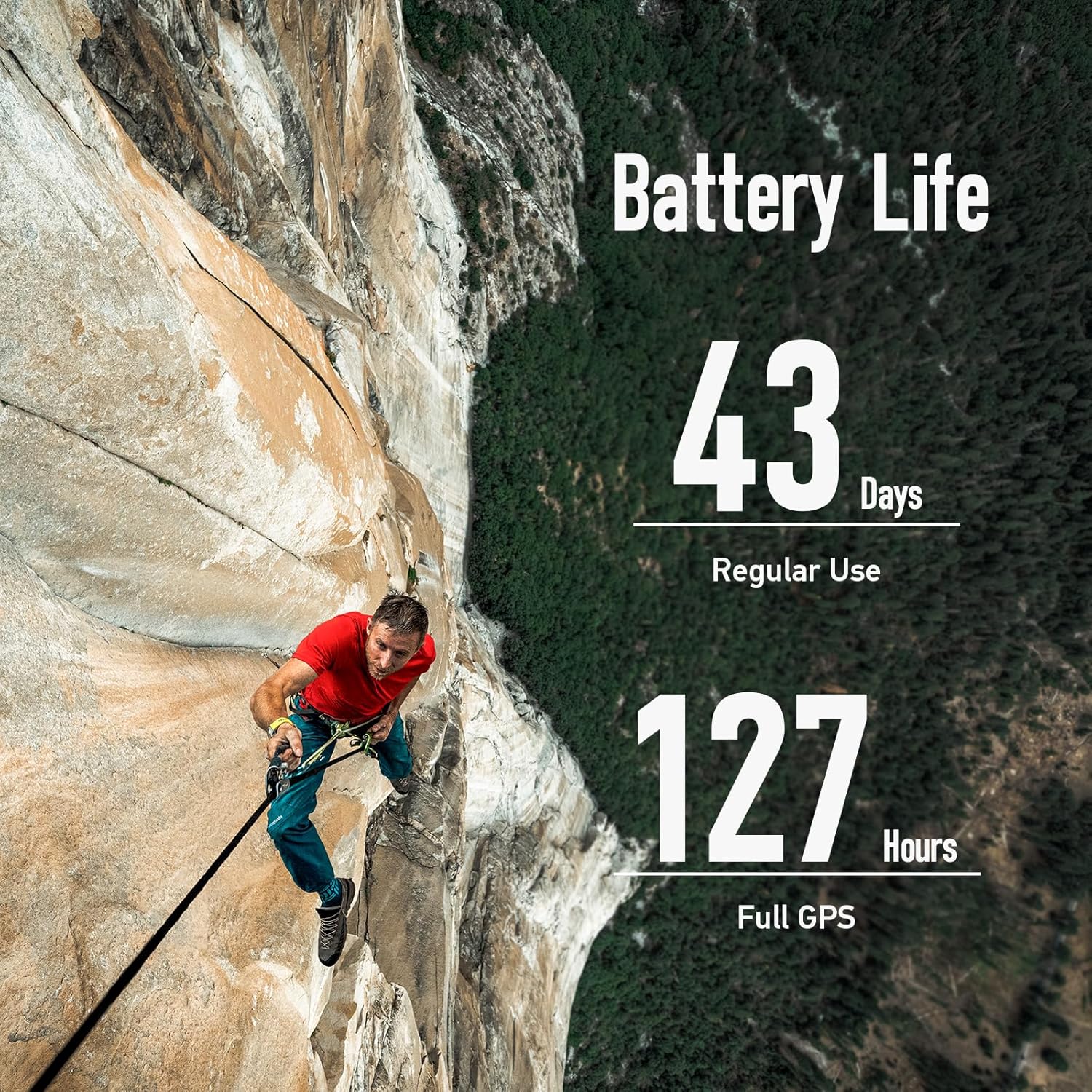
Image: A climber on a steep rock face, with overlaid text highlighting the impressive battery life of the COROS VERTIX 2: 43 days in regular use and 127 hours with full GPS tracking.
Warranty Information
The COROS VERTIX 2 Adventure GPS Watch comes with a 2-year manufacturer's warranty. This warranty covers defects in materials and workmanship under normal use. For warranty claims or detailed terms and conditions, please refer to the official COROS website or contact COROS customer support.
Support and Resources
For additional assistance, detailed guides, and software updates, please visit the official COROS support channels:
- Official User Guide (PDF): Download PDF
- COROS Website: Visit www.coros.com for product information, FAQs, and support articles.
- COROS Training App: Utilize the app for daily training metrics, insights, and workout plans.
- COROS Training Hub: Access advanced analysis and communication tools for your training.

Image: A screenshot of the COROS Training Hub web interface, showing advanced analysis and communication features for athletes and coaches.


