
1. Introduction
This user manual provides comprehensive instructions for the assembly, operation, maintenance, and troubleshooting of your new TOPSTAR Electric Height-Adjustable Desk. Please read this manual carefully before using the product to ensure safe and efficient operation. Keep this manual for future reference.
2. Important Safety Information
Always observe the following safety guidelines to prevent injury or damage to the product.
- Maintain the necessary safety distance when the desk is moving up or down to prevent pinching between the movable tabletop and fixed objects in the surroundings.
- When moving the desk up and down, ensure that no one is injured and no object is damaged.
- The tabletop must not hit a fixed object if it tips over.
- Each time before the desk is moved up or down, remove all office chairs or other obstacles from its path.
- The desk legs must not be altered or reconstructed in any way.
- During service and repair work on the desk, the power cable must always be unplugged from the socket.
- Modifications to the legs are strictly prohibited.
- The desk must under no circumstances be used as a lifting device for people.
3. Package Contents
Please verify that all components are present and undamaged before beginning assembly.
- Tabletop
- Underframe (including legs and motor assembly)
4. Assembly and Setup
Follow these steps to assemble your TOPSTAR Electric Height-Adjustable Desk.
Step-by-Step Assembly
- Unpack Components: Carefully remove all parts from the packaging. Place them on a soft, clean surface to prevent scratches.
- Attach Underframe to Tabletop: Align the underframe with the pre-drilled holes on the underside of the tabletop. Secure it using the provided screws and tools. Ensure all connections are tight and stable.
- Connect Power: Plug the power cable into the control box on the underframe, then plug the other end into a suitable power outlet.
- Initial Calibration (if necessary): Refer to the separate quick start guide for initial calibration steps if the desk does not respond immediately.
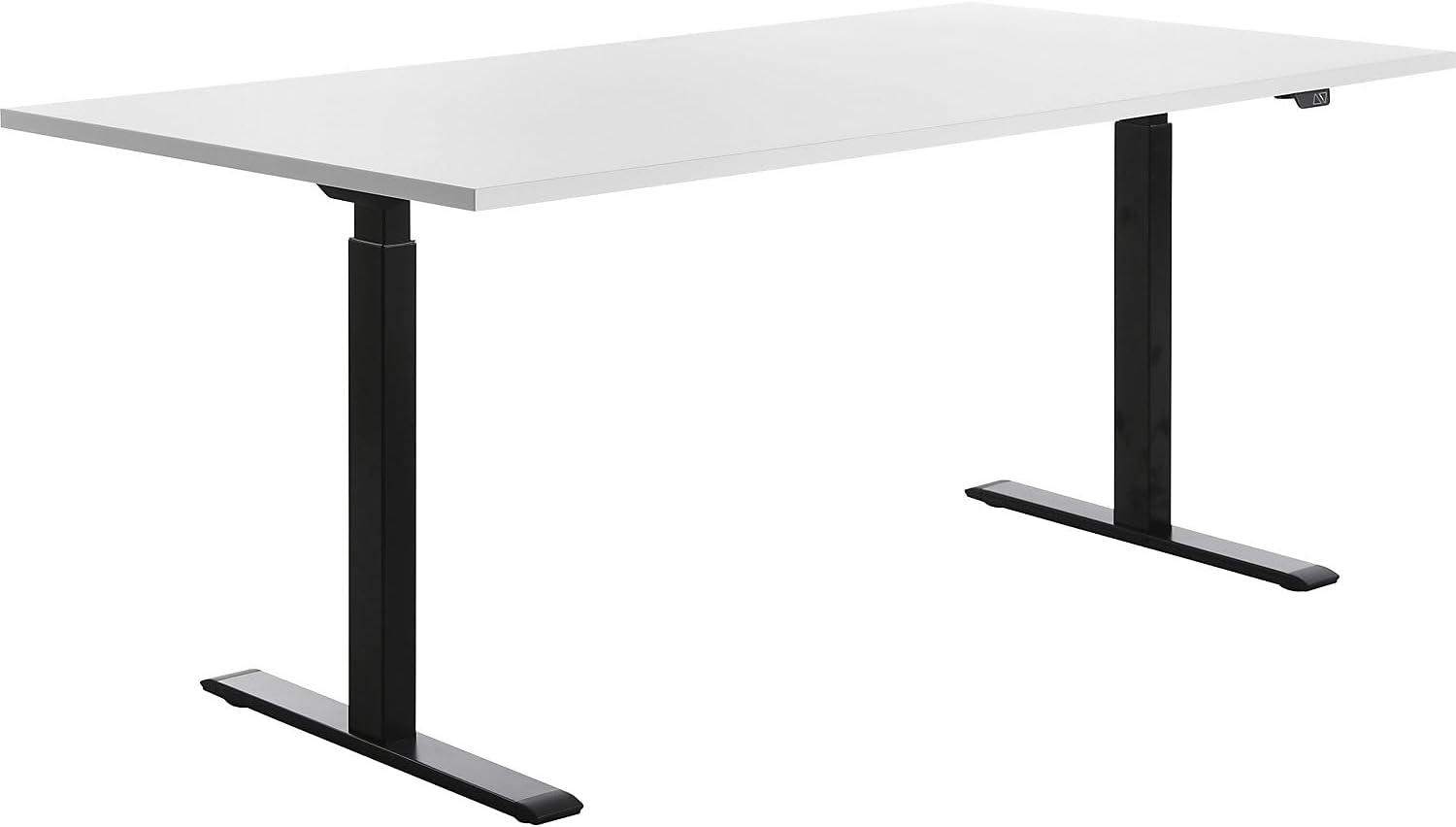
Figure 4.1: Fully assembled TOPSTAR Electric Height-Adjustable Desk.
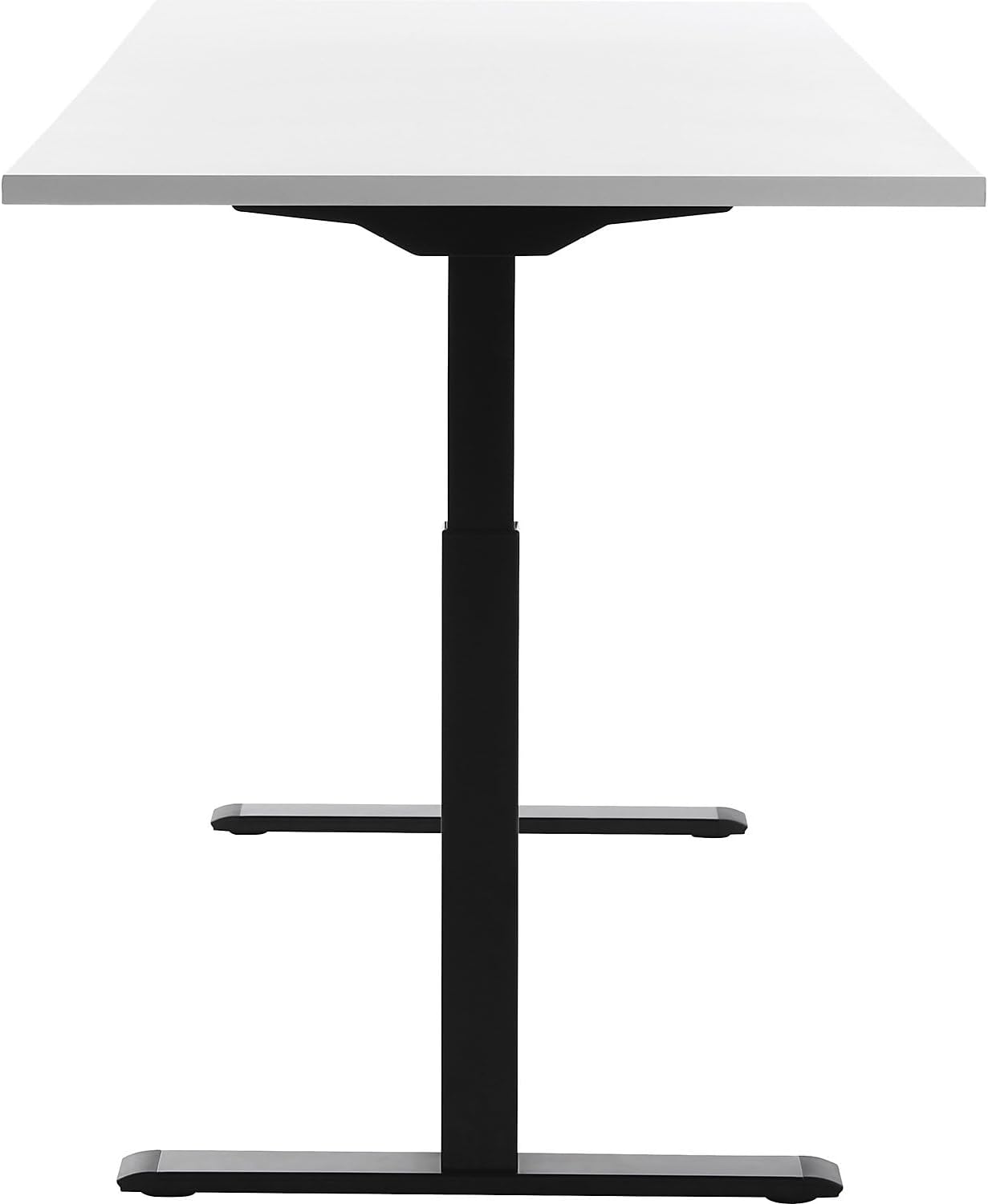
Figure 4.2: Side view illustrating the height adjustment mechanism of the desk legs.

Figure 4.3: Front view of the desk, showcasing its straight design.
5. Operating Instructions
Your TOPSTAR desk is designed for easy and quiet height adjustment, promoting a dynamic work environment.
Adjusting Desk Height
- To Raise: Press and hold the 'Up' arrow button on the control panel. The desk will smoothly ascend.
- To Lower: Press and hold the 'Down' arrow button on the control panel. The desk will smoothly descend.
- The desk can be adjusted from 70 cm to 120 cm in height. The two powerful Bosch motors ensure effortless and quiet operation.
Collision Protection
The desk is equipped with an integrated collision protection system. If the tabletop encounters an obstacle during height adjustment, it will automatically stop and reverse slightly to prevent damage or injury. Ensure the area around the desk is clear before adjusting the height.

Figure 5.1: Using the control panel for height adjustment.

Figure 5.2: Visual representation of the desk's adjustable height range.
6. Care and Maintenance
The TOPSTAR Electric Height-Adjustable Desk is constructed from high-quality, durable, and easy-care materials, ensuring longevity and stability.
- Cleaning: For general cleaning, wipe the tabletop and legs with a soft, damp cloth. Use mild soap if necessary, then dry thoroughly. Avoid abrasive cleaners or harsh chemicals that could damage the surface.
- Regular Checks: Periodically check all screws and connections to ensure they remain tight. Do not overtighten.
- Power Cord: Inspect the power cord regularly for any signs of damage. If damaged, discontinue use and contact customer support.
7. Troubleshooting Common Issues
If you encounter any issues with your desk, refer to the table below for common problems and their solutions.
| Problem | Possible Solution |
|---|---|
| Desk does not move. | Check if the power cable is securely plugged into both the desk and the wall outlet. Ensure the outlet is functional. Perform a reset if specified in the quick start guide. |
| Desk stops unexpectedly during adjustment. | The collision protection system may have been activated. Remove any obstacles in the desk's path and try again. |
| Unusual noises during operation. | Ensure the desk is on a level surface and that all assembly screws are tightened. If the noise persists, contact customer support. |
8. Technical Specifications
Detailed specifications for your TOPSTAR Electric Height-Adjustable Desk.
| Feature | Detail |
|---|---|
| Brand | TOPSTAR |
| Model Number | TTS18080SW |
| Color | White |
| Product Dimensions (LxWxH) | 180 cm x 80 cm x 70-120 cm (adjustable) |
| Material | Wood, Metal |
| Item Weight | 41.4 Kilograms |
| Special Feature | Adjustable Height, Collision Protection |
| Motors | Two powerful Bosch motors |
9. Warranty and Customer Support
TOPSTAR is committed to providing high-quality products and excellent customer service. Your E-TABLE desk is a reliable choice for your work environment, designed for optimal comfort and productivity.
- Warranty: For specific warranty terms and conditions, please refer to the documentation included with your purchase or visit the official TOPSTAR website.
- Customer Support: If you have any questions, require technical assistance, or need to report an issue, please contact TOPSTAR customer support through the retailer where you purchased the product or via the official TOPSTAR contact channels.
- Made in Germany: This product is proudly manufactured in Germany, ensuring high standards of quality and craftsmanship.