
1. Introduction and Overview
The Sony VPL-XW6000ES is a high-brightness native 4K laser projector designed for home theater environments. It delivers crisp, vibrant HDR images, even in well-lit spaces, utilizing a laser light source that generates 2,500 lumens of brightness. This projector incorporates newly developed technologies to offer a wide dynamic range, high resolution, and vivid colors within a compact design.
Key features include:
- Up to 2,500 lumens of brightness from a long-lasting laser light source.
- All-new Native 4K SXRD panel providing full 4K resolution (3,840 x 2,160 pixels).
- Flagship-level X1 Ultimate for projector image processing.
- Ultra-pure and reliable laser light source for up to 20,000 uninterrupted hours.
- All-new Advanced Crisp-Focused (ACF) Lens.
- TRILUMINOS PRO technology for over a billion colors.
- Wide Dynamic Range Optics for 95% DCI-P3 wide color gamut and high brightness.
- Picture Position Memory for storing up to five screen format settings.

2. Setup and Installation
Proper setup is crucial for optimal performance. Consider the projector's placement, power connection, and input sources.
2.1 Unpacking and Inspection
Carefully remove all components from the packaging. Verify that all items listed in the 'What's in the Box' section are present and undamaged. Retain the packaging for future transport or service.
2.2 Placement
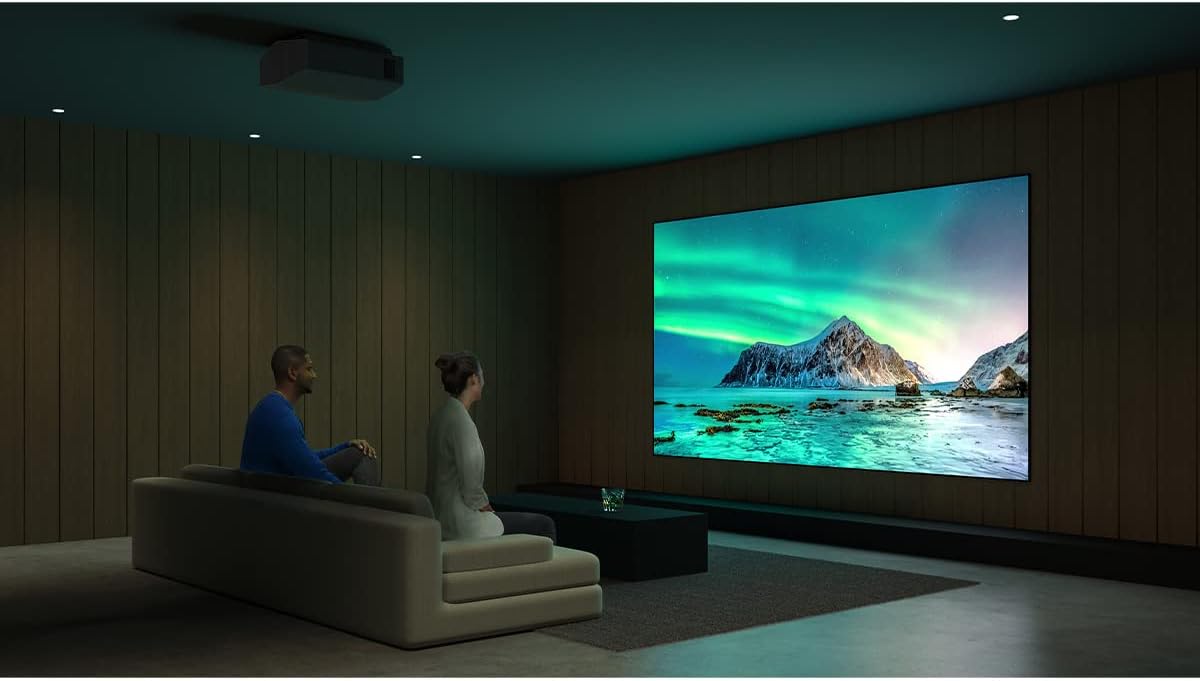
The VPL-XW6000ES is designed for stationary use and can be ceiling-mounted. Ensure adequate ventilation around the projector. Avoid placing it in direct sunlight or near heat sources. Refer to the throw distance specifications for optimal screen size and image quality.
2.3 Connections
Connect your video sources (e.g., Blu-ray player, gaming console, streaming device) to the projector's HDMI inputs. Ensure secure connections for all cables.
- HDMI: For video and audio input from compatible devices.
- LAN: For network connectivity and control.
- USB: For firmware updates or service.

2.4 Power Connection
Connect the supplied power cord to the projector and then to a suitable AC power outlet (240 Volts AC). The projector will enter standby mode.
3. Operating Instructions
3.1 Powering On/Off
- To Power On: Press the power button on the remote control or the projector's control panel. The indicator light will change from amber (standby) to green.
- To Power Off: Press the power button again. A confirmation message may appear. Confirm to shut down the projector. The indicator light will return to amber.
3.2 Input Selection
Use the 'Input' button on the remote control or the projector's control panel to cycle through available input sources (e.g., HDMI 1, HDMI 2).
3.3 Image Adjustment
The VPL-XW6000ES features motorized lens adjustments for focus, zoom, and shift. These can be controlled via the remote control or the projector's menu.
- Focus: Adjust for a sharp image.
- Zoom: Adjust the image size to fit your screen.
- Lens Shift: Vertically and horizontally adjust the image position without moving the projector.
Picture Position Memory: This feature allows you to store and recall up to five sets of lens focus, zoom, and shift settings for different screen formats or aspect ratios. Access this function through the projector's menu.
3.4 Advanced Image Settings
Access the projector's on-screen menu to fine-tune image parameters such as brightness, contrast, color, and gamma. The X1 Ultimate for projector processing engine optimizes image quality based on content.
4. Maintenance
Regular maintenance ensures the longevity and optimal performance of your projector.
4.1 Laser Light Source
The VPL-XW6000ES uses a laser light source with an estimated operating life of up to 20,000 hours. This eliminates the need for lamp replacements under normal usage conditions.
4.2 Cleaning
- Exterior: Wipe the projector's exterior with a soft, dry cloth. For stubborn dirt, use a slightly damp cloth with a mild detergent, then wipe dry.
- Lens: Gently clean the lens with a soft, lint-free cloth specifically designed for optical surfaces. Avoid using abrasive materials or harsh chemicals.
- Air Vents: Periodically check and clean the air vents to ensure proper airflow and prevent overheating. Use a soft brush or a vacuum cleaner with a brush attachment.
5. Troubleshooting
If you encounter issues with your projector, refer to the following basic troubleshooting steps:
- No Power: Ensure the power cord is securely connected to both the projector and the power outlet. Check if the power outlet is functional.
- No Image: Verify that the correct input source is selected on the projector. Check all HDMI cable connections between the projector and your source device. Ensure the source device is powered on and outputting a signal.
- Blurred Image: Adjust the lens focus using the remote control or projector menu. Ensure the projector lens is clean.
- Image Distorted/Incorrect Aspect Ratio: Check the aspect ratio settings in the projector's menu and on your source device.
- Remote Control Not Working: Replace the AA batteries in the remote control. Ensure there are no obstructions between the remote and the projector's IR receiver.
For more complex issues, consult the comprehensive user manual available on the Sony support website or contact Sony customer support.
6. Specifications
| Feature | Specification |
|---|---|
| Brand | Sony |
| Model Name | VPL XW6000ES |
| Model Number | VPLXW6000ES |
| Display Resolution | 3840 x 2160 (Native 4K) |
| Brightness | 2500 Lumen |
| Display Type | LCoS (SXRD) |
| Connectivity Technology | HDMI |
| Light Source Operating Life | 20000 Hours |
| Special Feature | Auto Focus |
| Mounting Type | Ceiling Mount |
| Color | Black |
| Item Dimensions L x W x H | 27.44"L x 18.1"W x 15.55"H |
| Item Weight | 30.9 Pounds |
| Voltage | 240 Volts (AC) |
| Control Method | Remote, Button Control |
| UPC | 027242923898 |

7. What's in the Box
The following items are included with your Sony VPL-XW6000ES projector:
- Projector
- Remote Control
- AA Batteries (for remote control)
- Power Cord
- Projector Lens Cover
8. Warranty and Support
8.1 Warranty Information
The Sony VPL-XW6000ES projector comes with a 1-year manufacturer's warranty. Please retain your proof of purchase for warranty claims.
8.2 Customer Support
For technical assistance, troubleshooting beyond this manual, or warranty service, please visit the official Sony support website or contact Sony customer service. You can also find additional resources and product information on the Sony Store on Amazon.


