
1. Introduction
Thank you for choosing the BRILONER 7032-416 Wireless LED Outdoor Table Lamp. This lamp is designed for versatile use, offering portable illumination with a neutral white light (4000K) and a convenient touch-dimming function. Its IP44 rating ensures protection against splashing water, making it suitable for both indoor and outdoor environments. Please read this manual carefully to ensure proper use and maintenance of your lamp.

Image 1.1: The BRILONER 7032-416 Wireless LED Outdoor Table Lamp, showcasing its integrated battery, 4000K neutral white light, touch dimmer, and USB rechargeable feature.

Image 1.2: Examples of the lamp's versatile application in various settings, including living rooms, bedrooms, outdoor spaces, and offices.
2. Setup
2.1 Unpacking
- Carefully remove all components from the packaging.
- Verify that all parts are present: the LED table lamp and a USB charging cable.
- Retain the packaging for future storage or transport.
2.2 Initial Charging
Before first use, fully charge the lamp's integrated battery. This ensures optimal battery performance and lifespan.
- Locate the charging port on the base of the lamp.
- Connect the provided USB charging cable to the lamp's charging port.
- Connect the other end of the USB cable to a compatible USB power source (e.g., a computer USB port, a USB wall adapter, or a power bank). The charging input is 5V DC.
- Allow the lamp to charge until fully charged. A full charge can provide up to 9 hours of illumination, depending on the brightness level used.

Image 2.1: Close-up view of the lamp's charging port (SELV 5V) and the included USB charging cable.
3. Operation
3.1 Power On/Off and Brightness Adjustment
The lamp features a touch-sensitive control located on the top surface of the lampshade for easy operation.
- To turn on the lamp: Lightly tap the touch-sensitive area on the top of the lampshade once. The lamp will illuminate at 25% brightness.
- To adjust brightness: Continue tapping the touch-sensitive area. Each tap will cycle through the brightness levels:
- 1st Tap: 25% brightness (ON)
- 2nd Tap: 50% brightness (ON)
- 3rd Tap: 100% brightness (ON)
- To turn off the lamp: After the 100% brightness level, the next tap will turn the lamp OFF.
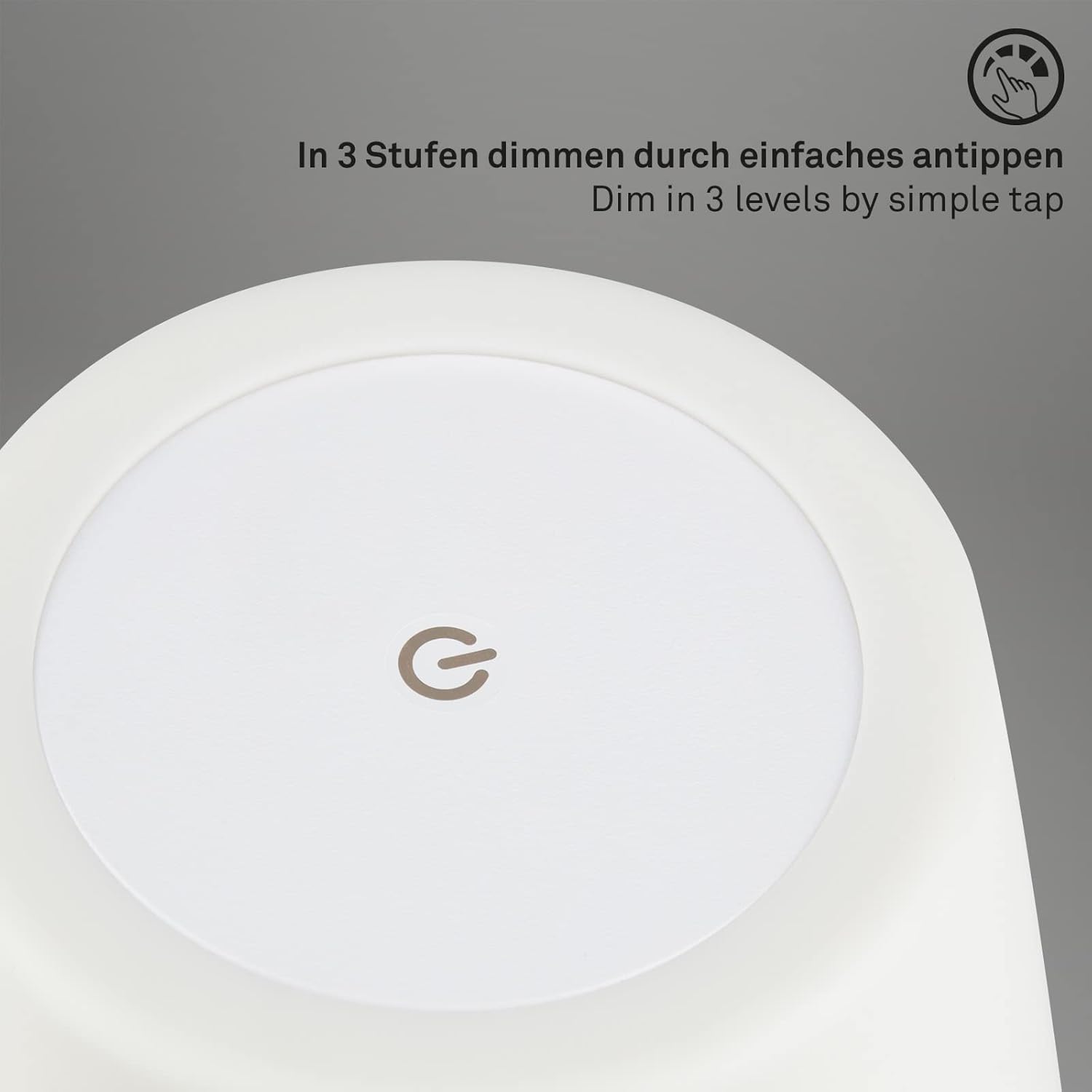
Image 3.1: Top view of the lamp, highlighting the touch-sensitive area for dimming and power control.

Image 3.2: Visual representation of the three dimming levels (25%, 50%, 100%) controlled by successive touches.
3.2 Charging the Lamp
When the battery is low, the light output may decrease. Recharge the lamp using the provided USB cable as described in Section 2.2. The lamp can be used while charging, but for optimal battery life, it is recommended to charge it fully before extensive wireless use.
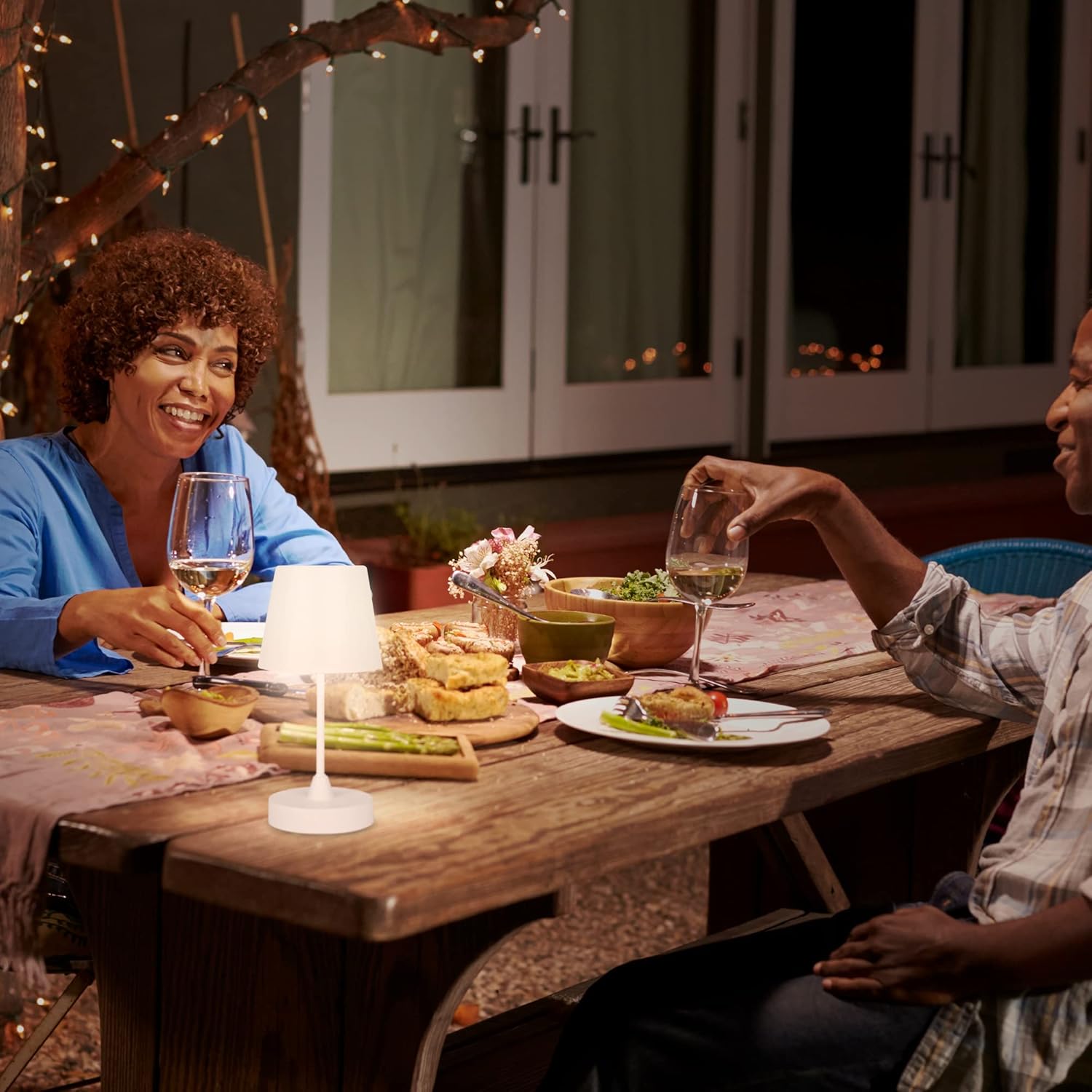
Image 3.3: The lamp providing ambient lighting for an outdoor dining setting.

Image 3.4: The lamp illuminating a balcony table, demonstrating its portability and suitability for outdoor use.
4. Maintenance
4.1 Cleaning
- Ensure the lamp is turned off and disconnected from any charging source before cleaning.
- Wipe the lamp's surface with a soft, slightly damp cloth.
- Do not use abrasive cleaners, solvents, or harsh chemicals, as these can damage the finish.
- Avoid getting water into the charging port or other electrical components.
4.2 Battery Care
- To prolong battery life, avoid completely draining the battery frequently.
- Charge the lamp regularly, even if not in constant use, to maintain battery health.
- Store the lamp in a cool, dry place if it will not be used for an extended period.
4.3 IP44 Rating
The lamp has an IP44 rating, which means it is protected against solid objects larger than 1mm and against splashing water from any direction. This makes it suitable for outdoor use in conditions like light rain or splashes. However, it is not designed for immersion in water or exposure to heavy downpours.
5. Troubleshooting
| Problem | Possible Cause | Solution |
|---|---|---|
| Lamp does not turn on. | Battery is depleted. | Charge the lamp fully using the provided USB cable. |
| Lamp does not turn on. | Touch control not responding. | Ensure you are tapping the correct area on the top of the lampshade. Ensure your finger is clean and dry. |
| Brightness levels are not changing. | Incorrect tapping sequence. | Tap the touch-sensitive area repeatedly to cycle through the 3 brightness levels. |
| Short battery life. | Battery not fully charged or aged battery. | Ensure the lamp is fully charged before use. Battery performance may degrade over time. |
| Lamp flickers or light is weak. | Low battery. | Recharge the lamp. |
6. Specifications
| Feature | Detail |
|---|---|
| Brand | Briloner |
| Model Number | 7032-416 |
| Product Dimensions (H x D) | 300 x 145 mm (14.5 x 14.5 x 30 cm) |
| Item Weight | 470 grams |
| Material | Plastic |
| Color | White |
| Bulb Type | Integrated LED |
| Wattage | 3 Watts |
| Luminous Flux | 340 Lumens |
| Color Temperature | 4000K Neutral White |
| Dimming | 3-level touch dimming |
| IP Rating | IP44 (Protection against splashing water) |
| Battery Type | 1 Lithium-ion (included) |
| Battery Life | Up to 9 hours (on a full charge) |
| Charging Input | 5V DC (via USB) |
| Included Components | USB Cable |
| Average Lifespan | 25,000 Hours |

Image 6.1: Technical drawing illustrating the height (300mm) and diameter (145mm) of the lamp.
7. Warranty Information
This BRILONER product is covered by a manufacturer's warranty. Please refer to the warranty card included with your purchase or contact Briloner customer support for specific details regarding warranty terms and conditions, including coverage period and claims process. Keep your proof of purchase for warranty validation.
8. Customer Support
Should you encounter any issues or have questions regarding your BRILONER 7032-416 lamp that are not addressed in this manual, please contact Briloner customer support. Contact information can typically be found on the product packaging, the official Briloner website, or through your retailer.
- Online Resources: Visit the official Briloner website for FAQs, product information, and support.
- Retailer Support: For purchase-related inquiries, contact the retailer from whom you purchased the product.


