
Introduction
Thank you for choosing the Lion Energy 100 Watt 24V Portable Solar Panel. This manual provides essential information for the safe and efficient use of your solar panel. Please read these instructions carefully before operating the product and retain them for future reference.
Safety Information
- Do not attempt to disassemble, repair, or modify the solar panel. This may cause damage and void the warranty.
- Keep the solar panel away from open flames, water, and corrosive substances.
- Ensure proper ventilation when operating the solar panel, especially when connected to a power station.
- Avoid touching the electrical contacts with bare hands or metal objects.
- Always use the solar panel with compatible 24V systems, such as Lion Safari ME units. Do not connect to 12V systems.
- Handle the tempered glass surface with care to prevent breakage.
Product Overview
The Lion Energy 100 Watt 24V Portable Solar Panel is designed for efficient and convenient power generation in various outdoor and off-grid scenarios. Its foldable design and durable construction make it suitable for RVs, camping, and emergency power needs.
Key Features:
- Foldable 100W Design: Compact and easy to transport.
- 24V Monocrystalline Panel: Delivers up to 2.78 amps of renewable power.
- Lightweight: Weighs approximately 8.5 pounds.
- Durable Construction: Features a double-walled, anti-corrosive aluminum frame and tempered glass.
- Plug-and-Play: Includes built-in 6-foot solar cables with adjustable tilt legs for direct connection to compatible Lion Energy units.
Components:
- 100 Watt 24V Foldable Solar Panel
- Integrated 6-foot Solar Cables
- Adjustable Tilt Legs
- Neoprene Carrying Case (included)

Image: The Lion Energy 100 Watt 24V Portable Solar Panel shown in its compact, folded state, highlighting its portability.

Image: The Lion Energy 100 Watt 24V Portable Solar Panel fully unfolded, ready for deployment and solar energy collection.
Setup
- Unfold the Panel: Carefully unfold the solar panel until both sections are fully extended.
- Position the Panel: Place the solar panel in a location with direct sunlight, free from shadows.
- Adjust Tilt Legs: Extend the integrated tilt legs to angle the panel towards the sun for optimal energy capture. Adjust the angle throughout the day as the sun's position changes.
- Connect to Power Station: Connect the built-in solar cables from the panel directly to the compatible input port on your Lion Energy power station (e.g., Lion Safari ME). Ensure the connection is secure.
- Verify Connection: Confirm that your power station indicates it is receiving a charge from the solar panel.
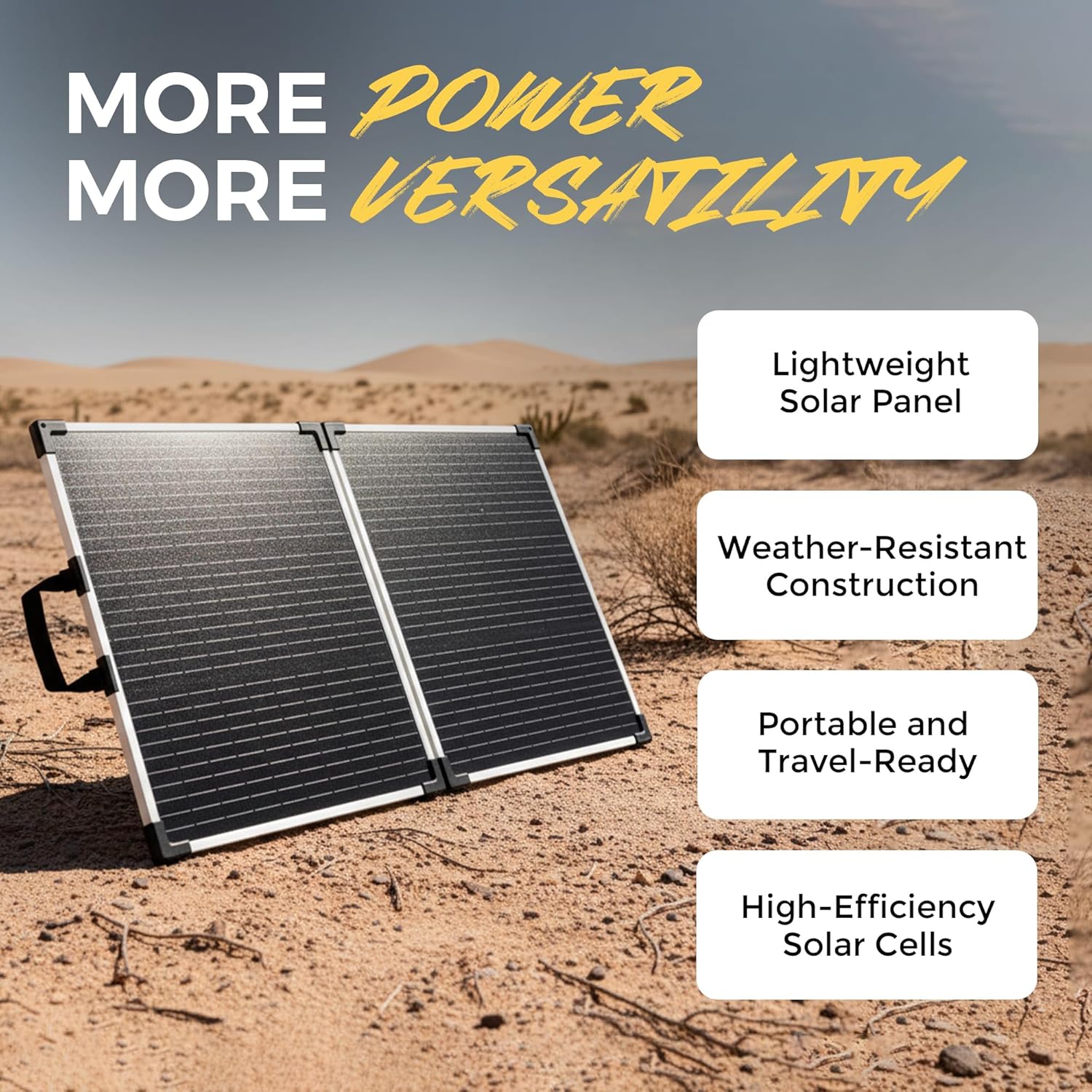
Image: The solar panel deployed in a desert landscape, demonstrating its outdoor readiness and ease of setup.

Image: The solar panel set up in a grassy outdoor area, connected to a Lion Energy power station, illustrating a typical charging scenario.
Operating Instructions
Once the solar panel is set up and connected, it will begin converting sunlight into electrical energy to charge your compatible power station. The charging efficiency depends on several factors:
- Sunlight Intensity: Direct, unobstructed sunlight yields the best results. Cloudy conditions will reduce output.
- Panel Angle: Adjusting the panel to face the sun directly maximizes energy capture.
- Temperature: Extreme heat can slightly reduce panel efficiency.
- Cleanliness: Keep the panel surface clean from dust, dirt, and debris.
Monitor your power station's display to track the charging status and input wattage. For optimal performance, ensure the panel is not shaded by trees, buildings, or other objects.

Image: The solar panel positioned with its tilt legs extended, demonstrating how to angle it for maximum sun exposure in an open desert environment.
Maintenance
- Cleaning: Regularly clean the solar panel surface with a soft, damp cloth to remove dust, dirt, or debris. Avoid abrasive cleaners or harsh chemicals that could damage the panel.
- Inspection: Periodically inspect the panel for any physical damage, such as cracks in the glass or frame, or frayed cables.
- Storage: When not in use, fold the solar panel and store it in its neoprene carrying case in a cool, dry place, away from direct sunlight and extreme temperatures.
Troubleshooting
| Problem | Possible Cause | Solution |
|---|---|---|
| No charge or low charge indicated by power station. |
|
|
| Panel appears damaged. | Physical impact or improper handling. | Discontinue use. Contact Lion Energy customer support for assistance. |
Specifications
| Specification | Detail |
|---|---|
| Rated Power | 100 Watts |
| Maximum Voltage | 24 Volts |
| AC Adapter Current (Max Output) | 2.78 Amps (at 24V) / 2.85 Amps (at 35V) |
| Panel Type | High-efficiency monocrystalline cells |
| Construction Material | Aluminum frame, tempered glass |
| Included Components | Kickstands, neoprene carrying case |
| System Compatibility | Lion Safari ME and other 24V devices |
| Weight | 8.5 lbs |
| Dimensions (Folded) | 23.5" x 20 7/16" x 1.5" or 26.5" x 20" x 2" |
| Dimensions (Unfolded) | 23.5" x 40 7/8" x 0.75" or 26.5" x 40" x 1" |
| Model Number | 50170163 |
| UPC | 858311007382 |
Warranty and Support
For warranty information, please refer to the documentation included with your product or visit the official Lion Energy website. If you require technical assistance or have questions not covered in this manual, please contact Lion Energy customer support.
Lion Energy Customer Support: Please refer to the contact information provided on the product packaging or the official Lion Energy website.