
Product Overview
The MaxLite 48-inch 42W LED Shop Light (Model SL2-48421-50) is designed to provide efficient and bright illumination for various indoor spaces such as garages, basements, utility rooms, and workshops. This fixture features instant full brightness, is ENERGY STAR certified, and includes a built-in on/off pull chain for convenient operation. It comes with a 5-foot power cord and 120V plug, and multiple units can be linked together, up to a maximum of four fixtures.
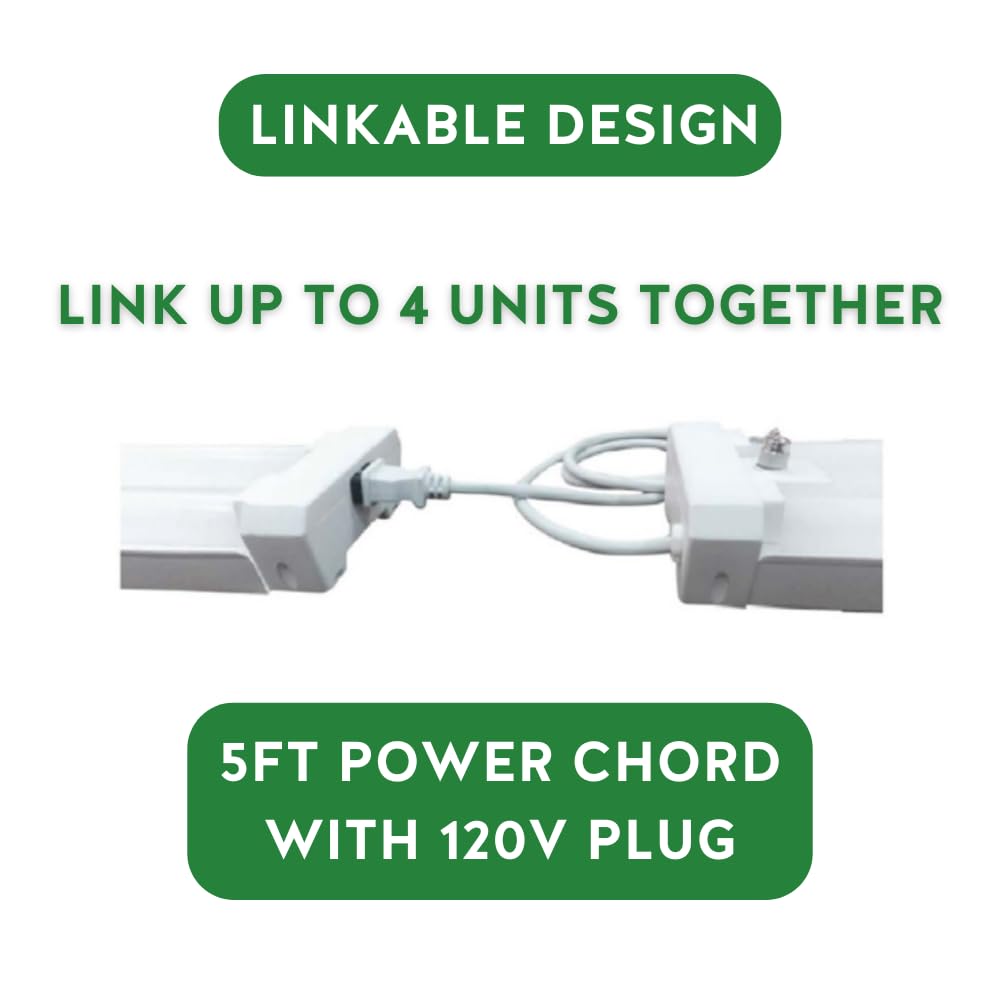
Image: Comparison of a garage before and after installation of the MaxLite shop light, demonstrating improved illumination.

Image: Key features of the MaxLite shop light, including linkability, energy efficiency, and the integrated pull chain.
Video: An informational video from MaxLite, providing an overview of the brand's commitment to lighting solutions and experience.
Safety Information
Please read and understand all instructions before attempting to install, operate, or maintain this product. Failure to follow these instructions may result in electric shock, fire, or other hazards that could cause personal injury or property damage.
- Always disconnect power at the circuit breaker or fuse box before installation or servicing.
- Ensure the supply voltage is correct for the fixture (120V AC).
- Do not install near combustible materials.
- This fixture is intended for indoor use only.
- If you are unsure about the installation process, consult a qualified electrician.
- Do not look directly into the LED light source when the fixture is powered on.
Package Contents
Verify that all components are present before beginning installation:
- MaxLite 48-inch LED Shop Light Fixture (Model SL2-48421-50)
- 5-foot Power Cord with 120V Plug
- Mounting Hardware (e.g., chains, S-hooks, screws)
- Instruction Manual
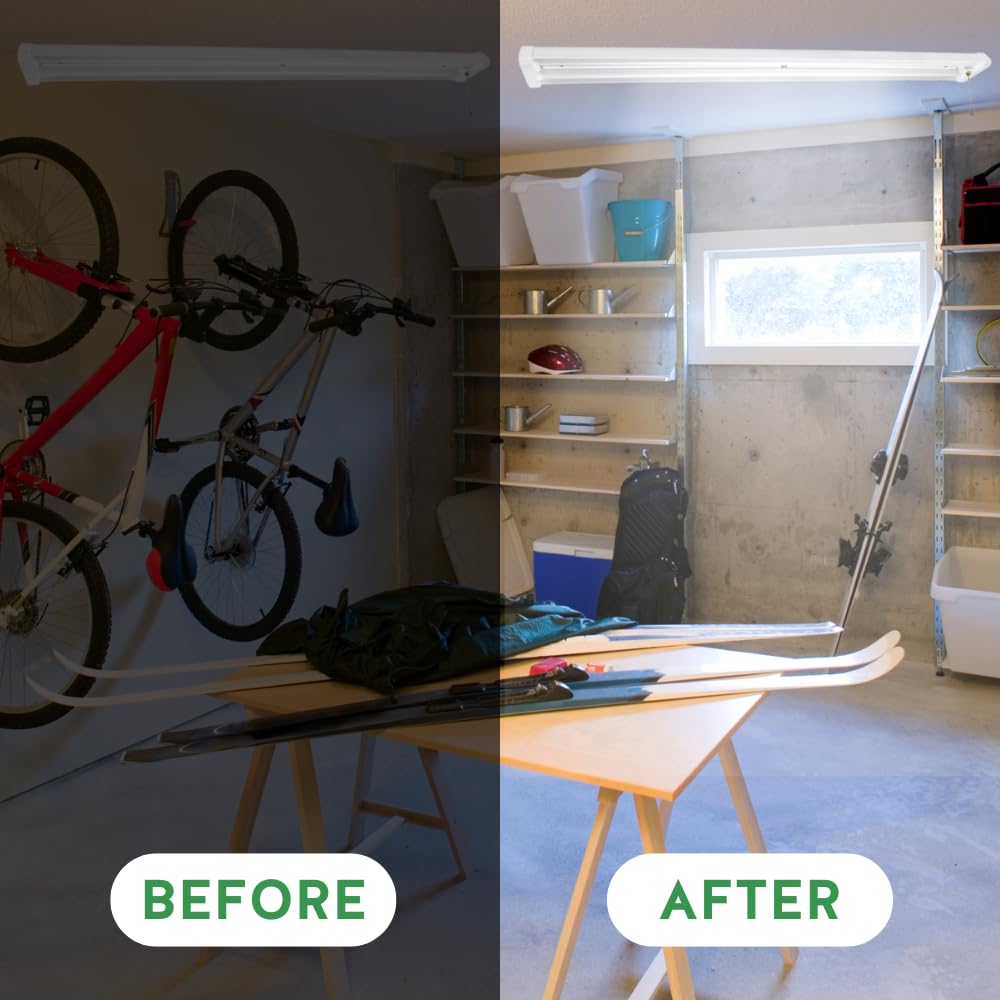
Image: Rear view of the MaxLite shop light, showing its construction.
Specifications
| Attribute | Value |
|---|---|
| Model Number | SL2-48421-50 |
| Brand | MaxLite |
| Light Source Type | Integrated LED |
| Wattage | 42 Watts |
| Voltage | 120 Volts |
| Brightness | 4200 Lumens |
| Color Temperature | 5000 Kelvin (Cool White) |
| Lifespan | 50,000 Hours |
| Product Dimensions | 48"L x 5"W x 2.5"H |
| Item Weight | 2.35 Pounds |
| Control Method | Pull Chain |
| Installation Type | Semi Flush Mount / Ceiling Mount |
| Linkability | Up to 4 units |
| Certifications | ENERGY STAR |

Image: Visual representation of key electrical and performance specifications.
Setup and Installation
This fixture is designed for semi-flush mount or ceiling mount installation. Ensure the mounting surface can support the weight of the fixture.
1. Prepare for Installation
- Turn off power at the circuit breaker or fuse box before starting.
- Unpack the fixture and all components. Inspect for any damage.
- Gather necessary tools (e.g., drill, screwdriver, wire strippers, safety glasses).
2. Mounting the Fixture
- Determine the desired mounting location.
- Use the provided mounting hardware (chains, S-hooks, or screws) to securely attach the fixture to the ceiling or other suitable surface. Follow the specific instructions provided with the mounting hardware for your chosen method.
3. Electrical Connection
- Plug the 5-foot power cord into a standard 120V AC outlet.
- Ensure the outlet is easily accessible and properly grounded.
4. Linkable Design (Optional)
If linking multiple fixtures, ensure the total wattage does not exceed the circuit's capacity. Up to four units can be linked together.
- Connect the linking cable (not always included, may need to be purchased separately) from the output end of one fixture to the input end of the next fixture.
- Ensure all connections are secure.
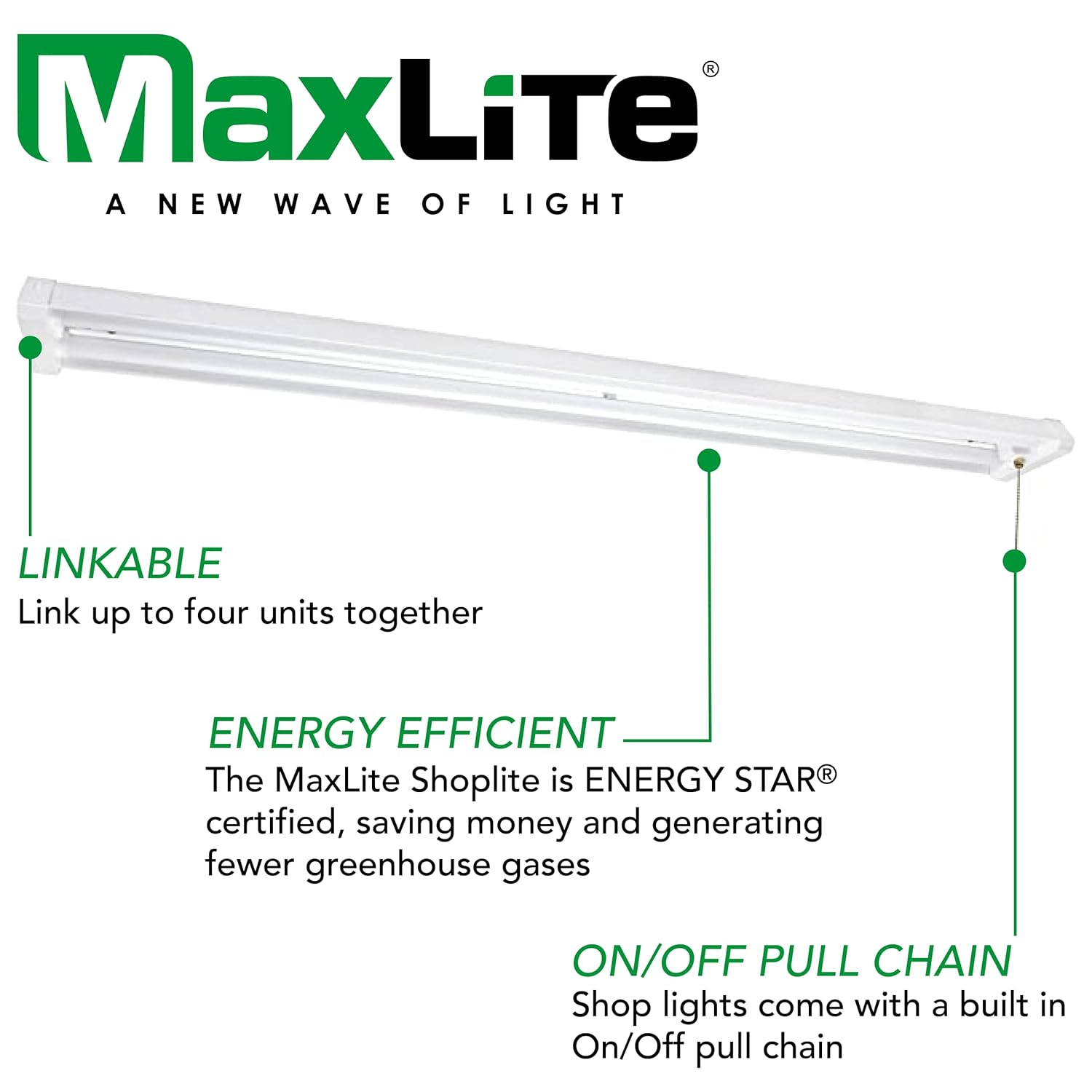
Image: Illustration of the linkable feature and the included power cord.
Operating Instructions
The MaxLite LED Shop Light is operated using the integrated pull chain.
- To Turn On: Gently pull the chain once. The light will illuminate instantly.
- To Turn Off: Gently pull the chain again. The light will turn off.
Maintenance
The MaxLite LED Shop Light requires minimal maintenance.
- Cleaning: Ensure the power is disconnected before cleaning. Wipe the fixture with a soft, dry, or slightly damp cloth. Do not use abrasive cleaners or solvents.
- Bulb Replacement: The LED light source is integrated and not user-replaceable. The fixture is designed for a long operational lifespan of 50,000 hours.
Troubleshooting
If you encounter issues with your MaxLite LED Shop Light, refer to the following common troubleshooting steps:
| Problem | Possible Cause | Solution |
|---|---|---|
| Light does not turn on | No power to the fixture | Check if the power cord is securely plugged into a working outlet. Verify the circuit breaker is not tripped. |
| Light flickers | Loose connection or power fluctuation | Ensure the power cord is firmly connected. If linked, check connections between fixtures. Test the fixture in a different outlet. |
| Light is dim | Dust or dirt on the lens | Disconnect power and gently clean the LED lens with a soft, dry cloth. |
Warranty and Support
MaxLite provides a 10-year warranty for this product, covering defects in materials and workmanship under normal use. For warranty claims or technical support, please contact MaxLite customer service.
MaxLite Customer Service:
- Website: www.maxlite.com
- Phone: Refer to the MaxLite website for current contact numbers.
Please have your model number (SL2-48421-50) and date of purchase available when contacting support.


