
WINGBO SYCF5401
WINGBO 54 Inch DC Ceiling Fan User Manual
Model: SYCF5401 | Brand: WINGBO
1. Safety Information
Please read all instructions carefully before beginning installation. Improper installation can lead to electric shock, fire, or personal injury. Always consult a qualified electrician if you are unsure about any part of the installation process.
- Ensure the power is turned off at the circuit breaker before installation or maintenance.
- All wiring must be in accordance with national and local electrical codes.
- The mounting structure must be capable of supporting a minimum of 35 lbs (15.9 kg).
- Do not bend the blade holders during installation, balancing, or cleaning.
- Keep hands clear of the fan blades when the fan is operating.
2. Packing List
Verify that all components listed below are present and undamaged before proceeding with installation.

Image: WINGBO 54 Inch DC Ceiling Fan with Remote Control. This image displays the complete ceiling fan unit along with its remote control, showcasing the brass finish and black blades.
- Fan Motor Assembly
- Fan Blades (5 reversible carved wood blades)
- Remote Control
- LED Light Kit (integrated light source)
- Downrods (4.5” and 12” long)
- Mounting Bracket
- Hardware Pack (screws, wire nuts, etc.)
- Receiver Module
- Canopy
- Light Globe
3. Installation Guide
Follow these step-by-step instructions for proper installation of your WINGBO ceiling fan. For a visual guide, please refer to the official installation video below.
Video: WINGBO Ceiling Fan with Lights Installation. This video provides a comprehensive visual guide for installing the ceiling fan, demonstrating each step from unboxing to final assembly and wiring.
Step-by-Step Installation:
- Install Fan Mounting Bracket: Securely attach the fan mounting bracket to the ceiling junction box. Ensure it is firmly fixed to support the fan's weight.
Image: Installation of the fan mounting bracket to the ceiling.
- Install the Lighting: Attach the LED light source to the fan motor assembly. Connect the necessary wiring for the light.

Image: Attaching the LED light kit to the fan motor housing.
- Attach Blades: Secure each of the five carved wood blades to the fan motor assembly using the provided screws. Ensure they are tightly fastened.

Image: Close-up of a fan blade being attached to the motor housing.
- Install Downrod: Assemble the downrod with the hanger ball. Feed the fan wires through the downrod.

Image: Assembling the downrod with the hanger ball and feeding wires.
- Connect the Wires (Fan to Receiver): Connect the wires from the fan to the receiver module according to the wiring diagram. Ensure all connections are secure.

Image: Detailed view of connecting fan wires to the receiver module.
- Hang the Motor: Carefully lift the fan assembly and hang the hanger ball into the mounting bracket.

Image: Hanging the fan motor assembly onto the ceiling mounting bracket.
- Connect the Wires (Ceiling to Receiver): Connect the remaining wires from the ceiling power supply to the receiver module. Ensure proper grounding.

Image: Connecting the ceiling power wires to the receiver module.
- Install Receiver Module: Tuck the connected wires and the receiver module neatly into the mounting bracket.

Image: Placing the receiver module and wires within the mounting bracket.
- Attach the Canopy: Slide the canopy up and secure it to the mounting bracket with the provided screws.
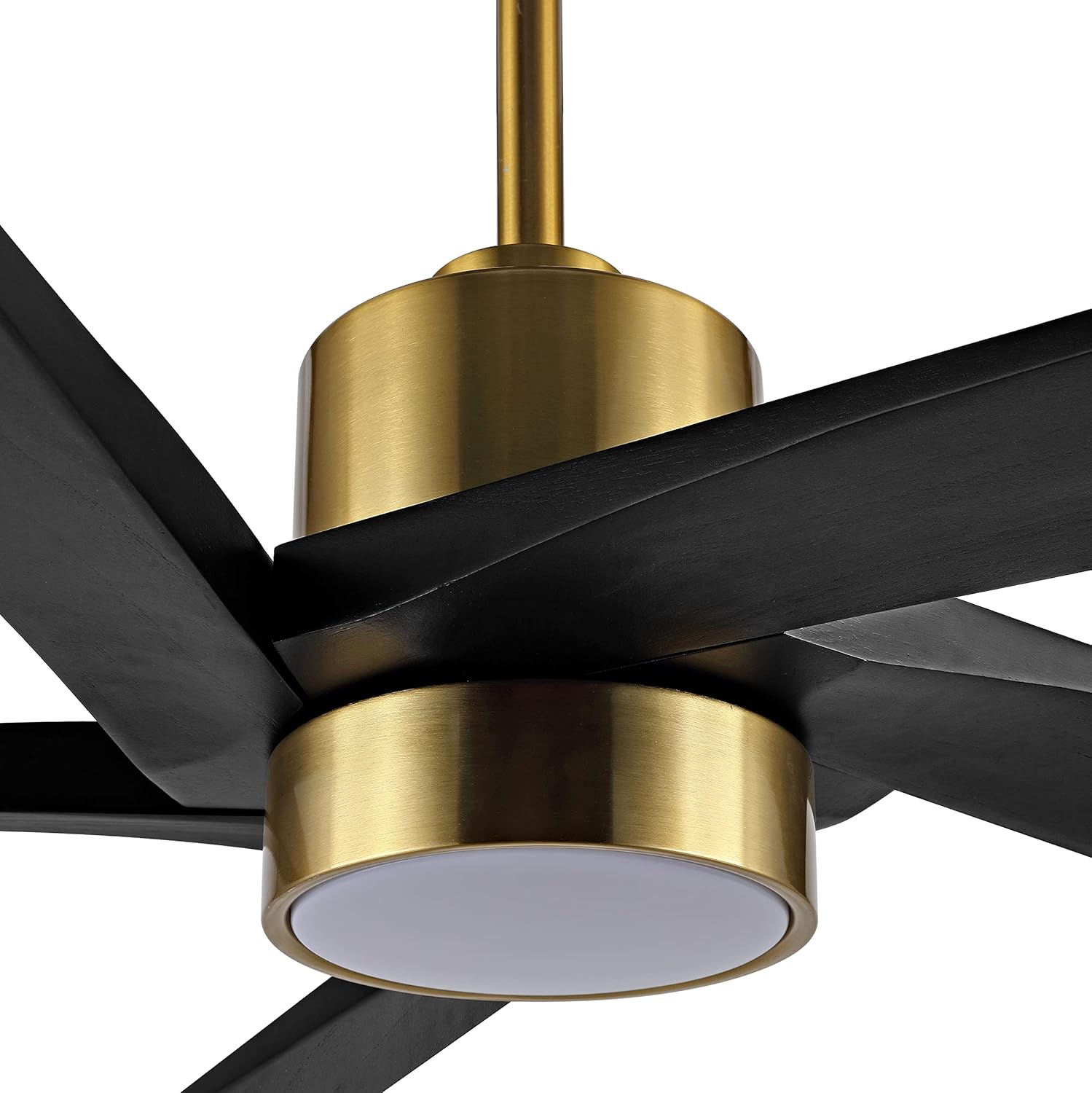
Image: Securing the fan canopy to the ceiling mounting bracket.
- Install the Light Globe: Twist or secure the light globe onto the fan's light kit.

Image: Attaching the light globe to the fan's integrated light fixture.
4. Operating Instructions
Your WINGBO ceiling fan is controlled by the included handheld remote. Familiarize yourself with its functions for optimal use.
Remote Control Functions:

Image: Overview of the remote control with buttons for fan speed, light control, and mode selection.
- Fan Speed: The fan operates on 6 forward and reverse speeds. Use the speed buttons on the remote to adjust airflow.
- Dual-Direction (Summer/Winter Mode):

Image: Diagram illustrating the airflow direction for Summer Mode (downward) and Winter Mode (upward).
- Summer Mode: Fan blades rotate counter-clockwise, forcing air down to create a cooling breeze.
- Winter Mode: Fan blades rotate clockwise, gently drawing air up to circulate warm air trapped near the ceiling.
- LED Light Control: The integrated LED light source offers 3 color temperatures (3000K Warm Light, 4500K Natural Light, 6000K Day Light). Use the light control buttons on the remote to cycle through these options or turn the light on/off.

Image: Visual representation of the three available LED light color temperatures: Warm Light (3000K), Natural Light (4500K), and Day Light (6000K).
- Timer Function: Set a timer (1-8 hours) to automatically turn off the fan. This feature is useful for energy saving and convenience, especially during sleep.

Image: Illustration of the timer function, showing options for 1H, 2H, 4H, and 8H automatic shut-off.
5. Maintenance
Regular maintenance ensures the longevity and optimal performance of your WINGBO ceiling fan.
- Cleaning: To clean the fan, wipe with a soft, damp cloth. Do not use abrasive cleaners or solvents as they may damage the finish or blades.
- Blade Care: The solid wood blades are resistant to warping. Periodically check the blade screws for tightness to ensure quiet operation and prevent wobbling.
- Light Kit: The integrated LED light source is designed for long life and typically does not require replacement.
- Motor: The energy-efficient DC motor is designed for quiet operation and requires no lubrication.
6. Troubleshooting
If your fan is not operating correctly, consult this troubleshooting guide before contacting customer support.
| Problem | Possible Cause | Solution |
|---|---|---|
| Fan does not start | No power to the fan; Loose wire connections; Remote control battery low or not paired. | Check circuit breaker and wall switch. Ensure all wire connections are secure. Replace remote battery or re-pair remote. |
| Fan makes clicking noise | Loose fan blades; Loose mounting screws; Obstruction in fan's path. | Tighten all blade screws and mounting screws. Check for any objects interfering with the blades. |
| Light does not work | Loose wire connection to light kit; Faulty LED driver. | Check light kit wiring connections. If problem persists, contact customer support for LED driver replacement. |
| Fan wobbles | Unbalanced blades; Loose blade screws; Improper mounting. | Ensure all blade screws are tight. Use a balancing kit (not included) if necessary. Verify mounting bracket is securely installed. |
7. Specifications
- Brand: WINGBO
- Model Name: DC Ceiling Fan with Lights and Remote Control
- Item Model Number: SYCF5401
- ASIN: B09X5D5NL8
- UPC: 786661090290
- Product Dimensions: 54"D x 54"W x 21"H
- Item Weight: 18.4 Pounds
- Color: Brass and Black
- Electric Fan Design: Ceiling Fan
- Power Source: DC
- Style: Modern
- Room Type: Bedroom (suitable for living rooms, bedrooms, or larger rooms)
- Special Feature: LED Light
- Recommended Uses For Product: Indoor (damp rated)
- Wattage: 24 watts (LED)
- Finish Type: Painted
- Number of Blades: 5
- Blade Length: 54 Inches
- Voltage: 110 Volts (DC)
- Switch Type: Remote
- Included Components: Remote
- Specification Met: ETL
- Control Method: Remote
- Light Type: LED
- Blade Material: Wood (FSC-Certified)
- Efficiency: Energy-efficient DC motor
- Number of Power Levels: 6
- Country of Origin: China
- First Available Date: July 24, 2022
8. Warranty and Support
For warranty information or technical support, please contact WINGBO customer service. You may also find additional resources on the official WINGBO store page.
- Protection Plans: Optional 3-Year and 4-Year Protection Plans are available for purchase.
- WINGBO Store: Visit the WINGBO Store on Amazon for more products and support.
Related documentsSYCF5401


Ask a question about this manual
Ask about setup, troubleshooting, compatibility, parts, safety, or missing instructions. Manuals+ will review the question and use this page’s manual context to help answer it.