Introduction
Thank you for choosing the JVC Marshmallow+ True Wireless Earbuds. These earbuds are designed to provide a comfortable and secure listening experience with advanced features such as low latency mode, touch sensor operation, and auto ear detection. This manual provides essential information for setting up, operating, maintaining, and troubleshooting your new earbuds.
What's in the Box
Please ensure all the following items are included in your package:
- JVC Marshmallow+ True Wireless Earbuds (Left and Right)
- Wireless Charging Case
- USB Charging Cable
- Silicone Earpieces (Sizes S, M, L)
- Memory Foam Earpieces (Sizes S, M)

Image: The JVC Marshmallow+ True Wireless Earbuds shown with the included silicone and memory foam earpieces in different sizes.
Setup
1. Charging the Earbuds and Case
Before first use, fully charge the earbuds and the charging case. Place the earbuds into the charging case. Connect the USB charging cable to the charging case and a power source. The charging indicator lights on the case will show the charging status.
- A full charge for the carrying case typically takes up to 6 hours.
- The earbuds provide up to 30 hours of total playback time with the charging case.
2. Pairing with Your Device (Bluetooth)
- Ensure the earbuds are charged and placed in the charging case.
- Open the charging case. The earbuds will automatically enter pairing mode.
- On your device (e.g., smartphone, tablet), go to Bluetooth settings and turn Bluetooth on.
- Select "JVC HAA17TB" or similar from the list of available devices.
- Once connected, you will hear an audible confirmation, and the earbuds will be ready for use.
Note: The earbuds will automatically reconnect to the last paired device when removed from the case, if Bluetooth is enabled on the device.
3. Selecting the Right Earpieces
For optimal sound quality and comfort, choose the earpiece size that best fits your ears. Experiment with both silicone (S, M, L) and memory foam (S, M) options to find the most secure and comfortable fit.

Image: The JVC Marshmallow+ True Wireless Earbuds, designed for a comfortable and secure fit.
Operating Your Earbuds
Touch Sensor Operation
The JVC Marshmallow+ earbuds feature intuitive touch sensors for controlling playback, calls, and voice assistant functions. Specific touch gestures may vary; refer to the full user manual for detailed commands.

Image: A person wearing the JVC Marshmallow+ earbuds, demonstrating the ease of touch sensor control.
Low Latency Mode
Activate Low Latency Mode for an optimized audio experience during gaming or watching streaming videos. This mode minimizes audio delay, ensuring better synchronization between audio and video.
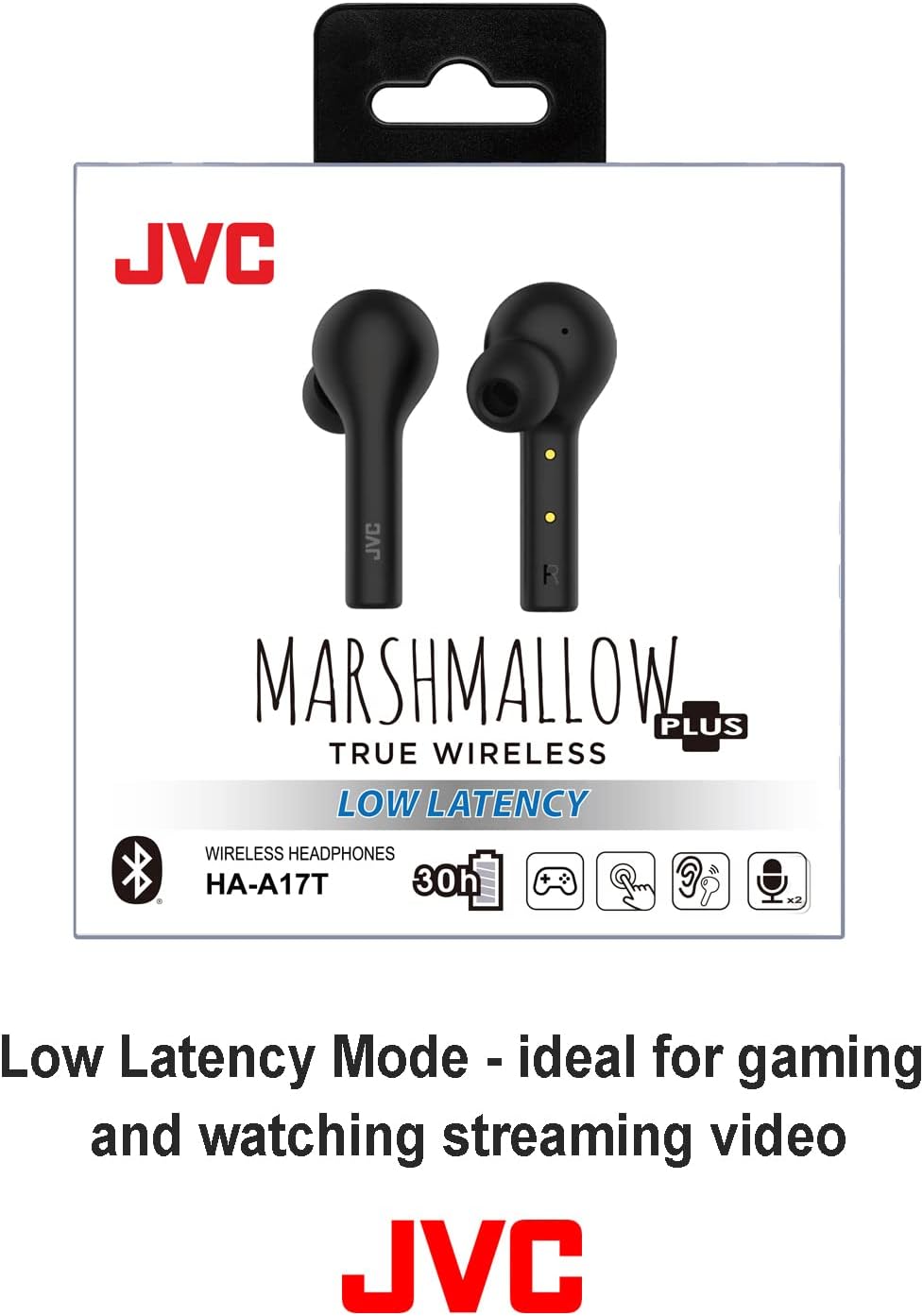
Image: The product packaging for JVC Marshmallow+ Earbuds, emphasizing the Low Latency feature for gaming and video.
Auto Ear Detection Sensor
The earbuds are equipped with an auto ear detection sensor. When placed in your ears, they will automatically connect and begin playback. When removed, they will pause playback and enter standby mode after 15 seconds of inactivity to conserve battery.

Image: A person wearing the JVC Marshmallow+ earbuds, illustrating the seamless connection provided by the auto-detection sensor.
Dual Microphones for Clear Calls
Each earbud features advanced microphone technology to ensure clear voice transmission during phone conversations.

Image: A person wearing JVC Marshmallow+ earbuds while engaged in an activity, showcasing the effectiveness of the dual microphones for clear calls.
Battery Life
The earbuds, combined with the charging case, offer a total battery life of up to 30 hours. Individual earbud battery life will vary based on usage and volume levels.

Image: A woman exercising while wearing JVC Marshmallow+ earbuds, illustrating the long 30-hour total battery life with the charging case.
Maintenance
- Cleaning: Regularly clean the earbuds and charging case with a soft, dry cloth. Do not use abrasive cleaners or solvents.
- Earpieces: Remove and clean the earpieces periodically. They can be gently washed with water and mild soap, then thoroughly dried before reattaching.
- Storage: When not in use, store the earbuds in their charging case to protect them and keep them charged.
- Water Resistance: These earbuds are not water resistant. Avoid exposure to water, sweat, or high humidity.
Troubleshooting
| Problem | Possible Solution |
|---|---|
| Earbuds not pairing/connecting |
|
| Only one earbud working |
|
| Short battery life |
|
| Touch controls unresponsive |
|
Specifications
| Feature | Detail |
|---|---|
| Model Name | Marshmallow+ True Wireless |
| Model Number | HAA17TB |
| Connectivity | Bluetooth 5.0 |
| Bluetooth Range | Up to 10 meters (33 feet) |
| Total Battery Life (with case) | Up to 30 hours |
| Charging Case Charging Time | Approx. 6 hours |
| Control Method | Touch, Voice |
| Microphone | Dual Microphones |
| Earpiece Material | Silicone, Memory Foam |
| Water Resistance | Not Water Resistant |
| Dimensions (Product) | 4.06 x 1.61 x 3.98 inches |
| Weight (Product) | 4.6 ounces |
Warranty and Support
For detailed warranty information, technical support, or to download the complete PDF user manual, please refer to the official JVC website or the provided user guide:
Download Full User Manual (PDF)
For further assistance, please contact JVC customer support.


