
Rollz Matt Black
Rollz Motion 2.1 User Manual
2-in-1 Rollator Walker Wheelchair Combo
1. Introduction
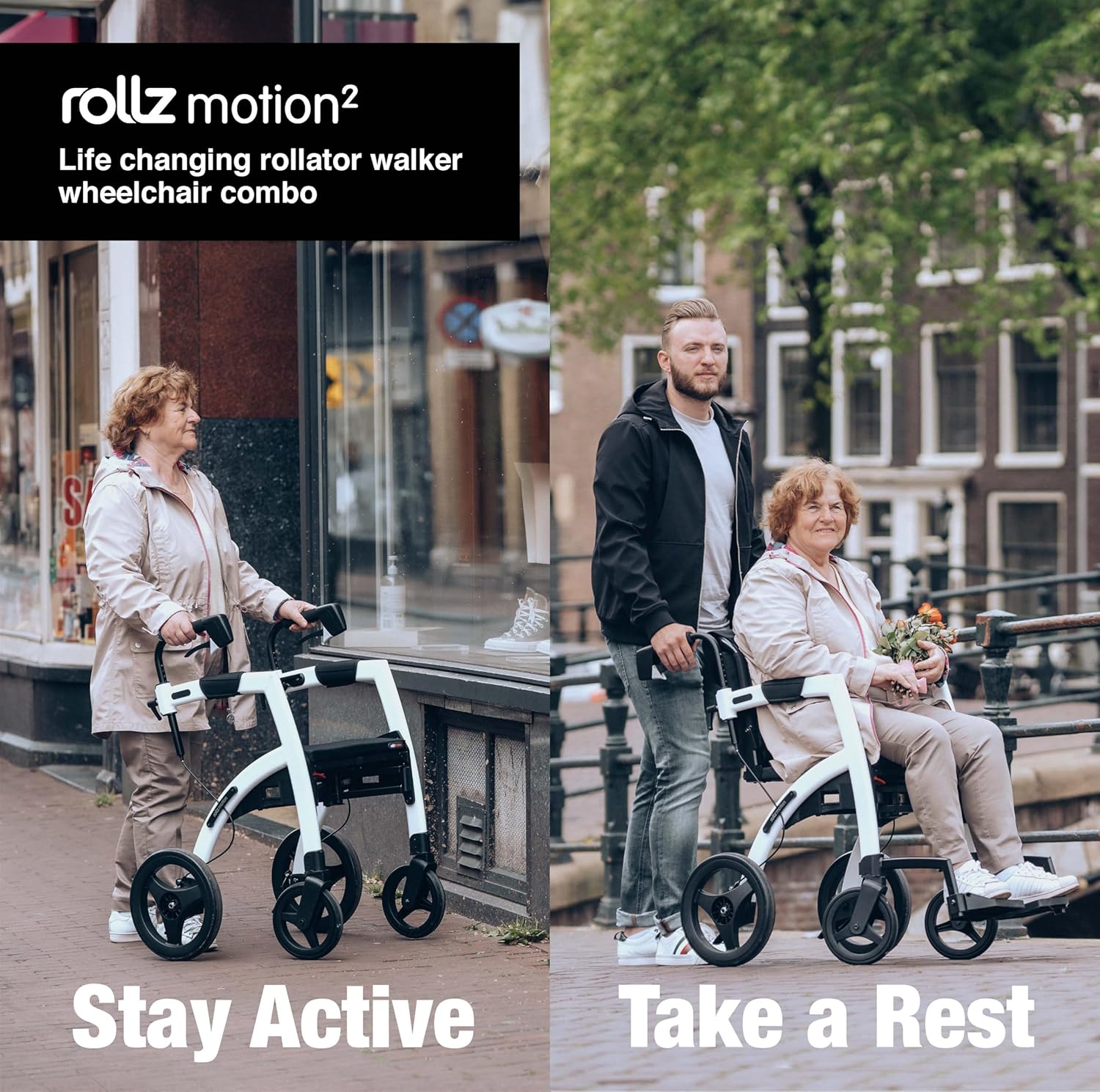
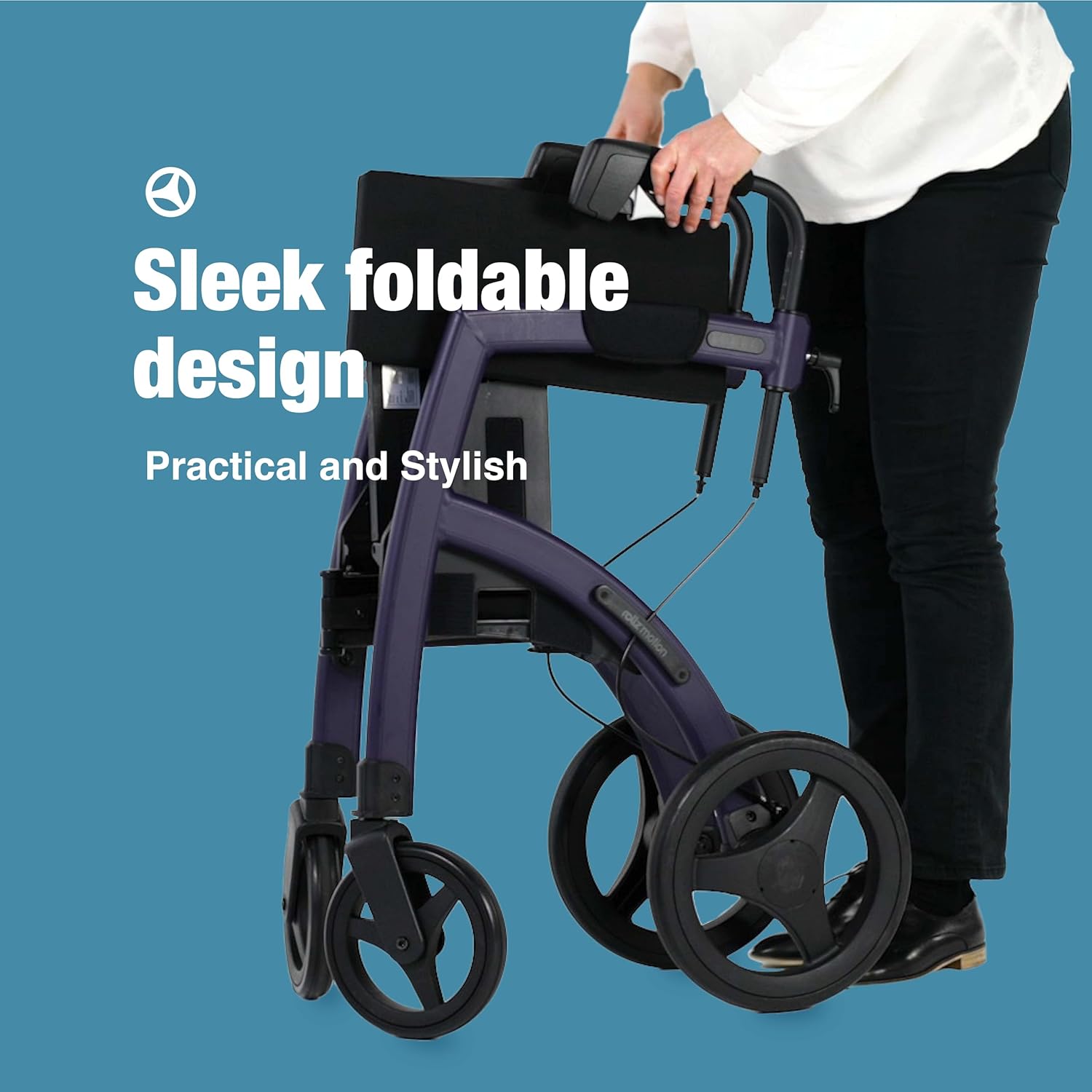
Welcome to the user manual for your Rollz Motion 2.1, a revolutionary 2-in-1 rollator walker and wheelchair combination. This versatile mobility aid is designed to provide optimal support, comfort, and independence, allowing you to seamlessly transition between walking and being seated. Its lightweight, foldable design and robust construction ensure reliability in various environments.
The Rollz Motion 2.1 is crafted from high-quality aluminum, featuring adjustable handles and soft tires for a comfortable and stable experience. This manual will guide you through the setup, operation, and maintenance of your device to ensure safe and effective use.

2. Setup and Assembly
2.1 Unfolding the Rollator
To unfold your Rollz Motion 2.1, ensure the unit is on a flat, stable surface. Release any locking mechanisms and gently pull the handles apart until the frame clicks into place, indicating it is fully open. Ensure the seat is properly positioned and secured.
2.2 Adjusting Handle Height
The Rollz Motion 2.1 features adjustable handles to accommodate users of various heights. Locate the height adjustment pins or levers on the side of the handle tubes. Press or release them, then slide the handles up or down to your desired height. Ensure both handles are set to the same height and securely locked before use. The device is available in Regular and Small sizes to fit users from 4'7" to 6'4¾".

2.3 Transforming from Rollator to Wheelchair
To convert the Rollz Motion 2.1 from a rollator to a wheelchair, first ensure the brakes are engaged. Remove the backrest and attach the footrests to the front of the frame. The handles can then be reversed to serve as push handles for the wheelchair mode. Always ensure all components are securely attached before use.
2.4 Setup Videos
3. Operating Instructions
3.1 Using as a Rollator
When using the Rollz Motion 2.1 as a rollator, stand upright with the handles adjusted to your comfortable height. Push the rollator forward, maintaining a steady pace. The integrated braking system, with cables within the frame, ensures safe stopping in all weather conditions. Engage the parking brakes when resting or standing still.

3.2 Using as a Wheelchair
In wheelchair mode, ensure the footrests are attached and the backrest is in place. The user should be seated comfortably with their feet on the footrests. The attendant can then push the wheelchair using the reversed handles. The soft tires absorb vibrations, providing a smooth and comfortable ride.

3.3 Key Features
- Safe Brakes: Cables are integrated within the frame for reliable stopping power.
- Comfortable Seat: Features a comfortable cushion for resting.
- Adjustable Handles: Easily move to up-down positions for personalized comfort.
- Aluminum Frame: Constructed from high-quality, durable materials.
- Curb Assistant: Designed for easy navigation over curbs and small obstacles.
- Soft Tires: Absorb vibrations for a smoother ride.

3.4 Operational Video
4. Maintenance
Regular maintenance ensures the longevity and safe operation of your Rollz Motion 2.1.
- Cleaning: Wipe down the frame and seat with a damp cloth and mild detergent. Avoid abrasive cleaners.
- Brakes: Periodically check the brake cables and mechanisms for proper function and tension. Adjust if necessary, or consult a professional.
- Wheels: Inspect wheels for wear and tear. Ensure they spin freely and are free of debris.
- Frame: Check all bolts and fasteners regularly to ensure they are tight.
5. Troubleshooting
If you encounter any issues with your Rollz Motion 2.1, please refer to the following common troubleshooting tips:
- Difficulty Folding/Unfolding: Ensure all locking mechanisms are disengaged and the seat is correctly positioned. Do not force the frame.
- Brakes Not Engaging: Check if the brake cables are properly connected and tensioned. If the issue persists, professional adjustment may be required.
- Wheels Not Rolling Smoothly: Inspect wheels for trapped debris or excessive wear. Clean or replace as needed.
- Unstable Operation: Verify that all frame connections are secure and handles are locked at the correct height.
For persistent issues or complex repairs, please contact Rollz customer support.
6. Specifications
| Feature | Detail |
|---|---|
| Brand | Rollz |
| Model Number | Matt Black |
| Color | Matt Black |
| Material | Aluminum |
| Maximum Height | 76.75 Inches |
| Age Range (Description) | Adult |
| Package Dimensions | 75.5 x 60 x 50 inches; 24 Pounds |
| Date First Available | March 30, 2022 |
| ASIN | B09WXHQCGC |
7. Warranty and Support
Your Rollz Motion 2.1 comes with a commitment to quality and customer satisfaction.
- Returns: Enjoy 30-day easy returns.
- Customer Support: Dedicated customer support is available for any inquiries or assistance you may need.
- Product Information: Detailed directions are included with the product or available directly from the manufacturer, Rollz.
Legal Disclaimer: Statements regarding dietary supplements have not been evaluated by the FDA and are not intended to diagnose, treat, cure, or prevent any disease or health condition. This product is a mobility aid and not a medical device for treatment or prevention of disease.
Ask a question about this manual
Ask about setup, troubleshooting, compatibility, parts, safety, or missing instructions. Manuals+ will review the question and use this page’s manual context to help answer it.