
1. Introduction
Welcome to the instruction manual for your new Fashionit U Speakers Mini Portable Wireless Bluetooth Speaker. This manual provides essential information on how to set up, operate, and maintain your speakers, ensuring optimal performance and longevity. Please read this manual thoroughly before using the product.
2. Package Contents
Verify that all items listed below are included in your package:
- Two (2) Fashionit U Speakers Mini Portable Wireless Bluetooth Speakers
- One (1) Micro USB to USB Charging Cord
- One (1) User Manual
- One (1) Warranty Card
3. Product Overview
The Fashionit U Speakers Mini are compact, portable wireless Bluetooth speakers designed for an active lifestyle. Each speaker features a durable aluminum shell, a magnetic base for versatile placement, a built-in microphone for hands-free calls, and a remote shutter function for taking photos.

Figure 3.1: Fashionit U Speakers Mini in Gold and Rose Gold.
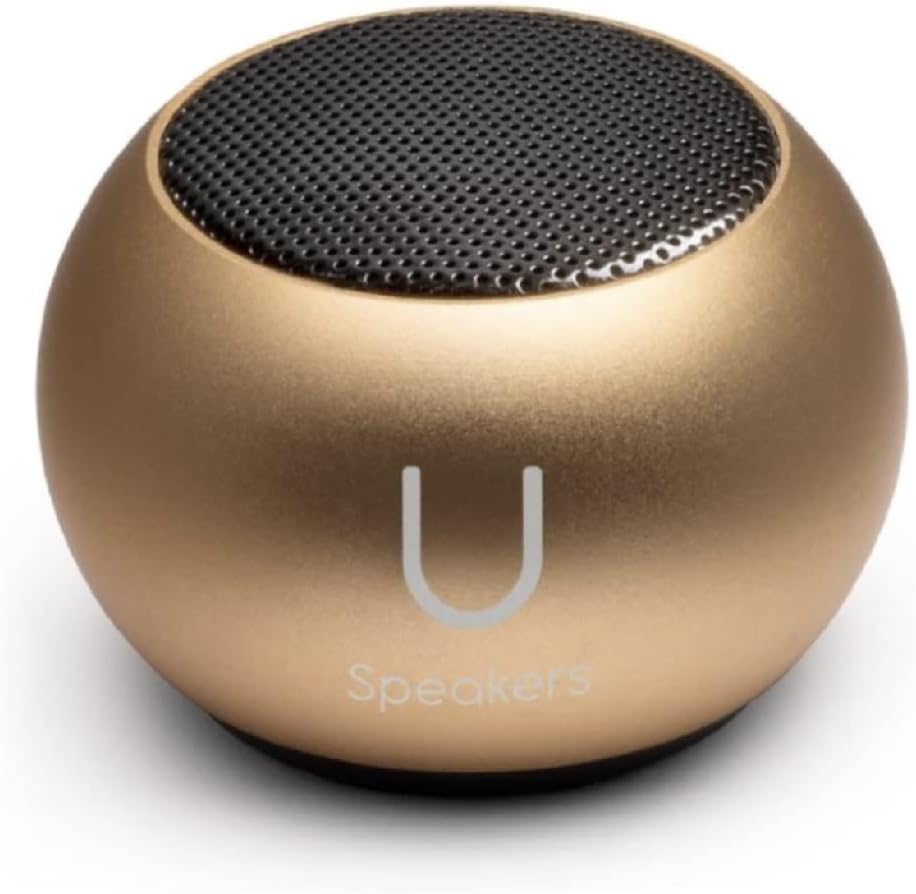
Figure 3.2: A single Fashionit U Speaker Mini, Gold variant.

Figure 3.3: A single Fashionit U Speaker Mini, Rose Gold variant.
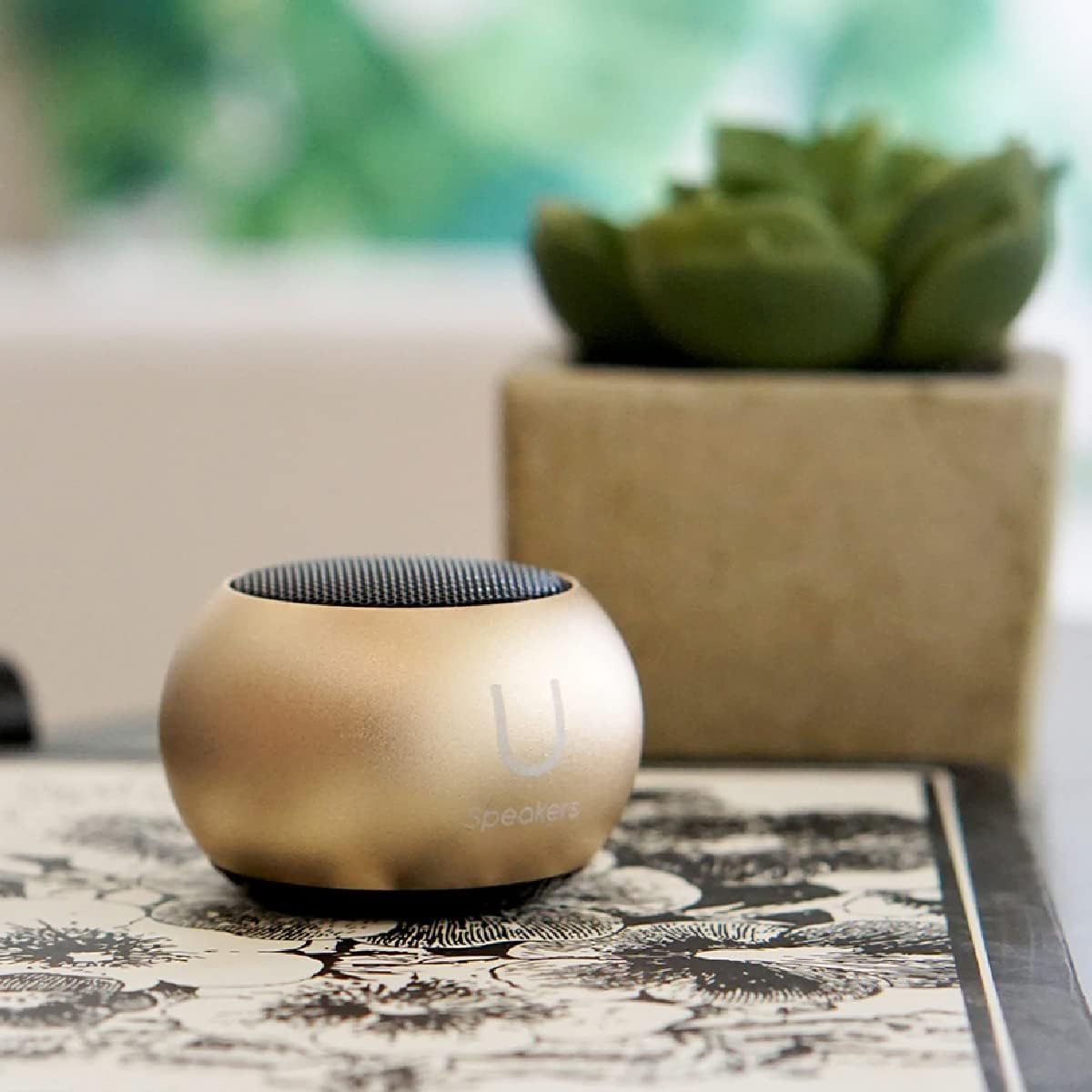
Figure 3.4: The Fashionit U Speaker Mini positioned on a desk, highlighting its compact and portable design.
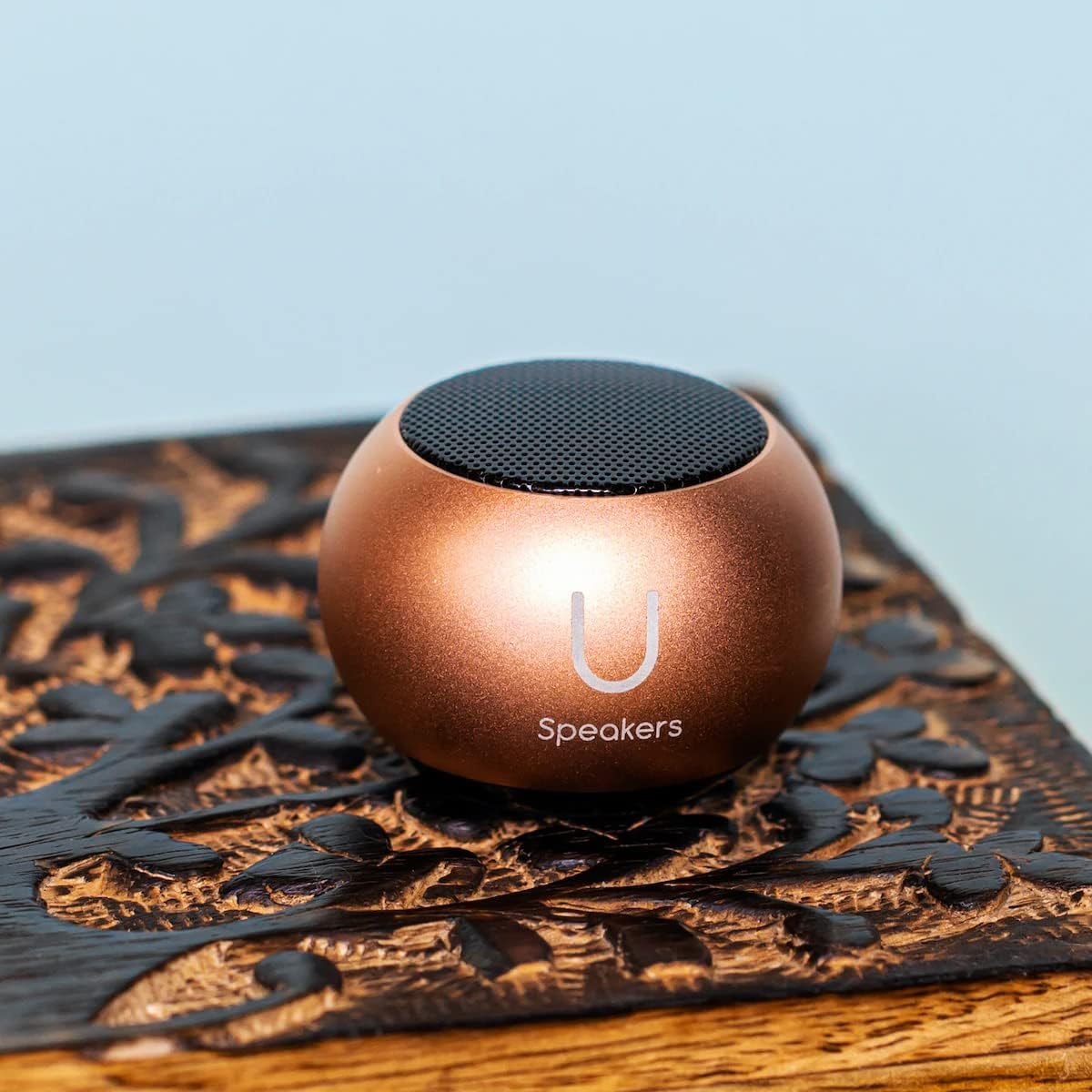
Figure 3.5: The Fashionit U Speaker Mini placed on a decorative wooden surface.

Figure 3.6: Two Fashionit U Speakers Mini demonstrating their magnetic attachment capability on a red vertical surface.
4. Setup
4.1 Charging the Speakers
- Locate the Micro USB charging port on the bottom of each speaker.
- Connect the provided Micro USB to USB charging cord to the speaker and a compatible USB power source (e.g., computer, wall adapter).
- The LED indicator will illuminate during charging and turn off when fully charged.
- A full charge provides up to 4 hours of playback time.
4.2 Initial Bluetooth Pairing (Single Speaker)
- Press and hold the power button on the speaker until you hear an audible prompt and the LED indicator flashes blue, indicating it is in pairing mode.
- On your device (smartphone, tablet, laptop), enable Bluetooth and search for available devices.
- Select "U Speaker" from the list of devices.
- Once connected, you will hear a confirmation tone, and the LED indicator will turn solid blue.
4.3 True Wireless Stereo (TWS) Pairing (Two Speakers)
To achieve a surround sound experience, you can pair two U Speakers Mini together:
- Ensure both speakers are fully charged and turned off.
- Turn on both speakers simultaneously. They will automatically enter pairing mode.
- Wait for a few seconds; the speakers will automatically connect to each other. You will hear a confirmation tone when TWS pairing is successful. One speaker will act as the master (left channel) and the other as the slave (right channel).
- Now, connect your device to the master speaker via Bluetooth as described in Section 4.2.
5. Operating Instructions
5.1 Power On/Off
- To Power On: Press and hold the power button until the LED indicator flashes.
- To Power Off: Press and hold the power button until the LED indicator turns off.
5.2 Audio Playback
Once connected via Bluetooth, simply play audio from your paired device. Volume control is managed directly through your connected device.
5.3 Selfie Remote Control
The U Speakers Mini can function as a remote shutter for your smartphone camera:
- Ensure the speaker is paired with your smartphone via Bluetooth.
- Open your smartphone's camera application.
- Press the power button on the speaker once to trigger the camera shutter and take a photo.
5.4 Hands-Free Calling
With the built-in microphone, you can answer calls directly through the speaker:
- To Answer/End Call: Press the power button once.
- To Reject Call: Press and hold the power button.
5.5 Magnetic Base Functionality
Each speaker is equipped with a magnetic base, allowing it to be securely attached to metallic surfaces. This provides flexible placement options for optimal sound projection.
6. Maintenance
- Clean the speakers with a soft, dry cloth. Do not use abrasive cleaners or solvents.
- Keep the speakers away from water, moisture, and extreme temperatures. The product is NOT waterproof.
- Store the speakers in a cool, dry place when not in use.
7. Troubleshooting
7.1 Speaker Does Not Turn On
- Ensure the speaker is fully charged. Connect it to a power source using the provided USB cable.
7.2 Cannot Pair with Device
- Make sure the speaker is in pairing mode (flashing blue LED).
- Ensure Bluetooth is enabled on your device and it is within range (typically 10 meters).
- Forget "U Speaker" from your device's Bluetooth list and attempt to re-pair.
7.3 No Sound or Low Volume
- Increase the volume on both the speaker (if applicable) and your connected device.
- Ensure the speaker is properly paired and connected.
- Check if the audio source is playing correctly.
7.4 TWS Pairing Fails
- Ensure both speakers are turned off before attempting TWS pairing.
- Turn both speakers on simultaneously and allow them a few seconds to connect to each other before connecting to your device.
8. Specifications
| Model Name | U Speaker |
| Brand | Fashionit |
| Wireless Technology | Bluetooth |
| Speaker Type | Component |
| Special Feature | Portable, Magnetic Base, Built-in Mic, Selfie Remote |
| Compatible Devices | Desktop, Laptop, Smartphone, Tablet |
| Number of Items | 2 (Speakers) |
| Product Dimensions | 45.45mm x 33mm (1.75” x 1.3”) |
| Item Weight | 2.46 oz (per speaker) / 8 ounces (total package) |
| Battery Capacity | 400 mAh |
| Playback Time | Up to 4 hours |
| Is Waterproof | FALSE |
| Connectivity Technology | Bluetooth, USB |
| Audio Output Mode | Stereo, Surround |
| UPC | 840104308448 |
9. Warranty and Support
The Fashionit U Speakers Mini come with a Limited Warranty. Please refer to the included Warranty Card for detailed terms and conditions. For technical support, troubleshooting assistance, or warranty claims, please contact Fashionit customer service through their official website or the contact information provided on the warranty card.


