
AUTOPHIX 5600
AUTOPHIX 5600 Full System Diagnostic Scan Tool User Manual
Brand: AUTOPHIX | Model: 5600
1. Product Overview
The AUTOPHIX 5600 is a professional full-system diagnostic scan tool designed specifically for VW, Audi, Skoda, and Seat vehicles. It provides comprehensive diagnostic functions, including reading and clearing fault codes, live data streaming, and various special maintenance functions such as Oil Reset, Electronic Parking Brake (EPB) Reset, Battery Management System (BMS) Reset, Tire Pressure Monitoring System (TPMS) Reset, and Throttle Learning. This tool is also a universal OBD2 scanner compatible with all OBD2 compliant vehicles, offering essential diagnostic capabilities.

Figure 1.1: The AUTOPHIX 5600 diagnostic scan tool and its retail packaging.
2. Safety Information
Please read all instructions carefully before operating this device. Improper use may cause damage to the vehicle or the tool, and may lead to personal injury.
- Always perform automotive testing in a well-ventilated area.
- Wear eye protection that meets ANSI standards.
- Keep clothing, hair, hands, tools, test equipment, etc., away from all moving or hot engine parts.
- Place the transmission in PARK (for automatic transmission) or NEUTRAL (for manual transmission) and ensure the parking brake is engaged.
- Keep a fire extinguisher suitable for gasoline/chemical/electrical fires nearby.
- Do not connect or disconnect any test equipment while the ignition is on or the engine is running.
3. Product Features
3.1. Full System Diagnostic Capabilities (VAG Group)
The AUTOPHIX 5600 provides in-depth diagnostics for all available electronic control modules in VW, Audi, Skoda, and Seat vehicles. This includes, but is not limited to, Engine, ABS, SRS, SAS, Transmission, ESP, Immobilizer, Air Conditioning, Dash Board, Door Electronics, Battery Energy Control, and more.

Figure 3.1: The AUTOPHIX 5600 offers enhanced full system diagnostic capabilities for VAG Group vehicles, allowing access to various control modules.

Figure 3.2: Illustration of the comprehensive system coverage, including Engine, ESP, Transmission, SRS, Air Conditioning, and more.
3.2. Advanced Maintenance Service Functions
The tool supports a wide range of special functions for VAG vehicles, enabling users to perform common maintenance tasks.
- Oil Service Reset: Resets the oil service light after an oil change.
- EPB Reset: Resets the electronic parking brake system for brake pad replacement.
- BMS Reset (Battery Registration): Registers a new battery to the vehicle's ECU.
- TPMS Reset: Resets the tire pressure monitoring system.
- Throttle Learning (ETC Reset): Re-matches the throttle opening to the ECU after cleaning or replacement.
- BAT Check: Checks vehicle battery voltage status.
- Service Reset: Resets various service indicators.

Figure 3.3: Overview of advanced maintenance service functions available on the AUTOPHIX 5600.
3.3. Universal OBD2 Functions
The AUTOPHIX 5600 also functions as a universal OBD2 scanner, providing essential diagnostic capabilities for all OBD2 compliant vehicles (1996 and newer).
- Read Codes: Retrieves current, pending, and permanent Diagnostic Trouble Codes (DTCs).
- Clear Codes: Erases DTCs and turns off the Check Engine Light (MIL).
- I/M Readiness: Checks if the emissions-related systems are ready for inspection.
- Data Stream: Displays real-time live data from the vehicle's ECU.
- DTC Lookup: Provides detailed explanations for DTCs.
- Vehicle Information: Retrieves vehicle information such as VIN, Cal ID, and CVN.
- EVAP System Test: Initiates a leak test for the vehicle's EVAP system.

Figure 3.4: The AUTOPHIX 5600 supports all standard OBD2 functions for universal vehicle compatibility.
4. What's in the Box
Upon opening the package, ensure all the following items are present:
- AUTOPHIX 5600 Main Unit
- User Manual (this document)
- USB Cable (for updates)

Box Front
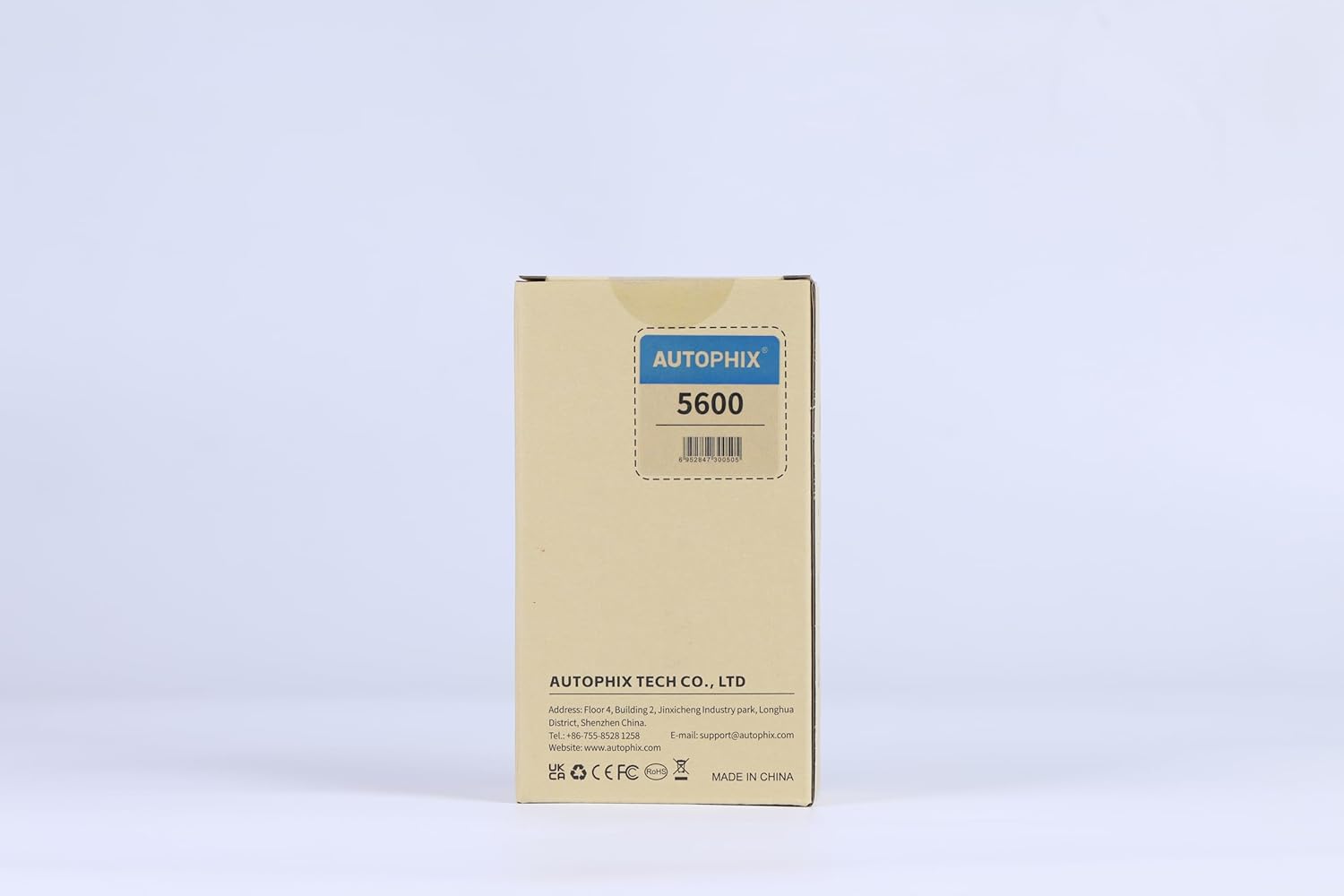
Box Back

Box Side
5. Setup and Connection
The AUTOPHIX 5600 is designed for plug-and-play operation. Follow these steps to connect the device to your vehicle:
- Locate the vehicle's Data Link Connector (DLC), typically found under the dashboard on the driver's side.
- Ensure the vehicle's ignition is in the 'ON' position (engine can be off or running, depending on the function).
- Plug the AUTOPHIX 5600's OBD2 connector firmly into the vehicle's DLC.
- The device will power on automatically and display the main menu.

Figure 5.1: The AUTOPHIX 5600 supports a wide range of VAG group vehicles and multiple languages.
6. Operating Instructions
Navigate the menu using the directional buttons (up, down, left, right) and confirm selections with the 'OK' button. Use 'ESC' to go back.
6.1. General Diagnostic Scan
- From the main menu, select "Vehicle Scan" or "System Scan".
- The tool will automatically identify the vehicle and scan all supported systems for fault codes.
- Review the scan results, which will list detected modules and their status.
6.2. Reading and Clearing Fault Codes
- From the main menu, select "OBDII" for universal OBD2 functions or navigate to a specific system (e.g., "Engine") for VAG-specific diagnostics.
- Choose "Read Fault Codes" to display current, pending, and permanent DTCs.
- To clear codes, select "Erase Fault Codes". Confirm the action when prompted.
- After clearing, turn the ignition off for 10 seconds, then turn it back on and re-read codes to verify they are cleared.

Figure 6.1: The tool allows reading and clearing of fault codes to diagnose and resolve vehicle issues.
6.3. Special Functions Overview
Access special functions directly from the main interface or through the "Special Functions" menu.
- Oil Service Reset: Select "Oil Reset" from the main menu. Follow on-screen prompts to reset the service interval.
- Battery Registration (BMS Reset): Select "BMS Reset". Input the new battery's 12-digit code to register it with the vehicle's ECU.
- EPB Reset: Select "EPB Reset". Use this function when replacing brake pads to safely retract and engage the electronic parking brake.
- TPMS Reset: Select "TPMS Reset". This function is used to reset the tire pressure monitoring system after tire rotation or sensor replacement.
- Throttle Learning (ETC Reset): Select "ETC Reset". This function helps the ECU re-learn the throttle position after cleaning or replacement.

Figure 6.2: Detailed steps for performing Battery Registration using the AUTOPHIX 5600.
6.4. Official Product Video
For a visual guide on the AUTOPHIX 5600's capabilities and operation, please watch the official product video below.
Video 6.1: An official demonstration of the AUTOPHIX 5600 Full System Diagnostic Scanner for VAG vehicles, showcasing its features and ease of use.
7. Maintenance
To ensure the longevity and optimal performance of your AUTOPHIX 5600, follow these maintenance guidelines:
- Keep the device clean by wiping it with a soft, dry cloth. Avoid using abrasive cleaners or solvents.
- Store the device in a dry, cool environment, away from direct sunlight and extreme temperatures.
- Avoid dropping the device or subjecting it to strong impacts. The device features a Grade 10 Drop Resistant Shell, but excessive force can still cause damage.
- Regularly check the OBD2 cable for any signs of damage (fraying, cuts, bent pins). Replace if necessary.
- Perform software updates regularly to ensure compatibility with the latest vehicle models and access new features. The device offers lifetime free updates.

Figure 7.1: The AUTOPHIX 5600 features a durable design with a 2.8" TFT display, premium liquid silicone case, and flexible keys.
8. Troubleshooting
If you encounter issues with your AUTOPHIX 5600, refer to the following common problems and solutions:
| Problem | Possible Cause | Solution |
|---|---|---|
| Device does not power on. | Loose connection; vehicle ignition off; blown fuse in vehicle's OBD2 port. | Ensure secure connection; turn ignition ON; check vehicle's fuse box for OBD2 port fuse. |
| Communication error with vehicle. | Incorrect protocol; faulty connection; vehicle not OBD2 compliant. | Verify vehicle compatibility; re-plug the connector; try on another vehicle if possible. |
| Cannot clear fault codes. | Underlying issue not fixed; ignition not in ON position; specific vehicle requirements. | Ensure the vehicle fault is repaired; confirm ignition is ON; consult vehicle service manual. |
| Screen is blank or frozen. | Software glitch; power interruption. | Disconnect and reconnect the device; perform a software update if possible. |
If the warning light persists after clearing codes, it indicates an underlying issue that requires further attention. The DTC Lookup function can provide more insight into the fault.

Figure 8.1: The built-in DTC library provides detailed explanations for over 200,000 diagnostic trouble codes.
9. Specifications
- Brand: AUTOPHIX
- Model: 5600
- Screen Size: 2.4 Inches TFT Display
- Language: English (and other supported languages as per device settings)
- Item Weight: 14.8 ounces (approx. 420g)
- Product Dimensions: 10.12 x 7.13 x 1.89 inches (approx. 25.7 x 18.1 x 4.8 cm)
- Connectivity: OBD2 Cable, USB (for updates)
- Operating Voltage: 9-18V DC (from vehicle OBD2 port)
- Operating Temperature: 0°C to 60°C (32°F to 140°F)
- Storage Temperature: -20°C to 70°C (-4°F to 158°F)
10. Warranty and Support
AUTOPHIX provides comprehensive support for the 5600 diagnostic tool:
- Warranty: 36 Months Warranty
- Returns: 30 Days Free Return
- Software Updates: Lifetime Free Update
- Customer Service: 24/7 Technical Support
For further assistance, please visit the official AUTOPHIX store or contact their customer service directly.

Figure 10.1: AUTOPHIX offers extensive technical support and warranty coverage for the 5600 scanner.
Visit the AUTOPHIX Store for more information and support resources.