
PRUNUS J-905
PRUNUS J-905 Emergency Radio User Manual
Model: J-905 | Brand: PRUNUS
1. Introduction
The PRUNUS J-905 is a multifunctional emergency radio designed to provide reliable communication, light, and power in various situations, from daily use to critical emergencies. This compact and portable device integrates several essential features to keep you informed and connected.
Key Features:
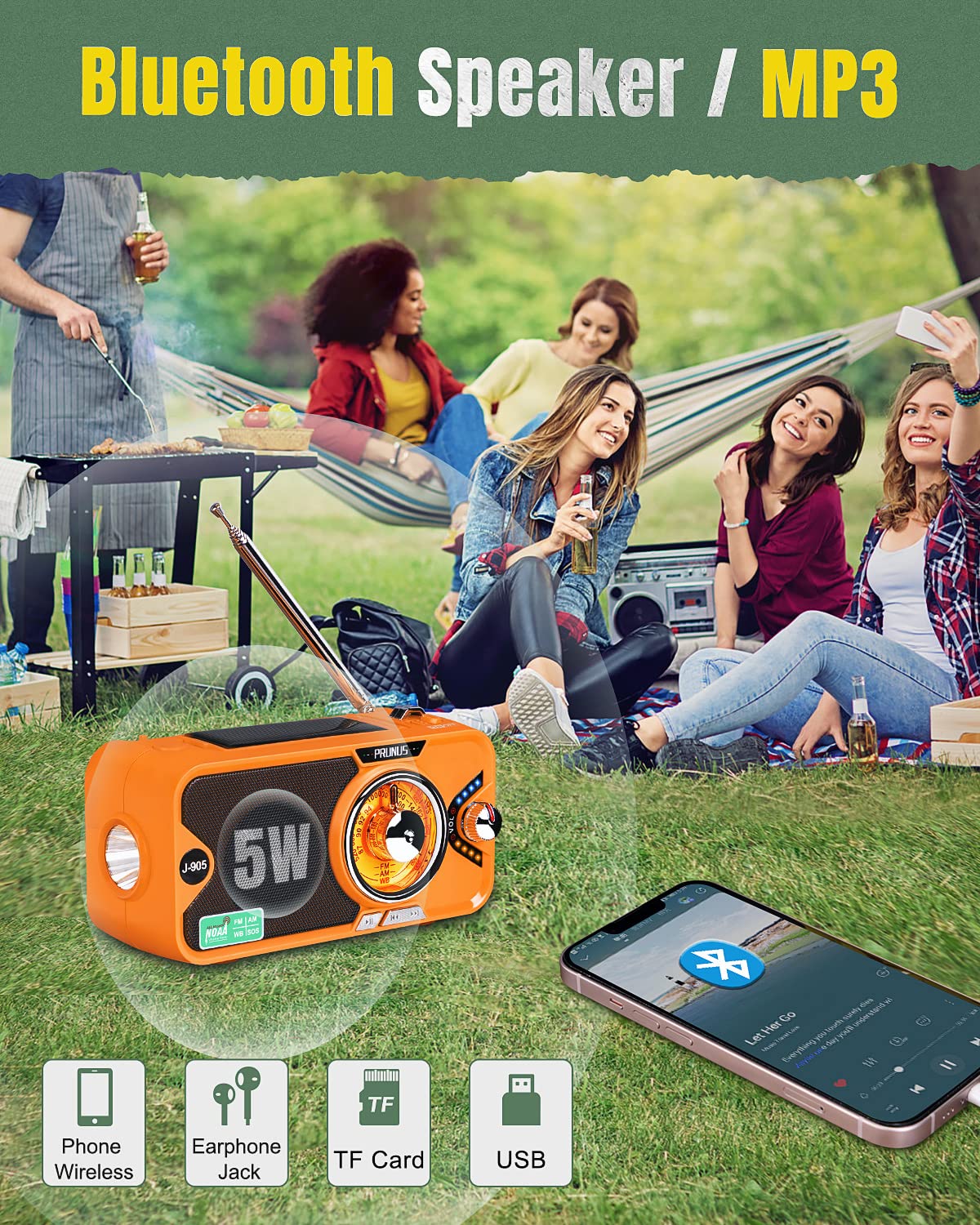
- 5.0 Bluetooth Speaker & MP3 Player: Connect wirelessly to your phone or play music directly from TF/USB cards.
- Multiple Radio Bands: Access AM, FM, and all 7 NOAA weather stations (WB: 162.40-162.55Mhz).
- 3 Charging Options: Recharge via USB, solar panel, or hand-crank.
- Integrated Lighting: Features a bright LED torch and a foldable reading light.
- Power Bank Function: Built-in 10000mAh battery (3600mAh usable for external devices) to charge your mobile devices.
- SOS Alarm: Loud alarm and flashing light for emergency signaling.
- Earphone Jack: For private listening.

2. Setup and Charging
Before first use, it is recommended to fully charge the radio using the USB charging method.
Charging Options:
- USB Charging:
Connect the provided USB cable to the radio's DC5V input port and a standard USB power adapter (not included) or computer USB port. A full charge typically takes around 4 hours. The indicator lights will show charging progress.

The J-905 offers three convenient charging methods to ensure continuous power. - Hand-Crank Charging:
Extend the hand-crank handle located on the back of the radio. Rotate the handle clockwise or counter-clockwise at a steady pace (approximately 130-150 RPM) for 3-5 minutes to generate sufficient power for short-term use or to maintain battery charge. This method is ideal for emergencies when other power sources are unavailable.
- Solar Panel Charging:
Place the radio with its solar panel facing direct sunlight. The solar panel is located on the top of the unit. This method is primarily for maintaining battery charge and is less efficient for a full charge. Ensure the panel is at a 90-degree angle to the sunlight for optimal charging.
Battery Information:
The radio is equipped with 2 Lithium Ion batteries (included). The internal battery capacity is 10000mAh, providing approximately 18 hours of radio playback at 30% volume on a full charge. The power bank function can provide about one full charge for an iPhone 12.
3. Operating Instructions
Radio Function (AM/FM/SW/NOAA):
- Power On/Off: Rotate the volume knob clockwise to turn the radio on and counter-clockwise to turn it off.
- Band Selection: Use the band switch to select between FM, AM, or WB (Weather Band).
- Tuning: Rotate the tuning knob to find desired stations. Extend the telescopic antenna for better reception, especially for FM and SW bands.
- NOAA Weather Band: Select the WB band to access all 7 NOAA weather stations (162.40-162.55Mhz) for real-time weather alerts and emergency broadcasts.

Bluetooth Speaker & MP3 Player:
- Bluetooth Mode: Switch the radio to Bluetooth mode. The radio will enter pairing mode. Search for "PRUNUS J-905" on your device and connect. Enjoy audio through the upgraded 5W speaker.
- MP3 Playback: Insert a TF card or USB flash drive containing MP3 files into the designated slot. The radio will automatically detect and play the music.
- Earphone Jack: Plug in 3.5mm earphones for private listening.
Lighting Functions:
- LED Torch: Press the flashlight button on the side of the radio to activate the bright LED torch. Avoid pointing directly into eyes.
- Reading Light: Lift the solar panel to reveal the reading light. This light can be adjusted for angle and is suitable for illuminating small areas.

Power Bank Function:
Connect your mobile device to the USB output port on the radio using your device's charging cable. The radio's internal battery will act as a power bank, providing emergency power to your phone or other USB-powered devices.

SOS Alarm:
Press and hold the SOS button to activate a loud alarm sound and a flashing light. This feature is designed to attract attention in emergency situations.

Product Demonstration Video:
4. Maintenance
- Clean the radio with a soft, dry cloth. Do not use abrasive cleaners or solvents.
- Avoid exposing the radio to extreme temperatures, direct sunlight for prolonged periods (beyond solar charging needs), or high humidity.
- Store the radio in a cool, dry place when not in use.
- If storing for an extended period, charge the battery every 3-6 months to maintain its lifespan.
5. Troubleshooting
| Problem | Possible Cause | Solution |
|---|---|---|
| Radio does not turn on. | Battery is depleted. | Charge the radio using USB, hand-crank, or solar power. |
| Poor radio reception. | Antenna not extended or weak signal. | Fully extend the telescopic antenna. Try repositioning the radio for better signal. |
| Cannot charge external devices (power bank function). | Radio battery is low or cable issue. | Ensure the radio is sufficiently charged. Try a different USB cable. Verify the external device is compatible. |
| Blue indicator light flashes continuously when off. | Normal operation for certain modes or low power indication. | This may indicate a low battery or a specific mode. If it persists after charging, consult the full user manual (PDF link below). |
6. Specifications
- Model: J-905
- Product Dimensions: 5.7 x 2.6 x 3.1 inches
- Item Weight: 0.83 Pounds (13.28 ounces)
- Batteries: 2 Lithium Ion batteries (included)
- Power Source: Solar Powered / Hand Crank / USB Charging
- Connectivity Technology: Bluetooth, USB
- Special Feature: Portable, Power Bank, Flashlight, Reading Light, SOS Alarm
- Radio Frequency:
- FM: 87-108Mhz
- AM: 520-1710Khz
- WB (NOAA): 162.40-162.55Mhz (all 7 NOAA stations)
- Manufacturer: PRUNUS
- Color: Orange
7. Warranty and Support
PRUNUS offers a 1-year free replacement guarantee for non-human damage to the radio. For any issues or support inquiries, please refer to the official user manual or contact PRUNUS customer service.
Official User Manual (PDF): Download PDF Manual
Visit the PRUNUS Store: PRUNUS Amazon Store
Related documentsJ-905


Ask a question about this manual
Ask about setup, troubleshooting, compatibility, parts, safety, or missing instructions. Manuals+ will review the question and use this page’s manual context to help answer it.