
Introduction
This instruction manual provides detailed guidance on the setup, operation, and maintenance of your DANFI AUDIO DF Vintage Bluetooth Suitcase Record Player. This versatile unit combines classic vinyl playback with modern connectivity options, including Bluetooth streaming, USB recording, and various audio inputs/outputs. Please read this manual thoroughly before use to ensure proper function and longevity of your device.

Image: The DANFI AUDIO DF Vintage Bluetooth Suitcase Record Player in pink, open with a pink vinyl record playing, set on a white bedspread.
What's in the Box
- Pink record player
- Power cord & Adapter (100v-240V)
- Slipmat
- Extra replacement needle
- 45rpm adapter
Product Features
- Premium Sound & Built-in Stereo Speakers: Enjoy clear and loud audio directly from the unit.
- 3-Speed Turntable: Supports 7", 10", and 12" records with adjustable speeds (33 1/3, 45, 78 rpm).
- Auto Stop Function: Automatically stops the turntable at the end of a record to prevent wear.
- Bluetooth Connectivity: Wirelessly stream music from your smartphone or other Bluetooth-enabled devices.
- USB Vinyl Audio Recorder: Convert your vinyl records into digital music files (MP3 format) via USB.
- RCA Output: Connect to external speakers for enhanced sound.
- AUX-in & Headphone Jack: Provides options for wired audio input and private listening.
- Portable Suitcase Design: Features an easy-carrying handle and compact size for transport.
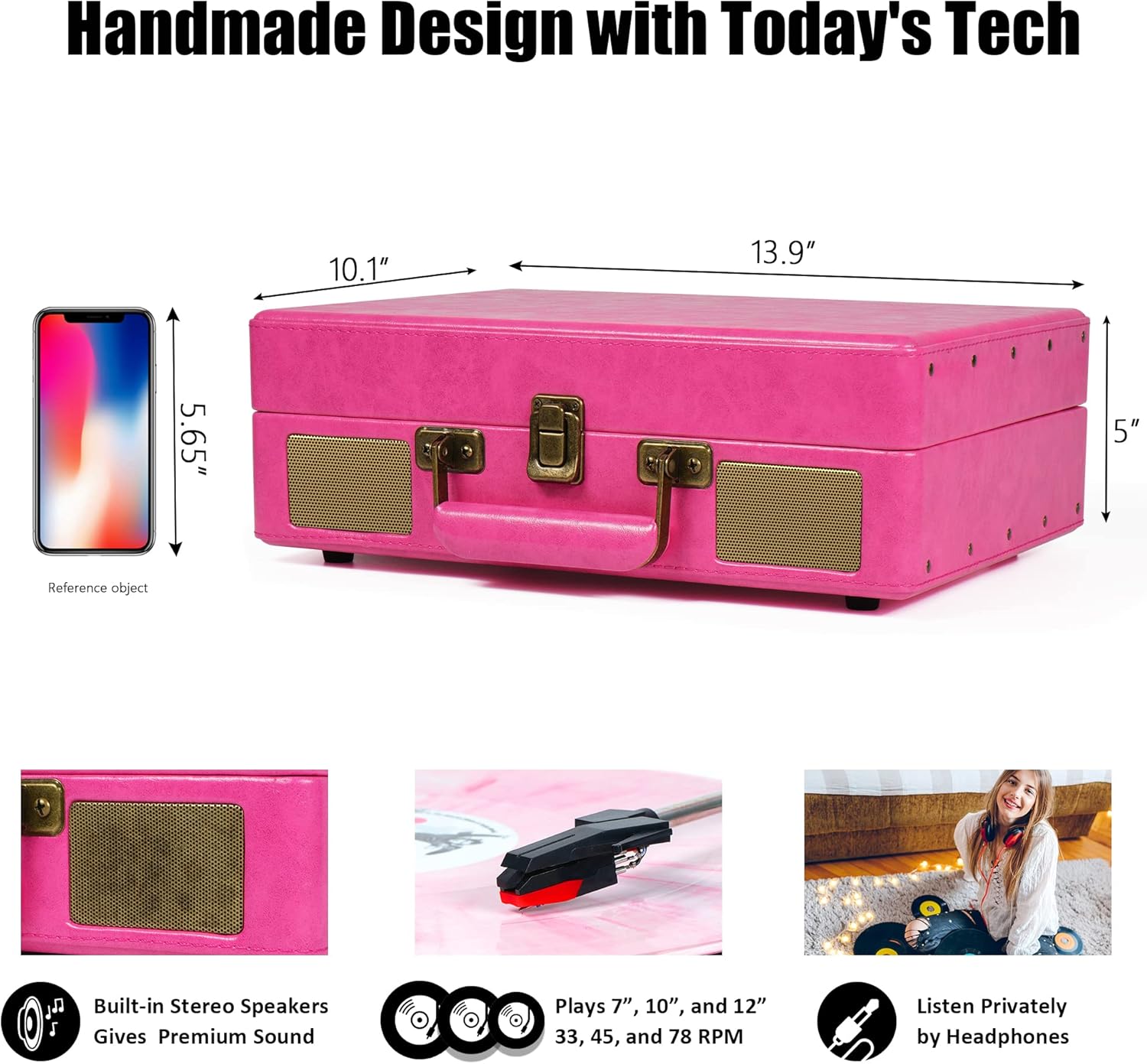
Image: A diagram illustrating the product dimensions (14 x 10 x 5 inches) and highlighting key features such as built-in stereo speakers, 3-speed playback (7", 10", 12" records), and a headphone jack.
Setup Instructions
- Unpack the Unit: Carefully remove all packaging materials. Ensure all components listed in 'What's in the Box' are present.
- Power Connection: Connect the power cord to the DC 5V/1A power jack on the back of the unit and plug it into a wall outlet.
- Remove Needle Protection: Before first use, gently remove the white plastic needle protector from the stylus.
- Tone Arm Setup: Unlock the tone arm clip to release the tone arm.
- Speed Selection: Adjust the speed selection switch (33, 45, or 78 RPM) to match the record you intend to play. Use the included 45rpm adapter for 7-inch records.
- Auto Stop Control: The auto-stop switch can be set to ON or OFF. When ON, the turntable will stop spinning automatically at the end of a record. When OFF, it will continue spinning.
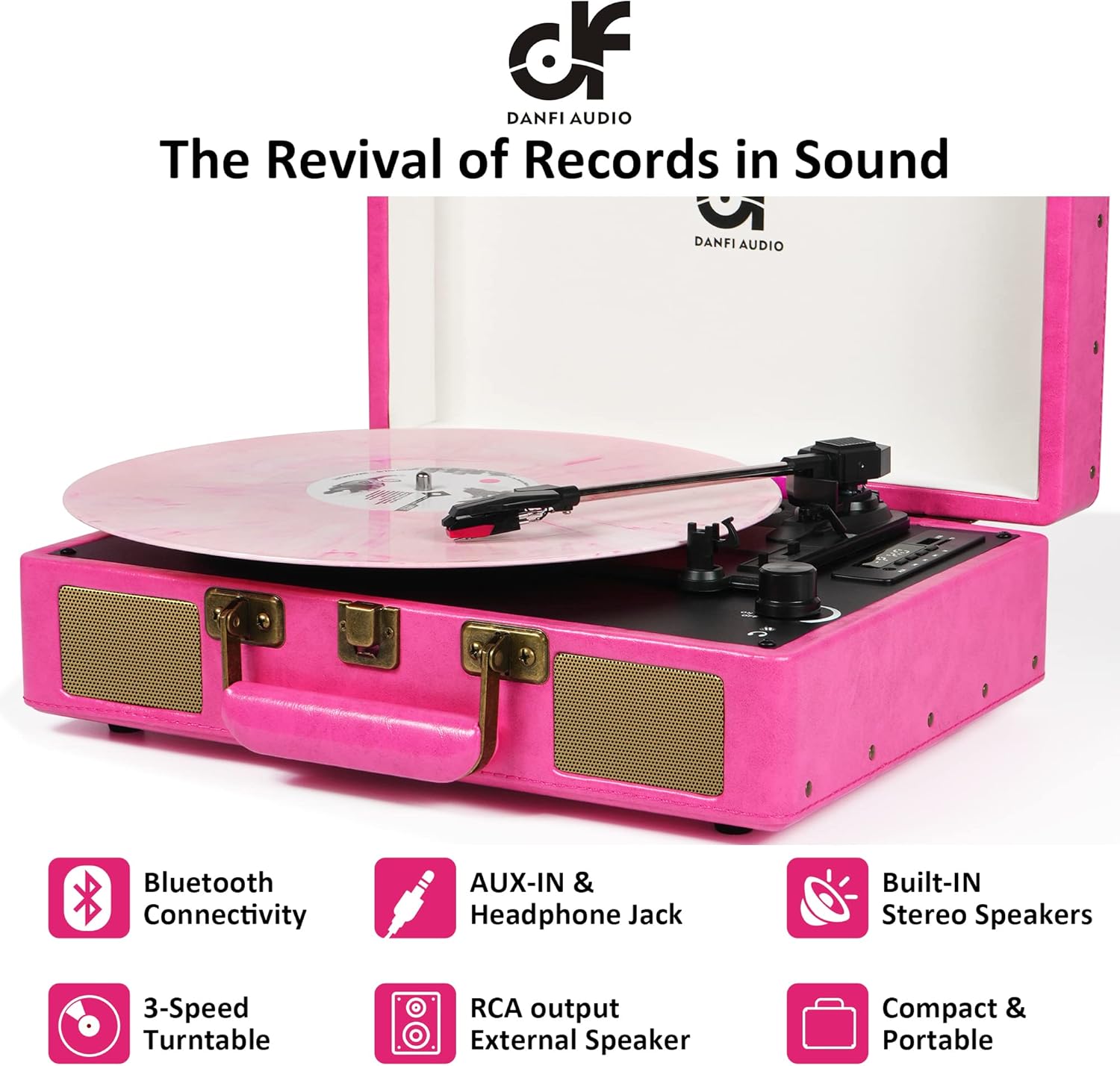
Image: A detailed view of the record player's control panel and rear connections, including RCA output, power input, tone arm lifter, LED display, speed selector, auto-stop switch, volume/power knob, and headphone jack.
Operating Instructions
Playing a Vinyl Record
- Place a record on the turntable platter. If playing a 7-inch record, place the 45rpm adapter on the center spindle.
- Select the appropriate speed (33 1/3, 45, or 78 RPM) using the speed selection switch.
- Open the tone arm clip and push the lift lever backwards to raise the tone arm.
- Gently move the tone arm to the desired position over the record. The turntable will begin to spin.
- Push the lift lever forward to lower the tone arm onto the record.
- Adjust the volume using the ON/OFF/Volume control knob.
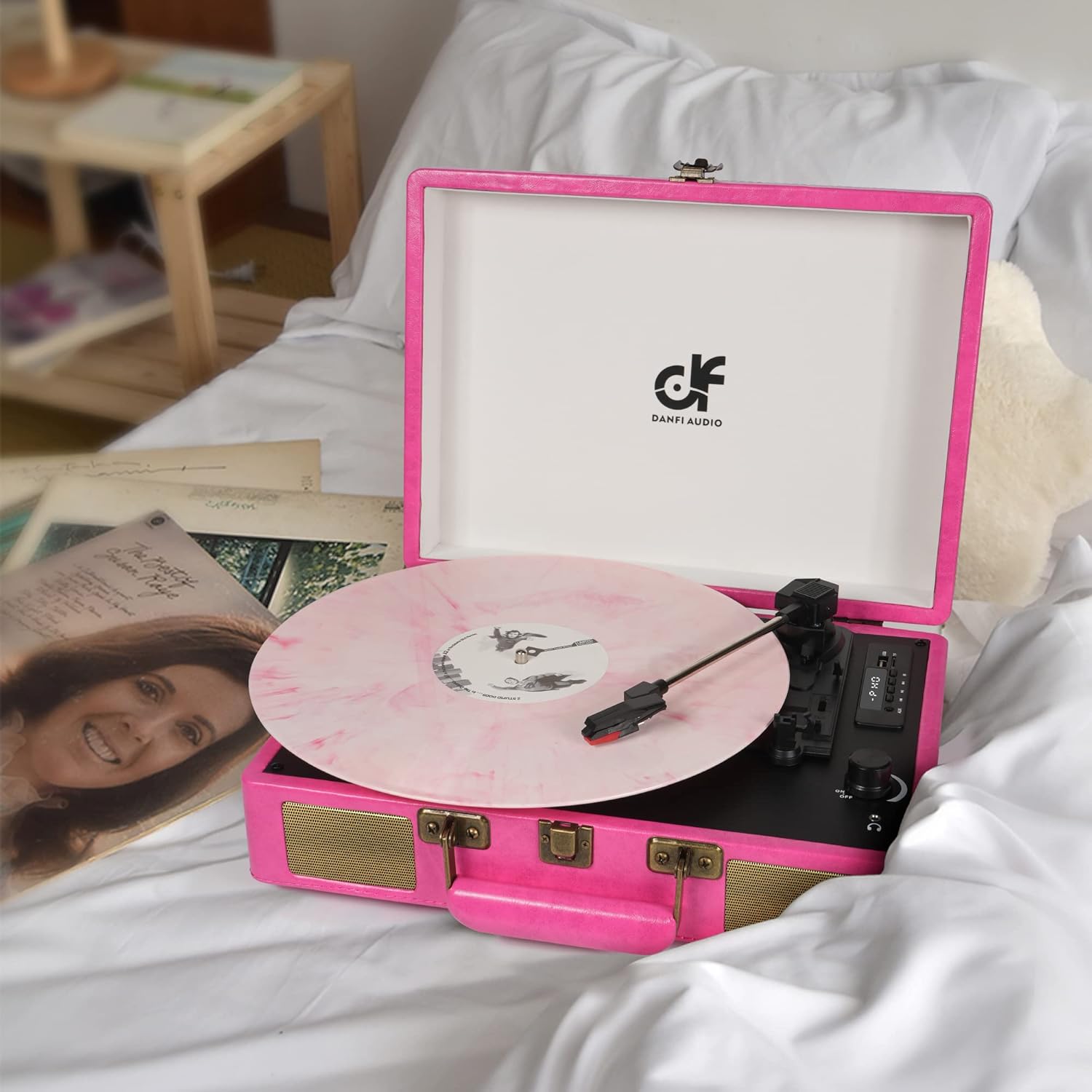
Image: The open pink record player with a pink vinyl record spinning on the platter, ready for playback.
Bluetooth Mode
- Turn on the record player.
- Press the 'M' button to switch to BT (Bluetooth) mode. The LED display will show 'BT' and a blue indicator light will flash, indicating it's ready for pairing.
- Enable Bluetooth on your external device (e.g., smartphone, tablet) and select 'DANFI AUDIO DF' from the list of available devices.
- Once paired, the blue indicator light will stop flashing and remain solid. You can now stream music wirelessly to the record player.

Image: A pink record player with a smartphone next to it, showing the Bluetooth pairing screen with the record player successfully connected.
USB Recording and Playback
- Recording: Insert a USB flash drive (FAT32 format) into the USB port. Play a vinyl record. Press and hold the 'REC' button for approximately 1 second until it beeps. The unit will start recording the audio from the vinyl to the USB drive. Press 'REC' again to stop recording.
- Playback: Insert a USB flash drive with MP3 files into the USB port. Press the 'M' button to switch to USB mode. Use the play/pause and skip buttons to navigate and play your recorded or stored music.

Image: A close-up of the record player's digital control panel, highlighting the USB port and recording functionality for converting vinyl to MP3.
AUX-in / Headphone Jack / RCA Output
- AUX-in: Connect an external audio device (e.g., MP3 player) to the AUX-in port using a 3.5mm audio cable. Switch the mode to AUX.
- Headphone Jack: For private listening, plug your headphones into the headphone jack. The built-in speakers will be muted.
- RCA Output: Connect the RCA output ports (L/R) to an external amplifier or powered speakers using RCA cables for a louder audio experience.
Maintenance
- Cleaning the Unit: Wipe the exterior with a soft, dry cloth. Do not use abrasive cleaners or solvents.
- Stylus Care: The stylus (needle) is delicate. Avoid touching it with your fingers. Clean it periodically with a soft brush, brushing from back to front. Replace the stylus if you notice a decrease in sound quality or visible damage.
- Record Care: Keep your vinyl records clean and free of dust. Store them vertically in their sleeves to prevent warping.
Troubleshooting
| Problem | Possible Cause | Solution |
|---|---|---|
| No power | Power adapter not connected or outlet not working. | Ensure power adapter is securely connected and try a different power outlet. |
| No sound from speakers | Volume too low; incorrect mode selected; headphones connected. | Increase volume; ensure correct mode (PHONO, BT, AUX, USB) is selected; disconnect headphones. |
| Record skipping | Dirty or damaged record; stylus worn out; unit not on a stable surface. | Clean record; replace stylus; place unit on a flat, stable surface. |
| Bluetooth not connecting | Not in BT mode; device too far; device already paired with another unit. | Ensure unit is in BT mode; move device closer; disconnect from other Bluetooth devices. |
Specifications
- Product Dimensions: 14 x 10 x 5 inches
- Item Weight: 5.5 pounds
- Model Name: TE-2026
- Brand: DANFI AUDIO DF
- Maximum Rotational Speed: 78 RPM
- Material: Engineered Wood, Vinyl
- Special Features: Adjustable Speed, Built-in Speaker, Digital Recorder, Headphone Jack Output, Portable
- Compatible Devices: Headphone, MP3 Player, Smartphone, Speaker, Tablet
Warranty and Support
For warranty information or technical support, please refer to the documentation included with your purchase or contact DANFI AUDIO DF customer service. Keep your purchase receipt as proof of purchase for any warranty claims.
For further assistance, please visit the DANFI AUDIO DF Store on Amazon.


