1. Product Overview
The MOBILLA MBUDS 101 are true wireless stereo earbuds designed to deliver a superior audio experience with convenience and style. Featuring multi-function buttons, these earbuds allow you to take control of your music and calls for a hands-free experience. Their aesthetic and ergonomic design ensures comfort and elegance.
Key Features:
- Extended Playback: Up to 21 hours of total playback time with the charging case, and 5 hours of non-stop playtime per charge.
- Superior Sound: Powered by a 10mm Dynamic Driver for balanced and powerful audio.
- Water Resistant: IPX4 rating makes them resistant to splashes and sweat.
- One-Touch Control: Easily manage music playback and calls with simple touch gestures.
- Voice Assistance: Compatible with voice assistants for convenient command execution.
- Clear Calls: Passive Voice Cancellation helps mute surrounding disturbances for clearer conversations.
- Comfortable Fit: Craftily designed to fit securely in your ear for a non-jerky music experience.
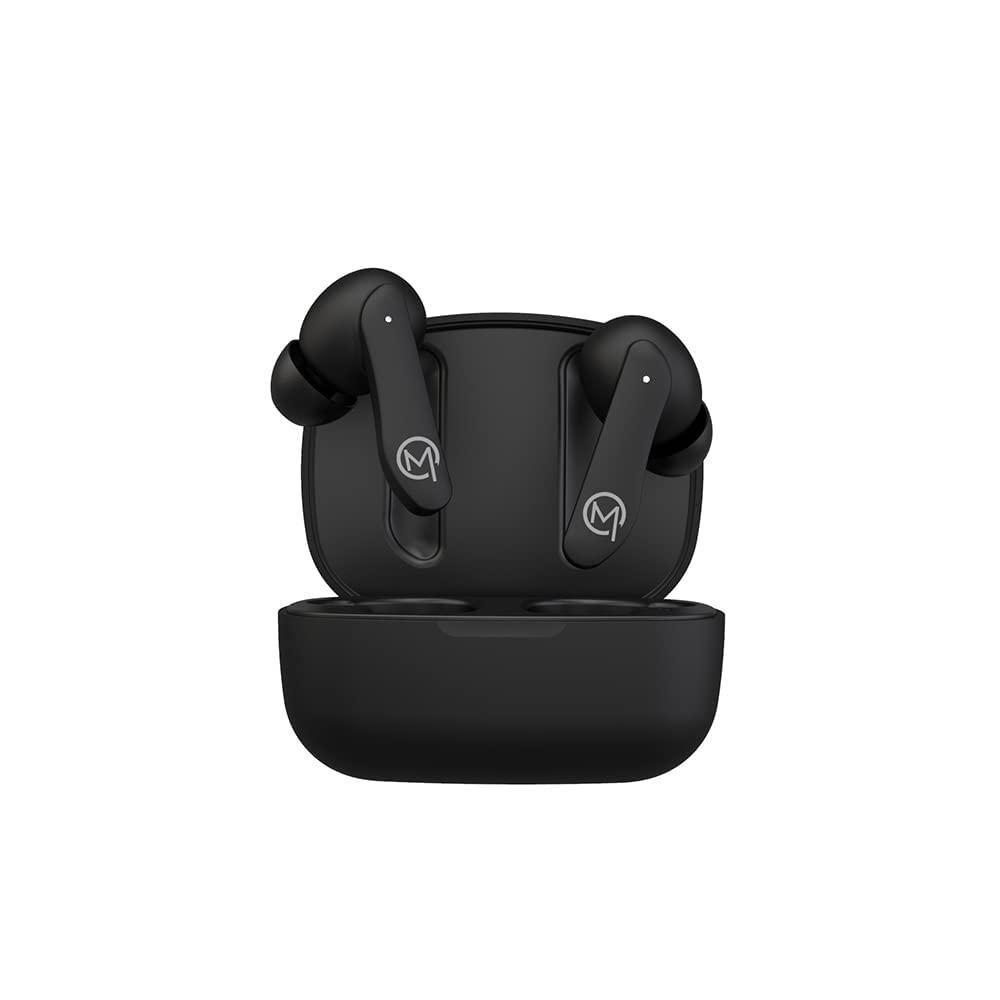
Figure 1: MOBILLA MBUDS 101 Matte Black Earbuds in their charging case.
2. Getting Started
2.1 Unboxing
Upon opening your MOBILLA MBUDS 101 package, ensure all components are present:
- MOBILLA MBUDS 101 Earbuds
- Charging Case
- Charging Cable
- Ear Cushions (various sizes)
- User Manual
2.2 Charging Your Earbuds
Before first use, fully charge your MBUDS 101. Place the earbuds into the charging case and connect the charging cable to the case and a power source. The indicator lights on the case will show the charging status. A full charge provides up to 5 hours of playtime, with the charging case extending total playback to 21 hours.
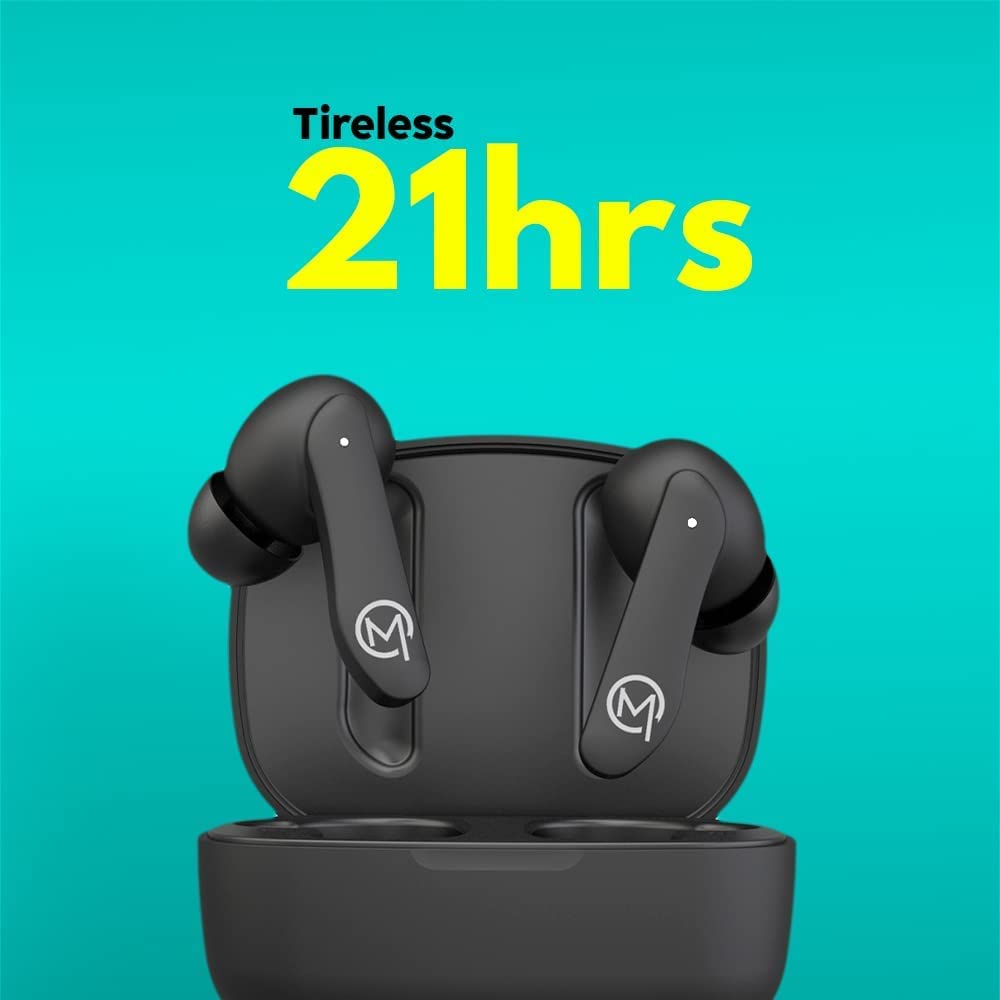
Figure 2: The MOBILLA MBUDS 101 offer up to 21 hours of total playback time with the charging case.
2.3 Pairing with Your Device
- Ensure the earbuds are charged.
- Open the charging case. The earbuds will automatically enter pairing mode (indicator lights will flash).
- On your smartphone or audio device, go to Bluetooth settings.
- Search for available devices and select "MOBILLA MBUDS 101".
- Once connected, the indicator lights on the earbuds will stop flashing.
- The earbuds will automatically reconnect to the last paired device when taken out of the case.
3. Operating Your MBUDS 101
3.1 Touch Controls
The MBUDS 101 feature intuitive touch controls on each earbud for seamless management of your audio and calls:
- Play/Pause: Single tap on either earbud.
- Next Track: Double tap on the right earbud.
- Previous Track: Double tap on the left earbud.
- Answer/End Call: Single tap on either earbud.
- Reject Call: Press and hold either earbud for 2 seconds.
- Activate Voice Assistant: Triple tap on either earbud.
3.2 Voice Assistance
The MBUDS 101 support voice assistance, allowing you to control your device with voice commands. Simply triple tap either earbud to activate your smartphone's voice assistant (e.g., Ok Google, Hey Siri) and speak your command.

Figure 3: Enjoy enhanced bass and seamless voice assistant integration with your MBUDS 101.
3.3 Call Management
With Passive Voice Cancellation, your MBUDS 101 are designed to provide clear call quality by minimizing background noise. Use the touch controls to manage incoming and ongoing calls effectively.
3.4 Water Resistance (IPX4)
The MBUDS 101 are rated IPX4 water-resistant, meaning they are protected against splashing water from any direction. This makes them suitable for workouts and light rain, but they are not designed for submersion in water.

Figure 4: The IPX4 rating ensures your MBUDS 101 are splash-proof and suitable for active use.
4. Maintenance and Care
4.1 Cleaning
- Regularly clean the earbuds and charging case with a soft, dry, lint-free cloth.
- Do not use abrasive cleaners, alcohol, or chemical solvents.
- Gently remove any earwax or debris from the ear tips and speaker mesh using a small, soft brush or cotton swab.
4.2 Storage
- When not in use, always store the earbuds in their charging case to protect them and keep them charged.
- Store in a cool, dry place away from extreme temperatures and direct sunlight.
5. Troubleshooting
5.1 No Power / Not Charging
- Ensure the charging cable is securely connected to both the case and the power source.
- Check if the power source is active.
- Clean the charging contacts on both the earbuds and the case.
5.2 Pairing Problems
- Make sure Bluetooth is enabled on your device.
- Ensure the earbuds are in pairing mode (indicator lights flashing).
- Move the earbuds closer to your device.
- Forget/delete "MOBILLA MBUDS 101" from your device's Bluetooth list and try pairing again.
- Restart your device and the earbuds.
5.3 Audio Quality Issues
- Ensure the earbuds are properly seated in your ears. Try different ear tip sizes for a better seal.
- Check the audio source volume and the device volume.
- Move away from potential sources of interference (e.g., Wi-Fi routers, other Bluetooth devices).
- Clean the speaker mesh of the earbuds.
6. Specifications
| Feature | Detail |
|---|---|
| Model Name | MBUDS 101 |
| Connectivity Technology | Wireless |
| Headphones Jack | 3.5 mm Jack (for charging cable) |
| Playback Time | 21 Hours (with charging case) | 5 Hours (per charge) |
| Audio Driver Type | 10mm Dynamic Driver |
| Water Resistance Level | IPX4 Water Resistant |
| Control Method | Touch, Voice |
| Microphone Format | With microphone |
| Special Features | Fast Charging, Microphone Included, Sweatproof |
| Form Factor | Earbuds, In ear |
| Material | Plastic |
| Color | Black |
| Item Weight | 200 g |
| Product Dimensions | 10 x 10 x 10 cm |
7. Warranty and Support
7.1 Warranty Information
Your MOBILLA MBUDS 101 comes with a 365 Day Warranty from the date of purchase. This warranty covers manufacturing defects and ensures your product is free from material and workmanship flaws under normal use. Please retain your proof of purchase for warranty claims.
7.2 Customer Support
For further assistance, technical support, or warranty claims, please visit the official MOBILLA Store on Amazon or contact MOBILLA customer service through their official channels.


