
Introduction
This manual provides instructions for the Accutime AVG4706 Avengers LED Watch. Please read this manual carefully before using your watch to ensure proper operation and to maximize its lifespan.

Image: Front view of the Accutime AVG4706 Avengers LED Watch, showcasing the digital display and the Avengers-themed strap.
Setup
Unboxing and Initial Inspection
Upon receiving your Accutime AVG4706 watch, carefully remove it from its packaging. Ensure all components are present, including the watch and this instruction manual.
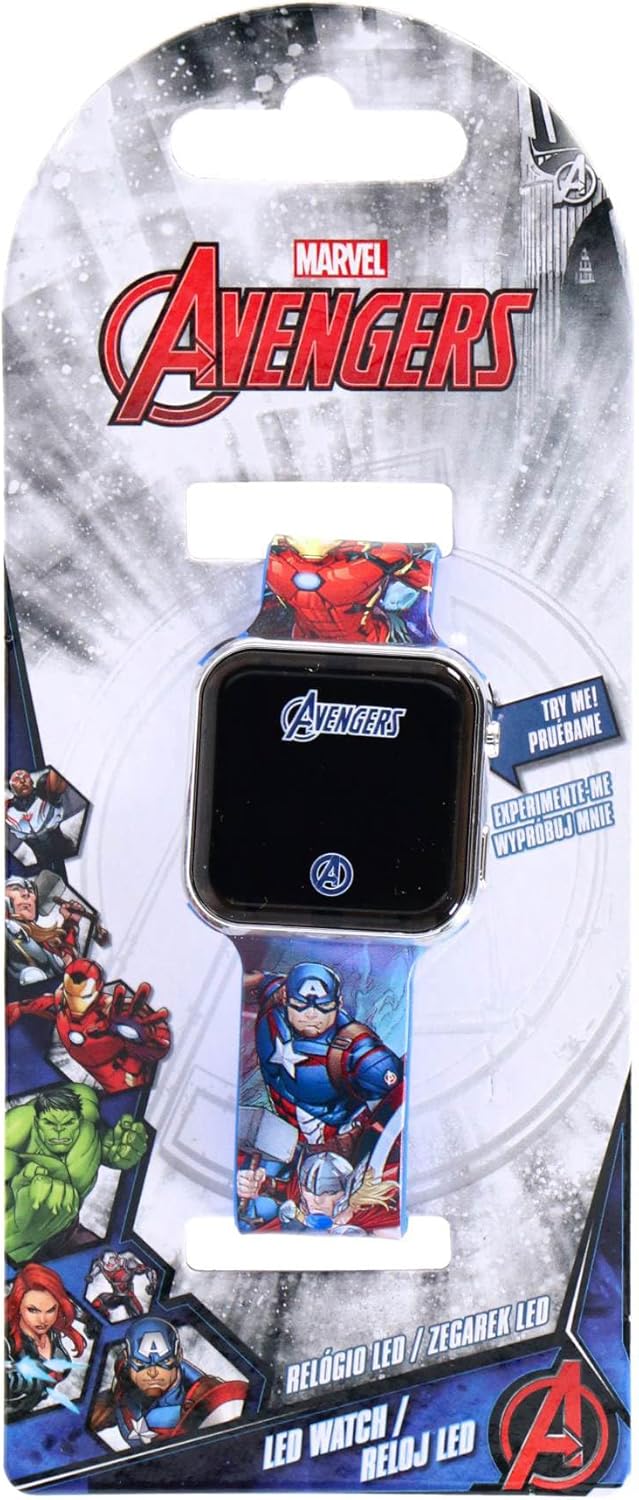
Image: The Accutime AVG4706 Avengers LED Watch displayed in its retail packaging, highlighting the Marvel Avengers branding.
Adjusting the Strap
The watch features an acrylic strap approximately 21.7 cm long with 7 adjustment holes. To adjust the strap:
- Place the watch on your wrist.
- Thread the strap through the buckle.
- Select the hole that provides a comfortable and secure fit.

Image: The Accutime AVG4706 Avengers LED Watch worn on a wrist, demonstrating how the strap fits and the display showing "Press Button".
Operating Instructions
Displaying Time and Date
The Accutime AVG4706 watch features an LED digital display. To view the time and date:
- Press the button located on the side of the watch casing.
- The LED display will illuminate, showing the time (hours, minutes), seconds, month, and day.
- The display will automatically turn off after a few seconds to conserve battery life.
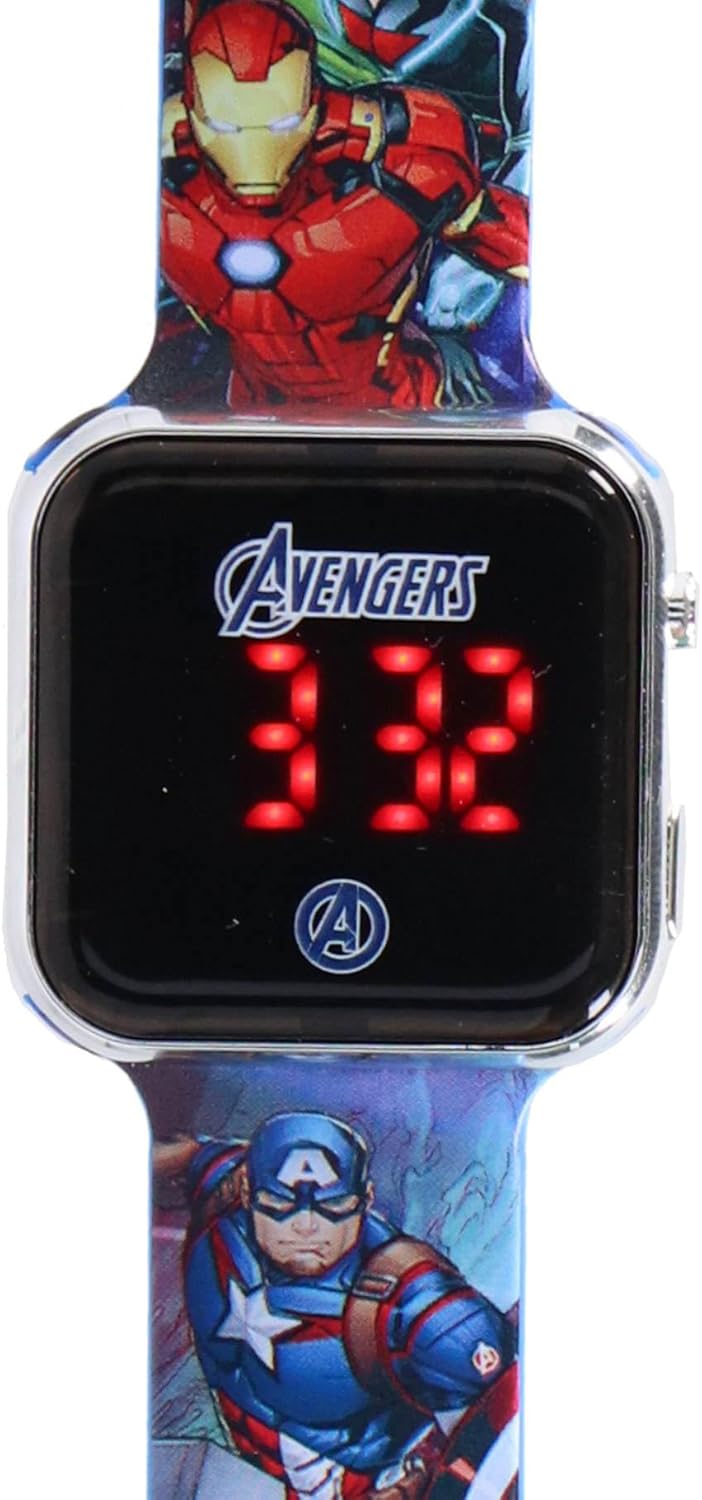
Image: A close-up view of the Accutime AVG4706 Avengers LED Watch face, clearly showing the digital time display.
Setting Time and Date
The watch supports both 12-hour and 24-hour time systems. All settings are adjusted using the two buttons located on the right side of the watch casing.
- Accessing Settings: Press and hold the top button until the display starts flashing.
- Adjusting Values: Use the top button to cycle through the values (e.g., hours, minutes, month, day).
- Confirming Selection: Use the bottom button to confirm the current value and move to the next setting.
- Repeat steps 2 and 3 until all desired settings (hours, minutes, seconds, month, day, 12/24-hour format) are configured.
- The display will exit setting mode automatically after a period of inactivity or once all settings are confirmed.
Maintenance
Battery Information
The Accutime AVG4706 watch is powered by an integrated CR2032 button cell battery. This battery is designed for long life due to the automatic display shut-off feature.
- The battery is not rechargeable.
- The battery is not replaceable by the user. Attempting to replace the battery may damage the watch and void any implied warranty.
Cleaning
To clean your watch, gently wipe the display and strap with a soft, dry cloth. Avoid using harsh chemicals or abrasive materials, as these may damage the watch's finish or display.
Storage
When not in use, store the watch in a cool, dry place away from direct sunlight and extreme temperatures.
Troubleshooting
- Display not illuminating:
- Ensure the button is pressed firmly.
- If the display still does not illuminate, the battery may be depleted. As the battery is not replaceable, the watch may have reached the end of its operational life.
- Incorrect time/date:
- Refer to the "Setting Time and Date" section to re-adjust the settings.
Specifications
| Feature | Detail |
|---|---|
| Model Number | AVG4706 |
| Display Type | LED Digital |
| Strap Material | Acrylic |
| Strap Dimensions | Approximately 21.7 cm (length) x 2.2 cm (width) |
| Case Dimensions | Approximately 3.8 cm (length) x 3.7 cm (height) x 0.9 cm (thickness) |
| Weight | 24 grams |
| Battery Type | CR2032 Button Cell (integrated, non-rechargeable, non-replaceable) |
| Time Formats | 12-hour / 24-hour selectable |
Warranty and Support
Warranty Information
Specific warranty details are not provided in the product description. Please refer to the retailer's return policy or contact Accutime directly for warranty inquiries.
Customer Support
For further assistance or questions regarding your Accutime AVG4706 watch, please contact the retailer where the product was purchased or visit the official Accutime website for support information.
Note: Spare parts availability for this product is not indicated.


