
LaView LV- KYN202
LaView 3MP Wireless Camera User Manual
Model: LV-KYN202
1. Introduction
This manual provides comprehensive instructions for setting up, operating, and maintaining your LaView 3MP Wireless Camera system. Designed for both home and outdoor security, this system offers advanced features such as 2K resolution, AI human detection, and extended battery life.
Key Features:
- Enhanced WiFi & Battery Life: Base station boosts WiFi range and stability, reduces power consumption, and extends battery life up to 270 days.
- Smart AI Human Detection & Alarm: Advanced AI identifies human shapes and faces, sending alerts only for human presence.
- 2K Camera with Night Vision: 3MP camera provides clear real-time views and quality night vision up to 33ft.
- Two-Way Talk & Easy Setup: Built-in microphone and speaker for clear communication, easy app-based installation, compatible with Alexa and Google Assistant.
- Privacy Protection & After-Sales Service: Features built-in microSD slot, 30-day free Cloud Storage trial, and encrypted data on AWS server.
2. Package Contents
Please verify that all items are present and in good condition upon opening the package.

Image: The LaView 3MP Wireless Camera system, including two white bullet-style cameras and a white rectangular base station.
- LaView 3MP Wireless Cameras (2 units)
- Base Station (1 unit)
- Power Adapter for Base Station
- Mounting Screws and Anchors
- USB Charging Cable for Cameras
- Quick Start Guide
3. Setup Guide
3.1 Charging the Cameras
Before initial use, fully charge both cameras using the provided USB charging cable. A full charge can provide up to 270 days of battery life, depending on usage and environmental factors.

Image: An illustration highlighting the long battery life of the camera, showing internal battery cells.
3.2 Installing the LaView App
Download the "LaView" app from your smartphone's app store (App Store for iOS or Google Play Store for Android). Follow the in-app instructions to create an account and log in.
3.3 Pairing Camera with Base Station
Plug in the base station and connect it to your home router via an Ethernet cable. Open the LaView app, select "Add Device," and follow the prompts to pair your cameras with the base station. The base station enhances WiFi range and stability for the cameras.

Image: A diagram showing the LaView base station with four high-gain antennas, indicating an improved WiFi range of up to 300 ft for the cameras.
3.4 Mounting the Camera
Choose a suitable location for your camera, ensuring it has a clear field of view and is within range of the base station. Use the provided mounting screws and anchors to securely attach the camera to a wall or other surface. The camera is IP66 weatherproof, suitable for outdoor installation.

Image: A LaView camera securely mounted on an exterior wall, demonstrating its weatherproof capabilities in rainy conditions.

Image: A close-up of the LaView camera being exposed to water, highlighting its IP66 weatherproof, dustproof, and dirtproof design.
4. Operating Instructions
4.1 Live View and Recording
Access the live feed from your cameras through the LaView app. The 3MP camera provides clear 2K resolution video. You can initiate manual recordings or capture screenshots directly from the live view interface.

Image: A visual comparison demonstrating the superior clarity of 3MP (2K) resolution compared to 1080P, showing a house exterior.
4.2 AI Human Detection and Smart Alerts
The camera utilizes advanced AI to distinguish human shapes from other moving objects, reducing false alarms. Configure detection zones and sensitivity settings within the app to receive real-time message alerts only when people approach.

Image: A scene depicting a person walking a dog, with a highlighted "Detection Zone" demonstrating the camera's AI human detection capabilities.
4.3 Night Vision
The camera is equipped with an auto IR cut switch, providing clear night vision up to 33 feet in low light conditions. This ensures continuous monitoring even in complete darkness.

Image: A comparison showing the improved clarity of 3MP advanced night vision compared to 1080P in a low-light outdoor setting.
4.4 Two-Way Audio
Utilize the built-in microphone and speaker for two-way communication. This feature allows you to speak to visitors or deter unwanted guests directly through the app.
4.5 Storage Options
The camera system supports local storage via a built-in microSD slot (up to 128GB, card not included). Additionally, a 30-day free trial of cloud storage is available, with encrypted data stored on AWS servers for enhanced privacy.
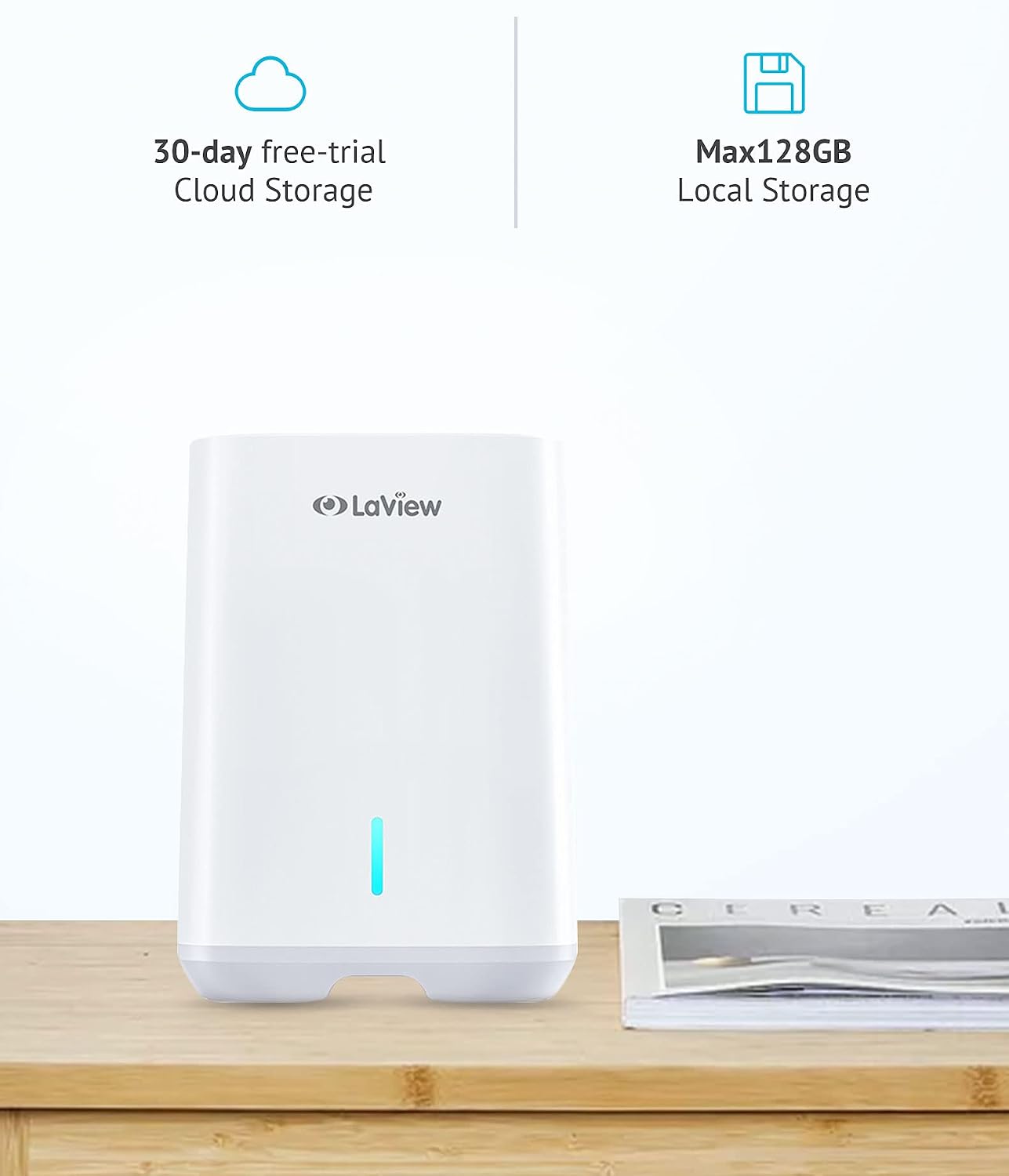
Image: The LaView base station with indicators for 30-day free cloud storage trial and support for up to 128GB local storage via microSD card.
4.6 Smart Home Integration
The LaView camera system is compatible with Amazon Alexa and Google Assistant. You can use voice commands to view live feeds on compatible smart displays.
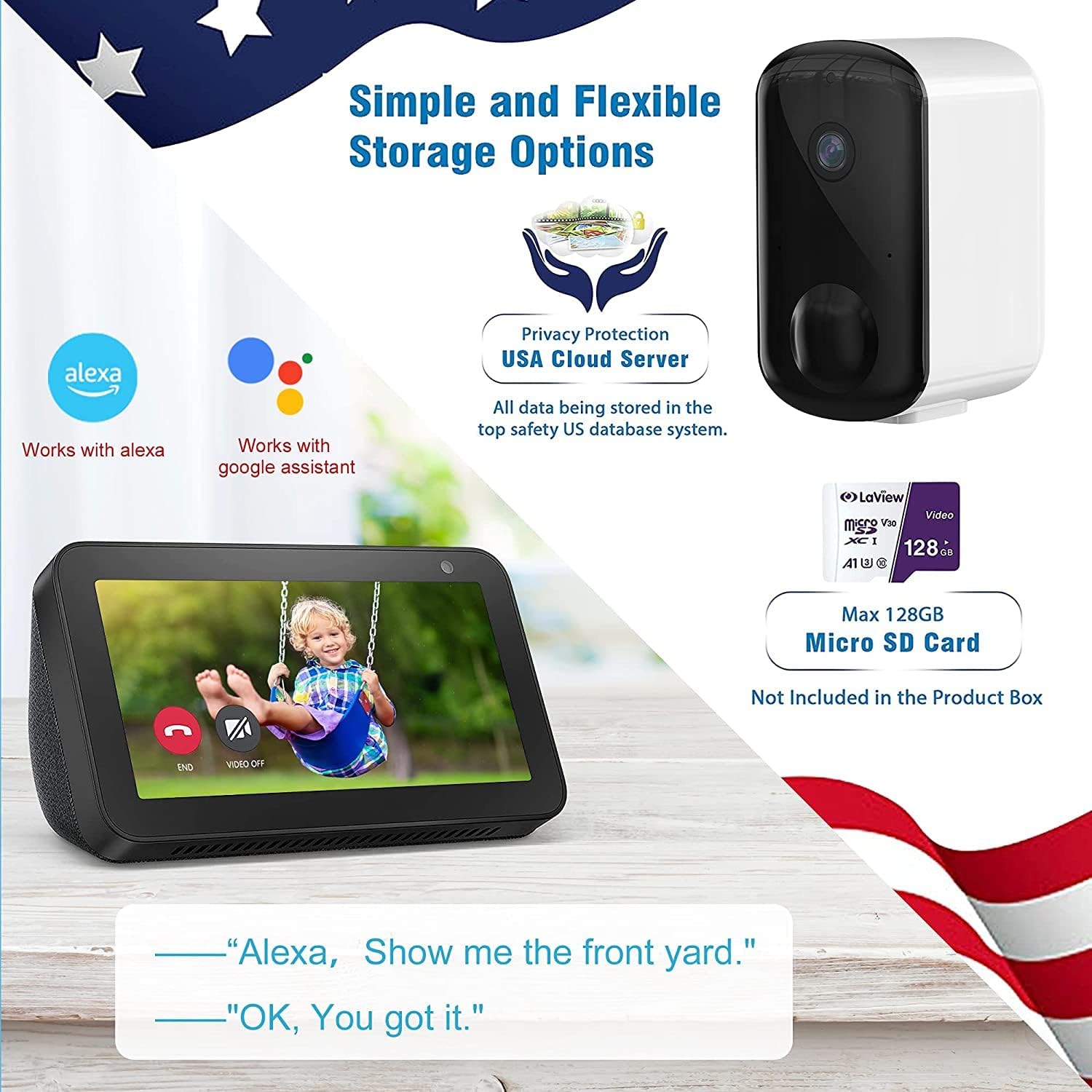
Image: An illustration of the LaView camera system's compatibility with Alexa and Google Assistant, showing an Echo Show displaying a live camera feed.
5. Maintenance
- Cleaning: Regularly wipe the camera lens and body with a soft, damp cloth to remove dust and dirt. Avoid using harsh chemicals or abrasive cleaners.
- Battery Management: Monitor battery levels through the LaView app. Recharge cameras promptly when the battery is low to ensure continuous operation.
- Firmware Updates: Keep your camera and base station firmware updated through the LaView app to ensure optimal performance and access to new features.
6. Troubleshooting
| Problem | Possible Cause / Solution |
|---|---|
| Camera not connecting to base station. | Ensure the base station is powered on and connected to the internet. Check if the camera is within the base station's WiFi range. Re-pair the camera through the LaView app. |
| Poor video quality. | Check your internet connection speed. Ensure the camera lens is clean and free from obstructions. Adjust camera placement for optimal lighting. |
| Frequent false alerts. | Adjust the AI human detection sensitivity and detection zones in the LaView app. Ensure the camera is not pointing at busy areas with constant motion (e.g., trees swaying). |
| Short battery life. | High motion detection frequency or frequent live view access can reduce battery life. Reduce detection sensitivity or frequency of live viewing. Ensure the camera is fully charged. |
| Two-way audio not working. | Check microphone and speaker settings in the LaView app. Ensure your phone's volume is up. Check for any physical obstructions on the camera's microphone or speaker. |
For more detailed troubleshooting, please refer to the FAQ section within the LaView app or visit the official LaView support website.
7. Specifications
| Feature | Detail |
|---|---|
| Model Number | LV-KYN202 |
| Video Capture Resolution | 2K (3MP) |
| Connectivity Technology | Wireless (Wi-Fi) |
| Power Source | Battery Powered (rechargeable Lithium Ion) |
| Battery Life | Up to 270 days (depending on usage) |
| Night Vision Range | 33 Feet |
| International Protection Rating | IP66 (Weatherproof) |
| Storage | MicroSD (Max 128GB, not included), Cloud Storage |
| Compatible Devices | Amazon Alexa, Google Assistant |
| Control Method | App |
| Item Weight | 2.44 pounds (system) |
8. Warranty and Support
LaView products typically come with a manufacturer's warranty. For specific warranty terms and conditions, please refer to the warranty card included with your product or visit the official LaView website. LaView is committed to providing excellent customer service.
If you encounter any issues or have questions regarding your LaView 3MP Wireless Camera system, please contact LaView customer support through their official website or the LaView app. Provide your model number (LV-KYN202) and a detailed description of the issue for efficient assistance.
For additional resources, you may visit the LaView Store on Amazon.
Related documentsLV- KYN202


Ask a question about this manual
Ask about setup, troubleshooting, compatibility, parts, safety, or missing instructions. Manuals+ will review the question and use this page’s manual context to help answer it.