
Introduction
The Retoo Wireless Motion Sensor Alarm System M072A is designed to enhance security for both indoor and outdoor environments. This device utilizes an infrared motion sensor to detect movement within its range, activating a loud alarm or a selected melody to alert users. Its versatile design allows for various applications, from home security to signaling customer entry in a retail setting or vehicle approach in a warehouse.
Product Features
- Wireless Operation: Provides flexible placement without the need for extensive wiring.
- Infrared Motion Detection: Scans the area for movement with a detection range of up to 6 meters.
- Audible Alerts: Features a built-in loud alarm siren and 30 selectable melodies for various alert preferences.
- Dual Power Options: Can be powered by 3 AA batteries or a 4.5V power adapter.
- Flexible Installation: Designed for wall mounting using bolts or placement on any flat surface.
- Durable Construction: Made from high-quality plastic for resistance to mechanical damage.
- Versatile Applications: Suitable for home security, signaling customer presence, or monitoring vehicle movement.
Package Contents
Verify that all components are present in the package:
- Retoo Wireless Motion Sensor Alarm Unit
- Installation Kit (includes bolts for wall mounting)
Setup
Follow these steps to set up your Retoo Wireless Motion Sensor Alarm System:
- Power Supply Installation:
- Battery Power: Open the battery compartment on the back of the unit. Insert 3 AA (R6) batteries, ensuring correct polarity (+/-). Close the compartment securely.
- Adapter Power: Connect a compatible 4.5V power adapter (not included) to the DC 4.5V input port on the side of the unit. Plug the adapter into a standard electrical outlet.
- Placement and Mounting:
Choose a location where the sensor's infrared beam can cover the desired detection area without obstructions. The sensor has a maximum range of 6 meters.

Image: The motion sensor unit mounted on a wall, with green waves indicating its detection field as a person walks past.
- Wall Mounting: Use the provided installation kit (bolts) to securely mount the sensor to a wall. Ensure it is positioned at an appropriate height for optimal detection.
- Flat Surface Placement: Alternatively, place the sensor on any stable flat surface, such as a shelf or table, ensuring it has a clear line of sight to the area you wish to monitor.

Image: A person walking in a garage, with the motion sensor on the wall emitting green detection waves, illustrating its up to 6-meter range.
Operating Instructions
The Retoo Motion Sensor Alarm has a multi-function switch to select its operating mode.

Image: A detailed view of the side of the sensor, highlighting the switch for 'Alarm', 'Music', and 'OFF' modes, along with the DC 4.5V power input port.
- Selecting an Operating Mode:
Locate the switch on the side of the unit. Slide the switch to one of the following positions:
- OFF: The unit is powered off and will not detect motion or emit any sound.
- ALARM: When motion is detected, the unit will emit a loud alarm siren. This mode is suitable for security applications.
- MUSIC: When motion is detected, the unit will play one of 30 selectable melodies. This mode is ideal for signaling customer entry in a store or announcing arrivals.
- Motion Detection:
Once powered on and in either ALARM or MUSIC mode, the integrated infrared sensor continuously scans the designated area. When an object or person moves within the 5-6 meter detection zone, the sensor triggers the selected alert.
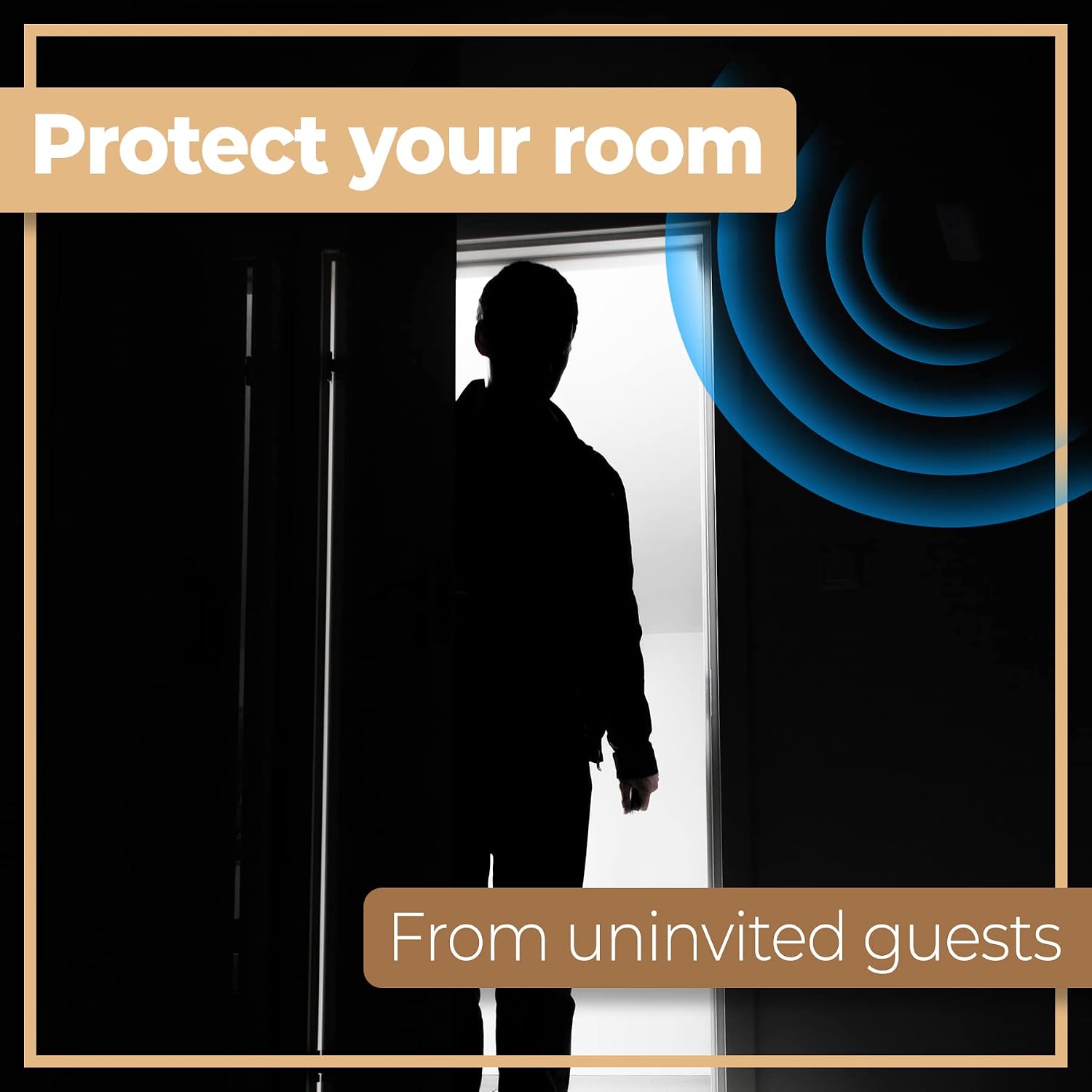
Image: A silhouette of a person entering a room, with blue waves illustrating the sensor's detection of an uninvited guest.
- Melody Selection (MUSIC mode only):
In MUSIC mode, the unit cycles through 30 different melodies. The specific method to select a desired melody is not detailed in the product information, but typically involves a button press or cycling through options upon detection. Refer to the 'Choice' button indicated in the dimensions image for potential melody selection functionality.

Image: A collage demonstrating the versatility of the sensor, showing its use in a home, a retail store, and for deliveries.
Maintenance
- Battery Replacement: When the unit's performance degrades (e.g., weaker sound, inconsistent detection), replace the 3 AA batteries. Always use fresh batteries and dispose of old ones responsibly.
- Cleaning: Wipe the exterior of the unit with a soft, dry cloth. Do not use abrasive cleaners or solvents, as these can damage the plastic housing or internal components. Ensure the infrared sensor lens remains clean and free of dust for optimal performance.
- Environmental Considerations: Avoid placing the sensor in direct sunlight, near heat sources, or in areas with extreme temperature fluctuations, as this can affect its performance and lifespan.
Troubleshooting
| Problem | Possible Cause | Solution |
|---|---|---|
| Unit does not power on. |
|
|
| No sound when motion is detected. |
|
|
| False alarms or inconsistent detection. |
|
|
Specifications
| Model Number | M072A |
| Brand | Retoo |
| Material | High-quality Plastic |
| Color | White |
| Power Supply | 3 x AA (R6) Batteries or 4.5V DC Power Adapter |
| Dimensions (H x W x D) | 10 cm x 6 cm x 3.5 cm |
| Item Weight | 73.6 Grams |
| Motion Detection Range | Up to 6 meters |
| Mounting Type | Internal mounting (Wall or Flat Surface) |
| Operating Temperature | Up to 70 Degrees Celsius |
| Certifications | CE Certified |
Image: A diagram illustrating the dimensions of the Retoo motion sensor, showing its height of 10 cm and width of 6.4 cm.