
1. Introduction
Thank you for purchasing the Muse M-308 BT Bluetooth Speaker. This manual provides essential information for the safe and correct use of your device. Please read it thoroughly before use and keep it for future reference.
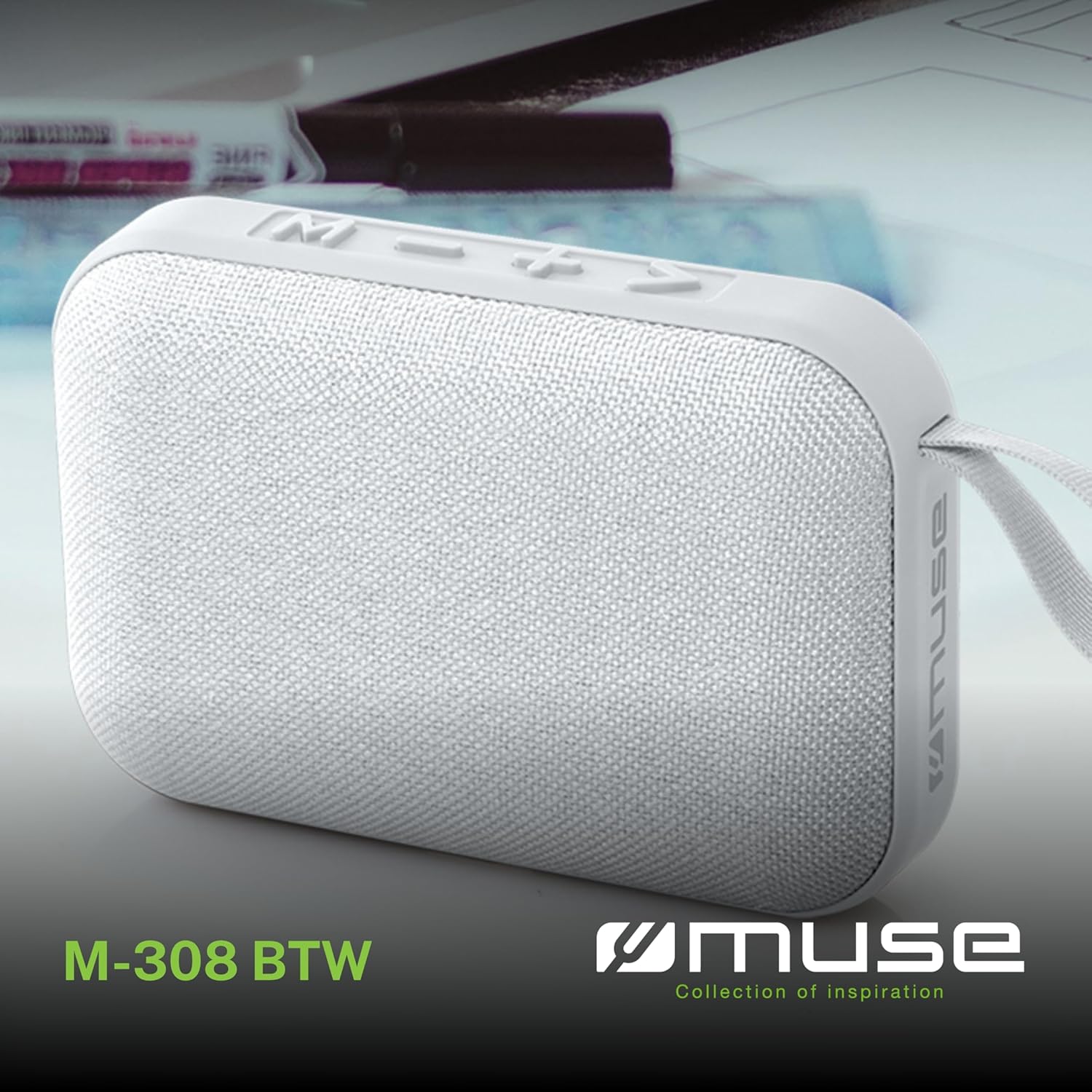
Image 1.1: Front view of the Muse M-308 BT Bluetooth Speaker.
2. Product Features
- Bluetooth Connectivity: Stream audio wirelessly from compatible devices.
- Hands-free Function: Integrated microphone for taking calls.
- Media Playback: Supports music playback from USB and MicroSD (TF) cards.
- Stereo Pairing: Connect two M-308 BT speakers for enhanced stereo sound.
- LED Indicator: Provides visual feedback for Bluetooth pairing and charging status.
- Compact and Lightweight: Designed for portability, weighing approximately 200g.
- Built-in Rechargeable Battery: 1200mAh capacity for up to 10 hours of playback.
- Output Power: 5 Watts for clear audio.

Image 2.1: Key features of the Muse M-308 BT speaker.

Image 2.2: Additional functionalities of the Muse M-308 BT speaker.
3. Package Contents
Ensure all items are present upon unpacking:
- Muse M-308 BT Bluetooth Speaker
- USB Charging Cable
- User Manual (this document)
4. Controls and Connections
Familiarize yourself with the speaker's controls and connection ports:

Image 4.1: Top panel with various connections.
- USB Port: For playing music from a USB flash drive.
- Micro-USB Port: For charging the speaker.
- Micro SD (TF) Card Slot: For playing music from a Micro SD card.
- ON/OFF Switch: To power the speaker on or off.

Image 4.2: Side panel with control buttons.
- M Button (Mode): Press to switch between Bluetooth, USB, and Micro SD modes.
- - Button (Volume Down / Previous Track):
- Short press: Decrease volume.
- Long press: Go to the previous track.
- + Button (Volume Up / Next Track):
- Short press: Increase volume.
- Long press: Go to the next track.
- > Button (Play / Pause / Call):
- Short press: Play or pause music.
- Short press (during incoming call): Answer call.
- Long press (during incoming call): Reject call.
- Short press (during call): End call.
5. Setup
5.1 Charging the Speaker
- Connect the supplied USB charging cable to the Micro-USB port on the speaker.
- Connect the other end of the USB cable to a USB power adapter (not included) or a computer's USB port.
- The LED indicator will illuminate to show charging status. It will turn off or change color when fully charged.
5.2 Powering On/Off
- To power on, slide the ON/OFF switch to the 'ON' position. You will hear an audible prompt.
- To power off, slide the ON/OFF switch to the 'OFF' position.
5.3 Bluetooth Pairing
- Ensure the speaker is powered on and in Bluetooth mode (indicated by a flashing LED). If not, press the 'M' button to switch to Bluetooth mode.
- Enable Bluetooth on your smartphone, tablet, or other compatible device.
- Search for available Bluetooth devices and select "M-308 BT" from the list.
- Once paired, the LED indicator will stop flashing and remain solid, and you will hear a confirmation tone.
- The speaker will automatically connect to the last paired device when powered on, if it is within range.
5.4 Stereo Pairing (TWS Function)
To pair two M-308 BT speakers for true wireless stereo sound:
- Ensure both speakers are powered on and in Bluetooth pairing mode (LED flashing).
- On one of the speakers (this will be the primary speaker), double-press the 'M' button. The speaker will search for another M-308 BT speaker.
- Once connected, both speakers will emit a confirmation tone, and the LED on the primary speaker will flash slowly, while the LED on the secondary speaker will remain solid.
- Now, connect your device to the primary speaker via Bluetooth as described in section 5.3.
6. Operating Instructions
6.1 Playing Music
- Bluetooth Mode: After successful pairing, start playing music on your connected device. The audio will stream through the speaker.
- USB/Micro SD Mode: Insert a USB flash drive or Micro SD card into the respective port. The speaker will automatically switch to the corresponding mode and begin playing music. If it doesn't, press the 'M' button to cycle through modes.
6.2 Volume Control
- Press the '+' button to increase the volume.
- Press the '-' button to decrease the volume.
6.3 Track Navigation
- Long press the '+' button to skip to the next track.
- Long press the '-' button to go back to the previous track.
6.4 Hands-free Calling
- When a call comes in, the music will pause. Press the '>' button to answer the call.
- To end a call, press the '>' button again.
- To reject an incoming call, long press the '>' button.
7. Maintenance
- Keep the speaker away from extreme temperatures, direct sunlight, and moisture.
- Do not expose the speaker to water or other liquids. This model is not water-resistant.
- Clean the speaker with a soft, dry cloth. Do not use abrasive cleaners or solvents.
- Do not attempt to disassemble or repair the speaker yourself. This will void the warranty.
- When not in use for extended periods, charge the battery at least once every three months to maintain battery health.
8. Troubleshooting
| Problem | Possible Cause | Solution |
|---|---|---|
| Speaker does not power on. | Battery is depleted. | Charge the speaker using the supplied USB cable. |
| Cannot pair via Bluetooth. | Bluetooth is not enabled on your device or speaker is not in pairing mode. Speaker is too far from the device. | Ensure Bluetooth is active on both devices. Make sure the speaker is in Bluetooth pairing mode (flashing LED). Move the speaker closer to your device (within 10 meters). |
| No sound. | Volume is too low. Speaker is not connected. Incorrect mode selected. | Increase the volume on both the speaker and your connected device. Re-pair the Bluetooth connection. Press the 'M' button to cycle through modes (Bluetooth, USB, Micro SD). |
| Music playback from Micro SD card is erratic or "screaming". | Corrupted files on Micro SD card. Incompatible file format. | Ensure audio files are in a compatible format (e.g., MP3). Try using a different Micro SD card or reformatting the current one and reloading files. |
| Speaker switches between modes (e.g., SD and BT) unexpectedly. | Interference or a temporary software glitch. | Power off the speaker, wait a few seconds, then power it back on. Ensure no other devices are causing interference. If the issue persists, try removing the Micro SD card if it's inserted. |
9. Specifications
| Model Name | M-308 BT |
| Brand | Muse |
| Connectivity Technology | Bluetooth, Wired |
| Wireless Communication Technology | Bluetooth |
| Speaker Maximum Output Power | 5 Watts |
| Audio Output Mode | Stereo |
| Speaker Type | Portable Bluetooth Speaker |
| Special Features | Bluetooth |
| Compatible Devices | Smartphone, Tablet |
| Power Source | Battery |
| Battery Life | 10 Hours |
| Battery Capacity | 1200 Milliampere-hour |
| Product Dimensions (D x W x H) | 118D x 30B x 76H millimeters (11.8 x 3 x 7.6 cm) |
| Item Weight | 200 Grams |
| Material | Plastic rubber material |
| Is Water Resistant | No |
| Included Components | USB Charging Cable |
Image 9.1: Dimensions of the Muse M-308 BT speaker.
10. Warranty and Support
The Muse M-308 BT Bluetooth Speaker comes with a 2-year warranty from the date of purchase.
For technical support, warranty claims, or further assistance, please contact your retailer or visit the official MUSE website for contact information.


