
Introduction
This manual provides essential information for the setup, operation, and maintenance of your Positive Grid Spark Pearl 40-Watt Smart Guitar Amplifier. Please read this manual thoroughly to ensure proper use and to maximize your experience with the product. The Spark Pearl is a versatile practice amplifier designed for electric, bass, and acoustic guitars, featuring smart technology and integration with the Spark mobile application.
What's in the Box
Upon unpacking, please verify that all the following items are included:
- Spark GO Amplifier
- Removable Protective Sleeve
- Reversible Duo-Tone Strap
- USB-C Cable
- Woven Grille
- Hardshell Grille
- Quick Start Guide
Product Overview
The Spark Pearl amplifier combines a compact design with powerful features, including a 40-watt output and smart app integration.

Image: The Spark Pearl amplifier shown with a smartphone connected to its mobile application.
Front Panel

Image: Front view of the Spark Pearl amplifier, highlighting its speaker grille and branding.
Top Panel Controls and Connections

Image: Close-up of the Spark Pearl's top panel, detailing the controls for gain, EQ, effects, volume, and input jacks.
The top panel features controls for amplifier settings and input/output connections:
- Power Button: Turns the amplifier on or off.
- Amp Type Selector: Rotary switch to select different amplifier models (Acoustic, Bass, Clean, Glassy, Crunch, Hi-Gain, Metal).
- Gain Knob: Adjusts the input gain for your instrument.
- Bass, Mid, Treble Knobs: Three-band equalizer for tone shaping.
- Master Volume Knob: Controls the overall output volume of the amplifier.
- Modulation, Delay, Reverb Knobs: Adjusts the intensity of built-in effects.
- Output Knob: Controls the output level to headphones or recording devices.
- Input Jack (6.35mm): Connect your instrument cable here.
- Music Volume Knob: Controls the volume of Bluetooth audio or auxiliary input.
- Headphone Jack: For private practice.
- Tap/Tuner Button: Tap to set delay time, hold to activate tuner.
- Save Preset Buttons (1-4): Save and recall your custom tone presets.
Setup
- Power Connection: Connect the included power adapter to the Spark Pearl amplifier and then to a power outlet.
- Instrument Connection: Plug your guitar, bass, or acoustic instrument into the 6.35mm Input Jack on the top panel.
- Power On: Press the Power Button on the top panel to turn on the amplifier. The indicator light will illuminate.
- App Installation (Optional but Recommended):
- Download the Spark mobile application from your device's app store (available for iOS and Android).
- Open the Spark app and follow the on-screen instructions to pair your Spark Pearl amplifier via Bluetooth. Ensure Bluetooth is enabled on your mobile device.
Operating
Basic Operation
Once powered on and your instrument is connected, you can begin playing. Use the Amp Type Selector and the Gain, EQ (Bass, Mid, Treble), and Master Volume knobs to dial in your desired sound. Experiment with the Modulation, Delay, and Reverb effects knobs to add depth to your tone.
Using the Spark Mobile App
The Spark app unlocks the full potential of your amplifier, offering advanced tone shaping, learning tools, and backing tracks.
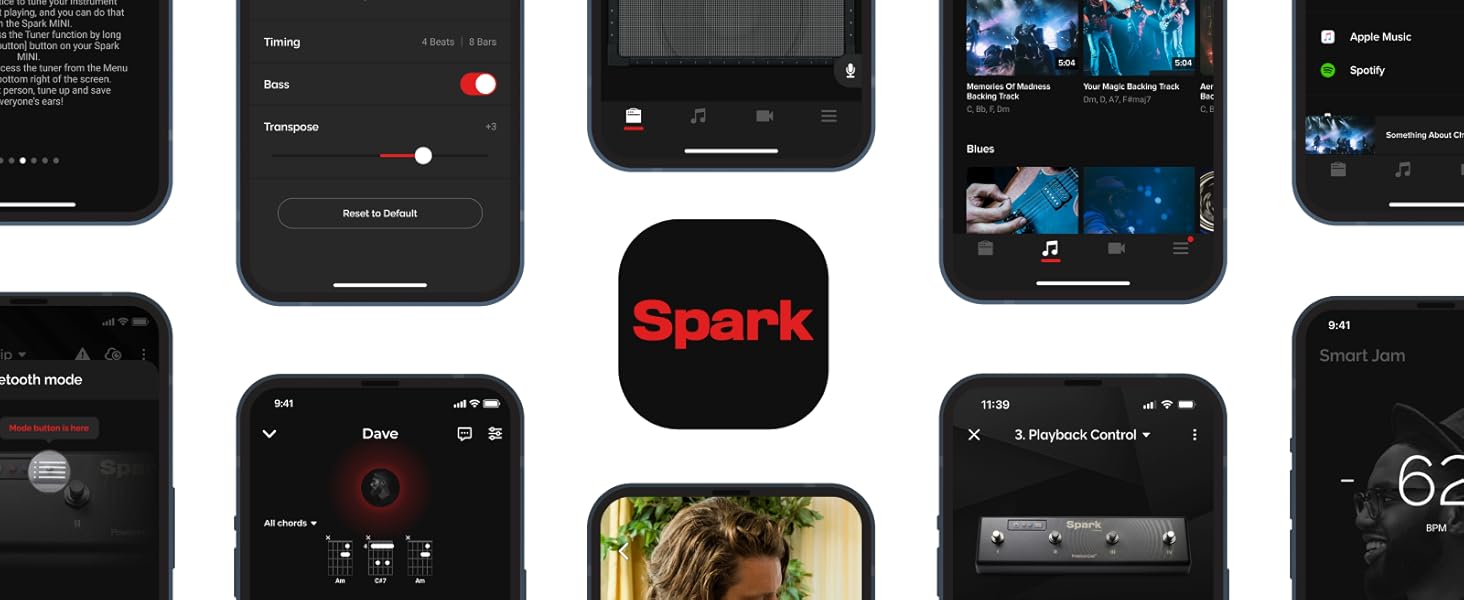
Image: A collage illustrating the diverse features and interface of the Spark mobile application.
- ToneCloud: Access over 50,000 amp and effects presets created by other users and professionals. You can also upload and share your own custom tones.
- Smart Jam: The app listens to your playing and generates authentic bass and drum backing tracks in real-time, allowing you to jam along.
- Auto Chords: Import songs from streaming services like Spotify, Apple Music, or YouTube. The app will automatically display the guitar chords in real-time, facilitating learning and practice.
- Virtual Effects Chain: Customize your amp and effects settings with a detailed virtual pedalboard within the app.
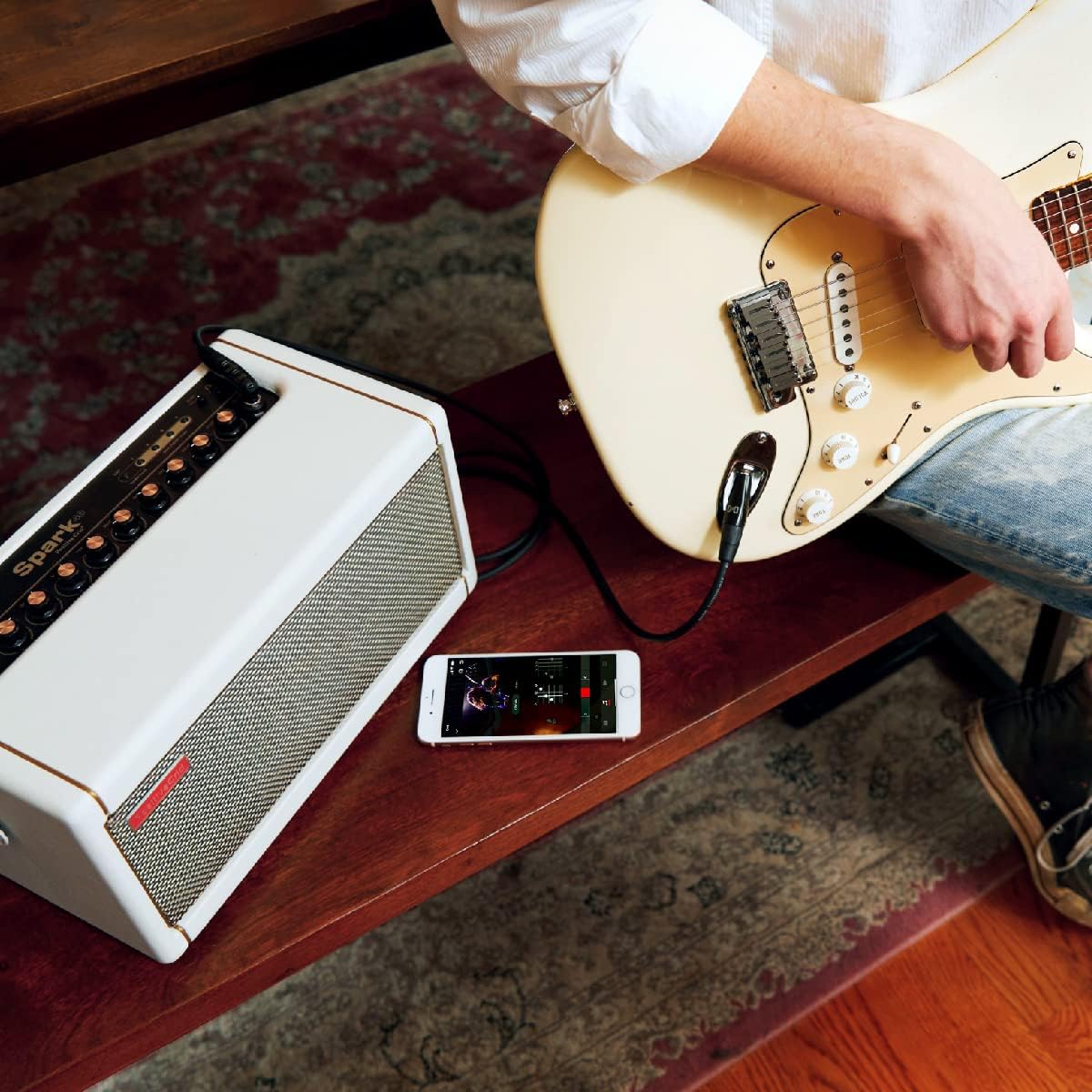
Image: A musician practicing with the Spark Pearl amplifier, using the mobile app for interactive learning.
Bluetooth Speaker Functionality
The Spark Pearl can also function as a high-quality Bluetooth speaker. Pair your mobile device with the amplifier via Bluetooth and play music directly through its speakers. Adjust the music volume using the dedicated Music Volume knob on the top panel.
Recording via USB
Connect the Spark Pearl to your computer using the included USB-C cable. The amplifier can act as an audio interface, allowing you to record your playing directly into a Digital Audio Workstation (DAW) like PreSonus Studio One Prime (free copy included). Refer to your DAW's instructions for setting up an audio input device.

Image: The Spark Pearl amplifier set up for recording, connected to a laptop with a guitar and headphones.
Maintenance
- Cleaning: Use a soft, dry cloth to clean the exterior of the amplifier. Avoid using abrasive cleaners or solvents.
- Storage: Store the amplifier in a cool, dry place away from direct sunlight and extreme temperatures.
- Handling: Handle the amplifier with care. Avoid dropping it or exposing it to excessive vibrations.
- Ventilation: Ensure proper ventilation around the amplifier to prevent overheating. Do not block any vents.
Troubleshooting
| Problem | Possible Cause | Solution |
|---|---|---|
| No power | Power cable not connected; Power outlet not working; Amplifier off. | Ensure power cable is securely connected. Test power outlet. Press the power button. |
| No sound from instrument | Instrument cable faulty; Instrument volume off; Amplifier volume low; Wrong input selected (if applicable). | Check instrument cable. Increase instrument volume. Increase Master Volume on amplifier. Ensure instrument is plugged into the correct input. |
| Bluetooth not connecting | Bluetooth off on device; Amplifier not in pairing mode; Interference. | Ensure Bluetooth is enabled on your device. Restart both amplifier and device. Move closer to the amplifier. |
| Humming or buzzing noise | Ground loop; Faulty cable; Interference from other electronics. | Try a different power outlet. Use shielded cables. Move amplifier away from other electronic devices. |
Specifications
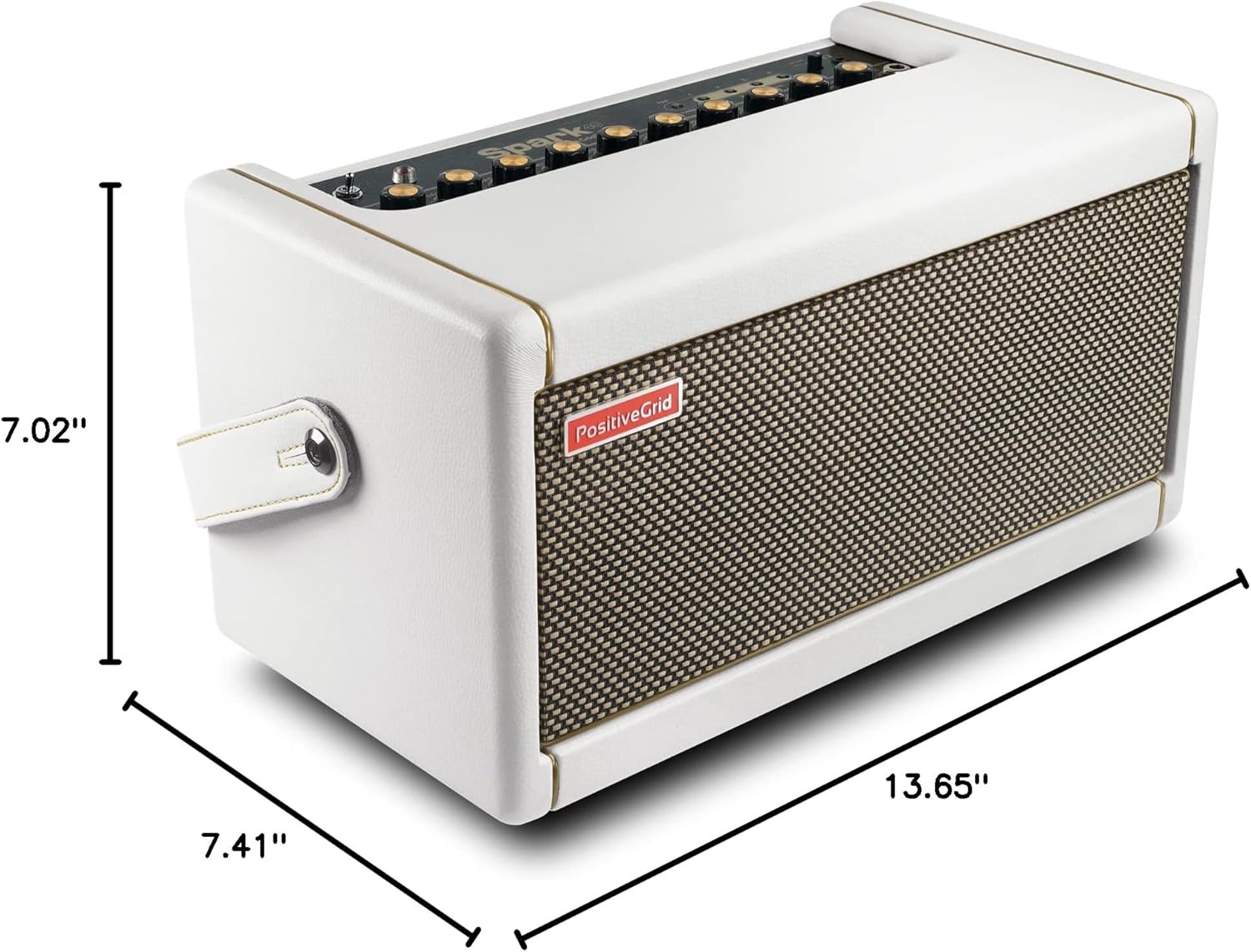
Image: The physical dimensions of the Spark Pearl amplifier are displayed.
| Feature | Detail |
|---|---|
| Model Number | 855316004552 |
| Output Wattage | 40 Watts |
| Item Weight | 15.6 pounds |
| Product Dimensions | 7.48 x 13.78 x 7.09 inches |
| Color | Pearl |
| Material | Metal, Plastic |
| Power Source | Corded Electric |
| Compatible Devices | Laptop, Smartphone, Tablet |
| Connector Type | 6.35mm Jack, USB |
Warranty and Support
For information regarding product warranty, technical support, and additional resources, please visit the official Positive Grid website. Warranty terms and conditions may vary by region and purchase date.
Positive Grid Official Website: www.positivegrid.com
