
1. Introduction
Thank you for choosing the Ctronics 1080P PTZ Outdoor WiFi Surveillance Camera. This manual provides detailed instructions for the installation, operation, and maintenance of your camera. Please read this manual thoroughly before using the product to ensure proper setup and functionality. Keep this manual for future reference.
2. Safety Information
- Ensure the power adapter is suitable for your local power supply.
- Do not expose the camera to extreme temperatures, humidity, or corrosive environments.
- Avoid placing the camera near strong electromagnetic fields.
- Do not attempt to disassemble or modify the camera. Refer all servicing to qualified personnel.
- Clean the camera with a soft, dry cloth. Do not use harsh chemicals or abrasive cleaners.
- Ensure the camera is securely mounted to prevent accidental falls.
3. Package Contents
Please check the package to ensure all items are present and in good condition:
- Ctronics 1080P PTZ Outdoor WiFi Surveillance Camera(s)
- Power Adapter(s)
- Mounting Screws and Wall Plugs
- Ethernet Cable (for initial setup or wired connection)
- User Manual

Image: Contents of the Ctronics camera package.
4. Product Overview
The Ctronics 1080P PTZ Outdoor WiFi Surveillance Camera is designed for comprehensive outdoor security. It features advanced functionalities to provide reliable monitoring and peace of mind.
Key Features:
- 1080P HD Resolution: Provides clear and sharp video footage.
- Pan & Tilt Functionality: Horizontal rotation of 355° and vertical tilt of 90° to cover a wide surveillance area.
- Human Detection & Auto Tracking: Intelligently identifies human shapes, reducing false alarms and automatically tracks detected movement.
- Color Night Vision: Equipped with 4 infrared LEDs and 4 spotlights for clear color images up to 30 meters in low light conditions.
- Two-Way Audio: Built-in microphone and speaker allow for real-time communication.
- IP66 Weatherproof: Durable design suitable for various outdoor weather conditions.
- Local Storage: Supports TF (Micro SD) card up to 64GB (not included) for continuous recording.
- Remote Access: Monitor from anywhere using the Ctronics app on smartphones (Android/iOS) or PC software.
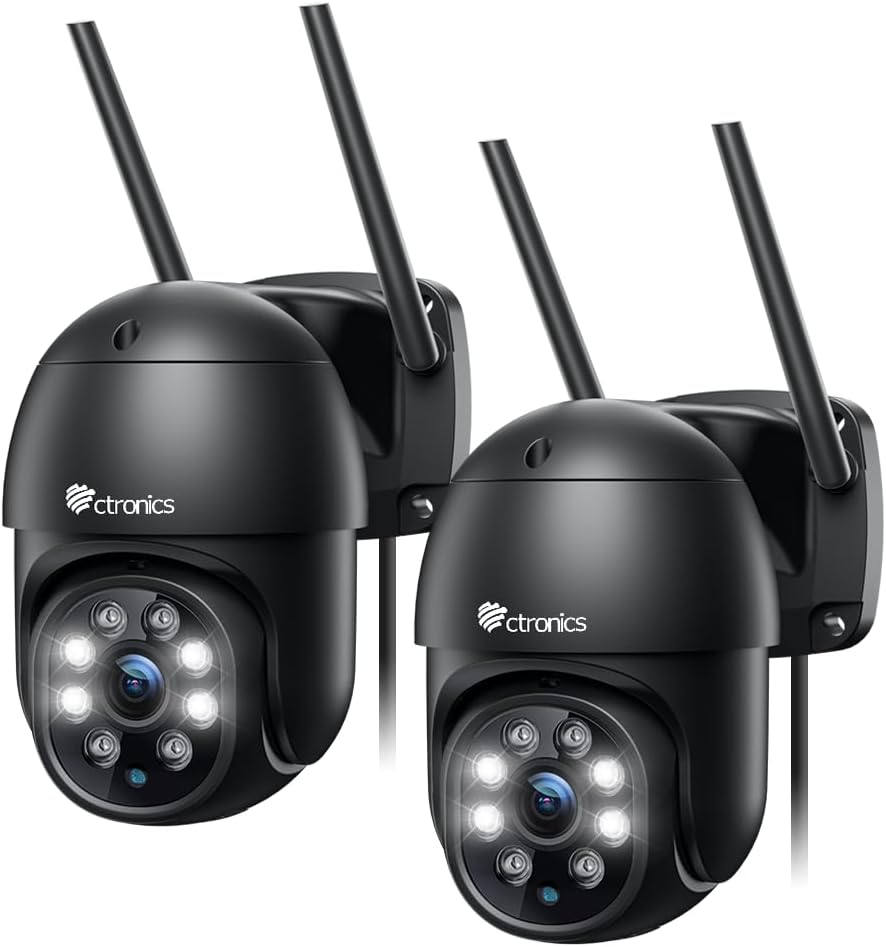
Image: Ctronics 1080P PTZ Outdoor WiFi Surveillance Camera (2-pack).
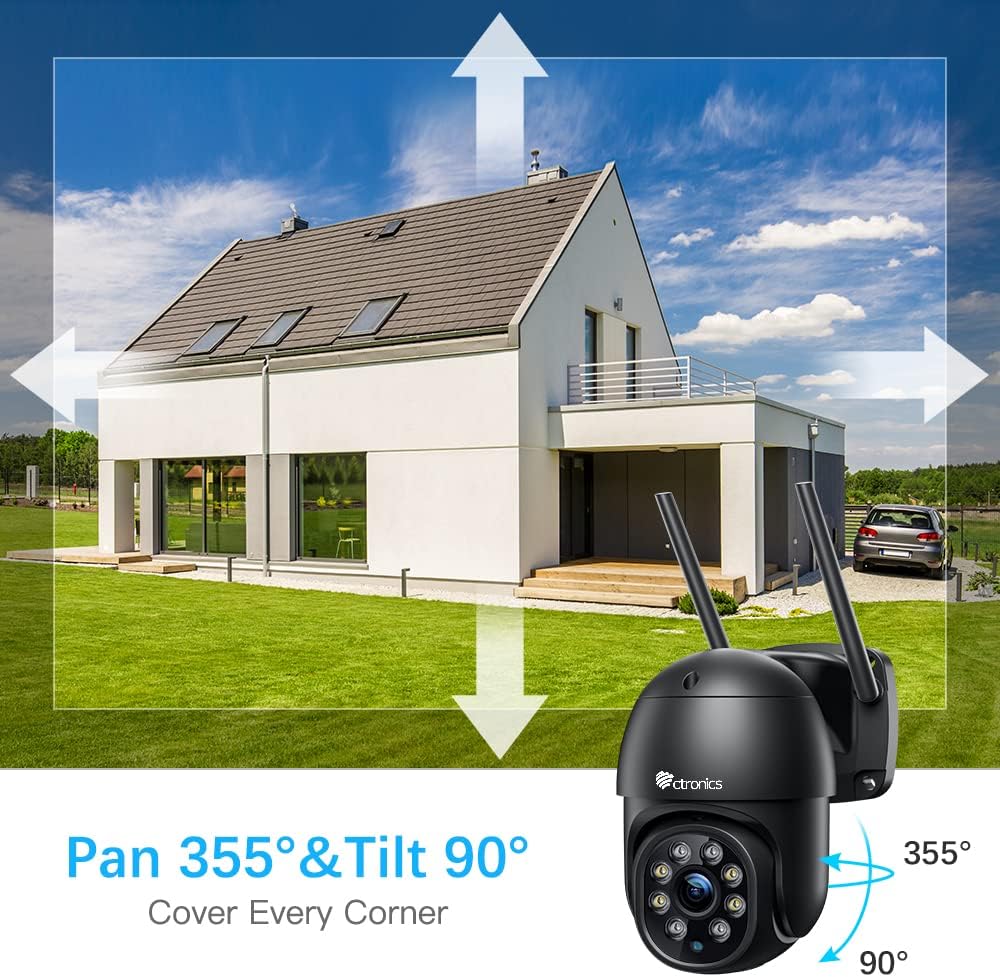
Image: Pan 355° & Tilt 90° coverage diagram.
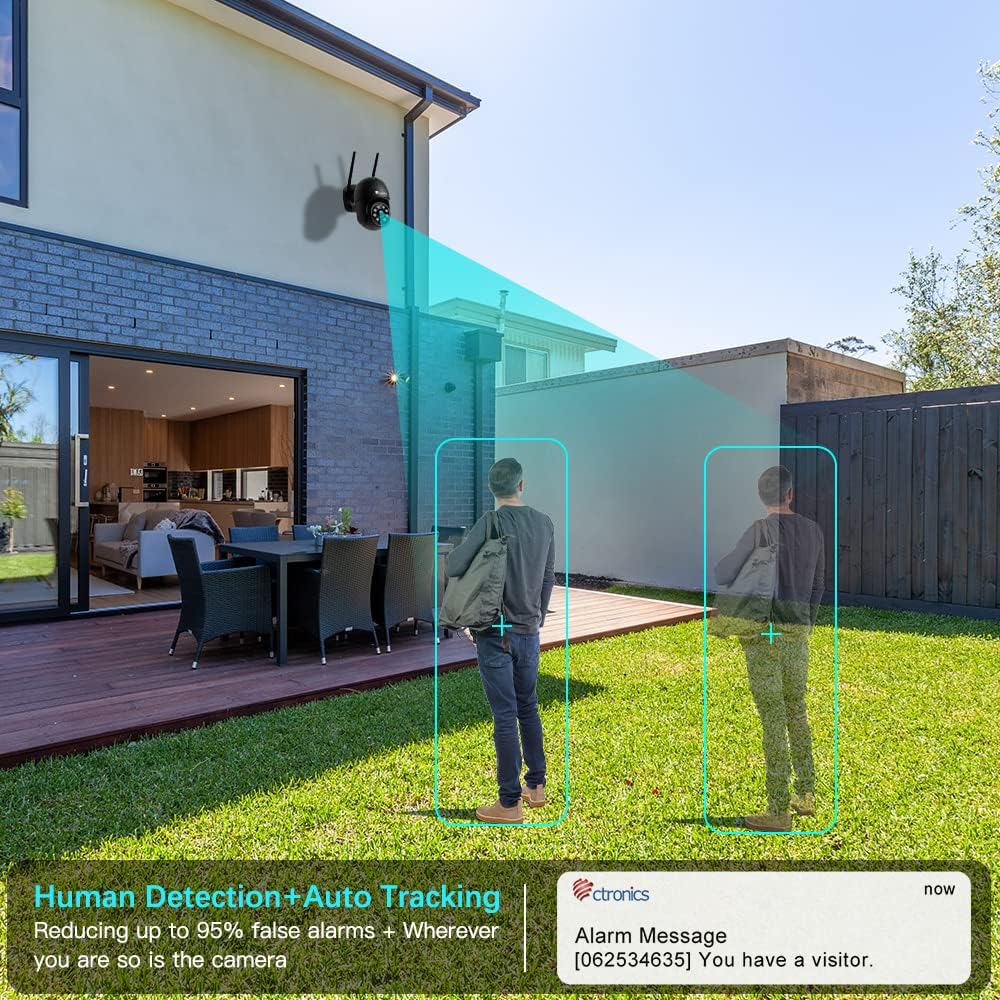
Image: Human Detection and Auto Tracking in action.
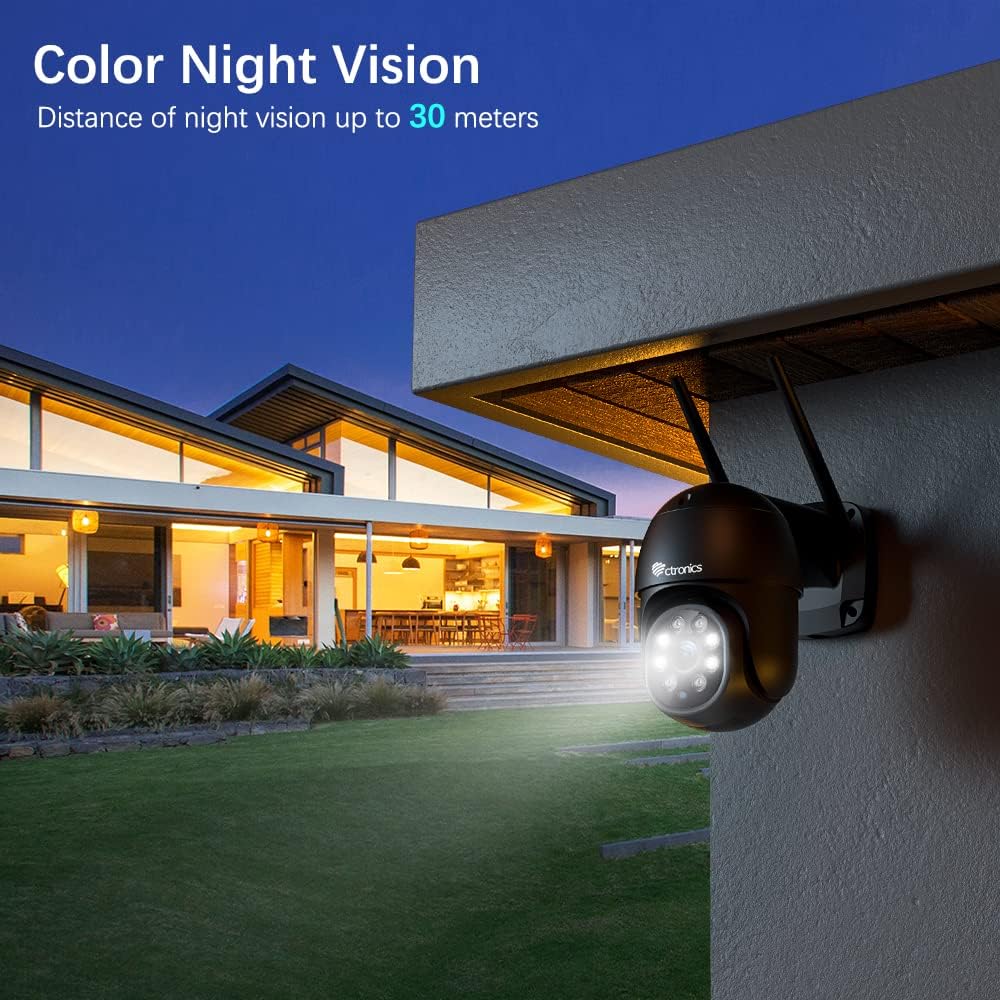
Image: Color Night Vision capability.
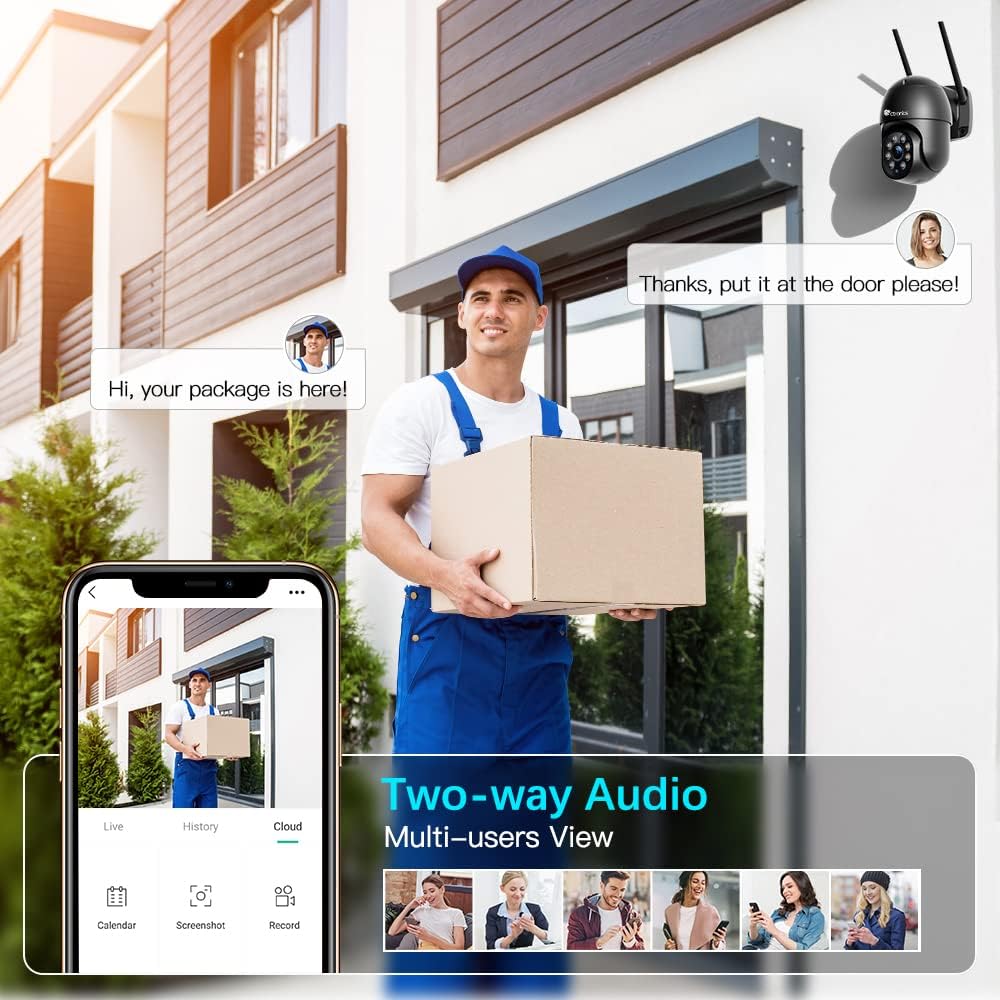
Image: Two-way Audio feature.
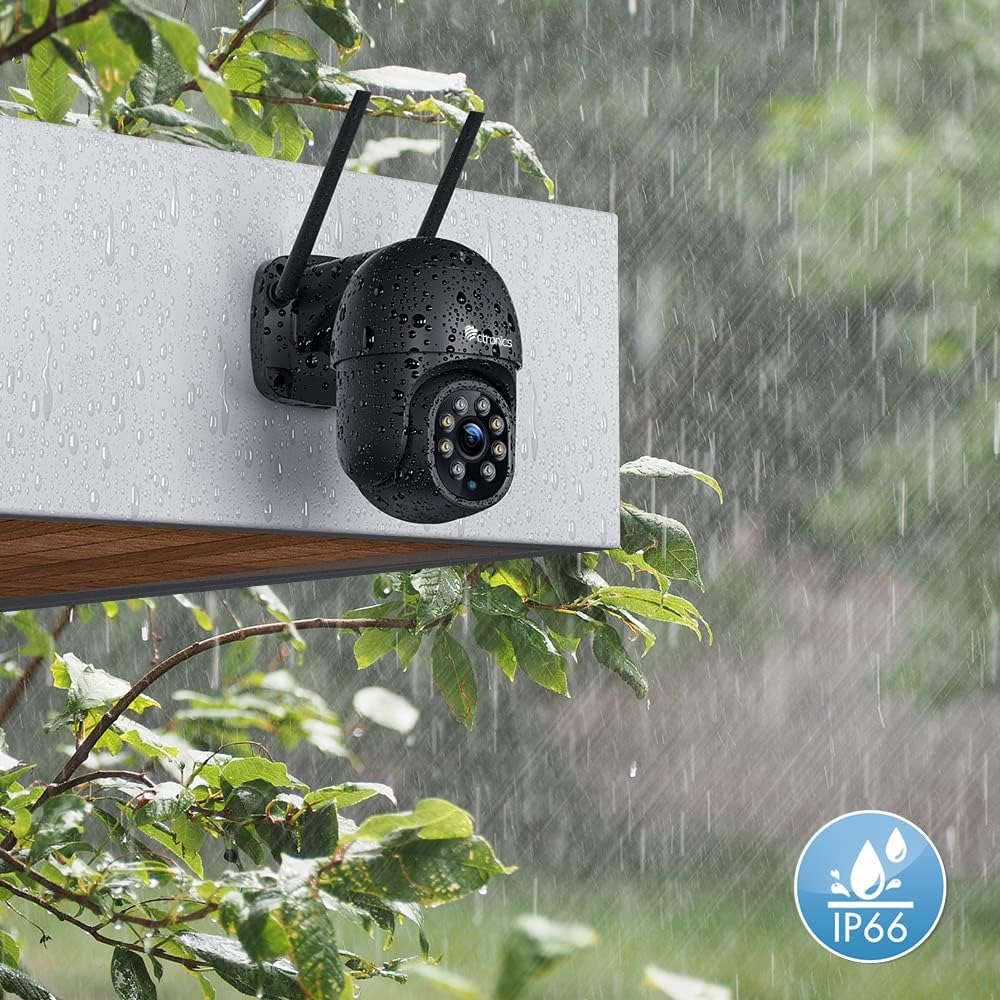
Image: IP66 Waterproof rating.
5. Setup
5.1 Hardware Installation
- Choose a Location: Select an outdoor location with a clear view of the area you wish to monitor. Ensure it is within range of your WiFi network.
- Mount the Camera: Use the provided mounting screws and wall plugs to securely attach the camera to a wall or ceiling.
- Connect Power: Plug the power adapter into the camera's power port and then into a power outlet.
5.2 App Installation
- Download the Ctronics App: Search for "Ctronics" in the App Store (iOS) or Google Play Store (Android) and download the official application.
- Register an Account: Open the app and follow the on-screen instructions to register a new account.
5.3 Network Connection
- Add Device: In the Ctronics app, tap the "+" icon to add a new device.
- Select Camera Type: Choose the appropriate camera model or type.
- Connect to WiFi: Follow the app's instructions to connect the camera to your 2.4GHz WiFi network. This usually involves scanning a QR code displayed on your phone with the camera lens or entering WiFi credentials.
- Complete Setup: Once connected, name your camera and complete the setup process.

Image: Multi-device viewing compatibility.
6. Operating the Camera
6.1 Live View
Open the Ctronics app and select your camera from the device list to access the live video feed. You can view real-time footage from anywhere with an internet connection.
6.2 Pan/Tilt Control
On the live view screen, swipe your finger across the video to control the camera's horizontal (pan) and vertical (tilt) movement. This allows you to adjust the viewing angle remotely.
6.3 Two-Way Audio
Tap the microphone icon in the app to speak through the camera's speaker. Tap the speaker icon to listen to audio from the camera's microphone. This feature enables direct communication with visitors or deterring intruders.
6.4 Motion Detection & Auto Tracking
The camera is equipped with intelligent human detection. When a human figure is detected, the camera can automatically track their movement within the surveillance area and send real-time alerts to your phone. You can customize detection zones and sensitivity settings in the app.

Image: Intelligent Humanoid Detection with Auto Tracking.

Image: Real-time Alerts for Home Security.

Image: Customizable Detection Zones.
6.5 Night Vision Modes
The camera offers three night vision modes: Color Night Vision, Smart Mode, and Infrared. You can switch between these modes in the app based on your preference and lighting conditions. The 4 spotlights provide enhanced color vision at night.

Image: Color Night Vision up to 30 meters.
6.6 Recording
Insert a Micro SD card (up to 64GB, not included) into the camera's card slot for local video storage. The camera supports continuous recording or event-triggered recording (e.g., motion detection). You can review recorded footage through the Ctronics app.

Image: Micro SD Card Slot.
7. Maintenance
- Cleaning: Regularly wipe the camera lens and body with a soft, damp cloth to remove dust and dirt. Do not use harsh chemicals.
- Firmware Updates: Check the Ctronics app periodically for firmware updates. Keeping your camera's firmware updated ensures optimal performance and access to new features.
- Power Cycle: If the camera experiences issues, try unplugging it from the power source for a few seconds and then plugging it back in.
8. Troubleshooting
| Problem | Possible Cause | Solution |
|---|---|---|
| Camera offline | No power, weak WiFi signal, network issues. | Check power connection. Move camera closer to router or use a WiFi extender. Restart router and camera. |
| Cannot connect to WiFi | Incorrect WiFi password, 5GHz network, camera too far from router. | Ensure correct 2.4GHz WiFi password. Connect to a 2.4GHz network. Move camera closer to router. |
| No recording to SD card | SD card full, faulty, or not formatted. | Format SD card in app. Replace SD card if faulty. Ensure recording settings are enabled. |
| Frequent false alarms | High motion sensitivity, environmental factors (trees, pets). | Adjust motion detection sensitivity in app. Define specific detection zones to exclude irrelevant areas. |
| Two-way audio issues | Microphone/speaker blocked, app permissions. | Ensure nothing is obstructing the microphone or speaker. Check app permissions for microphone access. |
9. Specifications
| Feature | Specification |
|---|---|
| Video Recording Resolution | 1080p |
| Wireless Communication Technology | Wi-Fi (2.4GHz) |
| Form Factor | Dome |
| Effective Video Resolution | 1080 Pixels |
| Viewing Angle | 90 degrees |
| Material | Metal |
| Voltage | 12 Volts |
| Power Consumption | 4 Watts |
| Connectivity | Wired, Wi-Fi |
| Special Features | Night vision, Two-way audio, PTZ Technology |
| Recommended Product Use | Surveillance |
| Connectivity Technology | Wired |
| Indoor/Outdoor Use | Outdoor |
| Compatible Devices | Smartphone |
| Power Source | AC Power |
| Controller Type | Android |
| Mounting Type | Wall Mount |
10. Warranty and Support
Ctronics products come with a standard warranty. For detailed warranty information, please refer to the warranty card included in your package or visit the official Ctronics website. If you encounter any issues or have questions regarding your camera, please contact Ctronics customer support through their official channels. Provide your product model and purchase details for faster assistance.
Ctronics Official Website: www.ctronics.com


