1. Introduction
This manual provides essential instructions for the setup, operation, and maintenance of your Samsung HW-S810B 3.1.2 Channel Soundbar. This soundbar system is designed to enhance your audio experience with an ultra-slim profile, wireless Dolby Atmos, DTS:X, and Q-Symphony technology. Please read this manual thoroughly before using the product to ensure proper and safe operation.
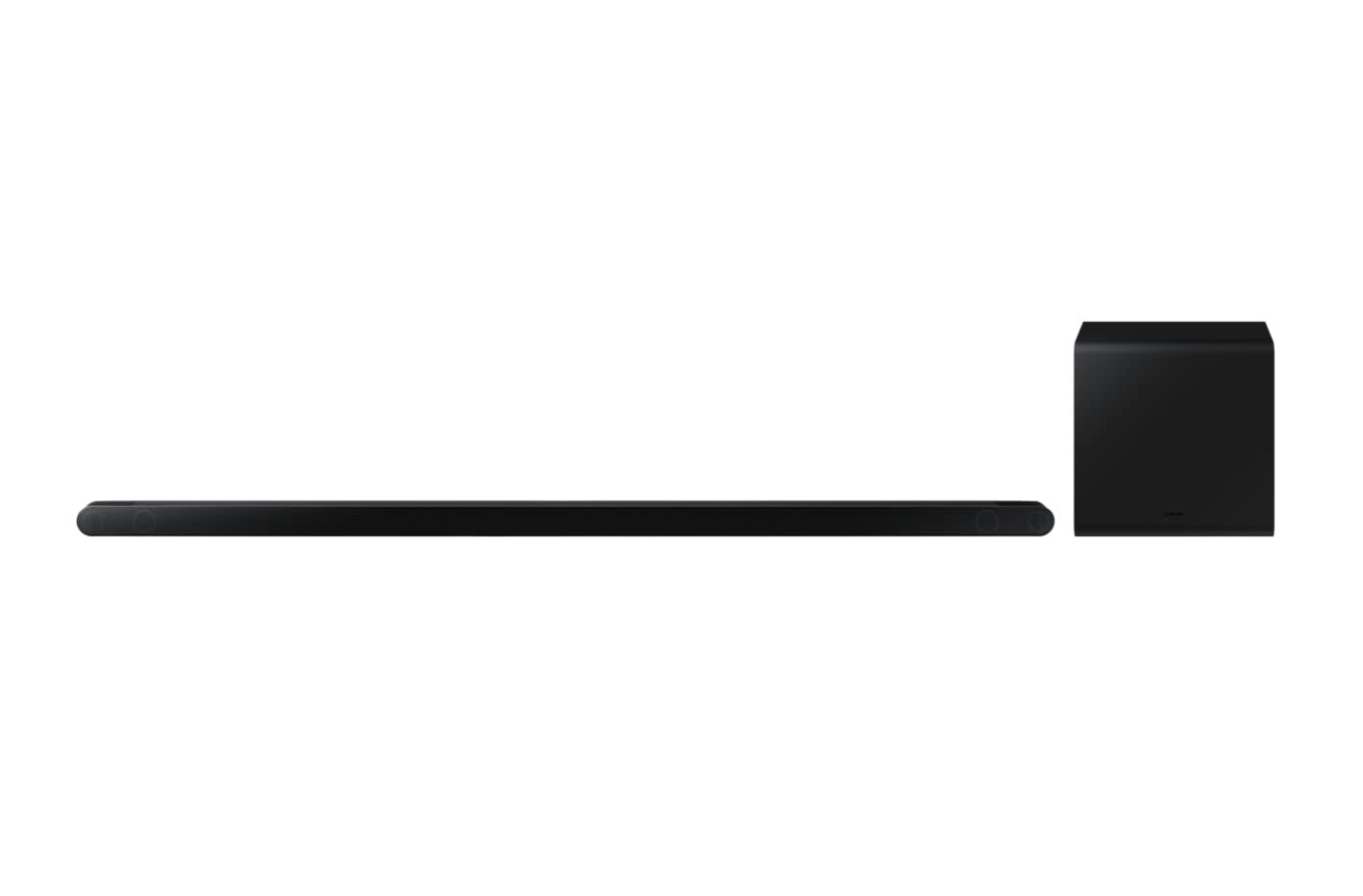
Image 1.1: The Samsung HW-S810B Soundbar and its accompanying wireless subwoofer.
2. Safety Information
Always follow basic safety precautions when using this product to reduce the risk of fire, electric shock, and injury.
- Do not expose this apparatus to rain or moisture.
- Do not block any ventilation openings. Install in accordance with the manufacturer's instructions.
- Do not install near any heat sources such as radiators, heat registers, stoves, or other apparatus (including amplifiers) that produce heat.
- Protect the power cord from being walked on or pinched, particularly at plugs, convenience receptacles, and the point where they exit from the apparatus.
- Only use attachments/accessories specified by the manufacturer.
- Refer all servicing to qualified service personnel.
3. Package Contents
Verify that all components are present in your package:
- Soundbar Unit
- Wireless Subwoofer
- Remote Control with Batteries
- Power Adapter
- HDMI Cable
- Rubber Feet
- Wall Mount Bracket
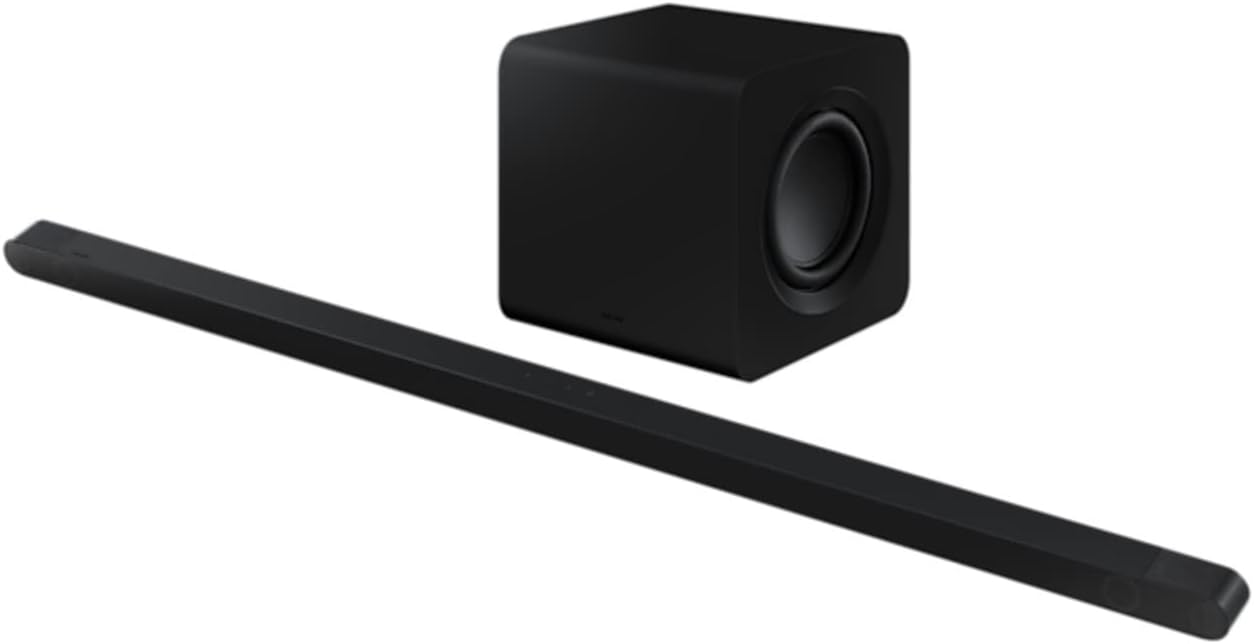
Image 3.1: The ultra-slim Samsung HW-S810B Soundbar unit.
4. Setup
4.1 Physical Placement
The HW-S810B soundbar features an ultra-slim design, making it ideal for placement in front of thin televisions or for wall mounting.
- Soundbar: Place the soundbar centrally below your TV. Ensure no objects obstruct the front or top speakers for optimal sound projection.
- Subwoofer: Position the wireless subwoofer in a location that provides the best bass response for your listening area. Experiment with different positions to find the ideal spot.
- Wall Mounting: Use the included wall mount bracket for secure installation. Refer to the separate wall mount guide for detailed instructions.
4.2 Connections
Connect the soundbar to your television and power source.
- Power Connection: Connect the power adapter to the soundbar and the subwoofer, then plug both into a wall outlet.
- HDMI Connection (Recommended): Connect one end of the supplied HDMI cable to the HDMI ARC/eARC port on your TV and the other end to the HDMI OUT (TV-ARC) port on the soundbar. This enables high-quality audio transmission and allows your TV remote to control the soundbar's basic functions.
- Bluetooth Connection: For wireless audio from mobile devices, refer to section 4.4.

Image 4.1: Rear view of the soundbar, illustrating connection ports.
4.3 Wireless Setup (Subwoofer Pairing)
The wireless subwoofer should automatically connect to the soundbar when both are powered on. If the connection is not established, follow these steps:
- Ensure the subwoofer is plugged into a power outlet and powered on. Wait approximately 2-3 minutes for it to initialize.
- If the subwoofer's indicator light is not blue (indicating a successful connection), press and hold the ID SET button on the back of the subwoofer for 5 seconds until the indicator blinks blue.
- While the subwoofer's indicator is blinking, press the Up button on the soundbar's remote control for 5 seconds.
- The subwoofer's indicator light should turn solid blue, confirming a successful connection.
4.4 Bluetooth Connection
To connect a mobile device via Bluetooth:
- Press the Source button on the soundbar or remote until "BT" (Bluetooth) appears on the display.
- On your mobile device, enable Bluetooth and search for available devices.
- Select "Samsung HW-S810B" from the list.
- Once connected, the soundbar display will show "BT PAIRING" followed by "BT READY".
5. Operating Instructions
5.1 Basic Operation
- Power On/Off: Press the Power button on the remote control or the soundbar.
- Volume Control: Use the Volume Up/Down buttons on the remote or soundbar.
- Source Selection: Press the Source button to cycle through available inputs (HDMI, Bluetooth).
5.2 Advanced Audio Features
- Dolby Atmos & DTS:X: The soundbar supports wireless Dolby Atmos and DTS:X for an immersive, three-dimensional audio experience. Ensure your source content and TV support these formats for optimal performance.
- Q-Symphony: When connected to a compatible Samsung TV, Q-Symphony synchronizes the TV's speakers with the soundbar, creating a richer and more expansive soundstage. This feature is typically enabled automatically when connected via HDMI ARC/eARC.
- SpaceFit Sound 2: This technology analyzes your room's acoustics and optimizes the soundbar's audio output for tailored sound delivery in your specific environment.
5.3 Voice Control
The soundbar supports voice control. Refer to the specific voice assistant setup instructions (e.g., Bixby, Alexa, Google Assistant) for your region and connected devices to enable this feature.
6. Maintenance
To maintain the performance and appearance of your soundbar:
- Cleaning: Use a soft, dry cloth to clean the surfaces of the soundbar and subwoofer. Do not use liquid cleaners or abrasive materials.
- Ventilation: Ensure that the ventilation openings are not blocked to prevent overheating.
- Storage: If storing the unit for an extended period, disconnect it from the power outlet and store it in a cool, dry place.
7. Troubleshooting
If you encounter issues with your soundbar, refer to the following common problems and solutions:
| Problem | Possible Solution |
|---|---|
| No sound from the soundbar. |
|
| Subwoofer is not producing sound. |
|
| Bluetooth connection fails. |
|
| Remote control is not working. |
|
8. Specifications
| Feature | Detail |
|---|---|
| Model Name | HW-S810B |
| Channel Configuration | 3.1.2 Channel System |
| Total Speakers | 10 integrated speakers + 6.5" external subwoofer |
| Audio Features | Wireless Dolby Atmos, DTS:X, Q-Symphony, SpaceFit Sound 2 |
| Connectivity | Bluetooth, HDMI (ARC/eARC) |
| Control Method | Remote Control, Voice |
| Color | Black |
| Soundbar Dimensions (W x H x D) | 1140 x 38 x 39.7 mm (approx.) |
| Subwoofer Dimensions (W x H x D) | 238 x 240.8 x 238 mm (approx.) |
| Weight (Total) | 7.8 Kilograms |
| Max Speaker Output Power | 200 Watts |
| Frequency Response | 20000 Hz (Upper limit) |
| Software Updates Guaranteed Until | December 31, 2030 |
9. Warranty and Support
Your Samsung HW-S810B Soundbar comes with a limited warranty. Please refer to the warranty card included in your package for specific terms and conditions.
For technical support, service, or further inquiries, please visit the official Samsung support website or contact your local Samsung customer service center. Software updates are guaranteed until December 31, 2030.


