
1. Product Overview
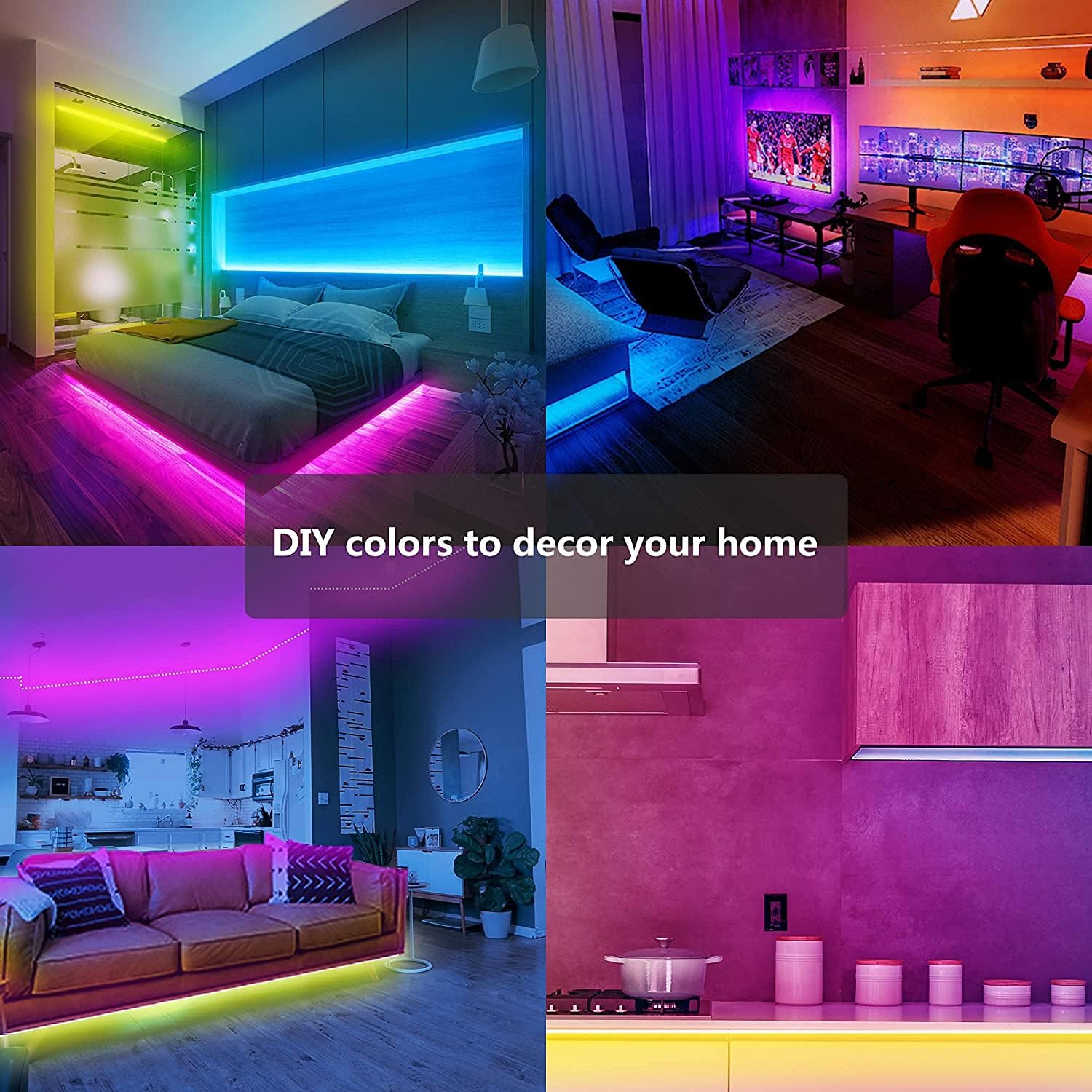
The GUPUP 200 FT LED Strip Lights offer a versatile lighting solution for indoor spaces. These color-changing LED lights feature a built-in microphone for music synchronization, smart control via a dedicated phone application, and a convenient remote control. With a total length of 200 feet (two 100-foot rolls), they provide extensive coverage for various decorative and ambient lighting needs.
- Long Length: Two rolls of 100 feet light strips for a total of 200 feet of lighting.
- Voice Control: Built-in microphone and app control for easy voice activation and customization.
- Multi-Scene: 64 scene modes to decorate your home with different ambiences.
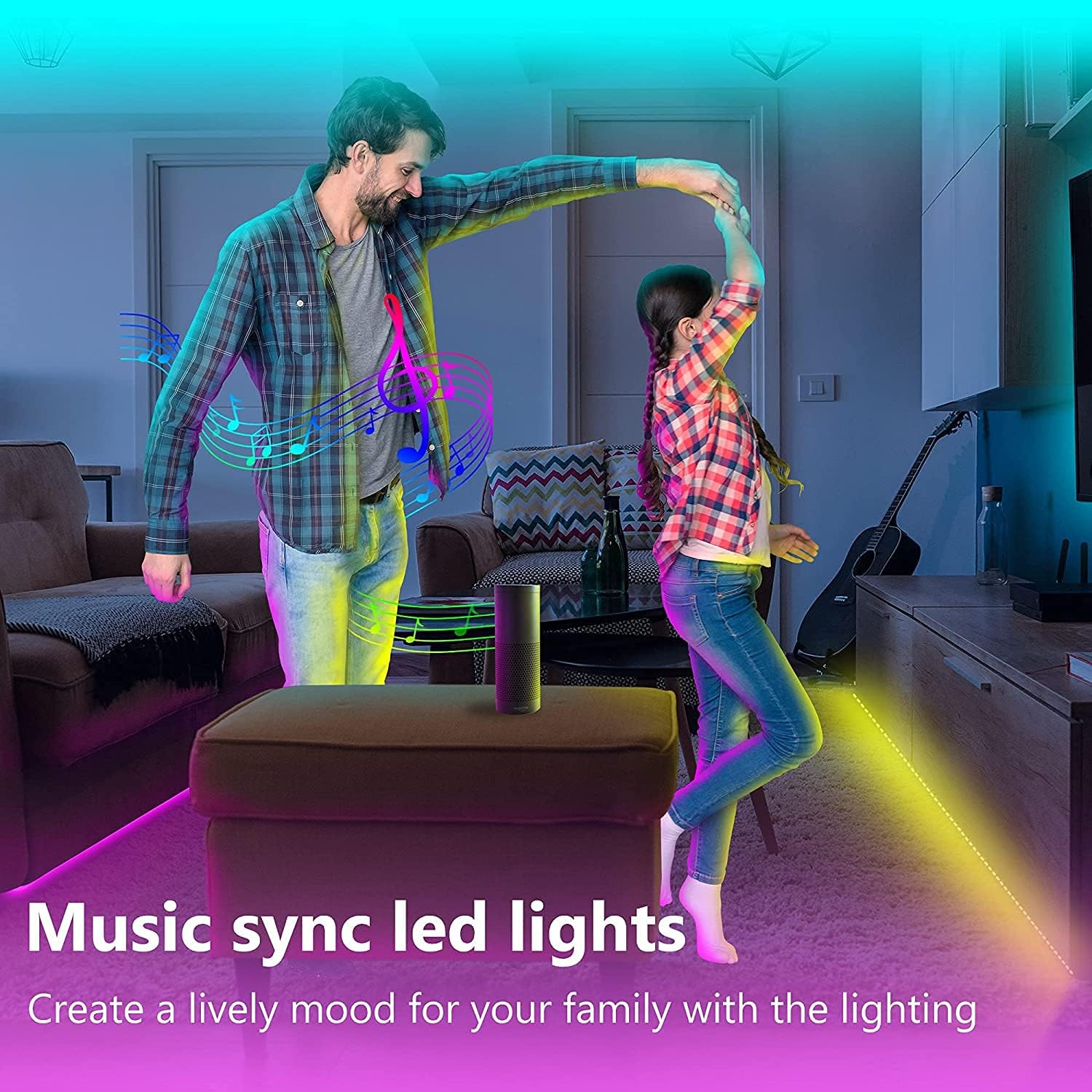
- Sync Music: Lights sync to your favorite music and follow the rhythm of your voice.
- Easy Installation: 3M adhesive backing allows for firm and hassle-free mounting on any clean surface.
2. What's in the Box
Your GUPUP LED Strip Lights package includes the following components:
- LED Strip (2 rolls)
- Remote Control
- Power Supply
3. Setup and Installation
Follow these steps for proper installation of your LED strip lights:
- Prepare the Surface: Ensure the surface where you plan to install the LED strips is clean, dry, and smooth. Wipe away any dust or debris for optimal adhesive performance.
- Connect the Strips: Connect the LED strips to the power supply unit. Ensure the arrows on the connectors are aligned correctly.
- Power Connection: Plug the power adapter into a standard US style wall outlet.
- Adhere the Strips: Peel off the protective backing from the 3M adhesive tape on the back of the LED strips. Carefully press the strips onto your desired surface, ensuring a firm and even application.
- Customization (Optional): The LED strips are customizable. You can trim the strips at designated silver markers using scissors if you need a shorter length.
- Secure with Clips (Optional): If additional securing is needed, use the provided clips to reinforce the LED strips or manage cables.
4. Operating Instructions
Control your GUPUP LED Strip Lights using the remote control or the smartphone application.
Remote Control Operation:
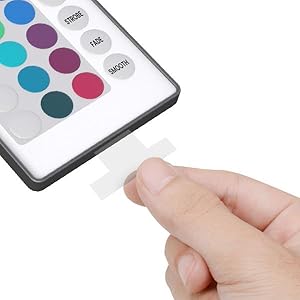
The included remote control allows for easy adjustment of colors, brightness, and lighting modes. Ensure the remote's battery tab is removed before first use.
Smartphone App Control:
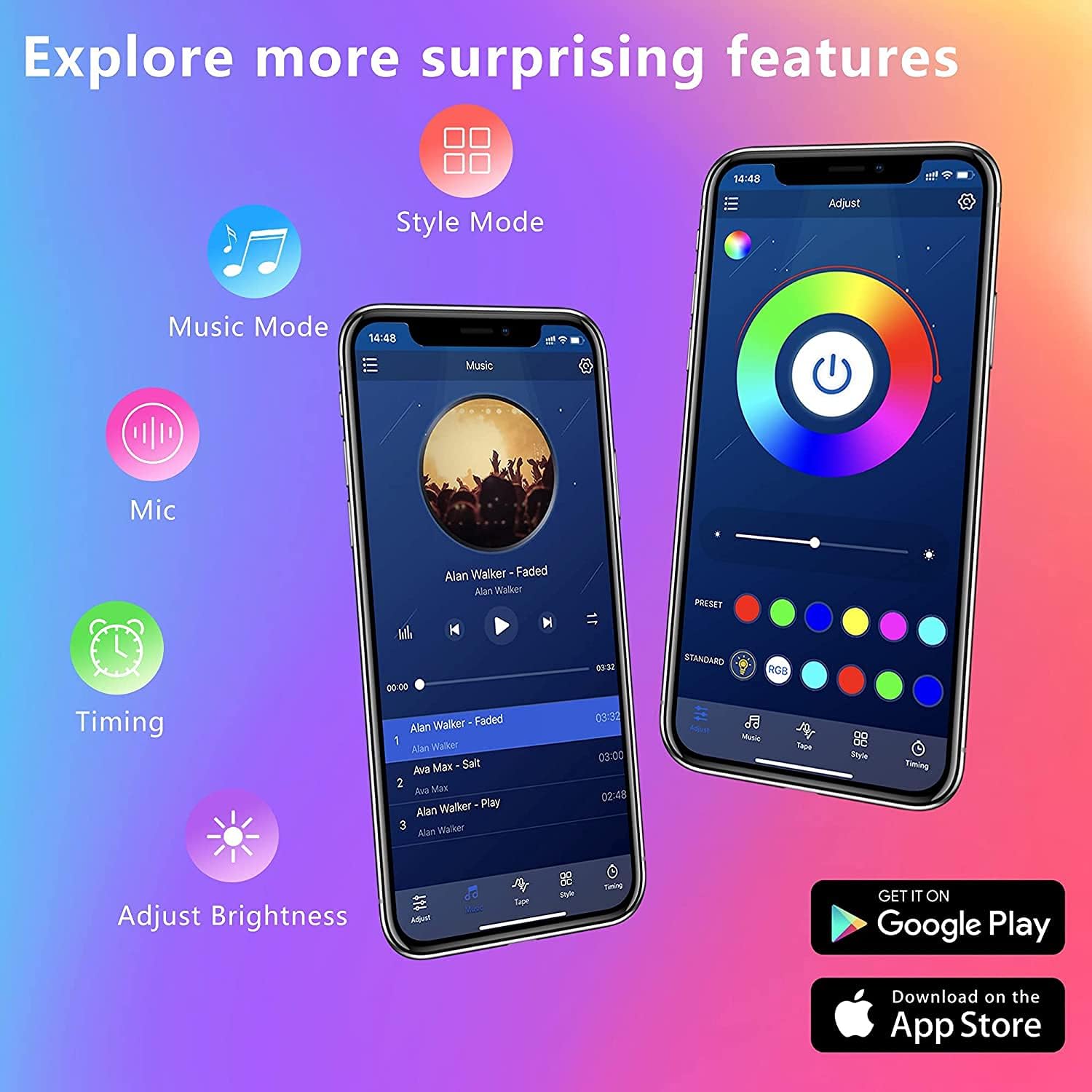
Download the dedicated smartphone application by scanning the QR code on the control box. The app provides advanced control features, including:
- Color Selection: Choose from over 16 million colors.
- Brightness Adjustment: Easily dim or brighten the lights.
- Music Sync: The built-in microphone allows lights to sync with your music or voice, creating dynamic lighting effects.
- Scene Modes: Select from 64 pre-set scene modes for various atmospheres.
- Timing Function: Set schedules for the lights to turn on/off automatically.

5. Maintenance
To ensure the longevity and optimal performance of your GUPUP LED Strip Lights, follow these maintenance guidelines:
- Cleaning: Gently wipe the LED strips with a soft, dry cloth to remove dust. Avoid using harsh chemicals or abrasive cleaners.
- Adhesive Care: If the adhesive backing begins to lose its stickiness, use the provided double-sided foam tape or additional clips for reinforcement.
- Storage: If removing the lights for storage, carefully peel them off the surface and roll them loosely to prevent damage. Store in a cool, dry place.
- Power Supply: Ensure the power supply is kept in a well-ventilated area and is not covered to prevent overheating.
6. Troubleshooting
If you encounter any issues with your GUPUP LED Strip Lights, refer to the following common troubleshooting tips:
- Lights Not Turning On: Check all connections to ensure they are secure. Verify that the power adapter is properly plugged into a working outlet. Ensure the remote's battery tab is removed or replace the battery if necessary.
- Incorrect Colors/Flickering: Ensure the connectors are aligned correctly (arrow to arrow). Disconnect and reconnect the power supply. If using the app, ensure it is properly connected via Bluetooth.
- Remote Not Working: Point the remote directly at the receiver on the control box. Check or replace the remote battery.
- App Connectivity Issues: Ensure Bluetooth is enabled on your smartphone and the app has permission to access Bluetooth. Restart the app and try reconnecting.
- Adhesive Not Sticking: Ensure the surface is clean, dry, and smooth before application. Use additional adhesive tape or mounting clips for better adhesion.
7. Specifications
| Feature | Detail |
|---|---|
| Brand | GUPUP |
| Model Number | WFDS202215 |
| Item Length | 200 Feet (2 x 100 ft rolls) |
| Light Source Type | LED |
| Light Color | Color Changing (Multicolor) |
| Power Source | Corded Electric |
| Wattage | 5 watts |
| Control Method | Voice, App Control, Remote Control |
| Special Features | Built-in Mic, Music Sync, 64 Scene Modes, Dimmable |
| Indoor/Outdoor Usage | Indoor |
| Plug Format | US style |
8. Warranty and Support
For warranty information or technical support, please refer to the contact details provided on the product packaging or visit the official GUPUP website. Keep your purchase receipt as proof of purchase for any warranty claims.