
Product Overview
This LED lighting kit is specifically designed to enhance your Lego Ideas The Globe 21332 building model. It features remote control functionality for various lighting effects, adding a dynamic visual element to your completed model. Please note: The Lego building model itself is not included with this lighting kit.

The Kyglaring LED Lighting Kit enhances the Lego Ideas The Globe 21332 model, bringing it to life with vibrant illumination.
What's Included
- LED Light Kit components (various wires, LED lights, and control board)
- Remote Control
- Detailed Installation Guide (picture-based)

This product includes only the LED lighting kit. The Lego building set is sold separately.
Safety Information
- This product contains small parts and is not suitable for children under 3 years old due to choking hazards.
- Always handle LED components with care to avoid damage.
- Ensure power is disconnected before performing any installation or maintenance.
- Do not expose the lighting kit to water or excessive moisture.
- Use only the specified power source for the lighting kit.

The lighting kit includes various small LED components and wiring. Handle with care during installation.
Setup Instructions
Follow the detailed, picture-based installation guide provided with your kit. The general steps involve integrating the LED components into your Lego Globe 21332 model.
Step 1: Prepare Your Lego Model
Ensure your Lego Ideas The Globe 21332 model is fully assembled and stable before beginning the lighting kit installation.
Step 2: Install LED Components
Carefully follow the step-by-step instructions in the included guide to place the LED lights and wires within the Lego model. The guide uses pictures to illustrate each step.

Warm white lights illuminate the 'The Earth' plate on the globe's base.
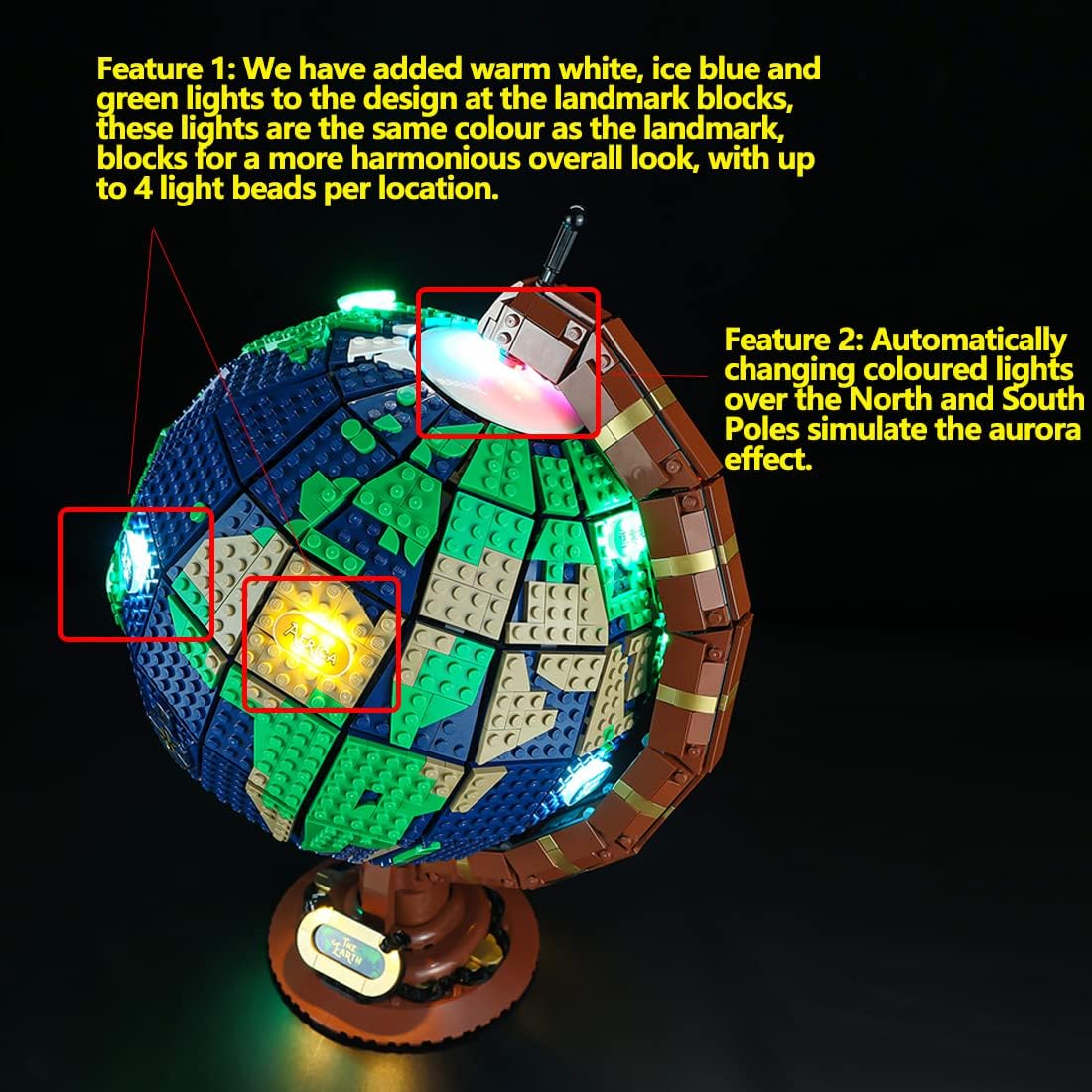
Warm white, ice blue, and green lights are added to landmark blocks for a harmonious look, with up to 4 light beads per location.
Operating Instructions (RC Version)
This lighting kit comes with a remote control for convenient operation and customization of lighting effects.
Powering On/Off
Connect the lighting kit to a suitable power source (e.g., USB power bank, USB wall adapter). Use the remote control to turn the lights on or off.
Changing Light Modes
The remote control allows you to cycle through multiple built-in light modes. Experiment with different buttons on the remote to discover various effects, including:
- Warm white, ice blue, and green lights for landmark blocks.
- Automatically changing colored lights simulating aurora effects at the poles.
- Flashing white lights and gold star bricks for marking locations.
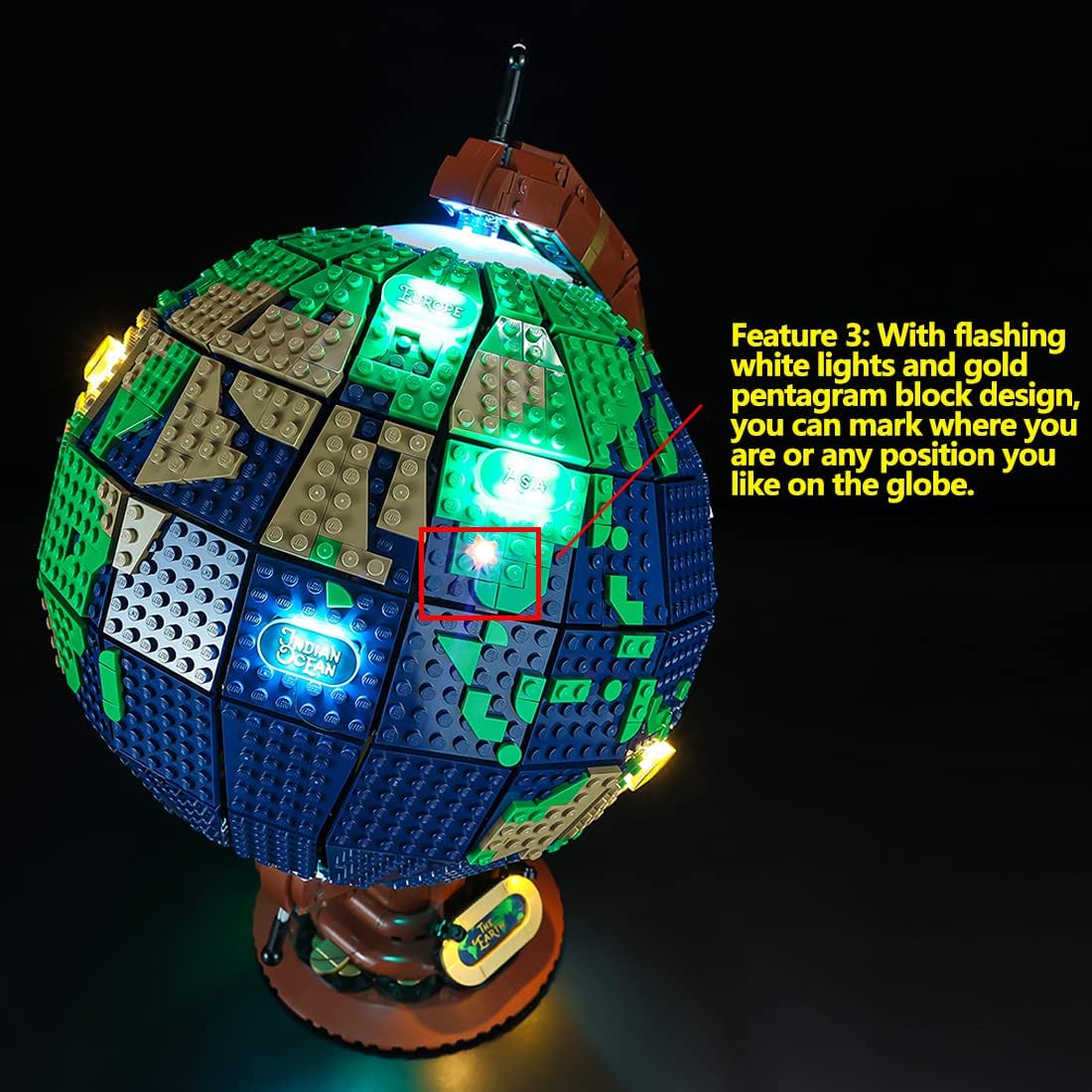
Flashing white lights and gold pentagram blocks can mark specific locations on the globe.

The remote control allows for easy selection of various lighting modes and effects.
This video demonstrates the various lighting modes and remote control operation of the Kyglaring LED lighting kit for the Lego Ideas The Globe 21332 model. Observe how the lights change colors and patterns across the globe.
Maintenance
- Cleaning: Gently wipe the LED components and wires with a dry, soft cloth to remove dust. Do not use liquid cleaners.
- Storage: When not in use for extended periods, disconnect the power source. Store the model in a cool, dry place away from direct sunlight.
- Wire Management: Ensure all wires are neatly tucked away and not pinched or strained, which could lead to damage.
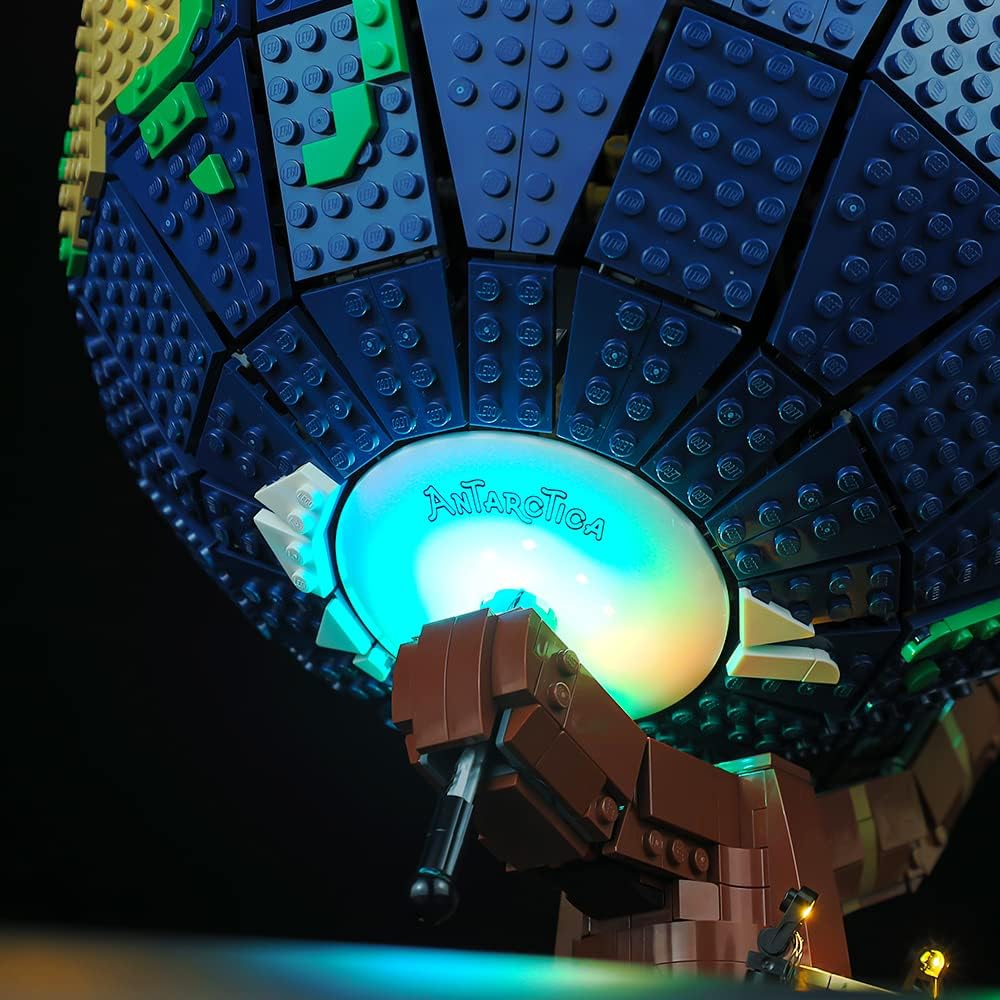
Regularly inspect the wiring and LED connections for any signs of wear or damage. Ensure all connections are secure.
Troubleshooting
Lights Not Turning On
- Check Power Connection: Ensure the lighting kit is securely connected to a functional USB power source.
- Remote Control Battery: If using the remote control, check if its battery needs replacement.
- Wiring: Verify that all wires are correctly connected according to the installation guide and none are loose or damaged.
Inconsistent Lighting
- Loose Connections: Inspect individual LED connections for any looseness.
- Damaged LEDs: If a specific LED is not working, it might be damaged. Contact customer support for assistance.
Remote Control Not Responding
- Line of Sight: Ensure there is a clear line of sight between the remote control and the receiver on the lighting kit.
- Battery: Replace the remote control battery.
Product Specifications
| Feature | Detail |
|---|---|
| Brand | Kyglaring |
| Model Number | Ky21332 |
| Color | RC Version (Multicolor LED) |
| Light Source Type | LED |
| Power Source | Battery Powered (requires external USB power source) |
| Control Method | Remote Control |
| Material | Plastic |
| Indoor/Outdoor Usage | Indoor |
| Item Dimensions (L x W x H) | 4.32 x 7.36 x 1.33 inches |
| Item Weight | 4.2 ounces |
| Voltage | 6 Volts |
| Batteries Required | No (for kit, remote may need) |
Warranty and Support
Kyglaring products are designed for quality and durability. For any questions, technical assistance, or warranty claims, please contact Kyglaring customer support through the retailer's platform or the official Kyglaring website.
Please refer to your purchase documentation for specific warranty period details.
