
1. Introduction
Thank you for choosing the Trisa T0070 Cordless Handheld Vacuum Cleaner. This manual provides essential information for the safe and efficient use, maintenance, and troubleshooting of your new appliance. Please read these instructions carefully before first use and keep them for future reference.
2. Safety Instructions
Always observe basic safety precautions when using electrical appliances to reduce the risk of fire, electric shock, or injury.
- Read all instructions before using the appliance.
- Do not use the vacuum cleaner outdoors or on wet surfaces.
- Do not allow children to operate the vacuum cleaner. Close supervision is necessary when used near children.
- Do not pick up flammable or combustible liquids, such as gasoline, or use in areas where they may be present.
- Do not pick up anything that is burning or smoking, such as cigarettes, matches, or hot ashes.
- Do not use without the dust cup and filter in place.
- Turn off the appliance before connecting or disconnecting the charger.
- Use only the charger supplied by the manufacturer.
- Do not handle the charger or appliance with wet hands.
- Store the appliance indoors in a cool, dry place.
3. Package Contents
Carefully unpack your Trisa T0070 and check that all items are present and in good condition.
- Trisa T0070 Cordless Handheld Vacuum Cleaner
- Charging Cable (1.8 m)
- Crevice Tool
- Brush Nozzle
- Wall Mount Bracket
- User Manual

Image: The Trisa T0070 vacuum cleaner shown with its included crevice tool and brush nozzle attachments, ready for various cleaning tasks.
4. Product Overview
Familiarize yourself with the main components of your Trisa T0070 vacuum cleaner.
- Power Button: Activates and deactivates the vacuum, and switches between power levels.
- Dust Container: Transparent container for collecting dust and debris.
- HEPA Filter: Located inside the dust container, filters fine particles.
- Charging Port: For connecting the charging cable.
- Nozzle Release Button: To detach the dust container or attachments.

Image: A close-up view of the Trisa T0070 cordless handheld vacuum cleaner, highlighting its sleek white and black design and the prominent power button.
5. Setup
5.1. Charging the Battery
Before first use, fully charge the vacuum cleaner's battery. The integrated Lithium-Ion battery requires approximately 4 hours for a full charge.
- Connect the charging cable to the charging port on the vacuum cleaner.
- Plug the other end of the charging cable into a suitable power outlet.
- The charging indicator light will illuminate (refer to product for specific light behavior).
- Once fully charged, disconnect the charger.
5.2. Attaching Accessories
The Trisa T0070 comes with various attachments for different cleaning needs.
- To attach a nozzle (crevice tool or brush nozzle), align it with the vacuum's suction opening and push firmly until it clicks into place.
- To remove, press the nozzle release button and pull the attachment off.
5.3. Wall Mounting (Optional)
The vacuum cleaner can be conveniently stored using the included wall mount bracket.
- Choose a suitable location on a wall, ensuring it is near a power outlet for easy charging.
- Mark the drilling points for the wall mount bracket.
- Drill holes and insert wall plugs (if necessary).
- Secure the wall mount bracket to the wall using screws.
- Hang the vacuum cleaner on the bracket for storage and charging.
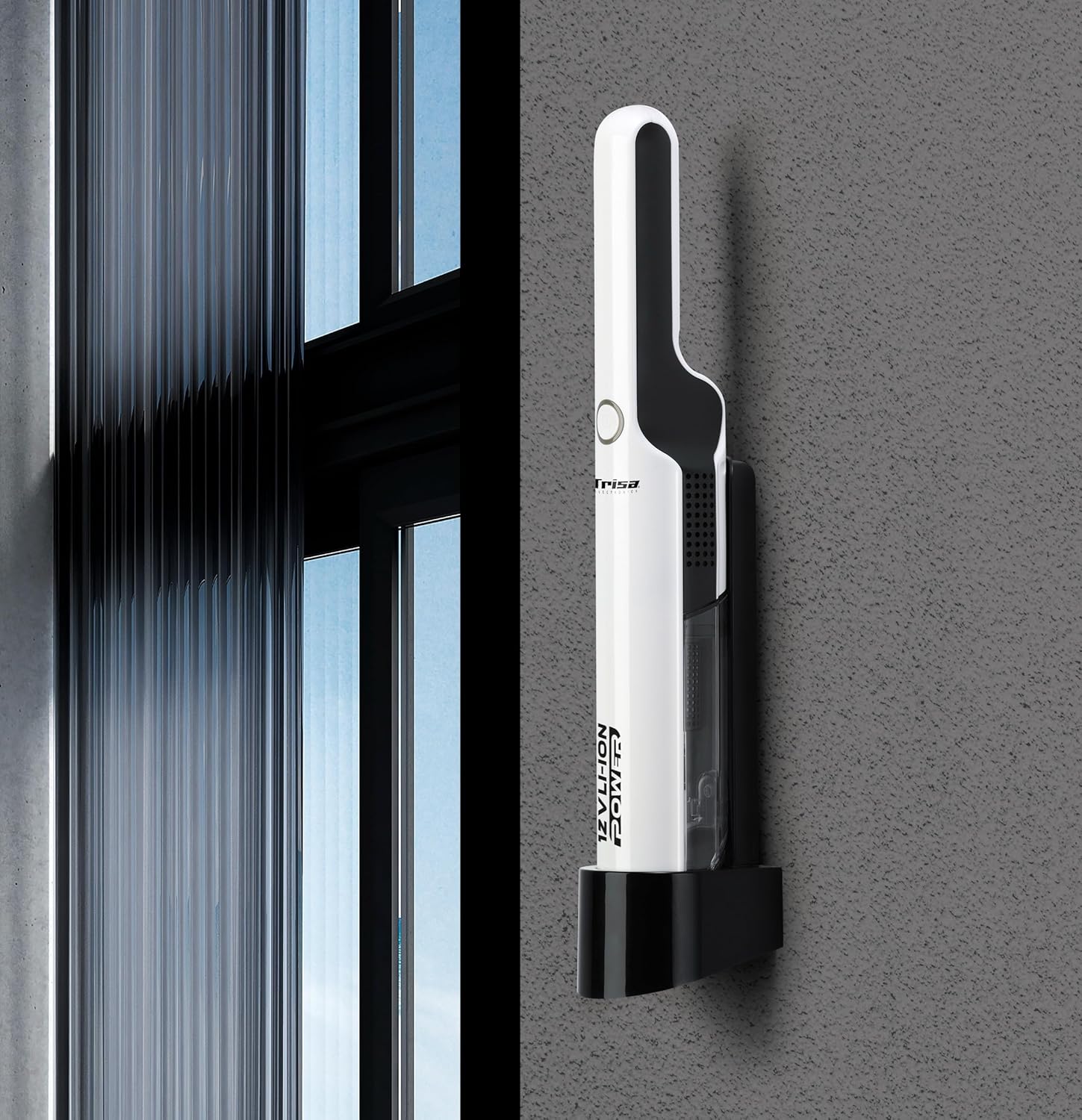
Image: The Trisa T0070 vacuum cleaner securely placed on its wall-mounted charging and storage bracket, demonstrating its compact storage solution.
6. Operating Instructions
6.1. Power On/Off and Suction Levels
The Trisa T0070 features two power levels for versatile cleaning.
- Press the power button once to turn on the vacuum cleaner at the standard suction level.
- Press the power button a second time to switch to the higher suction level.
- Press the power button a third time to turn off the vacuum cleaner.
6.2. General Usage
This handheld vacuum is ideal for quick clean-ups and hard-to-reach areas, such as upholstery and car interiors.
- Select the appropriate attachment for the surface you are cleaning.
- Move the vacuum nozzle slowly over the surface to effectively pick up dust and debris.
- For stubborn dirt, use the higher suction level.
- The maximum run time on a full charge is approximately 30 minutes, depending on the power level used.

Image: A hand demonstrates using the Trisa T0070 handheld vacuum cleaner to efficiently clean small crumbs from a wooden table surface.
7. Maintenance
Regular maintenance ensures optimal performance and extends the lifespan of your vacuum cleaner.
7.1. Emptying the Dust Container
Empty the dust container regularly, especially when it reaches its maximum capacity of 0.22 L, to maintain strong suction.
- Ensure the vacuum cleaner is turned off.
- Locate the dust container release button (usually near the nozzle).
- Press the release button and detach the dust container from the main unit.
- Hold the dust container over a waste bin and open its lid or flap to empty the contents.
- Close the dust container and reattach it to the vacuum cleaner, ensuring it clicks securely into place.

Image: A hand demonstrates the process of emptying the transparent dust container of the Trisa T0070 vacuum cleaner directly into a trash receptacle.
7.2. Cleaning the HEPA Filter
The HEPA filter should be cleaned periodically to prevent clogging and maintain suction efficiency.
- After emptying the dust container, remove the HEPA filter.
- Tap the filter gently over a waste bin to dislodge dust and debris.
- If heavily soiled, the filter can be rinsed under cold running water. Ensure it is completely dry before reinserting it into the vacuum cleaner. Do not use detergents or hot water.
- Reinsert the dry HEPA filter into the dust container, then reattach the dust container to the vacuum.
7.3. General Cleaning
Wipe the exterior of the vacuum cleaner with a soft, damp cloth. Do not use abrasive cleaners or solvents.
8. Troubleshooting
If you encounter issues with your Trisa T0070, refer to the following table for common problems and solutions.
| Problem | Possible Cause | Solution |
|---|---|---|
| Vacuum does not turn on | Battery is discharged Power button not pressed correctly | Charge the battery fully Press the power button firmly |
| Low suction power | Dust container is full Filter is clogged Nozzle is blocked | Empty the dust container Clean or replace the HEPA filter Remove any obstructions from the nozzle |
| Battery not charging | Charger not connected properly Power outlet not working Faulty charger or battery | Ensure charger is securely connected Test the outlet with another appliance Contact customer support if issue persists |
| Unusual noise | Obstruction in the nozzle or hose Filter incorrectly installed | Check and remove any obstructions Ensure filter is correctly seated |
9. Specifications
Detailed technical specifications for the Trisa T0070 Cordless Handheld Vacuum Cleaner.
| Feature | Specification |
|---|---|
| Model Number | T0070 (9500701) |
| Cleaning Type | Dry |
| Air Filter Type | HEPA |
| Noise Level | 84 dB |
| Dust Container Type | Bagless |
| Dust Capacity | 0.22 L |
| Product Color | White |
| Power Source | Battery (Cordless) |
| Battery Technology | Lithium-Ion (Li-Ion) |
| Battery Voltage | 12 V (11.1 Volts) |
| Battery Capacity | 2 Ah |
| Battery Type | Integrated |
| Max Power | 75 W |
| Number of Power Levels | 2 |
| Run Time | Up to 30 minutes |
| Charge Time | 4 hours |
| Charging Cable Length | 1.8 m |
| Weight | 1.6 kg |
| Dimensions (L x W x H) | 15 x 8 x 17 cm |
| Special Features | Compact, Low noise, Wall mountable |
| Recommended Uses | Upholstery, Car interior |
10. Warranty Information
Trisa products are manufactured to high-quality standards. For specific warranty terms and conditions, please refer to the warranty card included with your purchase or visit the official Trisa website. Keep your proof of purchase for any warranty claims.
11. Customer Support
If you have any questions, require assistance, or need to report a problem with your Trisa T0070, please contact Trisa customer support. Contact details can typically be found on the product packaging, the official Trisa website, or your purchase documentation.