
1. Introduction
Thank you for choosing the LogiLink PA0274 USB Wall Charger. This device is designed to provide efficient and fast charging for your compatible electronic devices, such as smartphones and tablets. It features one USB-C port with Power Delivery (PD) and one USB-A port with Quick Charge (QC 3.0) technology, allowing you to charge two devices simultaneously. Please read this manual carefully before use to ensure proper operation and safety.
2. Product Overview
The LogiLink PA0274 is a compact and lightweight wall charger equipped with advanced charging technologies. It is ideal for both home use and travel.
- USB-C PD Port: Delivers up to 20W for fast charging compatible devices.
- USB-A QC 3.0 Port: Delivers up to 18W for quick charging compatible devices.
- Dual Port Charging: Charge two devices simultaneously.
- Safety Features: Built-in protection against overcurrent, overvoltage, overheating, and short circuits.
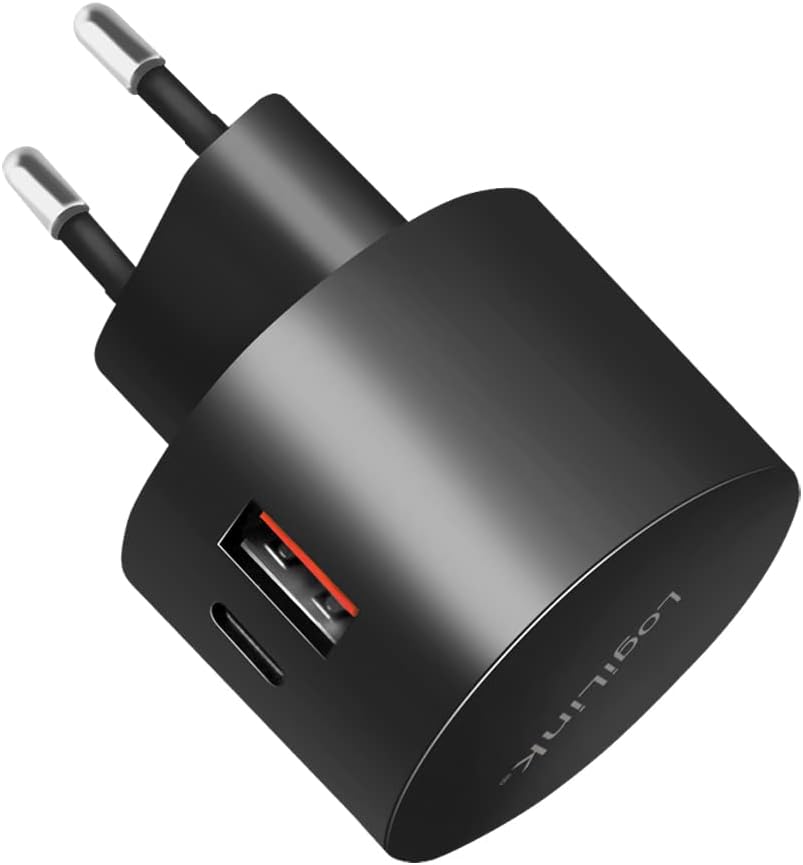
Figure 2.1: Front view of the LogiLink PA0274 USB Wall Charger, showing the USB-C and USB-A ports.
3. Safety Instructions
To ensure safe operation and prevent damage, please observe the following safety guidelines:
- Do not expose the charger to moisture, rain, or extreme temperatures.
- Do not disassemble, modify, or attempt to repair the device. This will void the warranty and may cause electric shock or fire.
- Keep the charger away from children and pets.
- Ensure the power outlet voltage matches the charger's input specifications (230V AC).
- Unplug the charger from the power outlet when not in use or during electrical storms.
- Avoid using damaged cables or adapters, as this may lead to malfunction or safety hazards.
- Do not overload the power outlet.
4. Setup
Setting up your LogiLink PA0274 charger is straightforward:
- Plug into Power Outlet: Insert the charger's prongs into a standard 230V AC wall socket.
- Connect Charging Cable: Connect a compatible USB-C or USB-A charging cable (not included) to the desired port on the charger.
- Connect Device: Connect the other end of the charging cable to your smartphone, tablet, or other compatible electronic device.
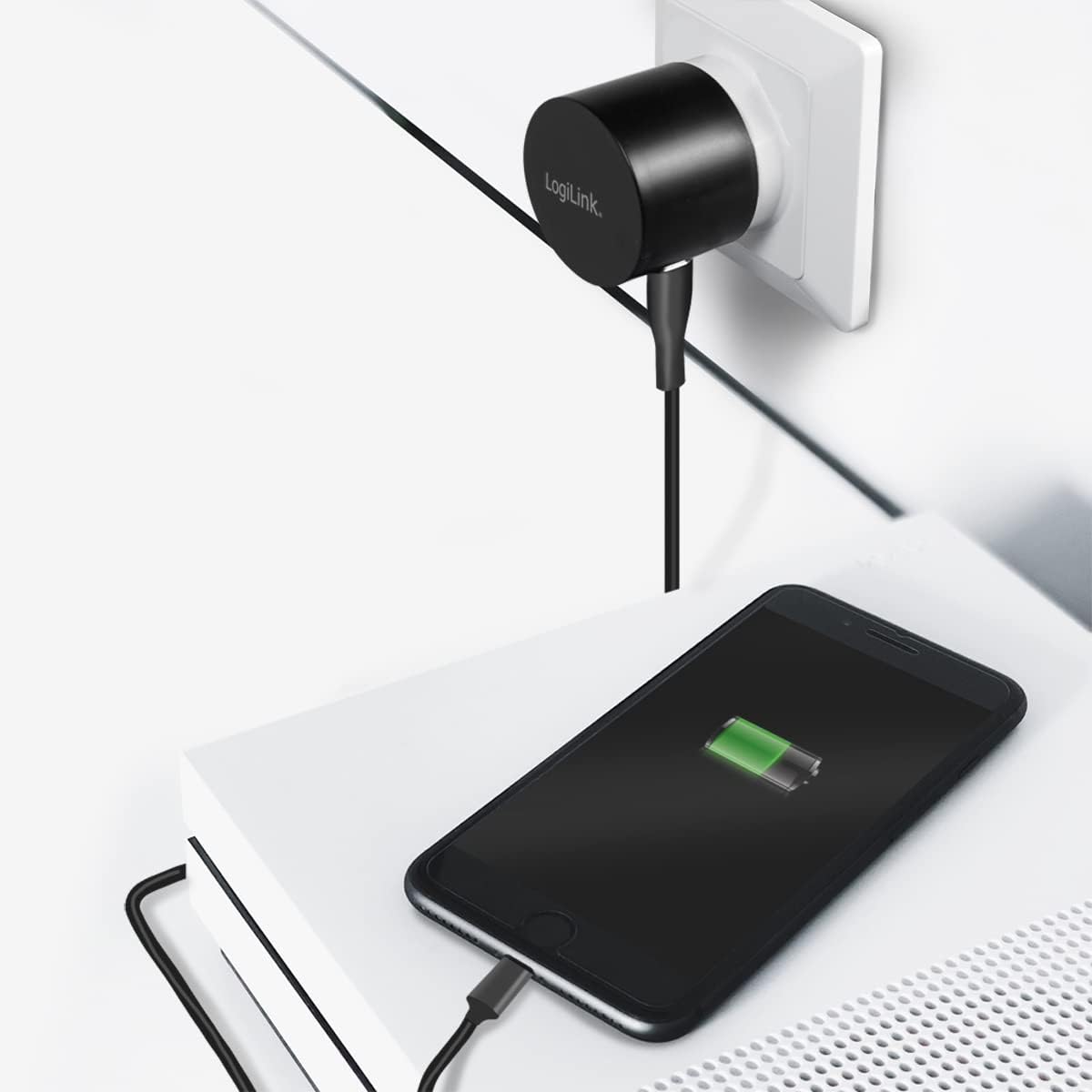
Figure 4.1: The LogiLink PA0274 charger plugged into a wall outlet, actively charging a smartphone.
5. Operating Instructions
Once connected, the charger will automatically begin charging your device. The intelligent chip inside the charger detects the connected device and delivers the optimal charging current.
- Single Device Charging: For fastest charging, use one port at a time. The USB-C PD port can deliver up to 20W, and the USB-A QC 3.0 port can deliver up to 18W.
- Dual Device Charging: You can charge two devices simultaneously. The total output power will be distributed between the two ports.
- Fast Charging: Ensure your device and charging cable support Power Delivery (PD) or Quick Charge (QC 3.0) technology to utilize the fast charging capabilities of this adapter.
6. Maintenance
Proper maintenance ensures the longevity of your charger:
- Cleaning: Disconnect the charger from the power outlet before cleaning. Use a soft, dry cloth to wipe the surface. Do not use liquid cleaners or aerosols.
- Storage: Store the charger in a cool, dry place away from direct sunlight and extreme temperatures.
- Handling: Avoid dropping or subjecting the charger to strong impacts.
7. Troubleshooting
If you encounter issues with your LogiLink PA0274 charger, refer to the following common solutions:
- Device not charging:
- Ensure the charger is securely plugged into a working power outlet.
- Check if the charging cable is properly connected to both the charger and your device.
- Try using a different charging cable or a different device to rule out cable or device issues.
- Test the charger in a different power outlet.
- Slow charging:
- Verify that your device and cable support fast charging (PD or QC 3.0).
- If charging two devices simultaneously, the power output is shared, which may result in slower charging for each device compared to single-device charging.
- Ensure the device's battery is not critically low, as some devices charge slower at very low battery levels.
- Unusual noise (e.g., buzzing/whining):
- Some chargers may produce a faint electronic noise under certain load conditions. If the noise is loud, persistent, or accompanied by heat or smoke, immediately unplug the charger and discontinue use.
- Charger feels hot:
- It is normal for chargers to become warm during operation, especially during fast charging. If the charger becomes excessively hot to touch, unplug it immediately and allow it to cool down. Ensure adequate ventilation around the charger.
8. Specifications
| Feature | Specification |
|---|---|
| Model Number | PA0274 |
| Input | 230V AC, 50/60 Hz, 1A max. |
| USB-C PD 3.0 Output | 5V/3A (15W), 9V/2.22A (20W), 12V/1.67A (20W) - Max. 20W |
| USB-A QC 3.0 Output | 5V/3A (15W), 9V/2A (18W), 12V/1.5A (18W) - Max. 18W |
| Total USB Ports | 2 (1x USB-C, 1x USB-A) |
| Compatible Devices | Smartphones, Tablets |
| Safety Features | Overcurrent, Overvoltage, Overheating, Short-circuit Protection |
| Color | Black |
| Weight | 58 Grams |
| Material | Plastic |
9. Warranty and Support
LogiLink products are manufactured with quality and reliability in mind. This product comes with a standard manufacturer's warranty. For specific warranty terms and conditions, please refer to the warranty card included with your purchase or visit the official LogiLink website.
For technical support, troubleshooting assistance, or any inquiries regarding your LogiLink PA0274 charger, please contact LogiLink customer service through their official website or the contact information provided in your product packaging.

Figure 9.1: The compact LogiLink PA0274 charger is suitable for travel, shown here packed in a bag.


