
1. Introduction
The Shelly Plus 1 is a wireless smart switch designed to automate home appliances and other electrical equipment. This device allows you to control lighting, security systems, heating, garage doors, power outlets, and LED strips remotely via the Shelly Smart Control app. It integrates seamlessly into your smart home ecosystem, offering convenience and energy savings.
2. Safety Information
Please read this user manual carefully before installation and use. Failure to follow the instructions could lead to malfunction, danger, or violation of the law. Shelly is not responsible for any loss or damage in case of incorrect installation or operation.
- Electrical Hazard: Installation must be performed by a qualified electrician or person with appropriate knowledge and training.
- Power Disconnection: Always disconnect the power supply to the circuit before performing any electrical work.
- Voltage Compatibility: Ensure the device is connected to a power supply within the specified voltage range (AC 16A/240V, DC 10A/30V, DC 12V, AC 110-240V, DC 24-48V).
- Indoor Use Only: This device is intended for indoor use in dry environments.
- Overload Protection: Do not exceed the maximum load current of 16 Amperes.
3. Product Overview
The Shelly Plus 1 is a compact and versatile smart relay switch. Its small size allows for easy integration into existing electrical installations.

Figure 3.1: Shelly Plus 1 compact size. The device measures 42mm by 38mm, making it ideal for installation in tight spaces.

Figure 3.2: Wi-Fi & Bluetooth connectivity. The Shelly Plus 1 operates using both Wi-Fi and Bluetooth for easy connection and control.
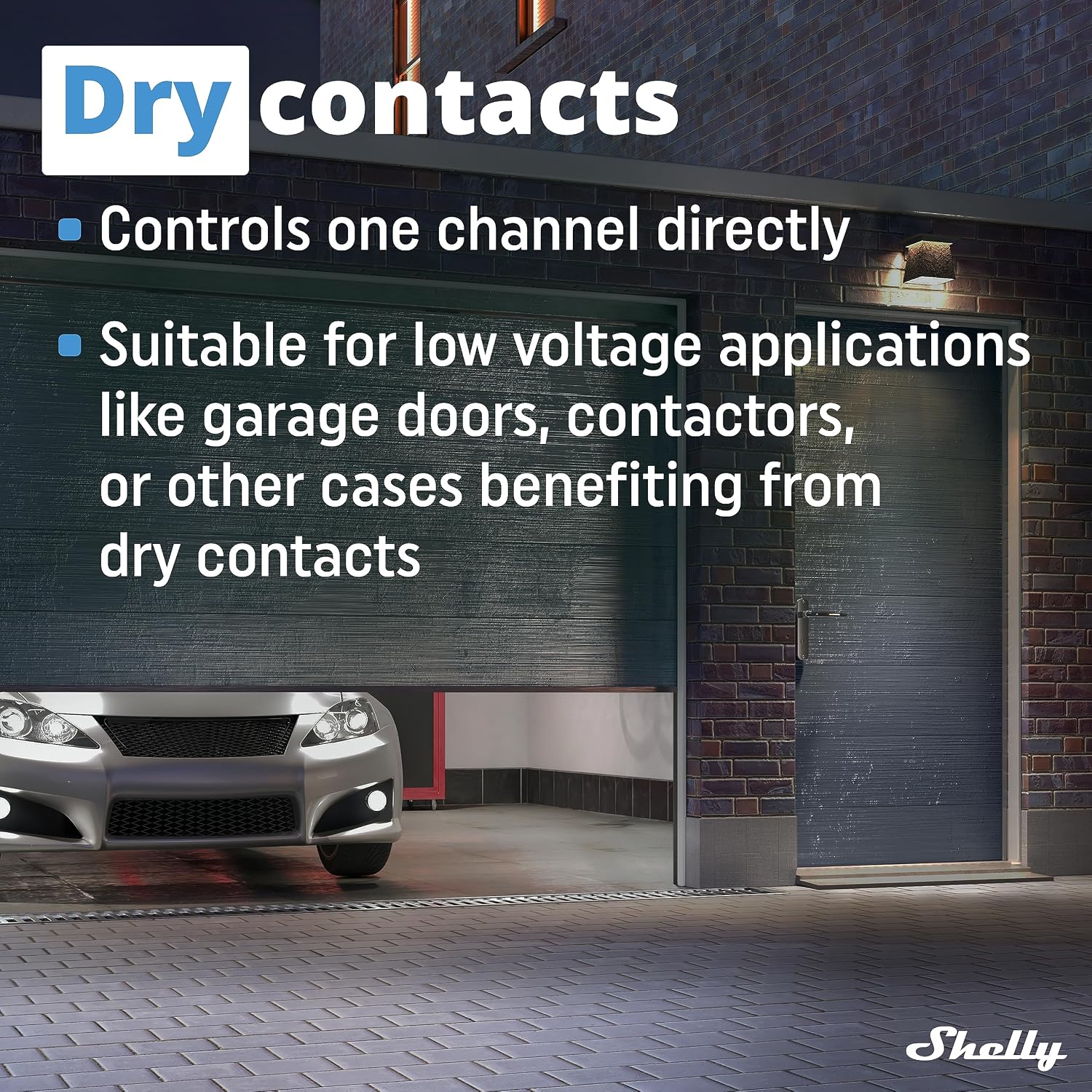
Figure 3.3: Dry contacts feature. The Shelly Plus 1 provides potential-free contacts, suitable for controlling devices like garage doors or contactors.

Figure 3.4: Enhanced safety and security. The device supports MQTT, WSS, TLS, and custom certificates for secure operation.

Figure 3.5: Compatibility. The Shelly Plus 1 works with Alexa, Google Home, Android, iOS, Homey, and SmartThings.
4. Setup
4.1 Installation
The Shelly Plus 1 is designed for easy installation in various electrical setups.

Figure 4.1: Easy installation. The Shelly Plus 1 can be installed in gang boxes, breaker boxes, and behind switches or sockets in less than 10 minutes.
Installation Steps:
- Power Off: Ensure the main power supply to the circuit is turned off at the circuit breaker before starting any installation.
- Wiring: Connect the Shelly Plus 1 according to the appropriate wiring diagram for your specific application. Detailed wiring diagrams are available in the full product manual or the Shelly Smart Control app. The device supports both AC and DC power sources.
- Placement: Due to its compact size, the Shelly Plus 1 can be easily placed inside a standard wall switch box, electrical panel, or behind a power outlet.
- Power On: Once wiring is complete and secure, restore power to the circuit.
4.2 Initial Connection and Pairing
After installation, connect your Shelly Plus 1 to the Shelly Smart Control app.
- Download App: Download the Shelly Smart Control app from the App Store (iOS) or Google Play Store (Android).
- Create Account: Open the app and create a user account or log in.
- Add Device: Follow the in-app instructions to add your new Shelly Plus 1 device. The app will guide you through connecting the device to your Wi-Fi network using Bluetooth for initial pairing. No separate hub is required.
- Configuration: Once connected, you can configure device settings, rename it, and assign it to a room.
5. Operating Instructions
The Shelly Plus 1 offers various ways to control your connected devices.
5.1 Via Shelly Smart Control App
- Remote Control: Turn connected devices on or off from anywhere using your smartphone.
- Schedules: Create custom schedules to automatically turn devices on or off at specific times or based on sunrise/sunset. This feature helps in achieving significant energy savings.
- Scenes: Combine multiple Shelly devices into scenes to trigger automated actions. For example, a 'Good Morning' scene could turn on lights and open blinds.
- Monitoring: Monitor the status of your connected devices in real-time.
5.2 Voice Control
The Shelly Plus 1 is compatible with popular voice assistants.
- Amazon Alexa: Enable the Shelly skill in the Alexa app and link your Shelly account. You can then control your devices using voice commands like "Alexa, turn on the living room light."
- Google Home: Link your Shelly account in the Google Home app. Use commands such as "Hey Google, turn off the bedroom fan."
5.3 Manual Control
If a physical switch is connected to the Shelly Plus 1, you can still control the connected load manually.
6. Maintenance
- Cleaning: Ensure the device is disconnected from power before cleaning. Use a dry, soft cloth to clean the exterior. Do not use harsh chemicals or abrasive cleaners.
- Firmware Updates: Regularly check for and install firmware updates via the Shelly Smart Control app. Updates provide new features, improvements, and security enhancements.
7. Troubleshooting
- Device Not Responding: Check the power supply to the device. Ensure your Wi-Fi network is active and the device is within range. Try restarting the device by cycling its power.
- Cannot Connect to App: Ensure Bluetooth is enabled on your phone for initial pairing. Verify your Wi-Fi credentials are correct. If issues persist, try a factory reset.
- Factory Reset: To perform a factory reset, press and hold the reset button (if available, refer to the full manual for location) for 10 seconds until the device indicates a reset (e.g., LED flash pattern). This will erase all settings and return the device to its default state.
- Overheating: If the device feels unusually hot, immediately disconnect power and check the connected load to ensure it does not exceed the maximum current rating.
8. Specifications
| Brand | Shelly |
| Model | Plus 1 |
| Rated Current | 16 Amperes |
| Contact Type | Normally Open (Potential-free) |
| Contact Material | Steel |
| Mounting Type | Panel Mounting |
| Connectivity | Wi-Fi, Bluetooth |
| Power Supply (AC) | 110-240V, 16A |
| Power Supply (DC) | 12V, 24-48V, 10A/30V |
9. Warranty and Support
Shelly is a brand committed to providing high-quality IoT solutions for home and business automation. Shelly offers customer support throughout your product journey.
For technical assistance, warranty claims, or further information, please visit the official Shelly website or contact their customer service directly. Keep your proof of purchase for warranty purposes.


