
Introduction
This manual provides detailed instructions for the setup, operation, maintenance, and troubleshooting of your Altec Lansing Nanophones ANC Bluetooth Wireless Active Noise Cancelling Headphones. Please read this manual thoroughly before using the product to ensure proper functionality and to maximize your listening experience.
Product Overview
The Altec Lansing Nanophones ANC are on-ear Bluetooth wireless headphones featuring Active Noise Cancelling technology, a detachable microphone, and a 12-hour battery life. They are designed for comfortable use during work, learning, and leisure activities.

Image: Front view of the Altec Lansing Nanophones ANC headphones in Icy color, showcasing the on-ear design and overall aesthetic.
Package Contents
Verify that all items are present in the package:
- Altec Lansing Nanophones ANC Headphones
- Detachable Microphone
- USB-C Charging Cable
- User Manual (this document)
Controls and Indicators
Familiarize yourself with the location and function of the controls on your Nanophones ANC headphones:

Image: Side view of the Altec Lansing Nanophones ANC headphones, highlighting the control buttons and ports on the earcups.
- Power Button: Press and hold to power on/off.
- Volume Up/Next Track: Short press for volume up, long press for next track.
- Volume Down/Previous Track: Short press for volume down, long press for previous track.
- Multi-function Button (MFB): Play/Pause, Answer/End Call, Activate Voice Assistant.
- ANC Button: Toggle Active Noise Cancelling on/off.
- USB-C Charging Port: For charging the headphones.
- Microphone Port: For connecting the detachable microphone.
- LED Indicator: Displays power, charging, and Bluetooth status.
Setup
1. Charging the Headphones
Before first use, fully charge your Nanophones ANC headphones.
- Connect the supplied USB-C charging cable to the USB-C port on the headphones.
- Connect the other end of the cable to a USB power source (e.g., computer USB port, USB wall adapter).
- The LED indicator will show charging status (e.g., red while charging, off or blue when fully charged).
- A full charge takes approximately 2-3 hours and provides up to 12 hours of playtime.
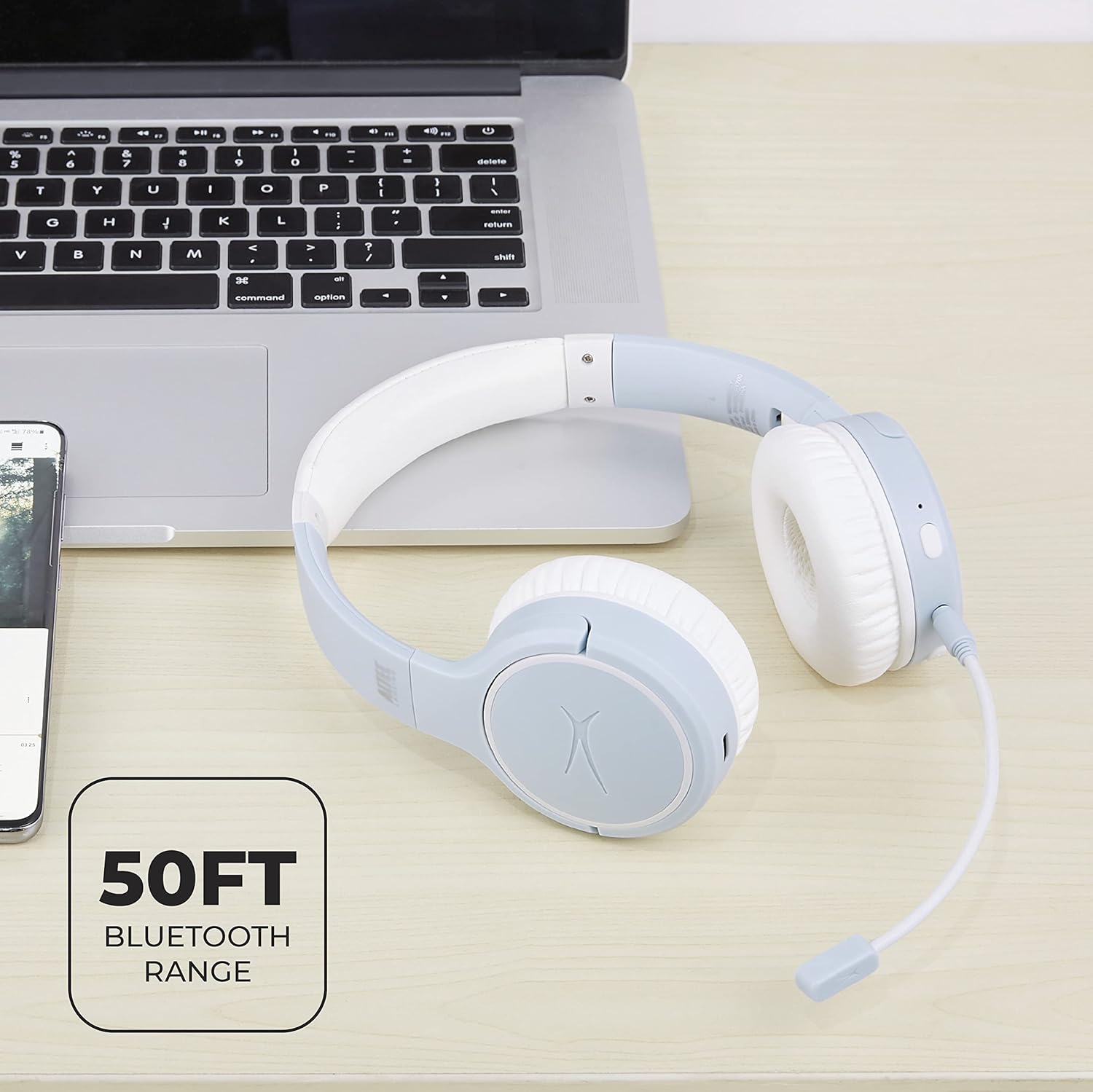
Image: Close-up of the Altec Lansing Nanophones ANC headphones showing the USB-C charging port.
2. Powering On/Off
- To Power On: Press and hold the Power Button for 3 seconds until the LED indicator flashes blue.
- To Power Off: Press and hold the Power Button for 3 seconds until the LED indicator turns off.
3. Bluetooth Pairing
Pair your headphones with a Bluetooth-enabled device:
- Ensure the headphones are powered off.
- Press and hold the Power Button for 5-7 seconds until the LED indicator flashes red and blue alternately. This indicates pairing mode.
- On your device (smartphone, tablet, computer), enable Bluetooth and search for available devices.
- Select "Altec Lansing Nanophones ANC" from the list.
- Once successfully paired, the LED indicator will flash blue slowly.
Note: The headphones will automatically attempt to reconnect to the last paired device when powered on.
Operating Instructions
Music Playback
- Play/Pause: Press the MFB once.
- Next Track: Long press the Volume Up button.
- Previous Track: Long press the Volume Down button.
- Volume Up: Short press the Volume Up button.
- Volume Down: Short press the Volume Down button.
Call Management
To use the microphone for calls, ensure the detachable microphone is securely plugged into its port on the left earcup.
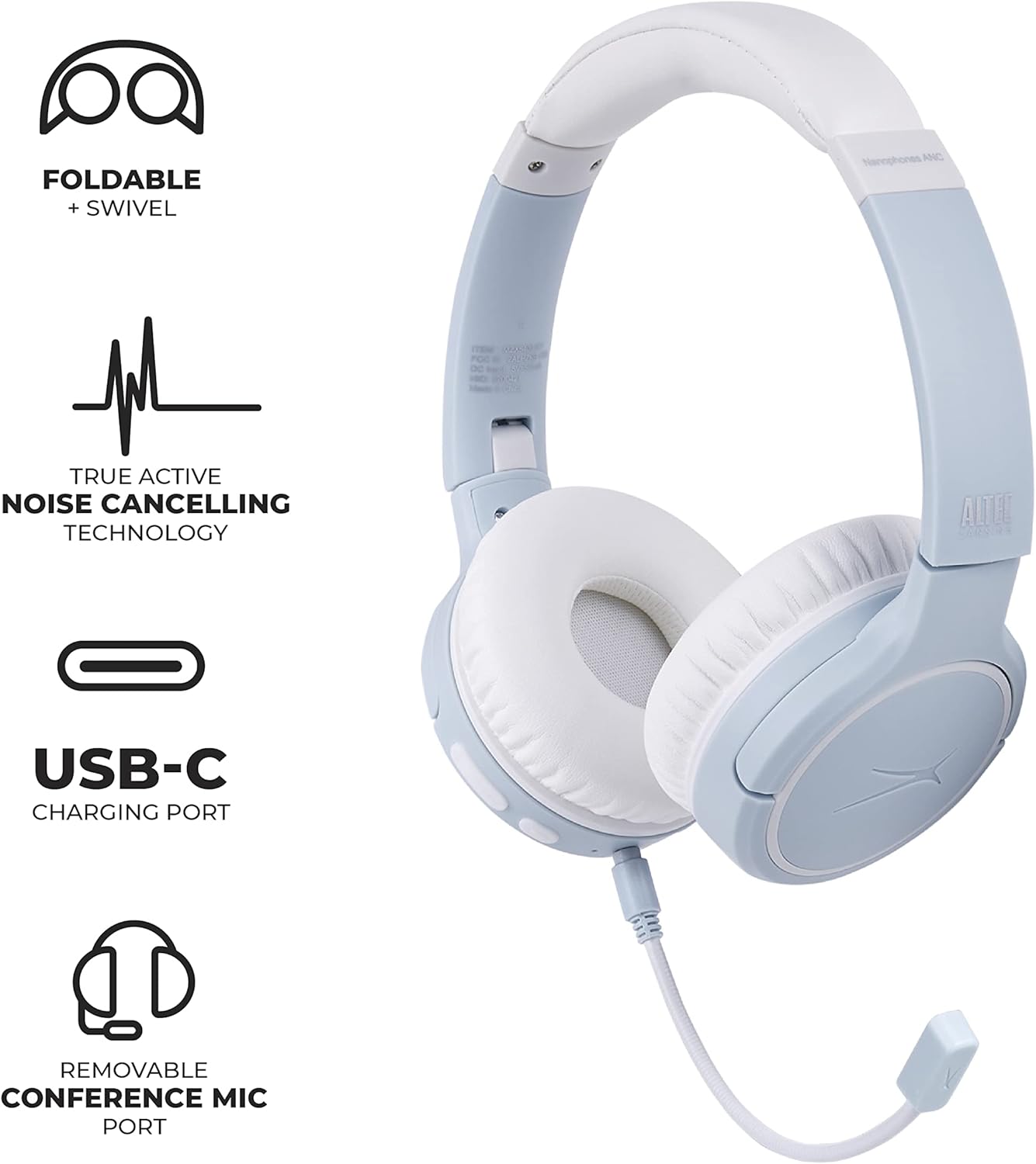
Image: Altec Lansing Nanophones ANC headphones with the detachable microphone connected, illustrating its use for communication.
- Answer/End Call: Press the MFB once.
- Reject Call: Press and hold the MFB for 2 seconds.
Active Noise Cancelling (ANC)
The ANC feature reduces ambient noise for a more immersive listening experience.
- Activate/Deactivate ANC: Press the ANC button once. The LED indicator will change color (e.g., green for ANC on).
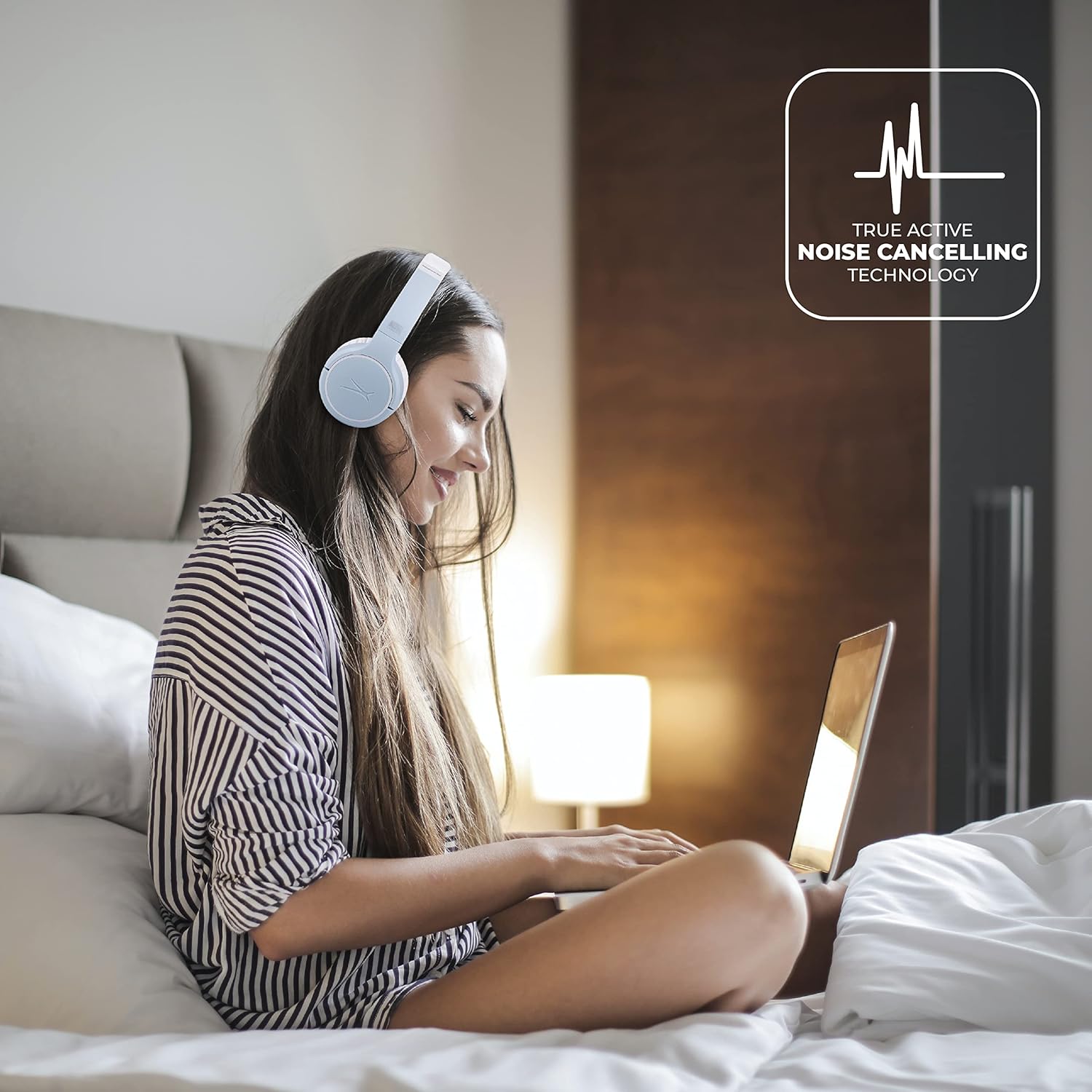
Image: A person wearing the Altec Lansing Nanophones ANC headphones while working on a laptop, illustrating the use of Active Noise Cancelling technology.
Voice Assistant Access
- Activate Voice Assistant: Double-press the MFB to activate your device's voice assistant (Siri, Google Assistant, Alexa, etc.).
Maintenance
- Cleaning: Use a soft, dry cloth to clean the headphones. Do not use abrasive cleaners or solvents.
- Storage: When not in use, store the headphones in a cool, dry place. The headphones feature foldable earcups for compact storage.

Image: The Altec Lansing Nanophones ANC headphones shown in their folded position, demonstrating their compact design for easy storage and portability.
- Battery Care: To preserve battery life, avoid fully discharging the headphones frequently. Charge them regularly, even if not in constant use.
Troubleshooting
| Problem | Possible Cause | Solution |
|---|---|---|
| Headphones do not power on. | Low battery. | Charge the headphones fully using the provided USB-C cable. |
| Cannot pair with device. | Headphones not in pairing mode; device Bluetooth off; too far from device. | Ensure headphones are in pairing mode (flashing red/blue). Turn on Bluetooth on your device. Move headphones closer to the device (within 50ft/15m). |
| No sound or low volume. | Volume too low on headphones or device; not properly connected. | Increase volume on both headphones and device. Re-pair the headphones. |
| ANC not working effectively. | ANC feature is off; environmental noise is too high. | Press the ANC button to activate. Ensure earcups fit snugly over your ears. |
| Microphone not working. | Microphone not properly connected; device settings. | Ensure the detachable microphone is fully inserted. Check microphone input settings on your device. |
Specifications
- Model Name: MZX5400-ICY
- Connectivity Technology: Wireless (Bluetooth 5.0)
- Ear Placement: On Ear
- Noise Control: Active Noise Cancellation
- Battery Life: Up to 12 Hours
- Charging Port: USB-C
- Frequency Range: 20 Hz - 20,000 Hz
- Control Method: Touch, Voice
- Item Weight: 1.98 pounds
- Dimensions: 9.65 x 8.11 x 2.52 inches (Package)
Warranty and Support
For warranty information and customer support, please refer to the official Altec Lansing website or contact their customer service directly. Keep your purchase receipt as proof of purchase for warranty claims.
Altec Lansing Official Website: alteclansing.com


