
TecTake Cassis (801041)
tectake Cassis Wicker Lounger User Manual
Model: Cassis (801041)
Introduction
This manual provides essential information for the safe and proper assembly, operation, and maintenance of your tectake Cassis Wicker Lounger. Please read all instructions carefully before use and retain this manual for future reference.

Image: The tectake Cassis Wicker Lounger in grey, featuring a comfortable cushion and wheels for easy mobility.
Product Overview
The tectake Cassis Wicker Lounger is designed for both indoor and outdoor relaxation, offering comfort and elegant design. Key features include:
- Adjustable Backrest: Six positions for optimal comfort.
- Durable Construction: Stable aluminum frame and easy-to-maintain wicker material.
- Portability: Equipped with wheels for easy repositioning.
- Comfort: Includes a comfortable main cushion and a separate head pillow.

Image: A person relaxing on a tectake wicker lounger in a garden setting. Note: This image shows a brown color variant of the lounger.

Image: Detailed view of the grey wicker material, showcasing its woven texture and durability.

Image: Close-up of one of the lounger's legs, featuring a protective metal cap at the base.
Safety Instructions
- Ensure all components are securely fastened before use.
- Do not exceed the maximum weight capacity of 150 kg (330 lbs).
- Keep children and pets away from the assembly area.
- Use on a flat, stable surface to prevent tipping.
- For outdoor use, consider using a protective cover to prolong product life and prevent fading.
Package Contents
Verify that all parts are present before beginning assembly:
- 1 x Wicker Lounger Frame (disassembled)
- 1 x Comfortable Cushion
- 1 x Separate Head Pillow
- Assembly Hardware (screws, bolts, tools if included)
- 1 x User Manual (this document)
Setup and Assembly
The lounger is supplied as a disassembled kit. Follow these steps for proper assembly:
- Unpack Components: Carefully remove all parts from the packaging and lay them out on a clean, soft surface to prevent scratches.
- Identify Parts: Refer to the included assembly diagram (if separate) to identify each component.
- Assemble Frame: Connect the main frame sections using the provided hardware. Ensure all screws are finger-tight before fully tightening.
- Attach Wheels: Securely attach the wheels to the designated points on the frame. The wheels facilitate easy movement of the lounger.
- Install Backrest Mechanism: Attach the adjustable backrest mechanism to the frame. Ensure it moves smoothly through all positions.
- Place Cushions: Once the frame is fully assembled and stable, place the main cushion and the separate head pillow onto the lounger.
- Final Check: Double-check all connections to ensure they are tight and secure before first use.

Image: Technical drawing showing the dimensions of the lounger, including length, width, height, and cushion thickness. Max load capacity is 150kg.
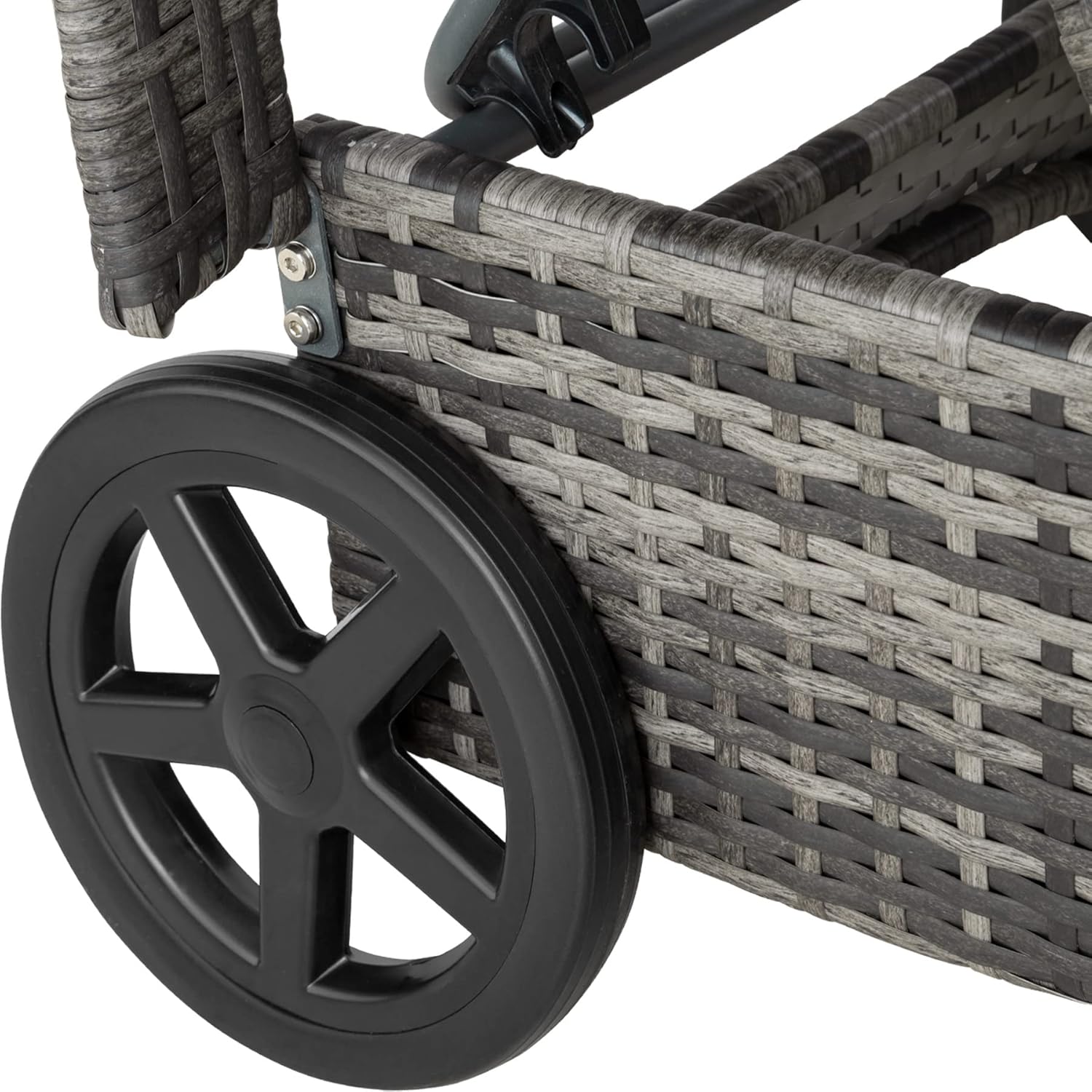
Image: Detail view of one of the wheels, designed for easy repositioning of the lounger.
Operating Instructions
Adjusting the Backrest
The backrest of your tectake Cassis Wicker Lounger can be adjusted to 6 different positions to suit your comfort and the sun's angle. To adjust:
- Gently lift the backrest to disengage it from its current position.
- Move the backrest to the desired angle. The mechanism will click into place at each of the 6 predefined positions (0°, 20°, 30°, 40°, 50°, 60°).
- Ensure the backrest is securely locked in position before leaning on it.

Image: Illustrative diagram demonstrating the range of motion for the adjustable backrest, indicating how it can be raised and lowered.

Image: Detailed view of the multi-position adjustment mechanism for the backrest, showing the secure locking points.
Maintenance and Care
- Cleaning the Wicker Frame: Wipe the wicker frame with a damp cloth and a mild soap solution. Rinse with clean water and dry thoroughly. Avoid harsh chemicals or abrasive cleaners.
- Cushion Care: The cushion cover is made of 100% polyester and is removable. It can be cleaned according to its care label, typically spot cleaning or hand washing with mild detergent. Ensure the cushion is completely dry before storing to prevent mildew.
- Weather Protection: While suitable for outdoor use, prolonged exposure to extreme weather conditions (heavy rain, strong sun, frost) can affect the product's lifespan and color. We recommend using a protective cover when not in use or storing indoors during off-season.
- Regular Inspection: Periodically check all bolts and screws to ensure they remain tight. Tighten if necessary.

Image: Close-up of the cushion fabric showing water beads, highlighting its water-resistant properties for easy cleaning and outdoor use.
Troubleshooting
| Problem | Possible Cause | Solution |
|---|---|---|
| Lounger feels unstable/wobbly | Loose bolts or uneven surface. | Ensure all assembly bolts are tightened. Move the lounger to a flat, level surface. |
| Backrest difficult to adjust | Mechanism might be stiff or obstructed. | Apply a small amount of silicone spray to moving parts if necessary. Ensure no fabric or debris is obstructing the mechanism. |
| Wicker appears faded | Prolonged exposure to direct sunlight. | Use a protective cover when not in use, especially during peak sun hours. |
Specifications
- Model: Cassis (801041)
- Brand: tectake
- Color: Grey
- Material: Wicker (synthetic rattan), 100% Polyester cushion cover, Aluminum frame
- Overall Dimensions (L x W x H): Approximately 196 cm x 72 cm x 57 - 94.5 cm (77.2 in x 28.3 in x 22.4 - 37.2 in)
- Lying Surface (L x W): Approximately 196 cm x 55.5 cm (77.2 in x 21.9 in)
- Backrest Height: Approximately 76 cm (29.9 in)
- Cushion Dimensions (W x H): Approximately 40 cm x 20 cm (15.7 in x 7.9 in)
- Cushion Thickness: Approximately 5 cm (2 in)
- Armrest Height: Approximately 57 cm (22.4 in)
- Armrest Width: Approximately 6 cm (2.4 in)
- Lying Height with Cushion: Approximately 37 cm (14.6 in)
- Wheels (Width x Diameter): Approximately 24 cm x 3 cm (9.4 in x 1.2 in)
- Max Load Capacity: 150 kg (330 lbs)
- Weight: Approximately 11.1 kg (24.5 lbs)
- Adjustable Backrest Positions: 6 positions (0°, 20°, 30°, 40°, 50°, 60°)
Warranty and Support
For warranty information or technical support, please contact tectake customer service. Details can typically be found on the packaging or the official tectake website. Please have your model number (Cassis / 801041) and purchase date ready when contacting support.
Manufacturer: tectake
ASIN: B09T74HDJR
Ask a question about this manual
Ask about setup, troubleshooting, compatibility, parts, safety, or missing instructions. Manuals+ will review the question and use this page’s manual context to help answer it.