
Tefal FV6872
Tefal Smart Protect Plus FV6872 Steam Iron User Manual
Model: FV6872
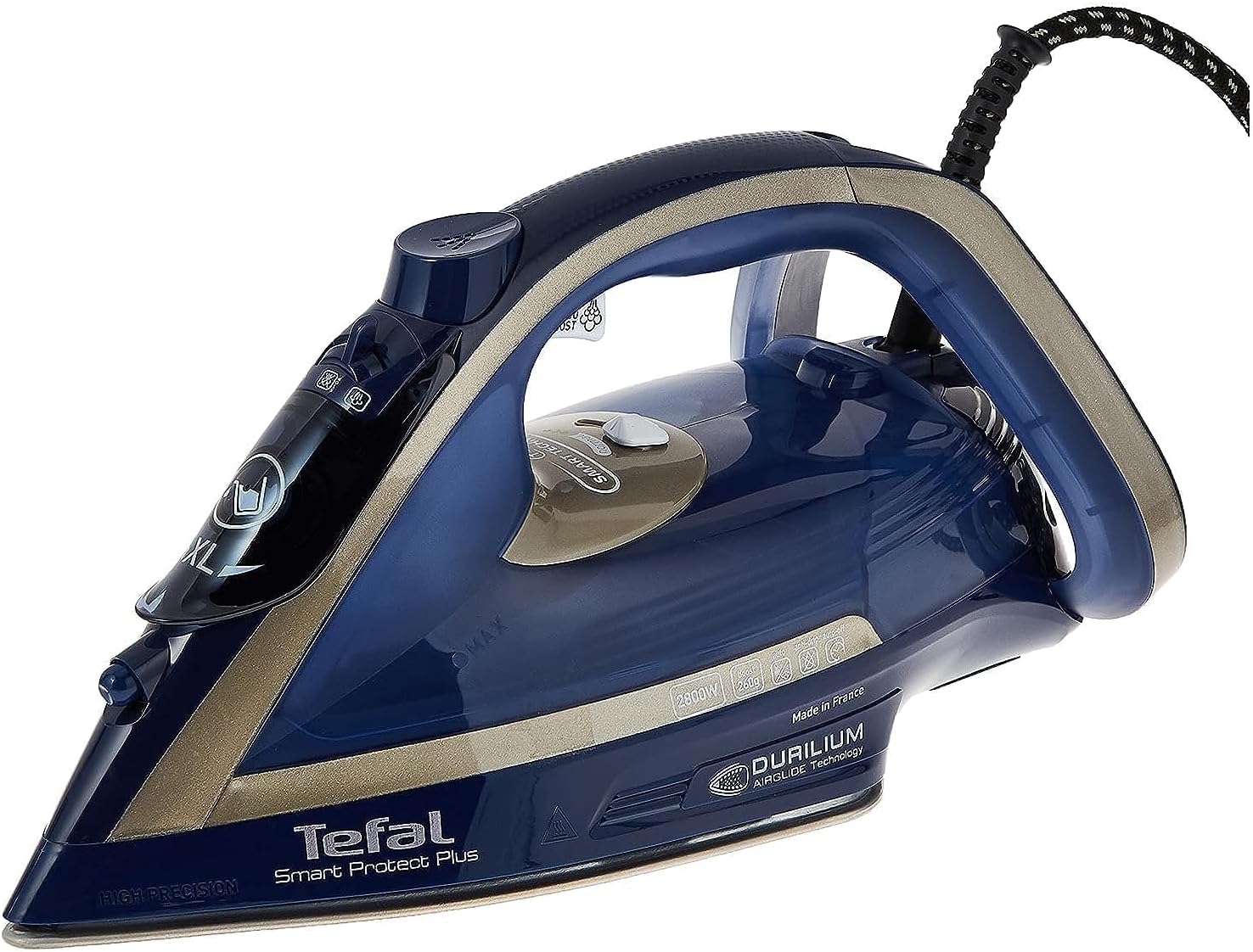
Front view of the Tefal Smart Protect Plus FV6872 Steam Iron, showcasing its sleek design and controls.
Product Overview
The Tefal Smart Protect Plus FV6872 Steam Iron is engineered for efficient and safe garment care. Featuring Smart Temp Technology, it automatically adjusts heat and steam for all fabric types, eliminating the need for manual temperature settings and preventing burns. With a powerful 2800W heating element, it offers rapid heat-up times and a continuous steam output of 40g/min, complemented by a 260g/min steam boost for stubborn creases. Its Durilium Airglide soleplate ensures smooth gliding and durability. The iron also includes vertical steaming capabilities, an anti-drip system, Eco mode for energy saving, and an auto-off function for enhanced safety.
Key Features:
- Smart Temp Technology: Safe for all fabrics, no temperature adjustment needed.
- Powerful Performance: 2800W for quick heating, 40g/min continuous steam, 260g/min steam boost.
- Durilium Airglide Soleplate: Optimal glide, scratch resistance, and efficient steam distribution.
- Vertical Steaming: Convenient for hanging garments and curtains.
- Anti-Drip System: Prevents water stains on clothes.
- Eco Mode: Reduces energy consumption by up to 20%.
- Auto-Off Function: Enhances safety by automatically shutting off when left unattended.
Important Safety Instructions
Before using your Tefal Smart Protect Plus FV6872 Steam Iron, please read all instructions carefully and retain them for future reference. Failure to follow these instructions may result in electric shock, fire, or serious injury.
- Always plug the iron into a grounded electrical outlet.
- Do not leave the iron unattended while it is connected to the power supply or on an ironing board.
- Keep the iron and its cord out of reach of children and pets when it is switched on or cooling down.
- Never immerse the iron, cord, or plug in water or other liquids.
- Do not operate the iron with a damaged cord or plug, or if the iron has been dropped or damaged. Contact authorized service personnel for repair.
- Use the iron only for its intended household use as described in this manual.
- Always unplug the iron from the electrical outlet before filling or emptying water, and when not in use.
- Exercise caution when turning the iron upside down, as there may be hot water in the reservoir.
For comprehensive safety information, please refer to the official Safety Information PDF document provided by Tefal, accessible via the link in the Warranty and Support section.
Getting Started: Setup
Follow these steps to prepare your iron for its first use.
- Unpacking: Carefully remove the iron and all accessories from the packaging. Ensure all components are present: 1 x Steam Iron.
- Initial Cleaning: Before first use, it is recommended to wipe the soleplate with a soft, damp cloth to remove any manufacturing residues.
- First Use Preparation:
- Fill the water tank (see "Filling the Water Tank" below).
- Plug in the iron.
- Allow the iron to heat up fully.
- Iron an old piece of fabric for a few minutes to clear any potential residues from the steam vents.
Operating Your Steam Iron
1. Filling the Water Tank
- Ensure the iron is unplugged from the power outlet.
- Open the water filling inlet.
- Fill the water tank with tap water up to the 'MAX' level indicator. Do not overfill.
- Close the water filling inlet securely.

Side view of the iron, highlighting the water tank and filling cap.
2. Smart Temp Technology and Ironing
The Smart Protect Plus iron features Smart Temp Technology, which means there is no need to manually adjust the temperature setting. The iron automatically provides the optimal combination of heat and steam for all ironable fabrics, from delicate silks to sturdy denim, without the risk of burning.
- Plug the iron into a suitable power outlet.
- The indicator light will illuminate while the iron heats up. It will turn off when the iron reaches the ready temperature.
- Begin ironing your garments. You can switch between different fabric types without waiting for temperature changes.
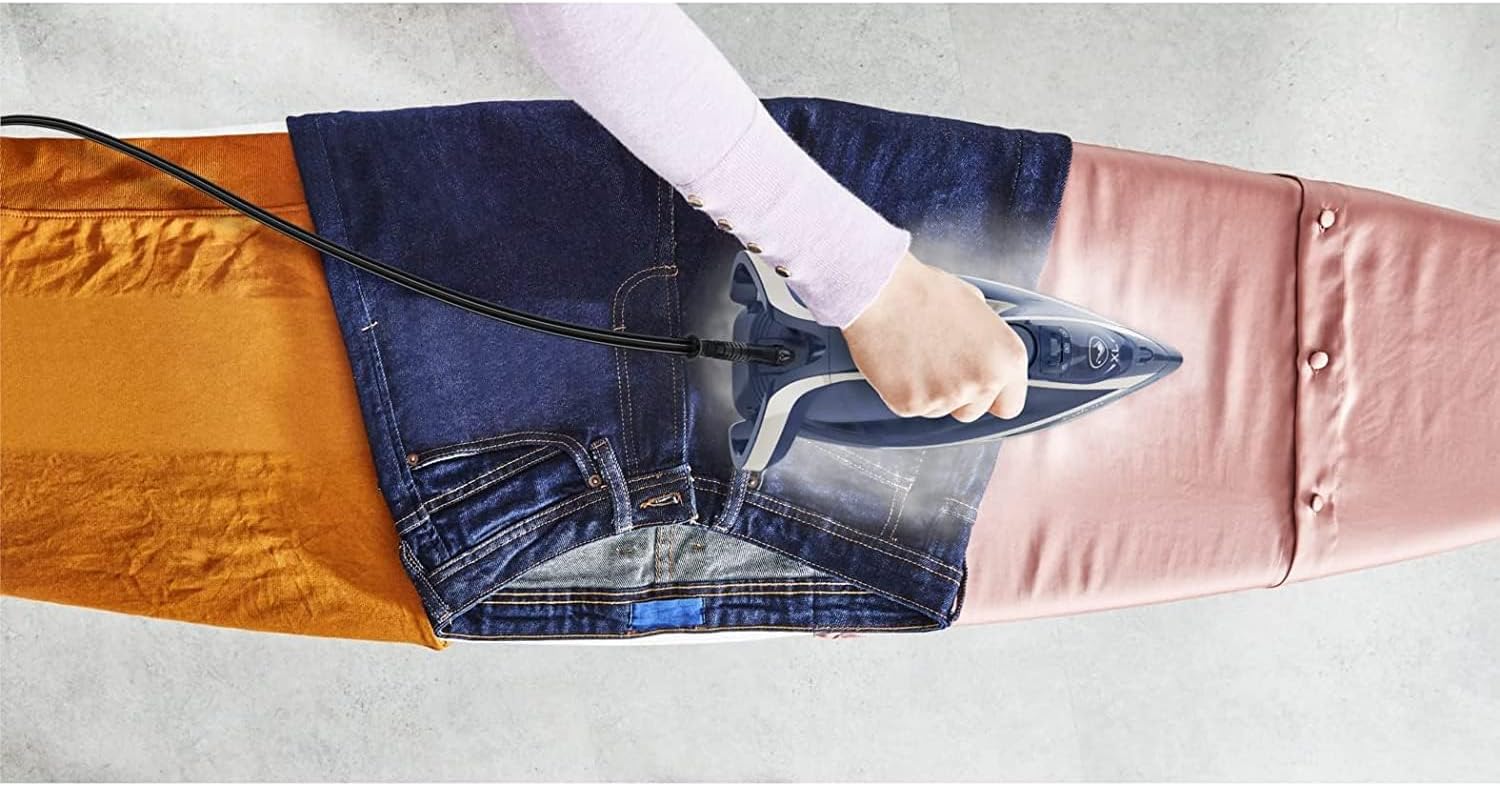
The iron effortlessly glides over different fabrics, such as denim and silk, demonstrating its Smart Temp Technology.
3. Steam Functions
- Continuous Steam: For regular ironing, the iron provides a continuous steam output of 40g/min.
- Steam Boost: For stubborn creases, press the steam boost button to release an extra shot of 260g/min steam.
- Vertical Steaming: The iron can be used to steam hanging garments, curtains, or drapes. Hold the iron vertically a few centimeters away from the fabric and press the steam boost button.
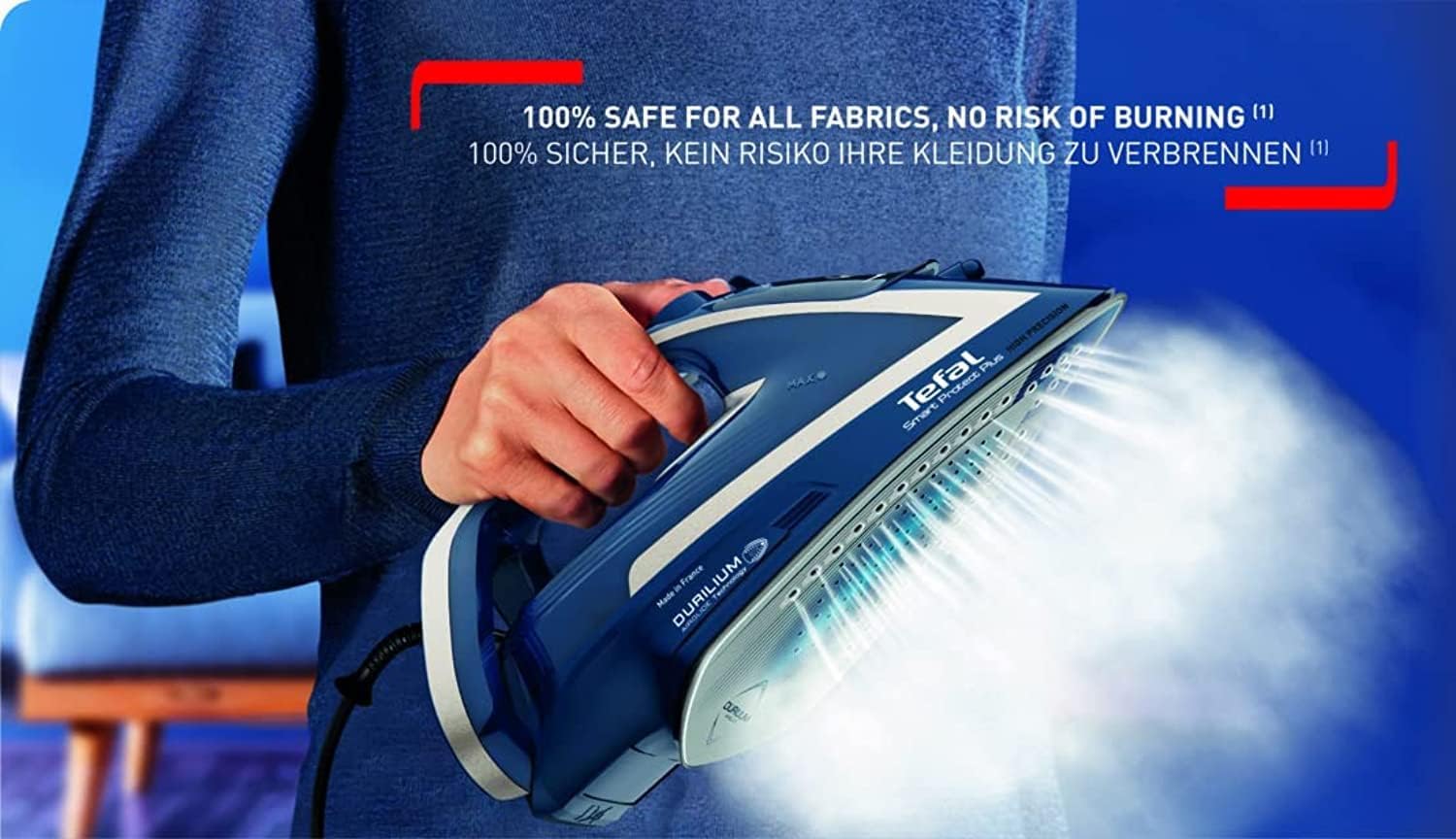
The iron releasing a powerful burst of steam, ideal for tackling tough wrinkles or for vertical steaming.
4. Eco Mode
Activate the Eco mode to reduce energy consumption by up to 20% while still achieving effective ironing results. Refer to the iron's controls for the Eco mode switch or button.
5. Auto-Off Feature
For safety and energy saving, the iron is equipped with an auto-off function. If left motionless on its heel rest, it will turn off after a certain period. If left motionless on its soleplate or side, it will turn off more quickly. To restart, simply pick up the iron.
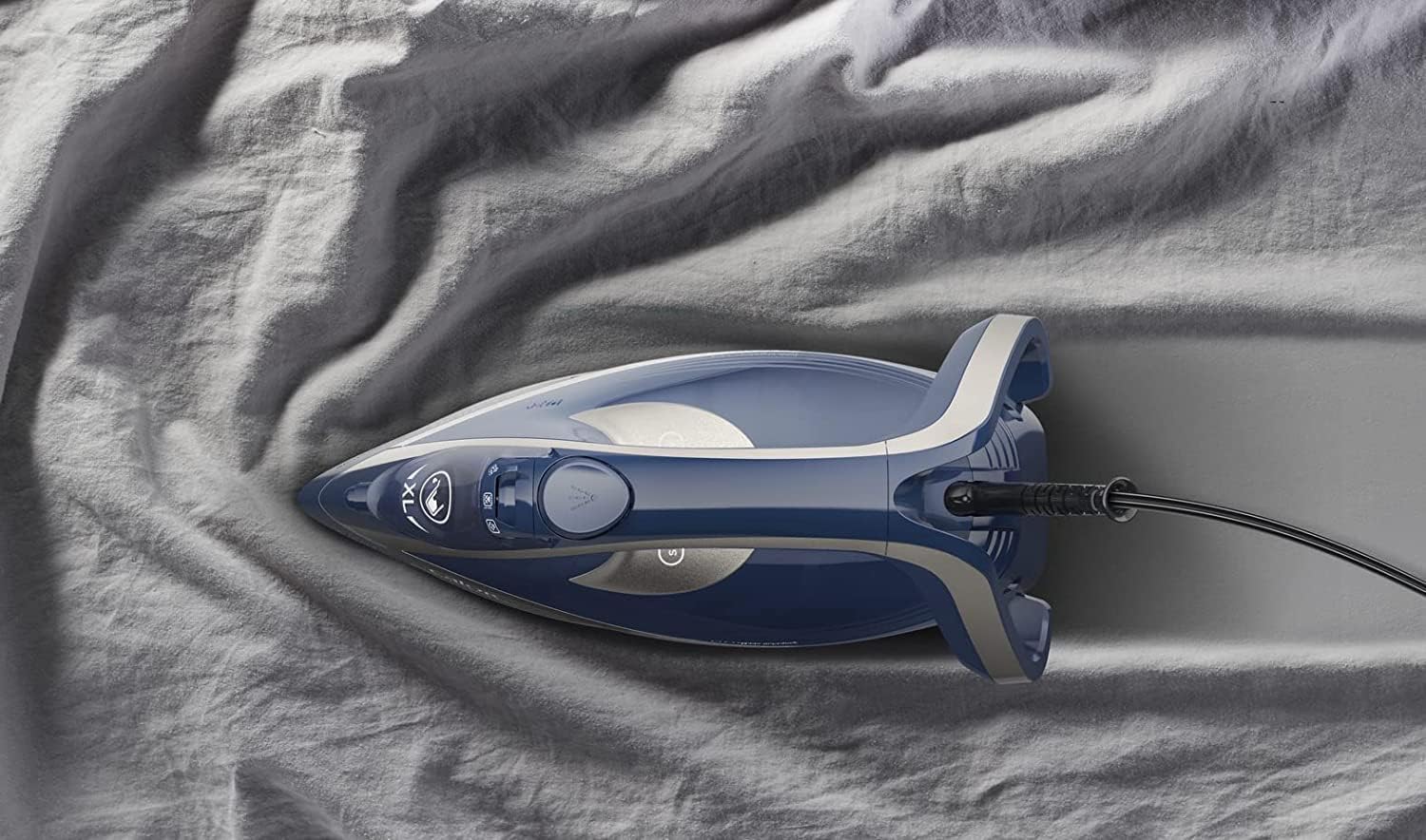
The iron resting safely on its heel, demonstrating its stable design and readiness for the auto-off feature.
Care and Maintenance
1. Cleaning the Soleplate
- Ensure the iron is unplugged and completely cool.
- Wipe the Durilium Airglide soleplate with a damp cloth and a non-abrasive cleaner if necessary.
- Do not use abrasive scouring pads or harsh chemicals, as these can damage the soleplate coating.

Close-up view of the Durilium Airglide soleplate, showing its numerous steam holes and smooth surface.
2. Anti-Scale Setting / Descaling
The iron is equipped with an anti-scale setting to help prevent mineral build-up. Regular descaling is crucial for maintaining optimal steam performance and extending the life of your iron, especially in areas with hard water.
- Refer to the specific instructions in the full user guide for your model's descaling procedure. This typically involves a self-clean function or a manual descaling process.
- Perform descaling regularly as recommended by the manufacturer, or if you notice reduced steam output or white flakes.
3. Emptying and Storing
- After each use, unplug the iron and allow it to cool completely.
- Empty any remaining water from the tank to prevent scale build-up and leakage.
- Store the iron upright on its heel rest in a safe, dry place, away from direct sunlight and moisture.
Troubleshooting Guide
If you encounter issues with your iron, consult the table below for common problems and their solutions.
| Problem | Possible Cause | Solution |
|---|---|---|
| Iron does not heat up. | Not plugged in; power outlet issue; auto-off activated. | Check power connection; try another outlet; pick up the iron to reactivate. |
| No steam or insufficient steam. | Water tank empty; iron not hot enough; scale build-up. | Fill water tank; wait for iron to heat up fully; perform descaling. |
| Water leaks from the soleplate. | Water tank overfilled; iron not hot enough for steam; anti-drip system working. | Do not overfill; wait for iron to reach full temperature before steaming; this is normal for anti-drip at low temperatures. |
| White flakes coming from soleplate. | Mineral deposits (scale) in the water tank. | Perform descaling procedure immediately. |
| Iron sticks to fabric. | Soleplate is dirty. | Clean the soleplate as per maintenance instructions. |
Technical Specifications
| Feature | Detail |
|---|---|
| Model Name | Tefal Smart Protect Plus FV6872 |
| Wattage | 2800W |
| Continuous Steam Output | 40g/min |
| Steam Boost | 260g/min |
| Soleplate Material | Durilium Airglide (Ceramic) |
| Item Weight | 1.3 Kilograms |
| Product Dimensions | 31L x 5.1W centimetres |
| Colour | Dress Blue/Premium Silver |
| Special Features | Smart Temp Technology, Auto Shutoff, Anti-Drip, Eco Mode |
Warranty and Customer Support
Your Tefal Smart Protect Plus FV6872 Steam Iron comes with a 2 Years Warranty from the date of purchase. Please retain your proof of purchase for warranty claims.
For warranty service, technical assistance, or to purchase replacement parts, please contact Tefal customer support. You can find contact information on the official Tefal website or through your local retailer.
Additional resources:
Related Documents - FV6872
 |
Tefal Easygliss Plus FV5718 Steam Iron: Features and Specifications Explore the Tefal Easygliss Plus FV5718 steam iron, highlighting its Durilium Airglide soleplate, 2500W power, 45 g/min continuous steam, 195 g/min steam boost, anti-drip system, and precision tip for efficient and effortless garment care. |
 |
Tefal Express Anti-Calc Steam Generator Iron User Guide Comprehensive user guide for the Tefal Express Anti-Calc Steam Generator Iron, covering setup, operation, maintenance, and safety instructions. |
 |
Tefal Express Anti-Calc Steam Generator Iron User Guide Comprehensive user guide for the Tefal Express Anti-Calc Steam Generator Iron, covering setup, operation, maintenance, and safety features. Includes instructions for steam boost, auto-off, and anti-calc functions. |
 |
Tefal FV49xxxx Smart Protect Steam Iron User Guide and Safety Instructions User guide for the Tefal FV49xxxx Smart Protect steam iron, covering safe operation, fabric settings (normal/eco), steam functions, Auto-Off safety, anti-calc, and maintenance. Includes detailed instructions and tips for optimal ironing. |
 |
Tefal Smart Protect Plus FV6870 Steam Iron User Guide User guide for the Tefal Smart Protect Plus FV6870 steam iron, detailing operation, fabric settings, auto-off features, and maintenance. |
 |
Tefal Express Power/Vision Steam Generator Iron User Manual Comprehensive user guide for Tefal Express Power and Express Vision steam generator irons, covering setup, operation, maintenance, and safety features. Includes model information and technical specifications. |
Ask a question about this manual
Ask about setup, troubleshooting, compatibility, parts, safety, or missing instructions. Manuals+ will review the question and use this page’s manual context to help answer it.