
Introduction
Thank you for choosing the Seago SG-551 Sonic Electric Toothbrush. This manual provides essential information for the safe and effective use of your new toothbrush. Please read it thoroughly before first use and keep it for future reference.
Package Contents
The Seago SG-551 Sonic Electric Toothbrush package includes:
- 1 x Seago SG-551 Sonic Electric Toothbrush Handle
- 2 x Replacement Brush Heads
- 1 x USB Charging Cable
- 1 x User Manual
Safety Information
Please observe the following safety precautions:
- Do not use the toothbrush when the battery is critically low.
- Keep the toothbrush away from water when not in use, especially during charging.
- This appliance is not intended for use by persons (including children) with reduced physical, sensory or mental capabilities, or lack of experience and knowledge, unless they have been given supervision or instruction concerning use of the appliance by a person responsible for their safety.
- Children should be supervised to ensure that they do not play with the appliance.
- Do not attempt to modify or repair the product yourself. Contact customer support for assistance.
- Ensure the charging port is dry before connecting the USB cable.
Setup
1. Charging the Toothbrush
Before first use, fully charge the toothbrush. A full charge provides approximately 30 days of use (based on twice-daily 2-minute brushing).
- Ensure the toothbrush handle is dry.
- Connect the USB charging cable to the charging port at the bottom of the toothbrush.
- Plug the other end of the USB cable into a compatible USB power source (e.g., power bank, car charger, PC, or a USB wall adapter - not included).
- During charging, the indicator light will be red.
- The indicator light will turn green when the toothbrush is fully charged.

2. Attaching a Brush Head
Align the brush head with the metal shaft on the toothbrush handle and push it down firmly until it clicks into place.
Operating Instructions
1. Power On/Off
Press the power button once to turn the toothbrush on. Press it again to cycle through the brushing modes. Press and hold the power button for 3 seconds to turn the toothbrush off from any mode.
2. Brushing Modes
The Seago SG-551 offers 4 distinct brushing modes to suit various oral care needs:
- Whiten Mode: High-frequency sonic vibrations for removing stubborn plaque and surface stains. (Blue light on)
- Clean Mode: Standard high-frequency sonic vibrations for daily comprehensive cleaning. (Green light on)
- Polish Mode: Low-frequency vibrations designed for gentle polishing and sensitive teeth. (Blue light flash)
- Massage Mode: Low-frequency vibrations for stimulating gums and improving circulation. (Green light flash)

3. Brushing Technique
For optimal results, follow these steps:
- Wet the brush head and apply a small amount of toothpaste.
- Place the brush head against your teeth at a slight angle towards the gum line.
- Press the power button to select your desired mode.
- Gently move the brush head slowly across each tooth, allowing the sonic vibrations to do the work. Do not scrub aggressively.
- Divide your mouth into four sections (upper right, upper left, lower right, lower left). The smart timer will pause briefly every 30 seconds to indicate when to move to the next section.
- After 2 minutes, the toothbrush will automatically turn off, signaling the completion of the recommended brushing time.


Maintenance
1. Cleaning the Toothbrush
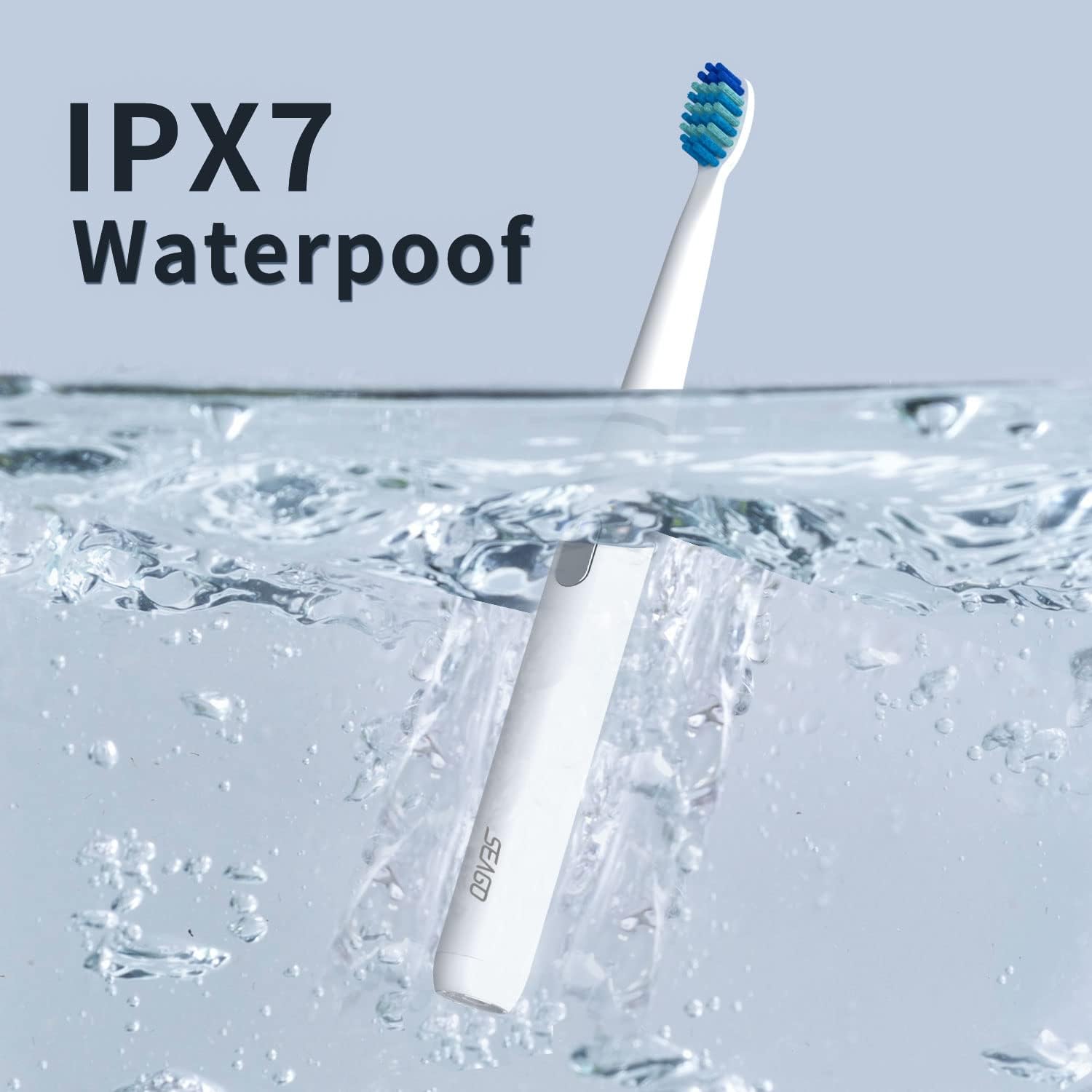
The Seago SG-551 is IPX7 waterproof, allowing for easy cleaning.
- After each use, rinse the brush head and handle thoroughly under running water.
- Wipe the handle with a soft cloth to dry it.
- Do not use abrasive cleaners or harsh chemicals.
2. Replacing Brush Heads
Dentists recommend replacing brush heads every 3 months, or sooner if the bristles become frayed. To replace:
- Pull the old brush head straight off the handle.
- Align the new brush head with the metal shaft and push it down firmly until it clicks into place.
Troubleshooting
| Problem | Possible Cause | Solution |
|---|---|---|
| Toothbrush does not turn on. | Battery is depleted. | Charge the toothbrush fully. |
| Indicator light flashes red 10 times after use. | Low battery warning. | Charge the toothbrush soon. |
| Brush head feels loose. | Brush head not properly attached or worn out. | Ensure brush head is pushed down firmly. Replace if worn. |
| Reduced vibration intensity. | Low battery or brush head needs replacement. | Charge the toothbrush or replace the brush head. |
Specifications
- Model: SG-551
- Brand: Seago
- Material: ABS, TPE, POM
- Bristle Material: DuPont Soft Nylon
- Input Voltage: 3.7V
- Input Power: 2W
- Vibration Frequency: Up to 40,000 vibrations/minute
- Waterproof Rating: IPX7
- Battery Life: Up to 30 days (based on 2 minutes, twice daily)
- Charging Time: Approximately 4 hours
- Product Dimensions: 1.5 x 21.2 x 1.5 cm
- Product Weight: 140 grams
- Special Feature: 2-minute Smart Timer with 30-second interval reminder
- Age Range: Adults and Children
- Color: White
Warranty and Support
This Seago SG-551 Sonic Electric Toothbrush comes with a 1-year warranty from the date of purchase.
If you have any questions, concerns, or require technical support, please do not hesitate to contact our customer service team. Refer to your purchase documentation for contact details.


