
1. Introduction
Thank you for choosing the OLEVS Model 2871 (YKS-S-G2878) Men's Quartz Chronograph Watch. This manual provides detailed instructions to help you understand and utilize all the features of your new watch. Please read this manual carefully to ensure proper use and care, which will help maintain its performance and longevity.
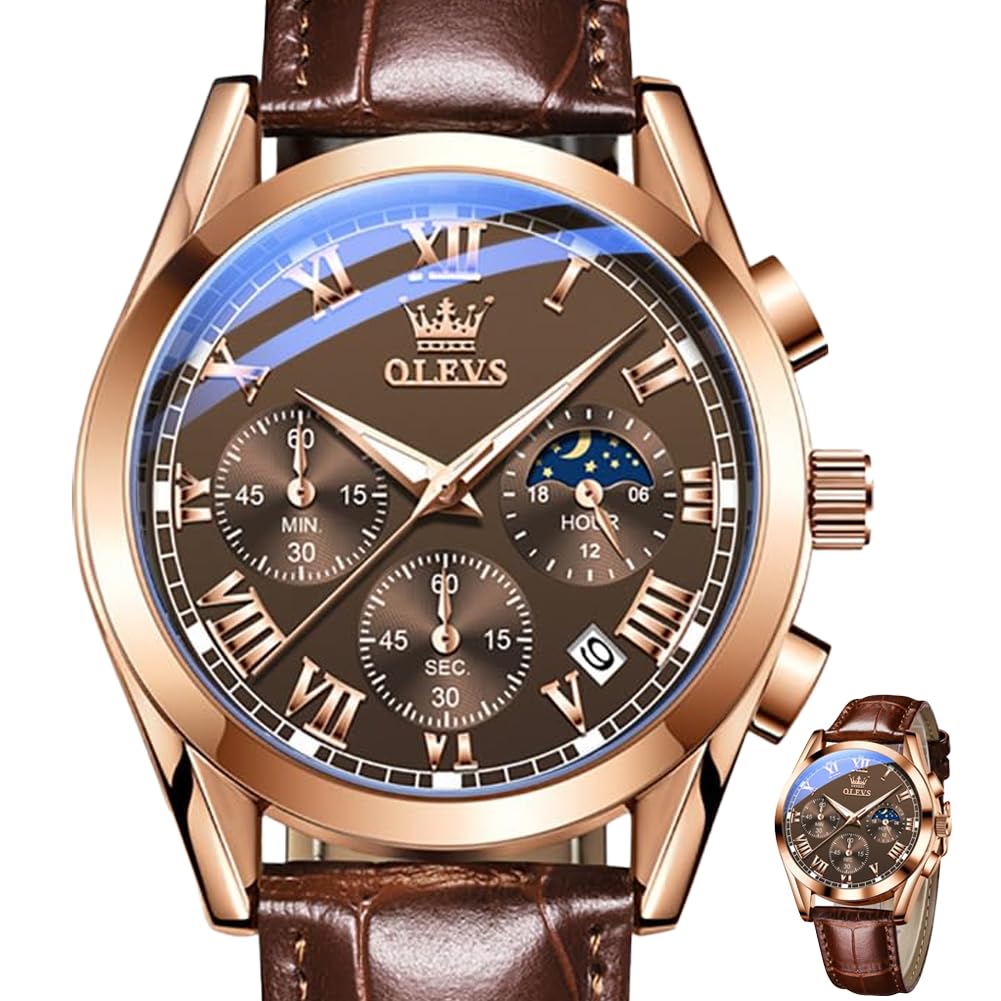
A front view of the OLEVS men's watch, featuring a brown face with Roman numerals, three sub-dials, a date window, and a brown leather strap.
2. Product Overview
Key Features:
- Multifunctional Chronograph: Features three sub-dials for precise second, minute, and hour tracking.
- Practical Date Display: A calendar window is positioned between 4 and 5 o'clock.
- Comfortable Leather Strap: Crafted from soft and breathable leather with an adjustable pin buckle.
- Luminous Hands: Luminescent-filled hands offer clear visibility in low-light environments.
- Durable Construction: Equipped with a high hardness coated glass mirror.
- 3ATM Water-Resistant: Suitable for daily activities and brief water exposure.
Watch Components:

A detailed diagram of the OLEVS watch face, highlighting the second hand timing, calendar adjustment, stopwatch reset button, chronograph second hand, chronograph minute hand, and 24-hour moon phase display.
3. Setup Instructions
Setting the Time:
- Pull the crown (knob) out to the second position.
- Turn the crown clockwise or counter-clockwise to adjust the hour and minute hands to the correct time.
- Once the time is set, push the crown back into the normal position.
Setting the Date:
- Pull the crown out to the first position.
- Turn the crown counter-clockwise to adjust the date in the calendar window.
- Once the date is set, push the crown back into the normal position.
Chronograph Reset:
If the chronograph hands are not aligned to zero, press the reset stopwatch button (bottom button) to return them to their home position.

A graphic illustrating the watch's functions, including the moon phase dial, minute and second chronograph sub-dials, and the calendar window, along with instructions for setting time and date.
4. Operating Instructions
Using the Chronograph (Stopwatch):
- To start the chronograph, press the top button. The chronograph second hand will begin to move.
- To stop the chronograph, press the top button again. The elapsed time will be displayed on the sub-dials.
- To reset the chronograph, press the bottom button. All chronograph hands will return to their zero positions.
Luminous Display:
The watch hands and hour markers are coated with a luminescent material. After exposure to light, they will glow in the dark, providing visibility in low-light conditions. The intensity and duration of the glow depend on the exposure time and intensity of light.
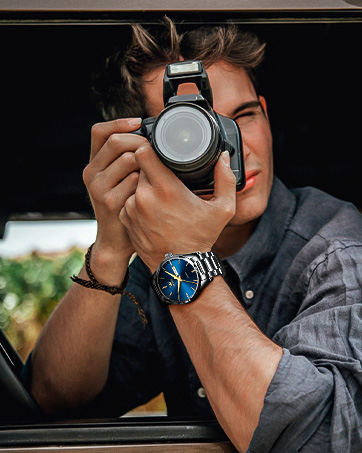
A close-up image of the OLEVS watch face in low light, showcasing its luminous hands and hour markers for enhanced visibility.
Moon Phase Display:
The watch features a 24-hour moon phase sub-dial, which visually indicates whether it is daytime (sun icon) or nighttime (moon and stars icon). This sub-dial operates in conjunction with the main time display.
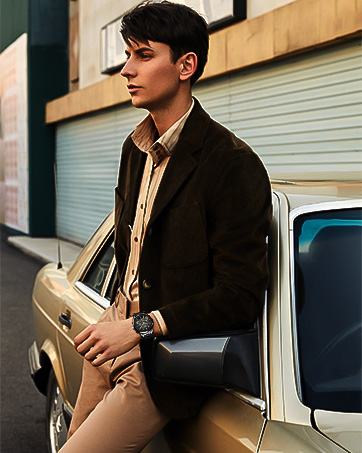
A visual explanation of the moon phase feature, showing how it transitions between daytime (sun) and nighttime (moon and stars) displays.
5. Water Resistance Guidelines
Your OLEVS watch is rated 3ATM (30 meters / 100 feet) water-resistant. This means it is suitable for:
- Daily use
- Splashes
- Rain exposure
It is NOT recommended for:
- Swimming
- Bathing or showering (especially with hot water, which can cause fogging)
- Diving or snorkeling
- Operating buttons underwater
Always ensure the crown is fully pushed in to maintain water resistance. Exposure to hot water or steam can compromise the watch's seals.

The OLEVS watch partially submerged in water, demonstrating its 30-meter water resistance capability.
6. Maintenance and Care
- Cleaning: Wipe the watch case and strap regularly with a soft, dry cloth to remove dust and dirt. For leather straps, avoid excessive moisture.
- Avoid Chemicals: Do not expose the watch to solvents, detergents, perfumes, or cosmetics, as these can damage the case, strap, or seals.
- Temperature Extremes: Avoid exposing the watch to extreme temperatures (hot or cold) or sudden temperature changes, which can affect the movement and water resistance.
- Magnetic Fields: Keep the watch away from strong magnetic fields (e.g., speakers, refrigerators, mobile phones) to prevent interference with the quartz movement.
- Impact: Protect the watch from strong impacts or drops.
- Battery Replacement: When the watch stops or the second hand moves erratically, it indicates a low battery. Have the battery replaced by a qualified watch technician to ensure proper sealing and function.
7. Troubleshooting
| Problem | Possible Cause | Solution |
|---|---|---|
| Watch stops or runs intermittently | Low battery; exposure to strong magnetic fields; internal malfunction. | Replace battery; move away from magnetic sources; consult a watch technician. |
| Date does not change at midnight | Time is set for AM/PM incorrectly; date mechanism issue. | Adjust time by 12 hours; manually set date; consult a watch technician. |
| Fogging under the glass | Exposure to extreme temperature changes; compromised water resistance. | Avoid temperature extremes; have seals checked by a technician. |
| Chronograph hands not resetting to zero | Needs manual reset. | Press the bottom button to reset. If persistent, consult a technician. |
8. Specifications
| Feature | Detail |
|---|---|
| Model Number | YKS-S-G2878 (Also referred to as Model 2871) |
| Movement | Quartz |
| Case Diameter | 40 mm |
| Case Thickness | 11.5 mm |
| Strap Material | Leather |
| Strap Width | 20 mm |
| Strap Length | 240 mm (including watch head) |
| Watch Weight | 56g |
| Mirror Material | High hardness coated glass |
| Water Resistance | 3ATM (30 meters / 100 feet) |
| Functions | Chronograph (seconds, minutes, hours), Date Display, Luminous Hands, Moon Phase (24-hour indicator) |
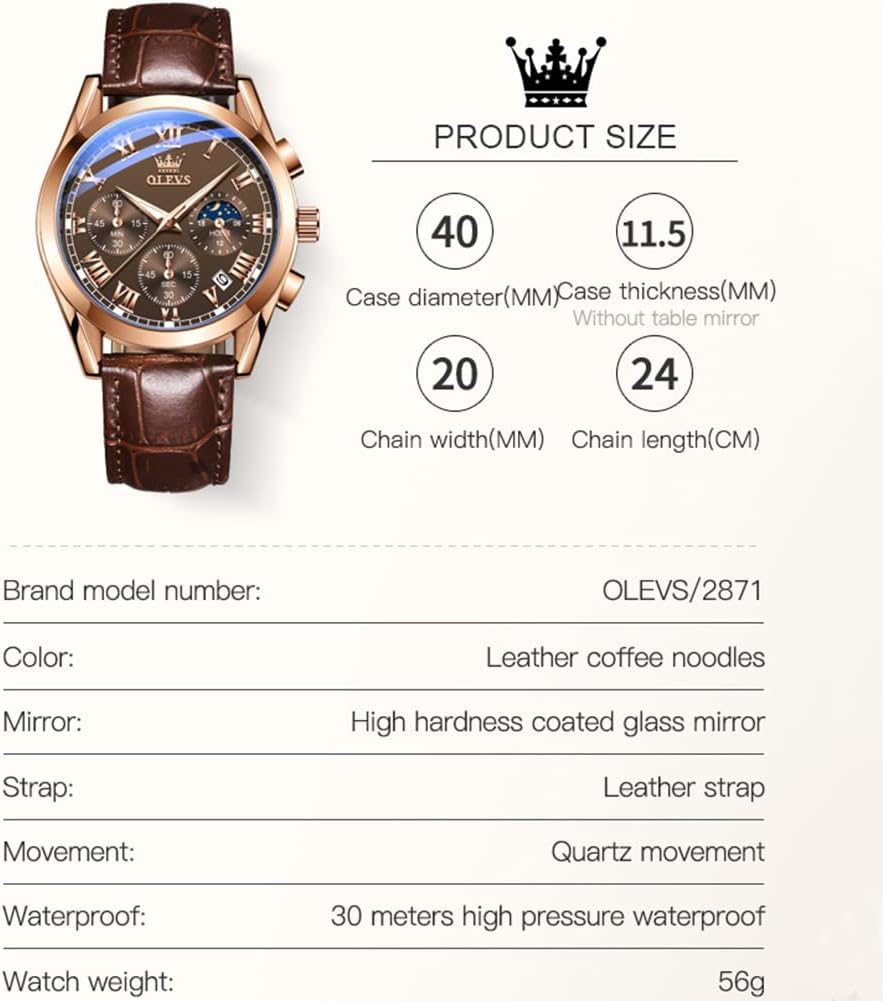
An illustration detailing the watch's dimensions: 40mm case diameter, 11.5mm case thickness, 20mm chain width, and 24cm chain length.
9. Official Product Video
This video showcases the OLEVS Classic Leather Men's Watch, highlighting its design, chronograph functions, and how it looks when worn. It demonstrates the watch's aesthetic appeal and some of its key features.
10. Warranty and Support
OLEVS watches are manufactured with attention to quality and detail. For specific warranty information, please refer to the warranty card included with your purchase or contact the retailer where the watch was purchased. If you encounter any issues not covered in this manual, or require professional service, please reach out to the official OLEVS customer support or an authorized service center.
For further assistance, you may visit the official OLEVS store online: OLEVS Store


